Home
» 🎮 Esports
»
Ultimate 2026 Guide: Connect Your PlayStation Controller to Steam
Ultimate 2026 Guide: Connect Your PlayStation Controller to Steam
Connect a PlayStation Controller to Steam: DualSense and DualShock 4
The quickest way to connect a PlayStation controller to Steam is with a USB data cable: plug in the controller, open Steam, and confirm it appears under Settings > Controller. For Bluetooth, first pair the controller in your computer’s Bluetooth settings, then check it in Steam. A DualSense or DualShock 4 can work with Steam, but support and advanced features depend on the game.
Start with the wired steps below if this is your first setup. Once Steam sees the controller, you can keep the same gamepad profile or customize controls for an individual title.
What to know about DualSense and DualShock 4
Steam Input can detect compatible PlayStation controllers, remap buttons, and provide community layouts. It does not make every game support every controller feature. Check the game’s Steam store page for its controller support level, and remember that “Full Controller Support” does not guarantee DualSense haptics or adaptive triggers.
Controller
Wired connection
Bluetooth pairing buttons
PC notes
DualSense (PS5)
USB-C data cable
Create + PS
Adaptive triggers are game-dependent; haptic feedback may require USB on PC.
DualShock 4 (PS4)
Micro-USB data cable
Share + PS
Sony lists a compatible Micro-USB cable or the DUALSHOCK 4 USB wireless adapter for Windows. Bluetooth behavior can vary by PC and driver.
Use a cable that supports data as well as charging. A charge-only cable can power the controller without giving Steam a usable wired connection.
Connect a PlayStation controller to Steam with USB
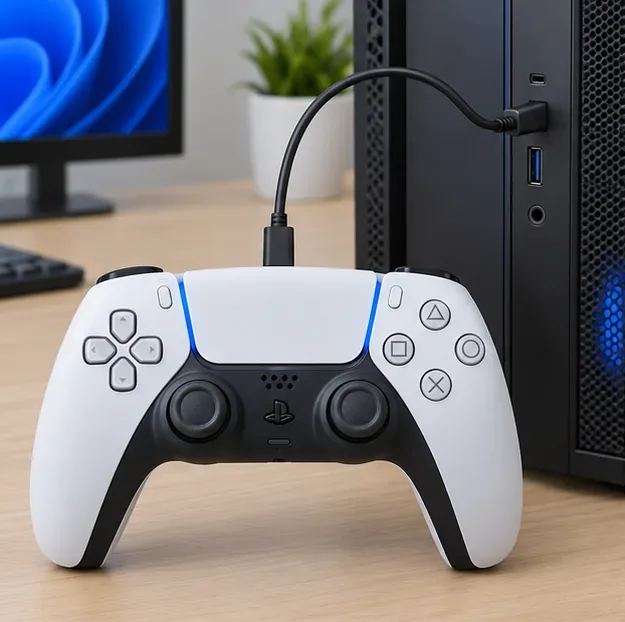
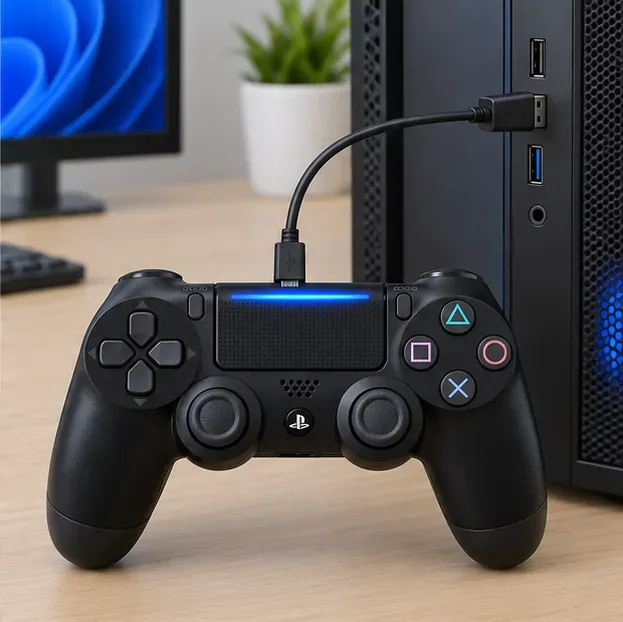
Connect the controller directly to your PC with the correct data cable: USB-C for DualSense or Micro-USB for DualShock 4.
Open or restart Steam, then select Steam > Settings > Controller.
Look for the controller in the detected-controller area. If Steam does not recognize it, enable PlayStation controller support in the controller settings if that option is shown in your client version.
Open a game that supports a controller and test the sticks and buttons before changing any mappings.
The DualSense connects over USB-C; use a cable that carries data, not just power.The DualShock 4 uses Micro-USB for a wired PC connection.
Steam’s controller settings have changed over time, so the exact label or layout may differ slightly. Valve’s Steam Input setup guide explains controller detection and per-game configuration.
Pair the controller over Bluetooth
Pair the controller with the computer’s operating system first. Keep the controller near the PC, make sure it has charge, and disconnect its USB cable before entering pairing mode. Sony’s current Windows instructions list a compatible USB cable or its wireless adapter for DualShock 4; if Windows does not pair that controller over Bluetooth, use one of those supported connections.
Put the controller in pairing mode
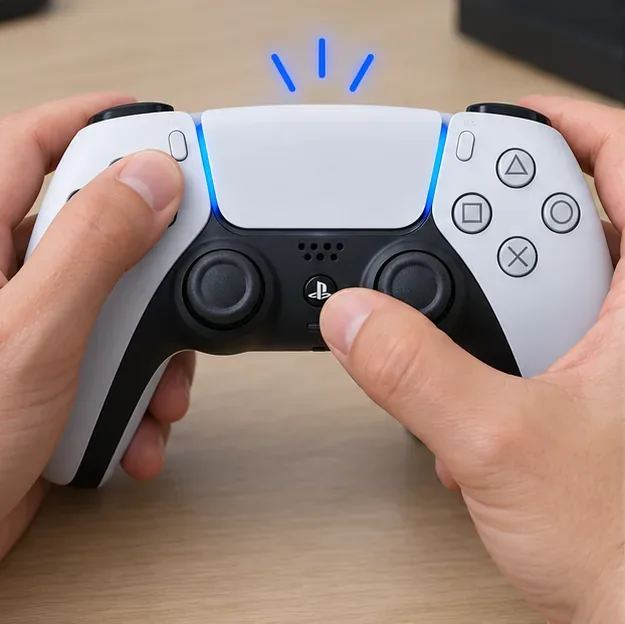
DualSense: If it is on, hold the PS button until the player indicator turns off. Then hold Create and press and hold PS until the light bar flashes.
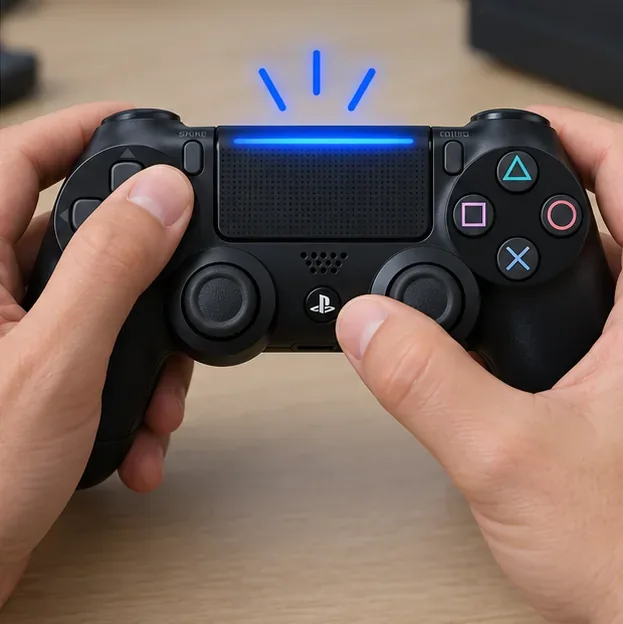
DualShock 4: If it is on, hold the PS button until the player indicator turns off. Then hold Share and press and hold PS until the light bar flashes.
Select it in your computer’s Bluetooth settings
On Windows 11, open Settings > Bluetooth & devices > Add device > Bluetooth. On Windows 10, open Settings > Devices > Bluetooth & other devices > Add Bluetooth or other device.
Select the controller when it appears. Depending on the device and operating system, its name may appear as “DualSense,” “DualSense Wireless Controller,” or “Wireless Controller.”
When the operating system shows it as connected, return to Steam and check Settings > Controller.
On macOS, use System Settings > Bluetooth; on Linux, use your desktop environment’s Bluetooth settings. Menu names vary by version. Microsoft’s Windows Bluetooth pairing instructions show the current Windows flow. Sony’s PlayStation gaming on PC guide lists compatible connections and notes that features vary by game and device.
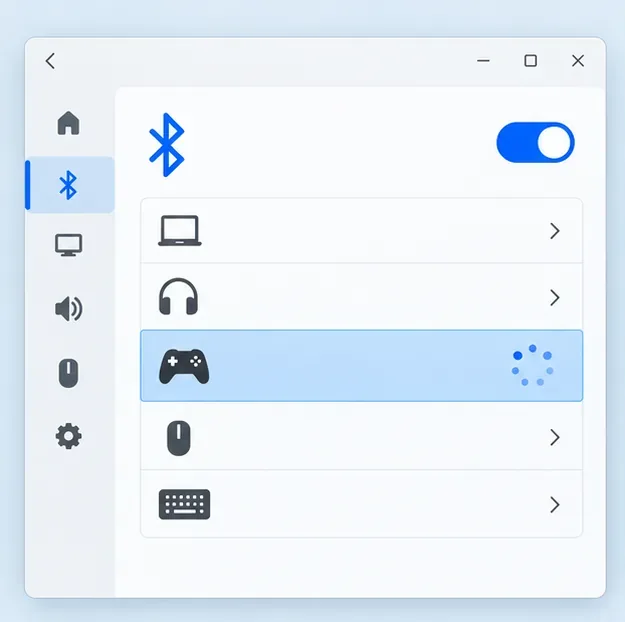
Illustrative Bluetooth settings view; the exact Windows labels can differ by release.
Configure Steam Input for each game
After Steam detects the controller, try the game with its default controller setting first. Steam’s default PlayStation-controller behavior uses a game’s own support when available and turns on Steam Input for games without that support. Valve describes the routing in its Steam Input controller update. Start with the default per-game setting so you do not force a translation layer on a game that already handles PlayStation controllers directly.
In your Steam Library, open the game’s controller options or its Properties > Controller page.
Leave the setting on its default behavior for the first test. If a game does not respond, try enabling Steam Input for that game.
If the game already has native PlayStation support but inputs or prompts behave incorrectly through Steam Input, test the per-game option to disable Steam Input.
To remap controls, open the game’s controller layout and select a template or community layout. Change one or two bindings, test them in-game, and keep the profile only if it feels right.
These are per-game choices; you do not need to enable Xbox support just because you own a PlayStation controller. Button icons shown during play are chosen by the game, so some titles may display Xbox prompts even when the controller is working correctly.
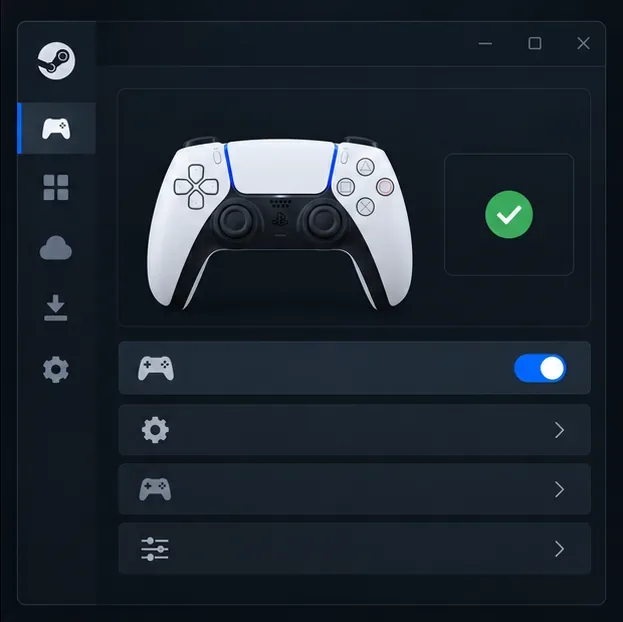
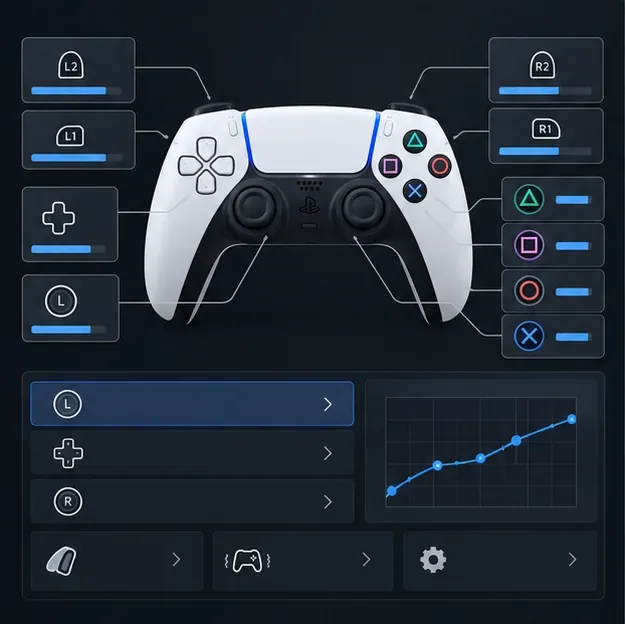
Illustrative settings view, not an exact Steam screenshot; look for the detected-controller status in your current client.A layout editor can be used to adjust button bindings for one game.
Test support and advanced DualSense features
Check the game’s store page for its controller support label before troubleshooting the controller itself. PlayStation’s PC guide explains the difference between full and partial support and warns that support varies by game. A game may accept basic buttons while omitting controller-specific features.
For DualSense, adaptive triggers are available only when a game supports them. On PC, haptic feedback may require a USB connection, and features can differ between titles. If the controller works but haptics or triggers do not, test over USB and confirm the game explicitly supports those features. You can update DualSense firmware on a Windows PC with the official PlayStation Accessories app.
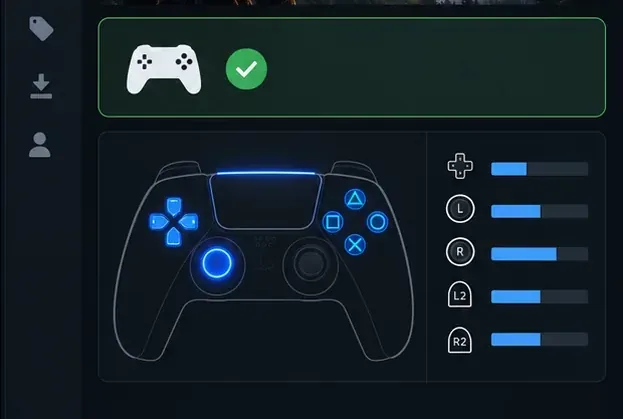
Illustrative status and input-test panel, not an exact screenshot; use the game’s Steam page and Steam’s current controller tools to verify support.
Fix common PlayStation controller problems on Steam
Problem
What to try
Steam does not detect the controller
Try a known data-capable cable and a direct USB port. For Bluetooth, confirm the controller is connected in the operating system, then restart Steam. Check Steam’s controller settings for PlayStation support.
Controller is connected, but a game ignores it
Check the game’s store-page controller support. Connect the controller before launching the game, then test that game’s default setting and Steam Input override one at a time.
Buttons fire twice or menus move twice
Close other remapping tools or virtual-controller utilities, then test again with Steam Input alone. Multiple input layers can make one button press appear as two.
Bluetooth pairing fails or drops
Remove the controller from the computer’s Bluetooth device list, restart pairing mode, and pair again. Keep it charged and close to the PC; if the problem continues, test USB to separate Bluetooth issues from Steam issues.
Haptics or adaptive triggers are missing
Confirm that the game supports the feature, try USB for DualSense haptics on PC, and update the controller firmware through PlayStation Accessories.
Do I need DS4Windows to use a PlayStation controller on Steam?
Usually, no. Steam has built-in PlayStation controller support. Avoid running another remapper unless you need it for a specific game or setup, because it can create duplicate or virtual-controller input.
Should I use USB or Bluetooth?
Use USB to set up and troubleshoot because it avoids Bluetooth pairing variables. Bluetooth is convenient once paired; DualSense features such as PC haptics may still require USB in supported games.
Why do I see Xbox button prompts?
Some games display Xbox prompts for any controller input. The prompt icons are controlled by the game and do not necessarily mean Steam failed to connect your PlayStation controller.
In short: connect by USB or pair through your computer’s Bluetooth settings, confirm Steam sees the controller, and use the game’s default controller behavior before changing Steam Input. If a title needs a custom layout, adjust that game alone.