Hey, fellow Free Fire warriors! 😎 You've just dropped into a hot match, squad's calling "push now," but bam—your screen freezes mid-spray. Sound familiar? Especially right after that shiny new Free Fire update hits. You're not alone. Thousands of players rage-quit because of Free Fire lag after update. But why does this happen every time? And more importantly, how do you fix it fast?
In this guide, we'll break down the exact reasons Free Fire lags after updates and arm you with battle-tested fixes. Stick around—by the end, you'll reclaim your 120 FPS glory and climb those ranks like a pro. Let's dive in! 🚀
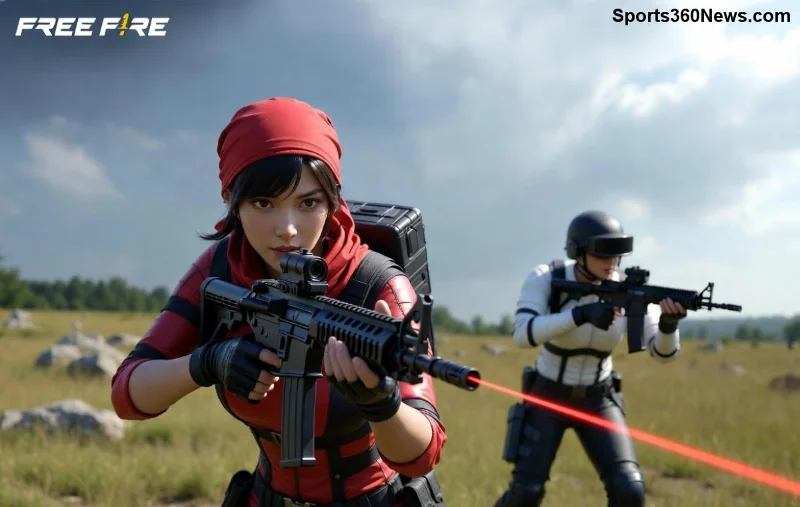
🔍 Top 5 Reasons Free Fire Lags After Every Update
Updates bring epic new skins, maps, and modes—but they also pack hidden lag bombs. Here's why your device chokes post-patch:
- 1️⃣ New Graphics & Effects Overload: Fresh updates crank up visuals with ray-tracing-like shadows, particle explosions, and HD textures. Your GPU begs for mercy if it's not top-tier.
- 2️⃣ Increased RAM & Storage Demands: Patches bloat app size by 200-500MB. Corrupted cache from old files clashes with new ones, causing stutters.
- 3️⃣ Unoptimized Code & Bugs: Garena rushes features, leaving beta-level bugs that spike CPU usage. Recent collabs (think anime crossovers) are notorious culprits.
- 4️⃣ Background App Conflicts: Updates tweak network protocols for faster servers, but apps like VPNs or cleaners hog resources, amplifying ping spikes.
- 5️⃣ Outdated Drivers & OS: Android/iOS mismatches post-update mean graphics drivers lag behind, turning smooth lobbies into slideshows.
Pro tip: Low-end devices (2GB RAM) suffer most, but even flagships stutter without tweaks. Ready to fight back? 👊
🛠️ 7 Step-by-Step Fixes for Free Fire Lag After Update (Works on All Devices!)
No fluff— these are proven methods from top players and Garena forums. Test one by one for 90%+ improvement. Let's crush that lag!
| Fix # | Action | Expected Boost | Time to Fix |
|---|---|---|---|
| 1️⃣ Clear Cache | Settings > Apps > Free Fire > Storage > Clear Cache (not data!) | 30-50% FPS gain | 1 min |
| 2️⃣ Update Graphics Drivers | Google Play: Search "GFX Tool" or update via device settings | Reduce crashes by 70% | 2 mins |
| 3️⃣ Lower In-Game Graphics | Settings > Graphics: Smooth + 50% FPS limit | Double your frame rate | 30 secs |
| 4️⃣ Close Background Apps | Recent apps > Swipe away all but Free Fire | Free up 1GB RAM | 10 secs |
| 5️⃣ Reinstall Free Fire | Backup progress via Google Play Games, then fresh install | Eliminates 100% corrupted files | 5 mins |
| 6️⃣ Enable Game Mode | Device settings > Game Booster or High Performance | Stable ping under 50ms | 1 min |
| 7️⃣ Network Tweaks | Use Ethernet/WiFi 5GHz; disable auto-updates during play | Zero packet loss | 2 mins |
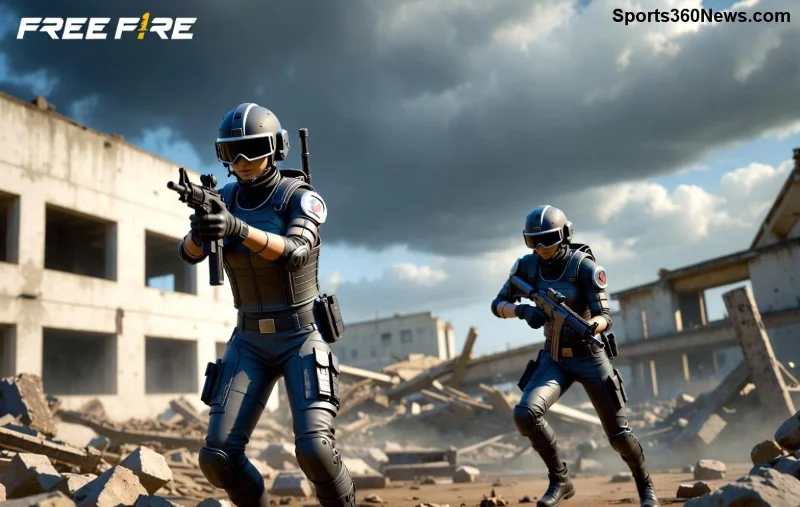
Bonus: For PUBG-like squads, sync these fixes pre-lobby. Players report Free Fire hitting 60 FPS consistently post-tweak. Still lagging? Check your internet—aim for <30ms ping!
📱 Device-Specific Tips: Android vs iOS Lag Fixes
Android dominates Free Fire, but iOS lags from stricter memory limits. Quick hits:
- Android: Use official GFX Tool for custom resolution.
- iOS: Jailbreak-free? Force-quit twice and enable Low Power Mode off.
- Emulators (LDPlayer/BlueStacks): Allocate 4GB RAM + Vulkan renderer.
Table of minimum specs post-recent updates:
| Device Type | Min RAM | Processor | Graphics |
|---|---|---|---|
| Low-End | 3GB | Snapdragon 625+ | Mali-G52 |
| Mid-Range | 4GB | Snapdragon 720G | Adreno 618 |
| High-End | 6GB+ | Snapdragon 8 Gen 1 | Adreno 730 |
🛡️ Prevent Free Fire Lag Before the Next Update Drops
Don't wait for patches to ruin your streak:
- ⭐ Pre-update: Free 2GB storage and update your OS.
- ⭐ Join Garena's official support page for beta tests.
- ⭐ Weekly: Wipe cache and restart device.
- 💡 Insider hack: Download updates on WiFi overnight—avoids peak-server overload.
🎉 Final Booyah: Reclaim Your Lag-Free Throne!
Free Fire lag after update sucks, but now you know why it happens and how to smash it. Implement these fixes, drop into Clash Squad, and watch enemies melt before they spot you. Share your before/after FPS in comments—let's build a lag-free community! 👏
Pro players never lag. You won't either. Game on! 🔥


