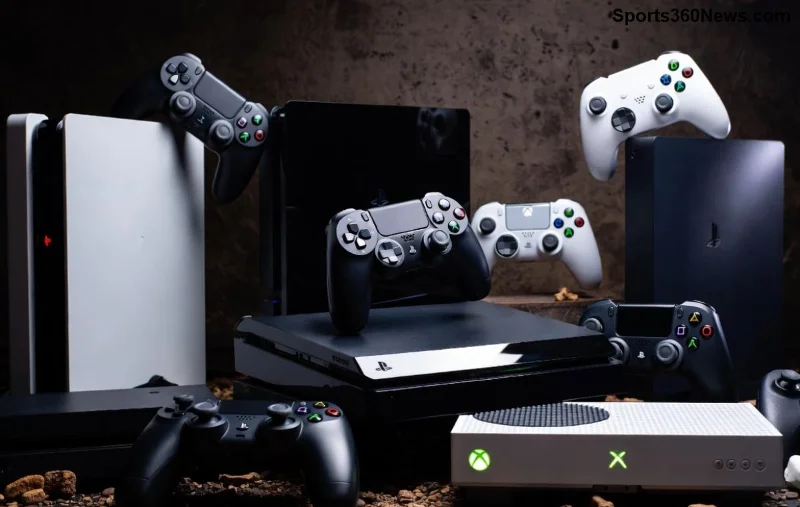
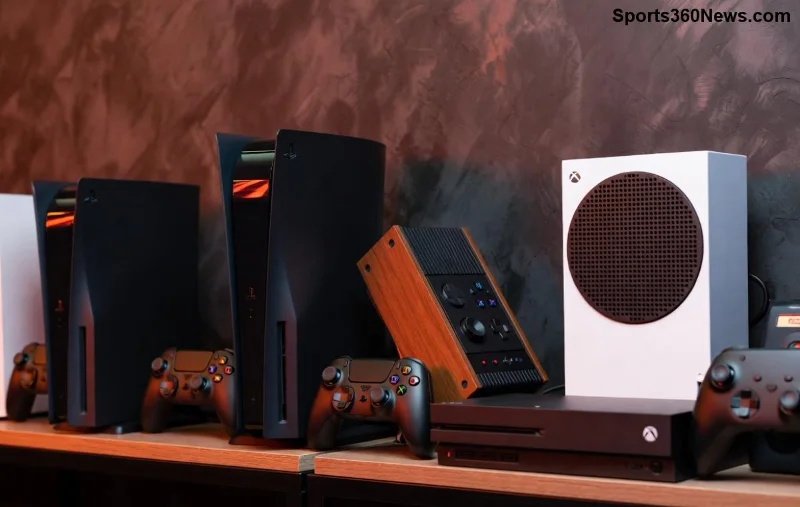
🎮 Imagine crushing foes in your favorite PC titles with the ergonomic grip and haptic feedback of your PlayStation controller. Whether it's the immersive rumbles of DualSense or the reliable DualShock 4, integrating these pads into Steam, Epic Games Store, and Xbox Game Pass opens a world of cross-platform mastery. This guide delivers concise, actionable steps to get you gaming hassle-free. Ready to level up? Let's dive in!
Seamless PlayStation Controllers on Steam: Native Bliss with Steam Input
Steam leads the pack with built-in support for PlayStation controllers, making setup a breeze. No third-party tools needed for most users—Steam Input handles everything from button mapping to adaptive triggers.
- ✅ Connect your DualSense or DualShock 4 via USB or Bluetooth (hold Share + PS button for pairing mode).
- ⭐ Launch Steam in Big Picture Mode (Controller Settings > Enable Steam Input).
- 🎮 Go to Steam > Settings > Controller > General Controller Settings. Toggle on PlayStation Configuration Support.
- 🔧 For per-game tweaks: Library > Game > Manage > Controller Configuration. Remap buttons, adjust stick sensitivity, or enable gyro aiming.
Pro tip: DualSense shines in supported titles like Astro's Playroom ports or remasters, delivering PS5-grade haptics. If Bluetooth lags, stick to wired for zero input delay.
Conquer Epic Games Store with PlayStation Controllers: Easy Emulation Tricks
Epic Games Store doesn't offer native PlayStation controller support out-of-the-box, but leveraging Steam Input as a bridge or free tools makes it plug-and-play. Fortnite, Rocket League—your DualSense will feel right at home.
| Method | Pros | Cons | Best For |
|---|
| Steam as Launcher | Full remapping, gyro support | Extra launch step | All Epic titles |
| DS4Windows / DSX | XInput emulation | Less haptic fidelity | Quick setup |
| Native (select games) | No extras needed | Limited titles | Fortnite, etc. |
- 📱 Install DS4Windows (free, open-source) for DualShock 4 or DualSenseX for PS5 pads.
- 🔗 Add Epic games as non-Steam games: Steam > Add a Game > Browse Epic launcher EXE.
- ⚙️ Launch via Steam—your controller auto-configures with Epic detecting it as Xbox.
- 🚀 For pure Epic: Enable controller in Epic settings (if available) post-emulation.
Feeling pumped? This method unlocks buttery-smooth play in Epic exclusives. Test in a match—precision awaits! ![PlayStation DualSense controller in action on Epic Games PC]()
Dominate Game Pass (Xbox App) Using PlayStation Controllers: XInput Magic
Xbox Game Pass on PC prioritizes Xbox pads, but PlayStation controllers integrate flawlessly via emulation. Titles like Starfield or Halo Infinite respond perfectly to your DualSense touch.
- ⭐ Official Support: Microsoft added better DualSense compatibility in recent Xbox app updates—check app settings for controller detection.
- ✅ Recommended Tool: DS4Windows or Steam Input (add Xbox app games to Steam).
- 💻 Download and run DS4Windows. Hide DS4 controller checkbox for Xbox app compatibility.
- 🔵 Pair via Bluetooth or USB in Windows Bluetooth settings.
- 📲 Open Xbox app > Profile > Settings > Gamepad—select your emulated pad.
- 🛠️ Per-game: Xbox app overlays allow basic remapping; advanced via Steam.
Bonus: Game Pass Ultimate cloud gaming supports DualSense natively on browsers—pair and play instantly!
Troubleshooting PlayStation Controllers Across Platforms: Quick Fixes
Stumbled? Common hiccups have simple solutions:
| Issue | Solution |
|---|
| ❌ Not detected | Update firmware via PS5/PS4; restart PC/Steam |
| 📶 Bluetooth drops | Use wired USB; disable other BT devices |
| 🚫 Haptics missing | Enable in Steam Input; use supported games |
| ⚙️ Button mismatch | Recalibrate in controller settings |
For latest firmware: Connect to PS console or use official Sony tools. Windows 11/10 drivers auto-handle most—Steam's controller page has updates.
![Troubleshooting PlayStation controller on Steam and Game Pass PC]()
Pro Tips & Best Setups for PlayStation Controllers on PC
Elevate your game:
- ⭐ Custom Profiles: Steam Cloud syncs configs across PCs.
- 🎯 Gyro Aiming: Enable for FPS precision—mouse-like with controller comfort.
- 🔋 Battery Hacks: Official Sony charger docks keep DualSense topped up.
- 🕹️ Multi-Controller: Mix PS + Xbox for couch co-op via Steam.
Why stop here? Pair with a capture card for streaming your hybrid setup. Your PlayStation controller on PC isn't just compatible—it's a game-changer. Dive into your library now and feel the difference. Game on! 👏