How to Check Real-Time Server Latency in the PUBG HUD

Enable PUBG’s network statistics HUD to monitor ping and packet loss in a match. See where to find it, what the numbers mean, and what they cannot diagnose.
To improve your PUBG Mobile K/D ratio, you need to win more of the fights you choose and avoid deaths that give you nothing in return. A hot drop can create quick eliminations, but it can also end a match before you find a weapon. The most reliable approach is to land with a plan, practice a small set of mechanics, take fights from cover, and review why you were eliminated.
K/D means kills divided by deaths. Because queues and modes can use different rules or stat displays, compare the same mode and season over time. There is no sensitivity code, weapon, or landing spot that guarantees a higher ratio. Use the routine below to build repeatable habits, then adjust it to the current map rotation and game version.
Landing directly on a crowded landmark is a high-variance way to get more kills: you may find an immediate fight, or be eliminated before you can equip yourself. If your goal is a steadier K/D, target a building cluster near the edge of a busy area. You can loot quickly, listen for nearby opponents, and decide whether to push or rotate.
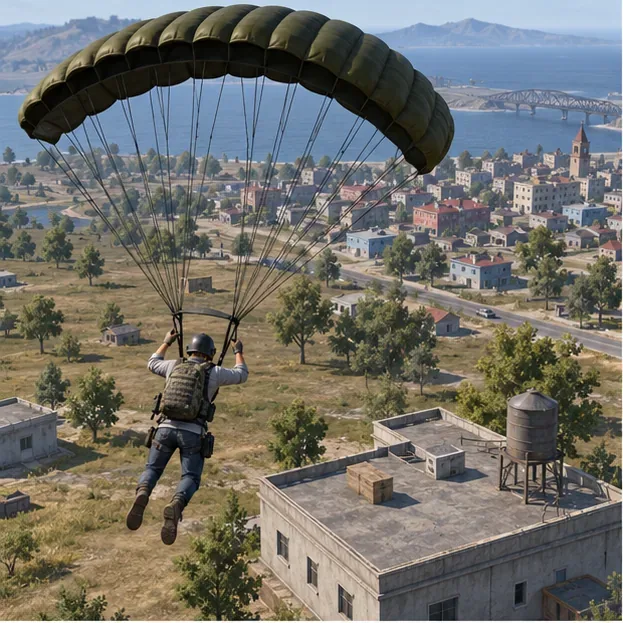
Hot drops are still useful for players deliberately practicing early fights. Treat them as focused practice, not a guaranteed K/D shortcut. Map layouts, loot, and flight paths vary, so choose locations from what you see in the current match rather than relying on an old “best drop” list.
Use the Training Grounds or another practice mode available in your current build before ranked matches. The goal is not to spend an hour shooting at targets; it is to make your first fights feel familiar. PUBG MOBILE’s official updates describe Training Grounds as a place to practice weapons and shooting, though exact features can change by version.
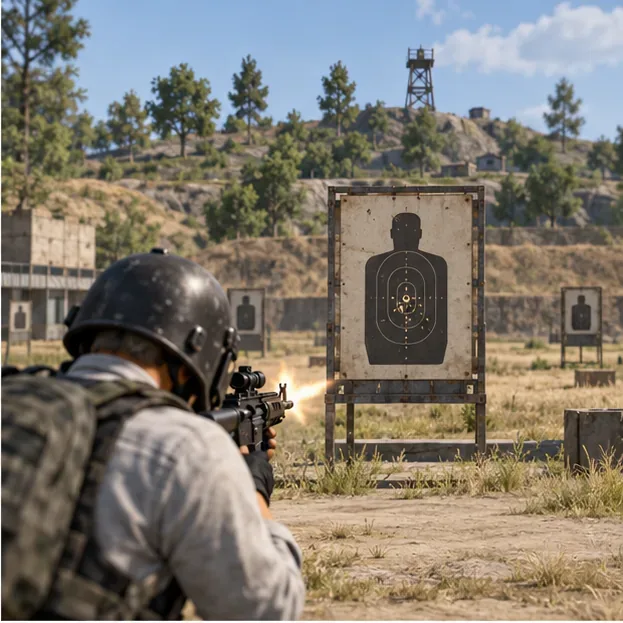
Gyroscope aiming and a multi-finger layout can help some players, but neither is mandatory. Keep a comfortable control layout and tune it gradually. Consistency matters more than copying a pro player’s settings, which may feel wrong on your device or screen size.
Positioning is a practical way to improve your odds without needing perfect aim. Before firing, identify the nearest solid cover, the enemy’s likely line of sight, and a path to disengage. A rock, wall, or sturdy building corner can reduce the angles an opponent can use against you.
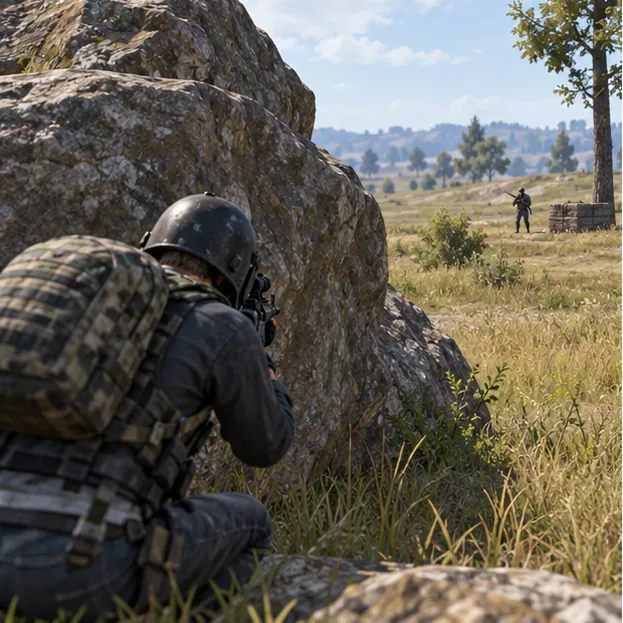
A useful fight-selection check is: Can I reach cover? Can I finish or safely leave this fight? Could another team hear it and arrive? If two answers are no, hold your position or rotate. Passing up a low-value fight can protect your K/D and leave you better placed for the next one.
There is no timeless “best gun” combination: balance updates, mode rules, loot, and personal recoil control all matter. A simple starting point is one weapon you can control at medium range and one that feels dependable up close. Choose attachments that improve your own handling, then test the combination before taking it into a serious match.
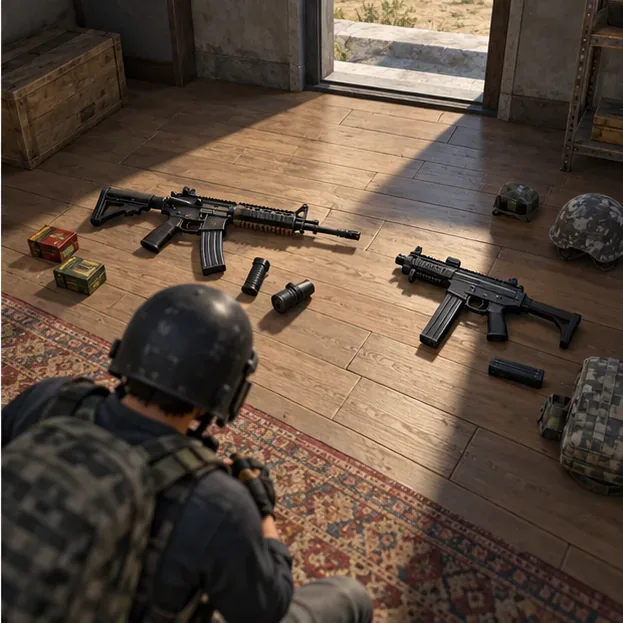
| Need | Practical choice | Why it helps |
|---|---|---|
| Medium-range pressure | A controllable automatic rifle or another familiar option | Lets you take measured bursts without forcing a long-range spray. |
| Close-range defense | A close-range weapon you can aim quickly | Gives you a backup for rooms, stairs, and sudden pushes. |
| Safer reposition | Carry utility when the mode provides it | Smoke can conceal a crossing, revive, or change of angle. |
Do not keep swapping weapons after every elimination. Pick a setup you can handle, learn its effective distance, and pay attention to ammunition and reload timing. Check official patch announcements before treating a weapon list from an older guide as current.
Late movement often forces you to sprint across exposed ground while other players already hold angles. Watch the zone timer and choose a route with terrain, buildings, or other cover between you and likely opponents. When a vehicle is the safest way to cross distance, remember that driving can draw attention; leave it near cover instead of stopping in the open.
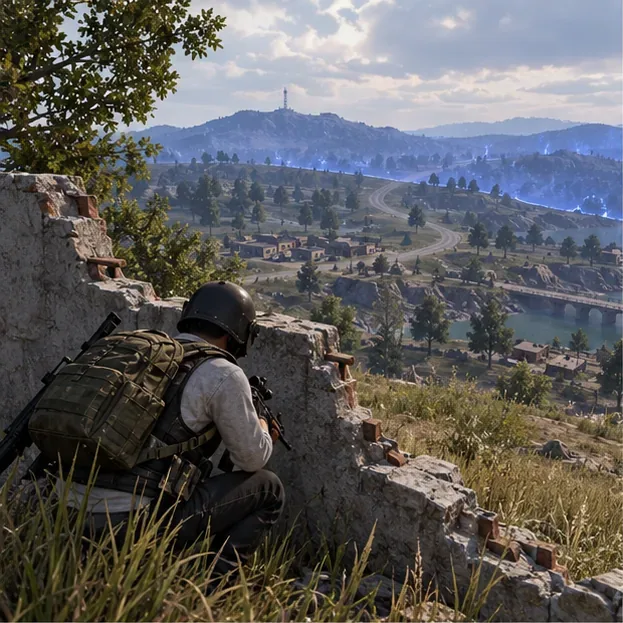
In a fight, avoid random jumping, proning, or zigzagging that makes your own aim harder. Move with a purpose: strafe while firing if it helps you stay difficult to track, break line of sight when you need to reload, and reach the next piece of cover before re-engaging. Use a smoke grenade when it meaningfully blocks an enemy’s view; do not assume smoke makes you invisible from every angle.
In duos and squads, two players pushing from the same doorway can be stopped by one opponent. Share enemy locations with pings or voice, keep enough space to avoid one grenade or spray catching everyone, and let one teammate watch a separate angle while another moves. If a teammate is knocked, check whether the area is safe before attempting a revive.
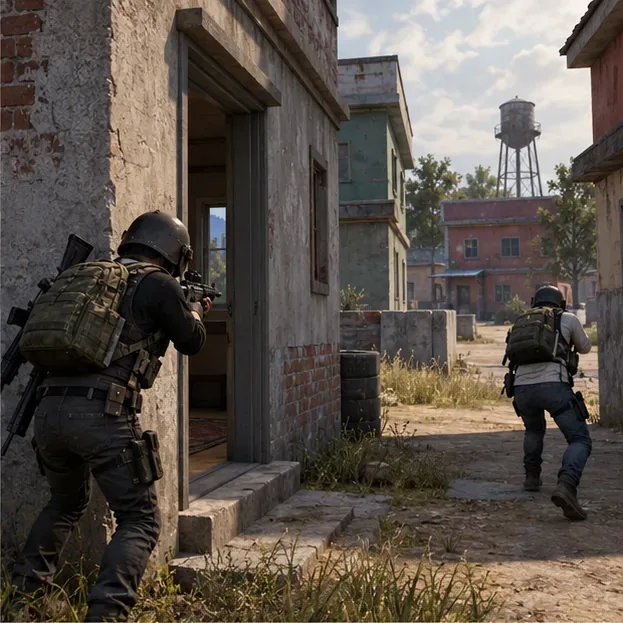
Communication should answer three things quickly: where the opponent is, what cover they have, and whether your team is pushing or resetting. Clear calls help your squad convert damage into eliminations and avoid turning a manageable fight into a group wipe.
As the player count falls, every shot can reveal your location to several opponents. Hold useful cover with more than one exit when possible, keep healing items and utility ready, and avoid firing at every distant silhouette. If you eliminate someone, pause long enough to check for a third party before looting or moving into the open.
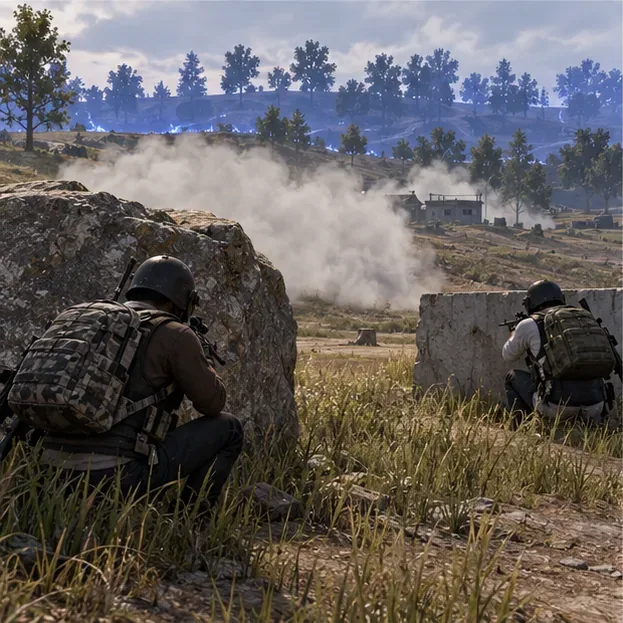
Smoke is most useful when it breaks a sightline for a specific action: crossing, reviving, or shifting to a stronger angle. In the final zone, make each move count. A clean rotation and one controlled fight can be better for your K/D than chasing a low-probability kill.
After each session, look at the same mode and season in your in-game profile. If a replay or highlight is available in your client, use it; otherwise, make a one-line note after a match. Record the situation that ended the run, not just the number of kills.
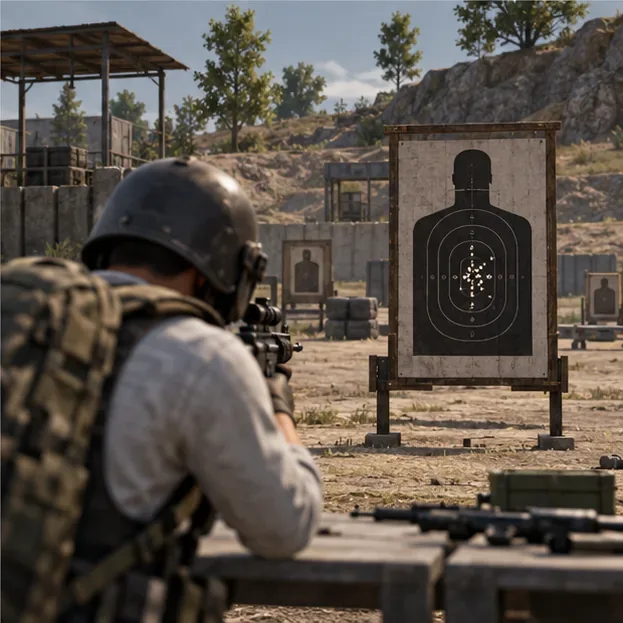
Track a block of matches rather than judging your skill from one lucky win or rough game. Look for a pattern in avoidable deaths, then work on one correction at a time. This makes improving your PUBG Mobile K/D ratio a process you can repeat instead of a promise of instant results.
For patch-dependent details, check official PUBG MOBILE news and updates. For fair play, PUBG MOBILE’s anti-cheating policy prohibits unfair tools such as aim assistance and recoil modification. Keep your practice in-game and play within the rules.
Enable PUBG’s network statistics HUD to monitor ping and packet loss in a match. See where to find it, what the numbers mean, and what they cannot diagnose.
Learn how to import VALORANT crosshair codes, compare presets with manual settings and spectator copy, and fix common import issues.
Choose Dota 2 minimap size, hero icons, team colors, and background settings by readability, fewer misclicks, and clear results on your own display.
Fix Fortnite texture pop-in on PC with official steps for GPU drivers, file verification, DirectX 12, high-resolution textures, VRAM, SSDs, and stutter.
Learn what Heroes of the Storm minimap size and position options are verified, improve readability, and choose camera-click controls that suit you.
Set Super Smash Bros. Ultimate Quickplay to prefer hazards-off stages. Follow the Preferred Rules menu steps and learn why matchmaking may not always honor them.
Enable Server Latency and Packet Loss in Warzone to monitor connection quality, read the overlay, and use recurring spikes to guide troubleshooting.
Learn how to carry from mid lane in League of Legends by setting up waves, choosing safe roam windows, reading side lanes, and converting pressure into objectives.
Fix Minecraft Evoker spell problems with a safe vanilla test, version checks, log review, and a step-by-step way to isolate mod or datapack conflicts.
Fix PUBG stuck on Initializing on Steam with a focused checklist for PC service notices, launch options, game files, downloads, and connection issues.








