Home
» 🎮 Esports
»
Ultimate Guide: How to Connect Multiple Controllers to One PlayStation (PS5 & PS4)
Ultimate Guide: How to Connect Multiple Controllers to One PlayStation (PS5 & PS4)
Ultimate Guide: How to Connect Multiple Controllers to One PlayStation (PS5 & PS4)
To connect multiple controllers to one PlayStation, pair each controller with the console, then join the right player profile in your game. Both PS5 and PS4 support up to four controllers at the same time. On PS5, pair the first DualSense with a USB cable, then add more from the Bluetooth Accessories screen. On PS4, connect each DUALSHOCK 4 by USB and press the PS button. The game itself must support local multiplayer for everyone to play together on one screen.
This guide covers PS5 DualSense and PS4 DUALSHOCK 4 controllers, wired and wireless pairing, player assignment, compatibility, and fixes if a controller will not connect.
Check These Details Before Pairing
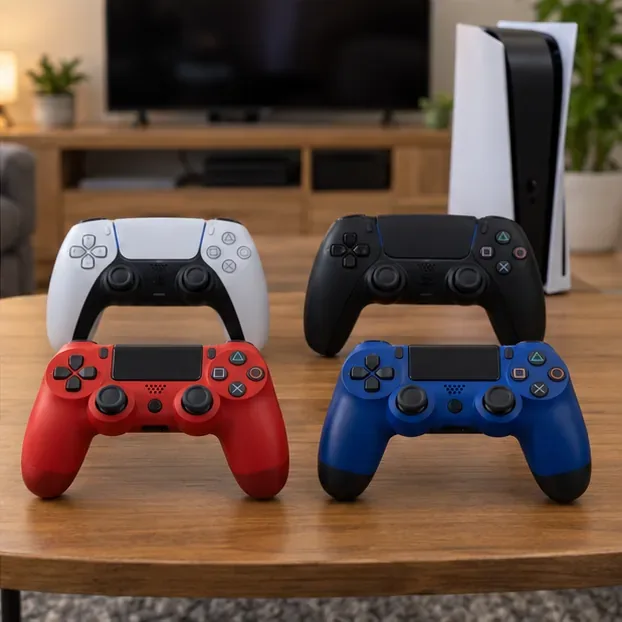
Match the controller to the console and game. Use DualSense controllers for PS5 games and DUALSHOCK 4 controllers for PS4. A DUALSHOCK 4 can be used on PS5 for supported PS4 games, but it does not work with PS5-format games. DualSense is not compatible with a PS4 console. See PlayStation’s controller compatibility guidance.
Have a USB data cable available. Use the cable supplied with the controller or another cable that supports charging and data. A charge-only cable may power a controller without letting the console pair it.
Turn the console on. The initial pairing flow is done while the PS5 or PS4 is powered on.
Know the controller limit. PlayStation lists up to four controllers at once for both console generations. A game may allow fewer local players.
For a PS5 multiplayer setup, start with one DualSense connected by USB. Pair additional DualSense controllers through the console’s Bluetooth Accessories list, where the first connected controller can select each new pad.
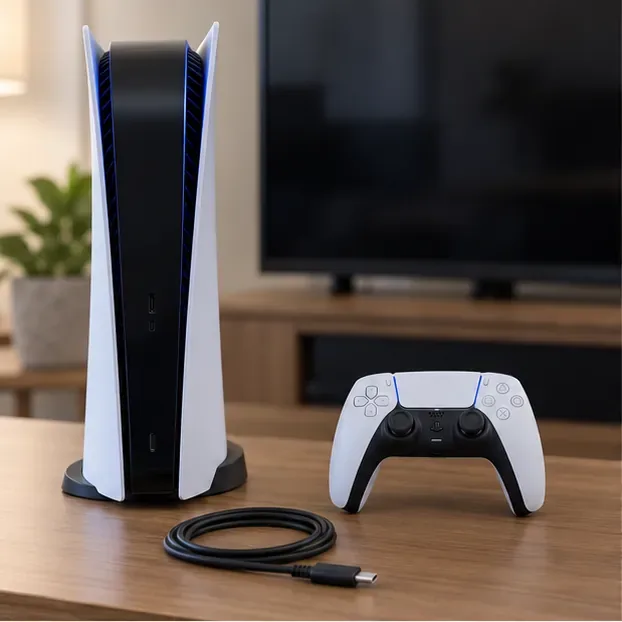
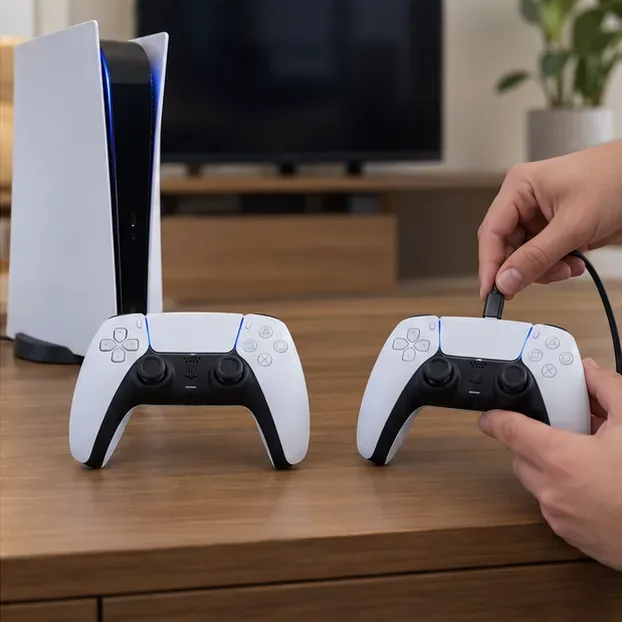
Have the PS5, DualSense controller, and USB-C cable ready before pairing.
1. Pair the first DualSense controller
Turn on the PS5 and connect the controller to the console using a USB-C cable. Press the PS button in the center of the controller. The light bar blinks and the player indicator lights when the controller pairs.
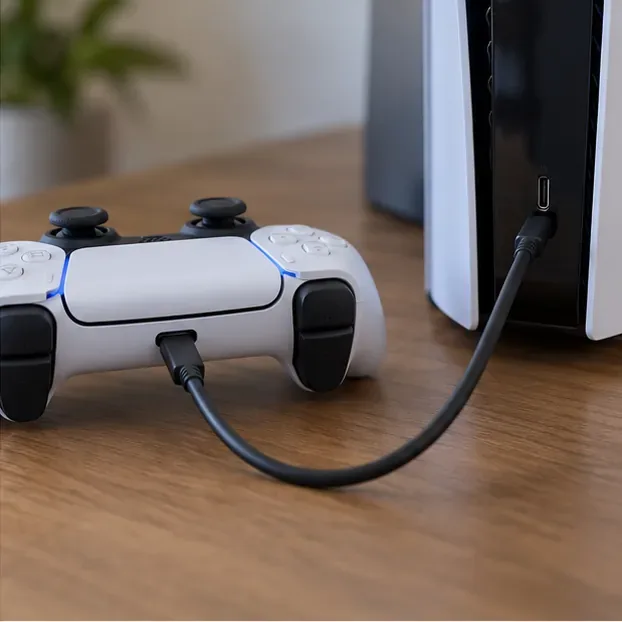
Connect the DualSense to the console with a cable that supports data as well as charging.
2. Assign the controller to a player
When the user-selection screen appears, choose the player’s account or a Guest option if it is available. If you want to play wirelessly, disconnect the cable after pairing; the controller can continue over Bluetooth. A connected controller and a joined player are separate things, so follow the game’s prompt to enter its local multiplayer mode.
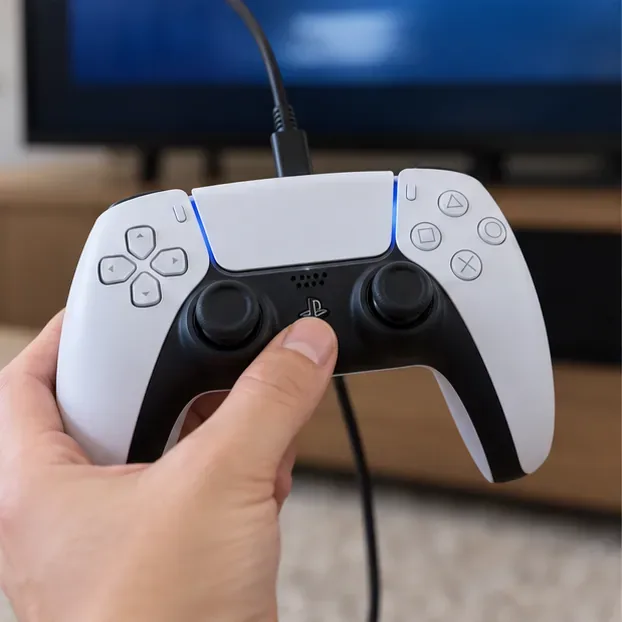
Press the PS button to complete pairing and open the player-selection screen.
3. Pair another DualSense controller wirelessly
On the controller that is already connected, open Settings > Accessories > General > Bluetooth Accessories.
Make sure the second controller’s player indicator is off. If it is lit, hold its PS button until it turns off.
On the second controller, press and hold Create and PS together until the light bar blinks.
Select the controller when it appears on the PS5 screen. Choose a user or Guest if prompted.
Repeat that wireless sequence for the third and fourth controllers. The console supports up to four connected controllers; after that, it will not add a fifth active player controller. You can also use a compatible USB cable to pair a controller with the console. PlayStation’s DualSense instructions include the current menu path and button combination.
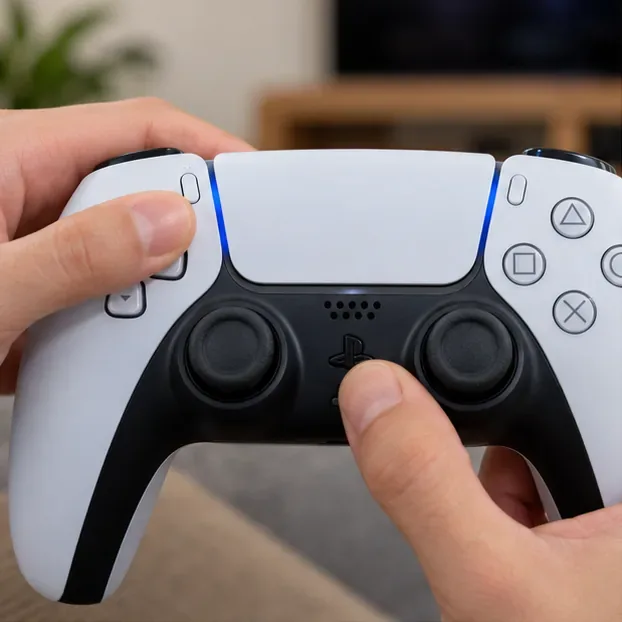
For wireless pairing, hold Create and PS together after opening Bluetooth Accessories on the PS5.A second DualSense controller can be added to the same PS5 for local play.
How to Connect Multiple Controllers to a PS4
Use a DUALSHOCK 4 controller for a PS4 setup. The first-time pairing method is straightforward: switch on the console, connect the controller with its USB cable, and press PS. Once it is paired and has enough charge, you can unplug the cable and play wirelessly.
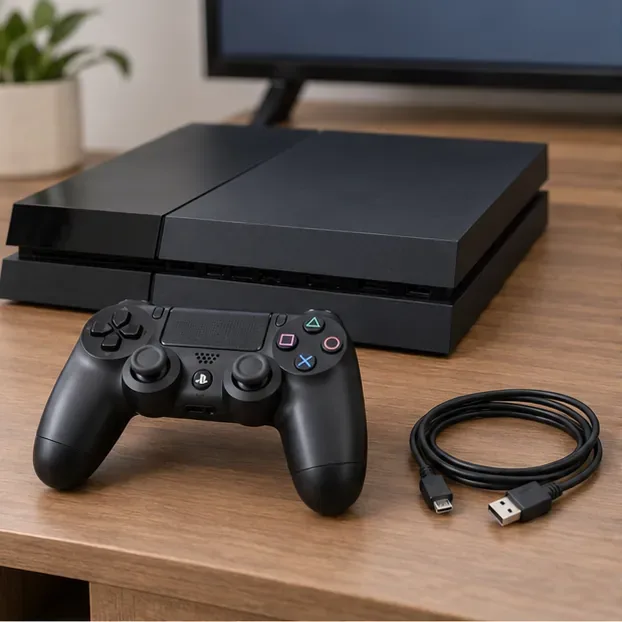
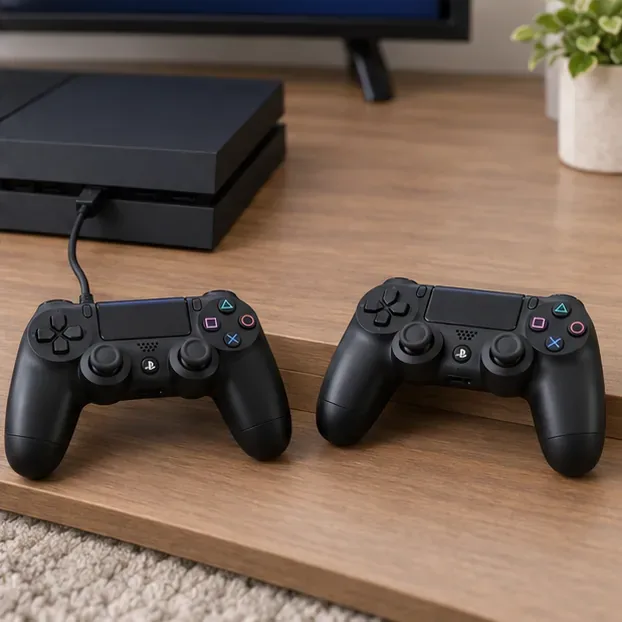
Set out the PS4, DUALSHOCK 4, and a compatible USB cable.
Pair each DUALSHOCK 4 controller
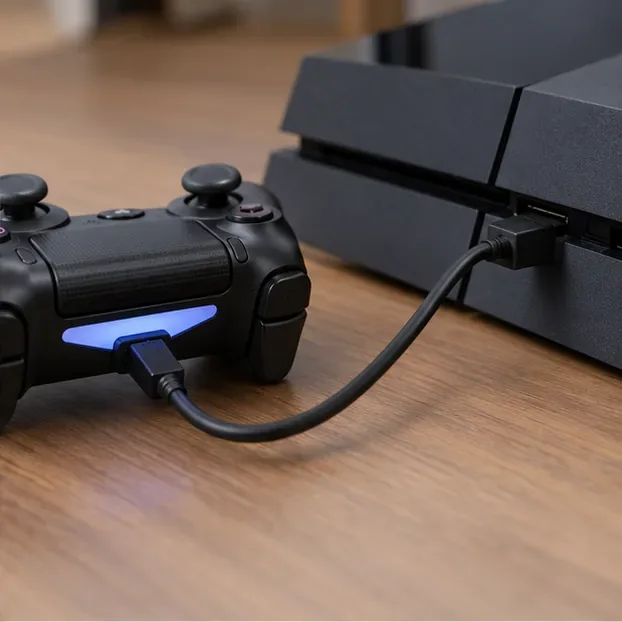
Turn on the PS4 and connect the first controller to the console with a USB cable.
Press the PS button. After the light bar blinks, the player indicator lights up.
Choose the local user or Guest option shown on screen, then let the game’s multiplayer mode add that player.
Repeat the USB-and-PS-button pairing for each additional DUALSHOCK 4. You can connect up to four controllers at once.
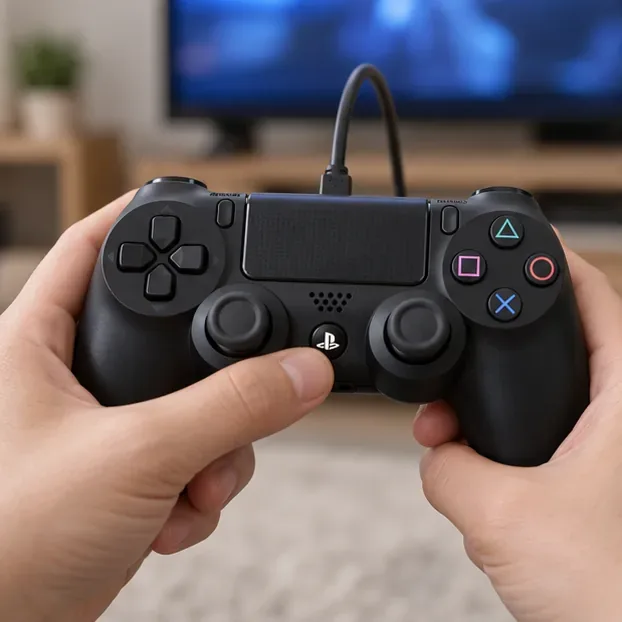
Connect the controller to the PS4 by USB before pressing PS.The PS button completes pairing and brings up the player-selection prompt.
When a DUALSHOCK 4 has been paired with another console, pair it again with the PS4 you want to use. Sony says a DUALSHOCK 4 pairs with one console at a time. Check the official DUALSHOCK 4 instructions if the light bar does not settle after pairing.
Pair each DUALSHOCK 4 with the PS4 before joining the game with each player.
Fix Common Controller Pairing Problems
If a controller blinks but does not appear as connected, work through these checks in order:
What you see
What to try
The console charges the controller but does not pair it
Swap in a USB cable marked for charging and data, then try another console USB port. A charge-only cable cannot complete the PS5 pairing flow.
The second PS5 controller does not show in the list
Keep Bluetooth Accessories open on the PS5, turn off the second controller’s player indicator, then hold Create and PS until its light bar blinks.
The controller connects to a different player or console
Use the primary controller to select the intended profile. For a controller paired with another console, repeat the USB pairing steps for this console.
The controller still will not pair after the basic checks
Reset the controller, reconnect it by USB, and press PS. Use the model-specific reset location below.
Four controllers is the console limit; controller compatibility still depends on the game and console generation.
Reset a DualSense controller
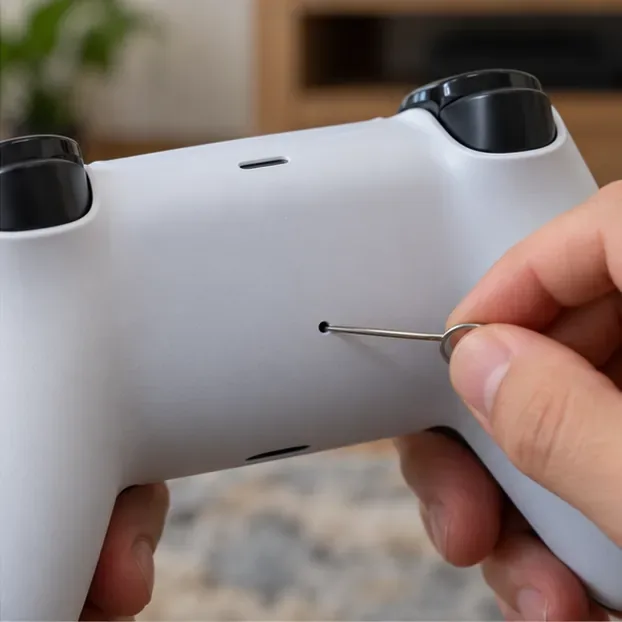
Turn off the PS5 and disconnect the controller from USB. On the back of the DualSense, locate the small reset hole near the Sony logo. Use a pin or similar tool to press and hold the reset button for at least five seconds. Then connect the controller to the PS5 with USB and press PS. See PlayStation’s DualSense troubleshooting steps.
The DualSense reset button is inside a small hole on the back of the controller.
Reset a DUALSHOCK 4 controller
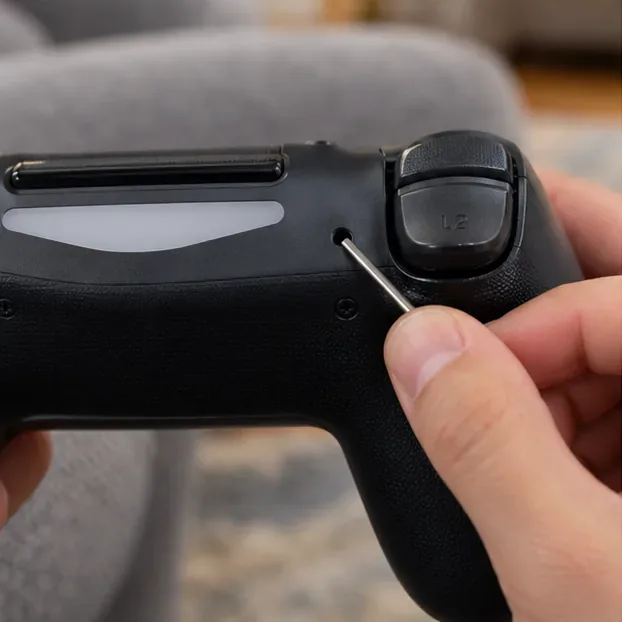
Turn off and unplug the PS4. Find the small reset button on the back of the DUALSHOCK 4 near the L2 shoulder button, then hold it with a small tool for about three to five seconds. Reconnect the console, attach the controller by USB, and press PS to pair it again.
The DUALSHOCK 4 reset hole is on the back near the L2 shoulder button.
Pairing a Controller Does Not Guarantee Local Multiplayer
Once the controllers are connected, open a game mode that supports local or couch multiplayer. Some games support only one local player, while others require each person to join from a lobby or press a specific button. The controller limit is a console hardware limit, not a promise that every title supports four players. For PS5, remember that a DUALSHOCK 4 can join supported PS4 games running on the console but cannot control a PS5-format game.
Frequently Asked Questions
Can I connect more than four controllers to one PlayStation?
No. PlayStation’s controller support pages list up to four controllers at a time on PS5 and PS4. A fifth active controller will not create another local player slot.
Can I mix DualSense and DUALSHOCK 4 controllers on a PS5?
You can use a DUALSHOCK 4 for supported PS4 games on PS5, including alongside a DualSense controller. The DUALSHOCK 4 is not supported for PS5-format games, so check the game version and controller requirements before starting.
Do I need an internet connection to pair the controllers?
No. Pairing a controller to the console is a local USB or Bluetooth process. Internet access, account sign-in, and online multiplayer requirements depend on the game and the features you want to use.