Home
» 🎮 Esports
»
How to Clean a PS5 Disc Drive Safely: Disc, Vents, and Laser Care
How to Clean a PS5 Disc Drive Safely: Disc, Vents, and Laser Care
How to Clean a PS5 Disc Drive Safely: Disc, Vents, and Laser Care
If your PS5 will not read a game, start with the disc and the console’s accessible exterior. Wipe the disc with a lint-free cloth, clear dust from the air vents with a low-powered vacuum, then test another supported disc. That is the safe answer to how to clean a PS5 disc drive: routine cleaning does not require opening the console or touching the internal laser lens.
The word “laser” can make a lens cleaning sound like the obvious fix, but the optical pickup sits inside the drive assembly. Sony’s published PS5 disc troubleshooting steps focus on cleaning the disc, testing another supported disc, and using system troubleshooting if needed. They do not instruct owners to insert a swab or brush into the slot. Leave internal drive service to PlayStation Repairs or a qualified technician.
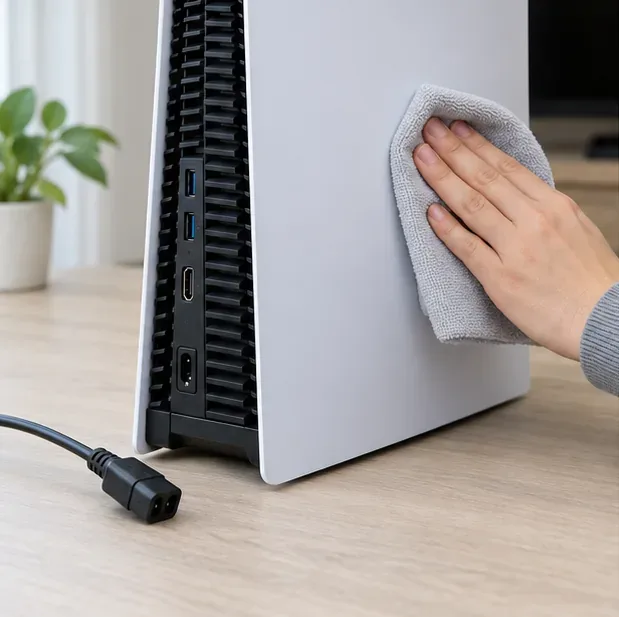
Unplug the console before cleaning its exterior or vents.
What you can clean—and what to leave alone
You can safely clean the game disc, wipe the console’s exterior, and remove dust around the air vents. For vent dust, Sony says to disconnect the AC cable and use a low-powered vacuum cleaner. Sony also recommends keeping the side and rear vents clear, with at least 10 centimeters of space around the console.
You should not reach through the disc slot to clean the PS5 laser lens. Avoid inserting cotton swabs, lens pens, cloth, brushes, vacuum nozzles, or compressed-air straws. Do not spray liquid or alcohol into the slot, and do not use a disc-based “laser cleaner” unless Sony specifically recommends it for your model. These methods can push debris farther inside or damage delicate drive parts.
Gather a few simple supplies
A clean, lint-free microfiber cloth made for Blu-ray Discs or DVDs.
A low-powered vacuum cleaner for dust around the exterior air vents.
A clear, well-lit work surface.
Skip abrasive paper towels, household sprays, solvents, and wet swabs. Do not apply isopropyl alcohol to the console or put any cleaning fluid near the drive opening. Keep the disc dry before reinserting it.
How to clean a PS5 disc drive: four safe steps
1. Shut down and unplug the console
Turn the PS5 fully off, wait until the power indicator is no longer lit, and disconnect the AC power cable from the rear of the system. Remove any disc normally before cleaning. Let the console cool if it has just been running, then place it on a stable surface where you can see the slot and vents clearly. Never clean around the vents while the console is connected to power.
2. Clean the game disc first
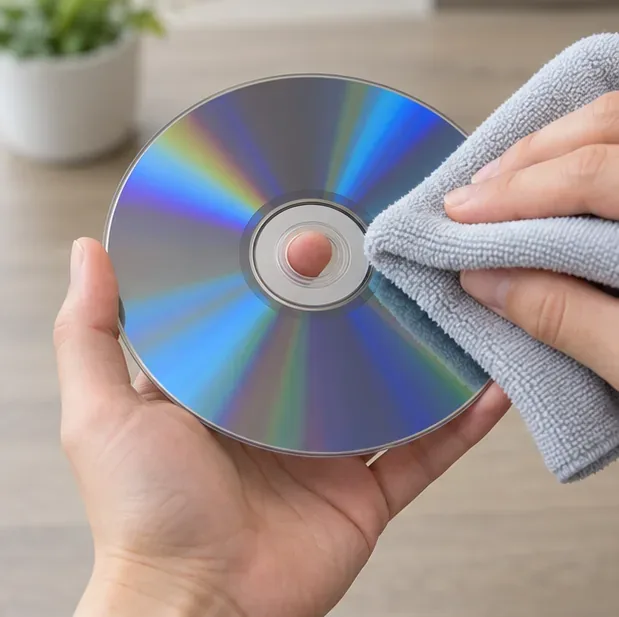
Hold the disc by its outer edge or center hole and check for fingerprints, dust, and visible scratches. Use a clean, lint-free optical-disc cloth and wipe in straight strokes from the center hole toward the outer edge. Do not wipe in circles. This is the first fix to try for a PS5 disc-reading error, especially if only one game is affected.
Wipe the disc from the center toward the rim, holding it by the edge.
3. Remove dust from the exterior and vents
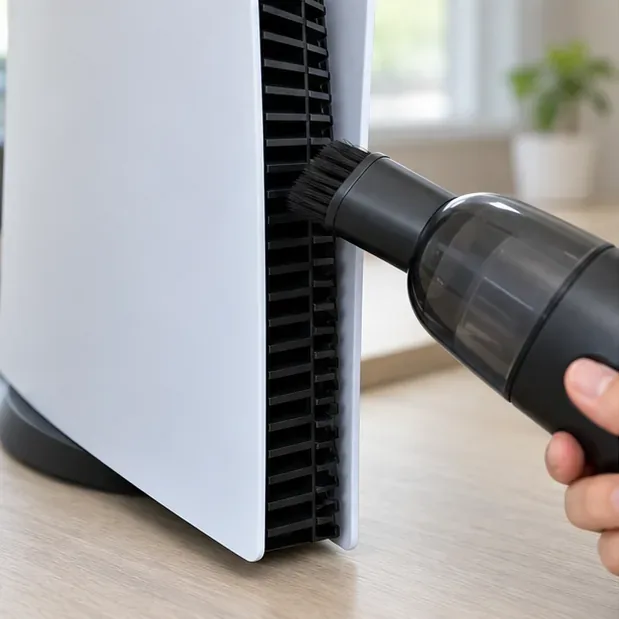
Wipe the console’s outer panels with a dry, soft microfiber cloth. Then use a low-powered vacuum to pick up visible dust around the side and rear air vents. Keep the nozzle at the openings; do not push it into the disc slot or dismantle the console to reach the drive. Sony advises keeping the vents unobstructed and leaving at least 10 centimeters of open space around the system.
Vacuum dust around the vent openings without inserting the nozzle.
4. Restart and test a second supported disc
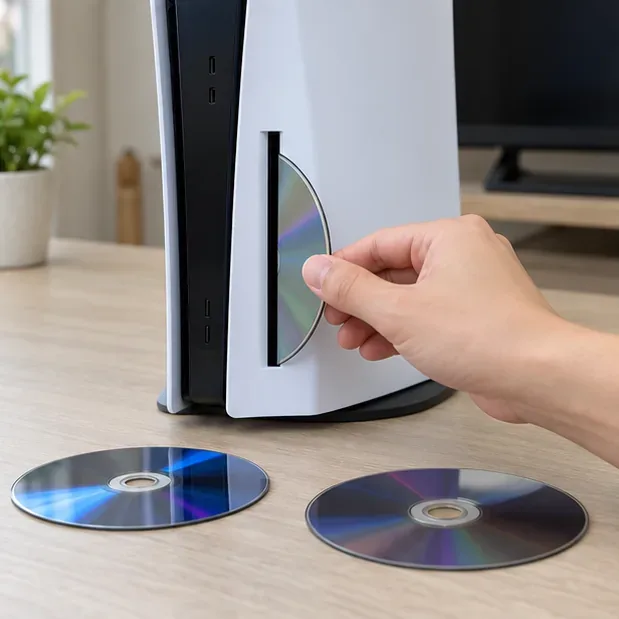
Reconnect the power cable and restart the console. Insert the cleaned disc gently. If the PS5 is standing vertically, the disc’s labeled side should face left as you insert it. If the console is horizontal or you are unsure about your model, check its manual. Test another known-good game disc, Blu-ray Disc, or DVD. PS5 consoles do not play burned discs or audio CDs.
Testing another supported disc helps distinguish a damaged disc from a console drive issue.
If the PS5 still will not read discs
What happens
What to try next
One disc fails, but other discs work
Inspect that disc for scratches or damage, clean it, and confirm it is a supported format.
The drive makes grinding or repeated clicking sounds
Stop inserting discs. Do not force a stuck disc or try to fish debris out through the slot; use PlayStation Repairs for the appropriate next step.
Sony’s troubleshooting guide also lists the Safe Mode option to clear the system software cache and rebuild the database. That is a software check, not a way to clean the laser. Do not choose “Reset PS5 (Reinstall System Software)” casually: Sony warns that this option deletes information on the console. Back up data and follow the official instructions if you reach that step.
If the console still cannot read multiple supported discs after these checks, cleaning the outside is unlikely to solve the problem. Use PlayStation Hardware and Repairs support to check service options. Avoid opening the drive just to wipe the lens; a technician can determine whether the laser, drive mechanism, or another component needs attention.
Keep the drive area clear
Store discs in their cases and handle them by the edges before inserting them. Keep the console out of cramped spaces and away from long-fiber carpet, and clear visible vent dust when it builds up. There is no need to clean the internal PS5 disc drive laser on a calendar schedule. If disc errors return, repeat the disc and vent checks, test another supported disc, and use Sony’s repair guidance if the problem affects them all.