Home
» 🎮 Esports
»
Ultimate DualSense Power Boost: Best External Battery Packs for PS5 Gaming
Ultimate DualSense Power Boost: Best External Battery Packs for PS5 Gaming
Ultimate DualSense Power Boost: Best External Battery Packs for PS5 Gaming
If you want a battery that travels with the controller, the best match is the Nacon External Battery for DualSense: it plugs into the controller’s USB-C port and is designed specifically for PS5 pads. If you want one charger for your controller, phone, and other gear, choose a reputable USB-C power bank instead. The distinction matters: a 30W power bank does not make the DualSense charge at 30W, and Sony warns that some USB chargers will not charge the controller.
This is a specification-based shortlist, not a hands-on charge-time test. Capacity, cables, stock, and packaging can vary by region. Check the local manufacturer listing before purchase; the “up to six hours” figure below is Nacon’s claim, not an independently measured result.
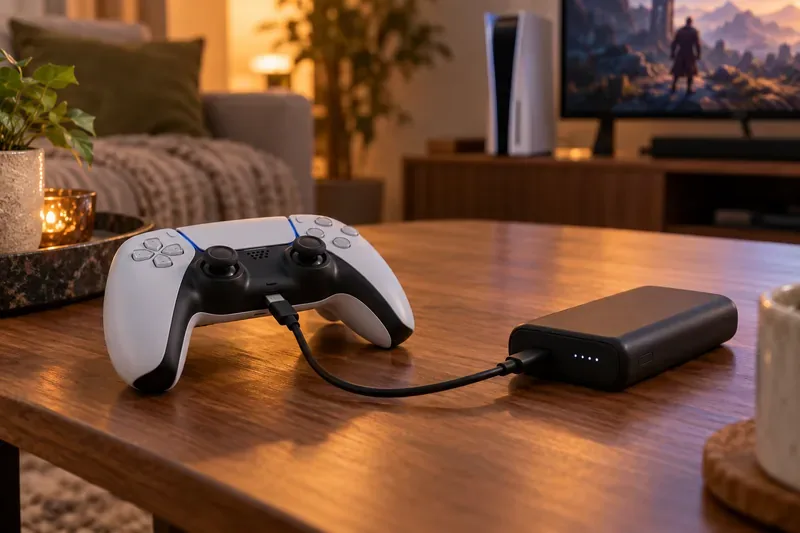
A separate USB-C bank can supply power during a session; cable length determines how comfortably you can sit back.
Best external battery packs for DualSense at a glance
Pick
Published capacity and output
Best use
Trade-off
Nacon External Battery (PS5DSBATPACK)
2,000 mAh; 5V / 0.6A; 70 g
Controller-mounted boost
Adds weight and bulk to the pad
Anker Nano A1259
10,000 mAh; up to 30W; 215 g
Compact general-purpose bank
Still needs a cable while you play
Belkin BoostCharge BPB021
10,000 mAh; up to 20W
Integrated-cable convenience
Built-in cable is only 5.7 cm long
Baseus Blade 20K
20,000 mAh / 74 Wh; up to 100W; 506 g
Desk-side capacity for several devices
Too large to hold with the controller
Maximum wattage is the power bank’s ceiling for compatible devices. It is not a promise that the controller receives that amount or charges faster.
Our picks
1. Nacon External Battery for DualSense: best controller-specific option
This is the closest fit for someone searching for a DualSense external battery pack. The 70-gram unit plugs into the controller’s USB-C port, so a long charging cable does not trail from the couch. Nacon lists compatibility with DualSense and DualSense Edge and claims up to six additional hours. Its manual specifies a 2,000 mAh battery, 5V / 0.6A output, and an approximate three-hour recharge time. The Edge requires the included EVA adapter.
The trade-off is feel: the pack sits on the controller and changes its weight and balance. Nacon says it is designed for official PS5 controllers, so do not treat it as a general phone charger. Review the Nacon product specifications and Nacon instruction manual to confirm fit and setup for your controller version.
2. Anker Nano Power Bank A1259: best compact all-purpose bank
The A1259 pairs a 10,000 mAh capacity with a built-in USB-C cable, a separate USB-C port, a USB-A port, and a display. Anker lists a maximum single-port output of 30W and a weight of 215 g. It is a sensible choice if you want one portable bank for a controller and everyday devices. For a more comfortable PS5 setup, use the separate USB-C port with a longer charging-and-data cable instead of relying on a short integrated lead.
That 30W rating describes the bank’s maximum output for supported devices; it is not a DualSense fast-charge specification. See Anker’s A1259 technical details before choosing a regional version.
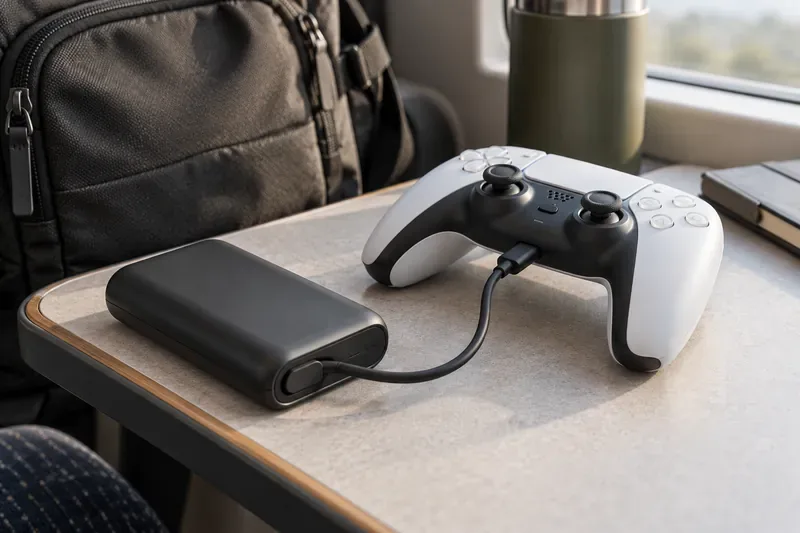
A multipurpose bank is useful on the move, but bring a cable long enough for your preferred playing position.
3. Belkin BoostCharge 10K BPB021: best if you want an integrated cable
Belkin’s BPB021 has a 10,000 mAh battery and supports up to 20W through one USB-C output. Its integrated USB-C cable is just 5.7 cm long, which is convenient for charging a phone in a bag but too short to serve as a relaxed gaming tether. Connect a longer compatible cable to the bank’s USB-C port when playing. Belkin lists 15W maximum total output when two devices are connected at once, plus pass-through charging for the bank itself.
Those details come from Belkin’s BPB021 specifications. Confirm the exact model code in your market, since similarly named BoostCharge products have different cable and output configurations.
4. Baseus Blade 20K: best high-capacity desk-side option
The Blade is a better fit when the bank will sit on a table and also power a laptop or phone. Baseus lists 20,000 mAh (74 Wh), 100W maximum USB-C output, four output ports, and a weight of about 506 g. That capacity is useful for carrying more than one device through a long day, but the weight makes it a poor choice to attach to a controller or hold in one hand. Its high wattage does not mean the DualSense charges at 100W.
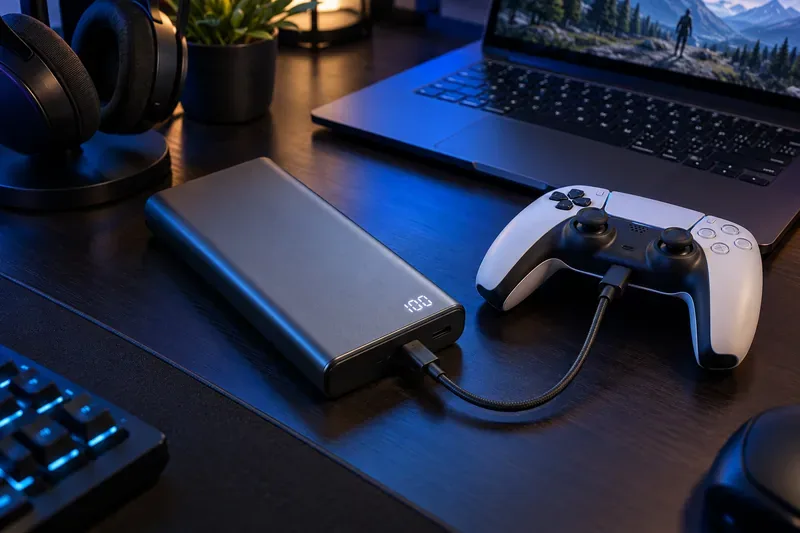
A 20,000 mAh bank makes more sense on a desk than attached to a handheld controller.
Baseus availability can differ by country. Check the current model and output table on the manufacturer’s Blade product page before buying.
What to check before buying a DualSense power bank
USB compatibility: Sony says a USB-standard-compliant charger may work, but not every USB charger can charge DualSense. Look for a reputable USB-C output and test the bank before relying on it for a long session.
Cable type and reach: Sony recommends a cable that supports charging and data when troubleshooting charging. Avoid power-only cables. For a bank placed beside a sofa or in a bag, pick a cable long enough to avoid pulling on the controller’s port.
Choose capacity for your whole kit: A controller-specific pack is lighter and shaped for the pad; 10,000 mAh banks are more versatile; 20,000 mAh models are larger but suit multiple devices. The amount of usable energy varies with conversion losses and how each device draws power, so do not assume the label translates into a fixed number of controller charges.
Separate the bank’s rating from charge speed: USB-C Power Delivery can be useful for phones and laptops, but a higher maximum wattage alone does not establish faster DualSense charging. Skip claims such as “80% in under an hour” unless they are documented for the exact controller, pack, cable, and conditions.
For charging problems, follow Sony’s DualSense support guidance: check the battery icon in Control Center, try a different USB port or cable, and use a compatible charger. Sony’s manual for its official charging station estimates about three hours for a controller with no remaining charge; third-party power-bank times will vary.
Which one should you choose?
Choose the Nacon pack if you want a purpose-built accessory attached to the controller and accept the added weight. Choose the Anker or Belkin when you also need a portable charger for other devices; use a separate long cable for comfortable play. Choose the Baseus only if extra capacity for a desk or travel kit matters more than handheld convenience. At home, Sony’s DualSense Charging Station docks up to two controllers and charges them as quickly as connecting them to the PS5.
Specifications were checked against manufacturer pages on October 17, 2026. This article does not report hands-on testing; product availability, included cables, and local model numbers can vary.