Ever dreamed of crafting your own epic adventure that millions could play? Building a game on Roblox as a beginner is easier than you think! With Roblox Studio's powerful tools, you can turn ideas into reality without prior coding experience. This guide walks you through every step, packed with tips to spark your creativity and get your game live fast. Ready to become the next Roblox superstar? Let's dive in! 👉
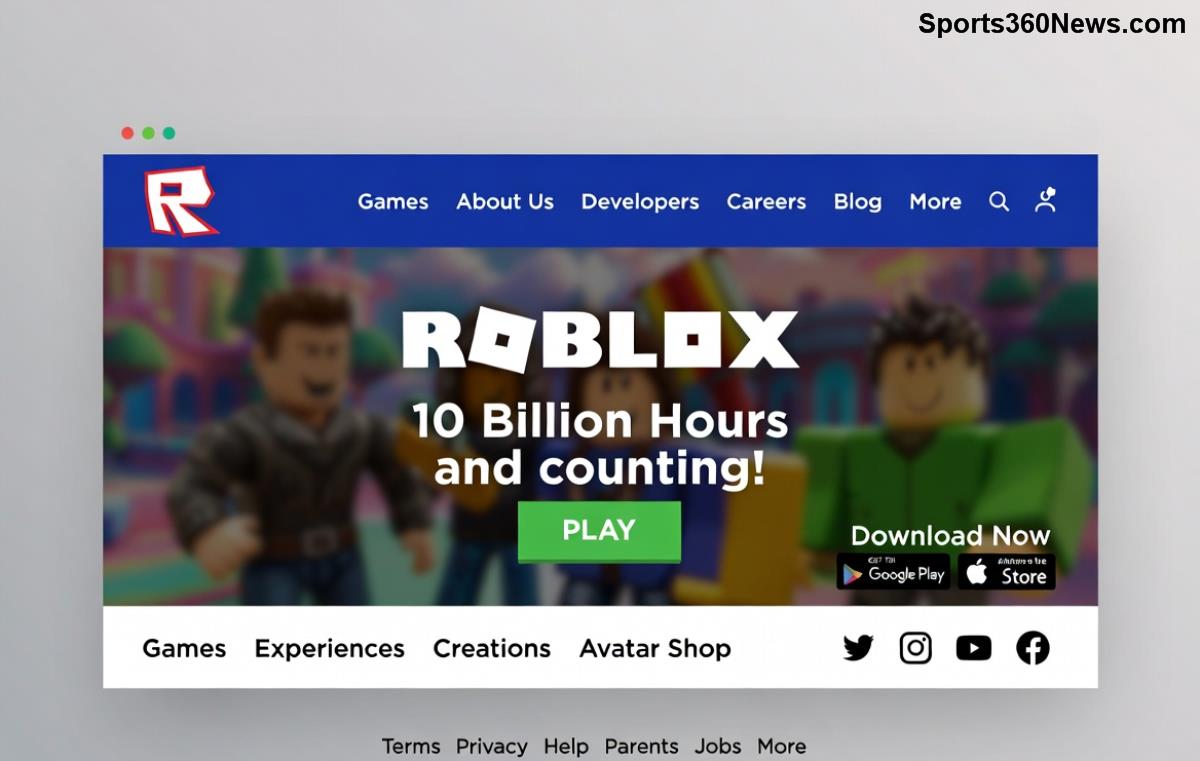
Step 1: Get Started with Roblox Studio – Your Free Game-Making Powerhouse
First things first: Download Roblox Studio, the official free tool for all creators. It's like a magic canvas where you drag, drop, and build worlds.
- Sign Up or Log In: Head to Roblox.com/create and create a free account if you haven't already. Verify your age (13+ recommended for full features).
- Install Studio: Click "Start Creating" – it auto-downloads for Windows or Mac. No fancy PC needed; even mid-range laptops handle it smoothly.
- Launch and Explore: Open Studio, and you'll see the Explorer panel (parts list), Properties (tweak settings), and Viewport (your 3D world). Play around – it's intuitive!
Pro Tip: Enable "Beta Features" in File > Settings for the latest tools like improved lighting and avatar scaling. Feel the excitement build as your blank slate awaits! ⭐
Step 2: Plan Your Game Idea – Keep It Simple for Beginners
Don't overthink: Start with a basic Roblox game like an obby (obstacle course), tycoon, or hide-and-seek. Why? They're fun, quick to prototype, and teach core skills.
| Game Type | Why Beginner-Friendly? | Estimated Build Time |
|---|
| Obby | Jump platforms, add kills – pure drag-and-drop | 1-2 hours |
| Tycoon | Buttons spawn items; basic scripting | 3-5 hours |
| Simulator | Click to earn; loops for progression | 4-6 hours |
Sketch on paper: Map levels, add checkpoints, and note fun twists like power-ups. This keeps you focused and motivated. 😊
Step 3: Build Your World – Drag, Drop, and Design!
Time to create! In Studio:
- Add Parts: Toolbox > right-click > Insert Object > Part. Resize, color, and anchor them (Properties > Anchored = true to prevent falling).
- Terrain Tool: Generate hills, water, or lava – sculpt like digital clay!
- Lighting & Sky: Lighting service > set Atmosphere for moody effects. Boom – immersive vibes!
- Spawn Points: Insert SpawnLocation so players start right.
Test often: Hit F5 (Play) or F6 (multi-player sim). Tweak until it feels epic. Your first platform? That's the spark of genius! 🎉
Step 4: Add Interactivity with Simple Scripting
No PhD required – Roblox uses Lua scripting, beginner-friendly and visual.
- Insert Script: Right-click ServerScriptService > Insert Object > Script.
- Basic Code Examples:
-- Kill Brick (touch to respawn)
script.Parent.Touched:Connect(function(hit)
    local humanoid = hit.Parent:FindFirstChild("Humanoid")
    if humanoid then
        humanoid.Health = 0
    end
end)
- Leaderstats for Tycoons: Track scores with simple loops.
Copy-paste from Roblox Creator Docs, then customize. Watch plays skyrocket as your game responds to players! 🚀
Step 5: Polish, Test, and Publish Your Roblox Game
Make it shine:
- UI Design: ScreenGui > TextLabel for menus, buttons for shops.
- Sounds & Effects: Marketplace free assets – add jumpscare audio!
- Test Thoroughly: Invite friends via Studio's Team Create. Fix bugs like falling parts (use CanCollide).
- Publish: File > Publish to Roblox > Set thumbnail (capture epic moment). Make public – share on Discord or Twitter!
Monetization Bonus: Once live, add Game Passes or Dev Products for Robux earnings. Beginners have hit 1M+ visits this way!
Common Beginner Mistakes to Avoid ❌
Steer clear for smoother sailing:
- No Anchoring: Parts fly away – always anchor bases.
- Ignoring Mobile: Test on devices; scale UI responsively.
- Over-Scoping: Finish small, expand later.
- Forgetting Thumbnails: Eye-catching art = more clicks.
Advanced Tips to Level Up Your Roblox Game Dev Skills
Once comfy:
- DataStores: Save player progress permanently.
- Modules: Reuse code for efficiency.
- Community: Join DevForum for free models and advice.
- Analytics: Track visits in Creator Dashboard – iterate on what players love.
Iterate weekly: Update with player feedback. Your game could go viral overnight! 🌟
Ready to Launch Your First Hit? Go Create Now!
Congrats – you've got the blueprint to build a game on Roblox for beginners! Start small, stay consistent, and watch your creation thrive. Share your game link in comments below – we'd love to play! What's your dream game idea? Drop it and inspire others. Happy developing! 👏