The best PC for running Overwatch 2 in 2026 is a balanced Windows desktop with a capable six-core CPU, a sensible dedicated GPU, 16 GB of dual-channel RAM, an SSD, and a 144 Hz or faster display. You do not need a flagship graphics card to enjoy the game at 1080p. The smarter decision is to choose a PC for your desired resolution and refresh rate, then leave room for the inevitable frame-rate dips during busy fights.
Important 2026 naming note: Blizzard dropped the “2” from the game’s official name in February 2026. If you are searching for an Overwatch 2 gaming PC, the current game is listed simply as Overwatch; there is no separate new PC title to buy. See Blizzard’s explanation of the 2026 name change for the developer’s explanation.
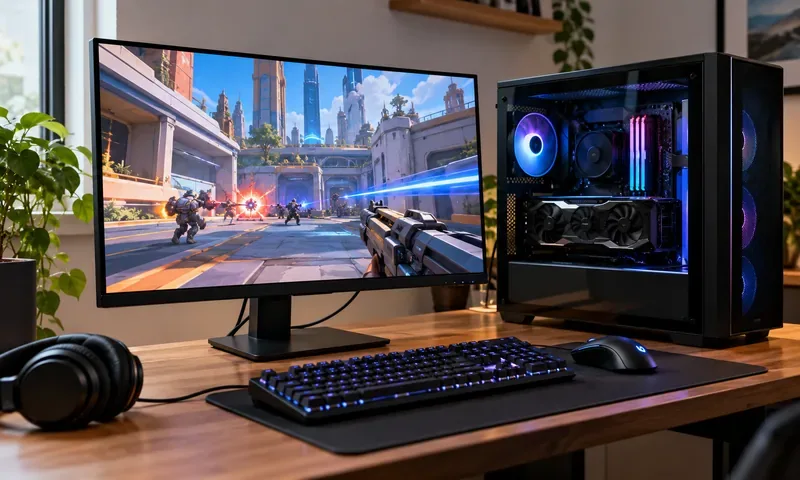
Overwatch PC requirements: the official starting point
Blizzard’s current official Overwatch Steam listing lists the following Windows PC requirements. These specifications describe compatibility tiers, not a guarantee of 144, 240, or 360 FPS.
| Component | Minimum | Recommended |
|---|---|---|
| Operating system | Windows 10, 64-bit | Windows 10, 64-bit |
| CPU | Intel Core i3 or AMD Phenom X3 8650 | Intel Core i7 or AMD Ryzen 5 |
| Graphics | NVIDIA GeForce GTX 600 series or AMD Radeon HD 7000 series | GeForce GTX 1060 / GTX 1650; Radeon R9 380 / RX 6400; or Intel Arc A770 |
| Memory | 6 GB RAM | 8 GB RAM |
| Storage | 50 GB available space | 50 GB available space |
| Other | DirectX 11 and broadband internet | DirectX 11 and broadband internet |
The listing does not specify a modern competitive-FPS target. An older GTX 1060-class PC may still be useful, especially after reducing graphics settings, but treat the recommended specification as a starting baseline. For a fresh build, 16 GB RAM and a 1 TB SSD are more practical than assembling a new machine around the minimums. Keep additional free storage for updates and normal Windows operation.
Which parts matter most for high-FPS Overwatch?
CPU: consistent frames, especially at 1080p
Overwatch has rapid camera movement and frequent multi-player effects. When you lower visual settings to chase a high FPS target, the CPU may become the limiting factor even with a powerful GPU. A modern six-core processor such as the Ryzen 5 7600 or Ryzen 5 9600X is a balanced choice. The 9600X has six cores and 12 threads according to AMD’s Ryzen 5 9600X specifications. An X3D-class gaming CPU can be useful when prioritizing very high refresh rates, but it should not automatically displace a better monitor or GPU within a fixed budget.
GPU: buy for your resolution, not a made-up FPS number
At 1080p with competitive settings, a modest dedicated card may be enough to make a high-refresh monitor worthwhile. For a new midrange build, cards such as the GeForce RTX 5060 or Radeon RX 9060 XT are more relevant shopping reference points than older entry-level GPUs. Check the latest features, memory variants, and board power at NVIDIA’s RTX 5060 family specifications and AMD’s Radeon RX 9060 XT 16GB specifications. At 1440p, GPU capability and VRAM headroom matter more, particularly if you keep visual quality high or play other demanding games.
Do not read a graphics card’s manufacturer specifications as an Overwatch benchmark. Actual FPS depends on map, mode, team-fight intensity, resolution, render scale, settings, drivers, CPU, and memory configuration. This guide does not claim independently measured results for the suggested builds.
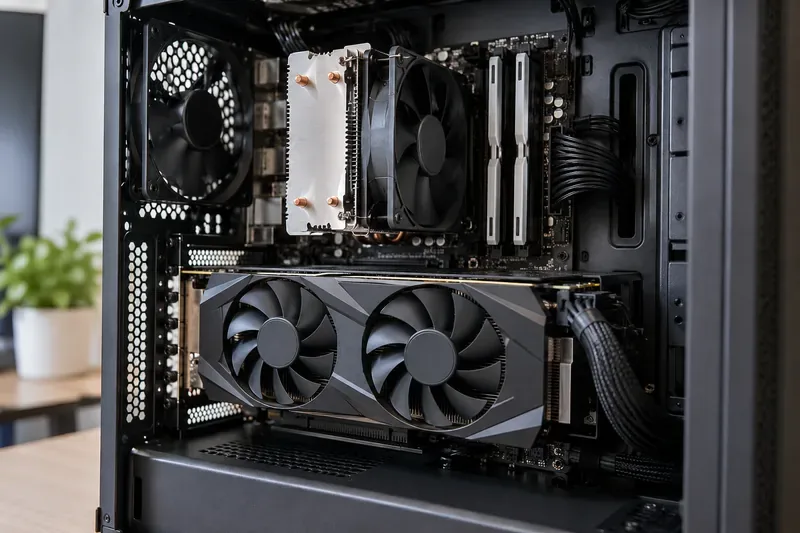
RAM, SSD, and cooling: stability and daily usability
16 GB of dual-channel RAM is the practical entry point for a dedicated Overwatch system that also runs voice chat and common background apps. Choose 32 GB if you stream, record, multitask heavily, or build a higher-end PC for several games. Match DDR4 or DDR5 to the motherboard and processor; do not buy memory based on capacity alone.
A 1 TB NVMe SSD is a sensible default for a new gaming PC. SSD storage improves loading and system responsiveness, but installing the game on an SSD should not be sold as a guaranteed increase in average combat FPS. Use a reliable power supply with the connections and capacity required by your exact graphics-card model. Good case airflow and a properly installed CPU cooler help prevent avoidable thermal slowdowns.
Three balanced PC builds for Overwatch 2 in 2026
These are illustrative component combinations, not fixed-price shopping carts or benchmark-tested systems. Target FPS values below are goals for selecting settings and displays—not guaranteed frame rates. GPU and CPU alternatives should be matched with the correct motherboard, memory, cooler, and power supply.
| Part or goal | Budget 1080p | Competitive 1080p | High-refresh 1440p |
|---|---|---|---|
| Best fit | Affordable 1080p, 120–144 Hz ambition | 1080p, 144–240 Hz ambition | 1440p, 165 Hz or faster ambition |
| CPU example | Ryzen 5 5600 | Ryzen 5 7600 or 9600X | Ryzen 7 9800X3D or a comparable gaming CPU |
| GPU example | Used RX 6600 or RTX 3060, if priced well | RTX 5060 or RX 9060 XT | Radeon RX 9070 or GeForce RTX 5070 class |
| Memory | 16 GB DDR4, dual channel | 16–32 GB DDR5, dual channel | 32 GB DDR5, dual channel |
| Storage | 500 GB–1 TB SSD | 1 TB NVMe SSD | 1 TB or larger NVMe SSD |
| Monitor pairing | 1080p 144 Hz | 1080p 180–240 Hz | 1440p 165–240 Hz |
Which build should you actually choose?
Budget: Shop this tier when you already have a 1080p monitor or want a low-cost esports computer. Consider used graphics cards only if you can evaluate condition, warranty, and seller reliability. A previous-generation system that is genuinely inexpensive can still be good value.
Competitive sweet spot: This is the best starting point for most people buying a new Overwatch-focused desktop. A recent six-core CPU, midrange GPU, and high-refresh 1080p screen create a stronger overall experience than spending the same budget on a premium GPU and keeping a 60 Hz monitor.
1440p enthusiast: Pay for this tier if you want sharper visuals, a larger display, more performance headroom, or strong performance in other games. It is not necessary just to play Overwatch. Check the exact GPU board’s recommended PSU capacity and case clearance before ordering.
144 Hz, 240 Hz, or 360 Hz: which monitor makes sense?
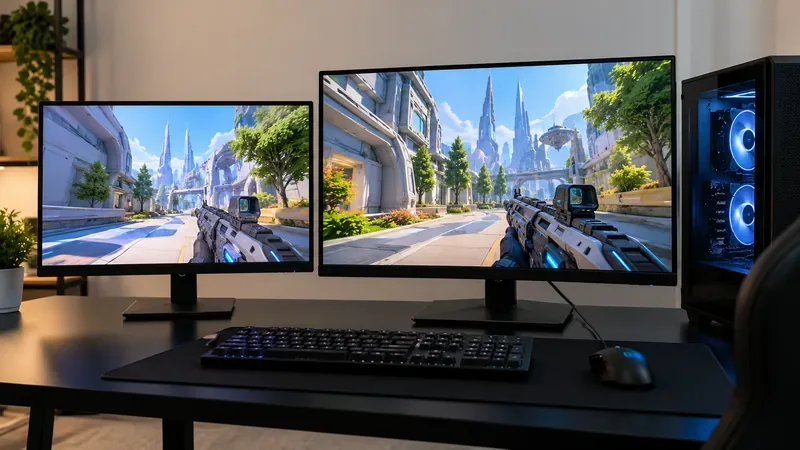
Higher refresh rates shorten the interval between displayed frames: approximately 6.9 milliseconds at 144 Hz, 4.2 ms at 240 Hz, and 2.8 ms at 360 Hz. Those are display refresh intervals, not whole-system input-latency measurements. The step from 60 to 144 Hz is substantial; beyond that, the benefit becomes more incremental and depends on your ability to sustain high frame rates.
For most players, a 1080p 144–180 Hz monitor is a solid value. A 240 Hz display makes sense when responsiveness is the main priority and your PC can feed it consistently. A 1440p 165–240 Hz monitor gives you more desktop space and image detail, at the cost of greater GPU demand. Variable-refresh-rate support can help reduce tearing when FPS varies.
Settings and checks before spending more money
- Measure a representative match. Use the game’s FPS display and note performance during busy fights rather than relying on a quiet practice area. A frame-time graph or 1% low measurement can help diagnose uneven performance.
- Check resolution and render scale. Confirm the game is using the intended output resolution. Lower unnecessary visual effects first, then adjust render scale only if you need more GPU headroom; reducing it also softens the image.
- Use an appropriate FPS limit. Test a cap that the system can sustain instead of assuming that uncapped FPS is always smoother. Your preference for latency, noise, temperature, and VRR may change the ideal limit.
- Enable the correct display mode. Verify the intended refresh rate in Windows display settings. Connect the monitor to the dedicated GPU, using a supported DisplayPort or HDMI connection for that monitor’s resolution and refresh combination.
- Update and diagnose carefully. Use current GPU drivers, check CPU/GPU temperature and utilization, close unnecessary overlays, and confirm dual-channel memory is working. Do not assume every stutter calls for a hardware upgrade.
DirectX 11 versus DirectX 12: Blizzard introduced DirectX 12 as a beta option with stricter hardware requirements than DX11, while retaining DX11 support. Its announcement warned that some systems could experience lower performance or stuttering. Use the graphics API available in your current client that actually runs best on your hardware instead of presuming DX12 is universally faster. Read Blizzard’s DirectX 12 announcement for the original requirements and limitations; the current in-game option and beta status may change with patches.
Frequently asked questions
Can an older GTX 1060 PC still play Overwatch?
Yes, the GTX 1060 appears in the official recommended graphics list. That does not mean the card will reliably reach a particular high-refresh target in every 2026 match. Try appropriate settings before replacing the whole PC.
Is 8 GB RAM enough for Overwatch 2?
It meets the official recommended capacity, but 16 GB is the more sensible choice for a new system. Extra memory does not automatically boost FPS if your existing capacity is already sufficient.
Do I need a 240 Hz monitor?
No. A good 144–180 Hz screen is a worthwhile partner for an affordable build. Buy 240 Hz or more when competitive responsiveness matters enough to justify the price and your PC delivers steady performance to match.
Is a gaming laptop as good as a desktop?
A capable Windows gaming laptop can run Overwatch well, but laptop and desktop GPUs with similar model names can have different power limits and cooling behavior. Compare the specific laptop’s sustained performance, not just the GPU name.
The bottom line
For a new Overwatch 2 PC in 2026, start with a modern six-core CPU, an RTX 5060- or RX 9060 XT-class graphics card, 16 GB or more of dual-channel RAM, a 1 TB SSD, and a good 144–240 Hz monitor. Spend less if you only need casual 1080p play; spend more primarily for 1440p, consistently ambitious refresh-rate goals, or other demanding games. Build around your screen and verify real performance before making expensive upgrades.









