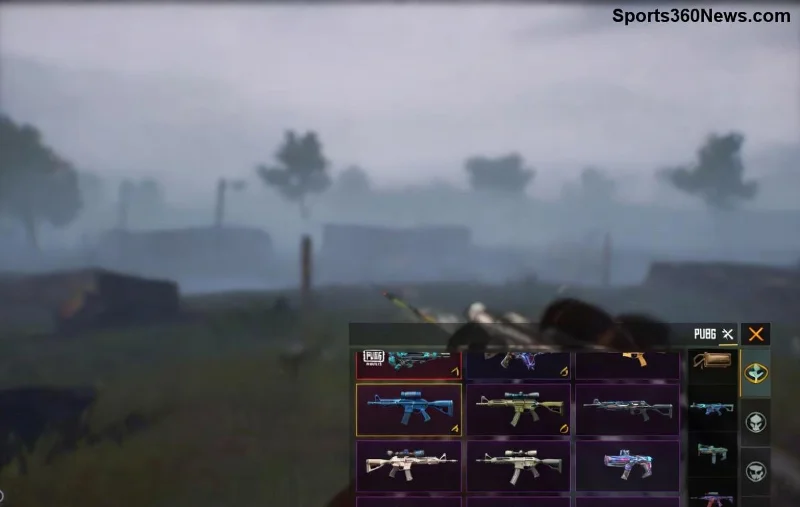
🚨 Imagine queuing up for a intense PUBG Mobile match, only to find your friend list not showing or completely empty friends list. Frustrating, right? This common glitch hits players worldwide, disrupting squad vibes and classic drops. But don't rage quit yet! We've got your back with proven, up-to-date solutions to fix PUBG Mobile friend list not showing fast. Follow these steps, and you'll be back dominating with your crew in no time. Let's dive in! 💥
Why Is Your PUBG Mobile Friends List Empty? Common Causes
Before fixing, understand the root. PUBG Mobile friend list not showing often stems from:
- 🔴 Network hiccups or unstable Wi-Fi/mobile data.
- ⚙️ Corrupted cache/data buildup after long sessions.
- 📱 Outdated app version clashing with servers.
- 👥 Friends offline, blocked, or privacy settings changed.
- 🌍 Region/server mismatches, especially post-updates.
- 🐛 Rare bugs in the latest patches (fixed in recent hotfixes).
Spot your trigger? Great—now let's crush it with targeted fixes. Start with basics; escalate if needed. Pro tip: Test after each step to save time! ⏱️
Quick Fixes: Restore Your Friends List in Minutes
These no-brainer steps resolve 80% of empty friend list PUBG Mobile issues. Ready? Go!
- 1️⃣ Force Restart the App
Double-tap the home button (or swipe up on newer devices) and swipe away PUBG Mobile. Relaunch. This clears temporary glitches instantly.
- 2️⃣ Check and Switch Internet Connection
Test speed via Speedtest.net. Switch Wi-Fi ↔ Mobile Data. VPN? Disable it first—servers hate them!
- 3️⃣ Log Out and Log Back In
In-game: Settings > Account > Log Out. Restart app, log in via Facebook/Google/Social Logins. Syncs fresh friend data. 😎
- 4️⃣ Clear Cache and Data
Android: Settings > Apps > PUBG Mobile > Storage > Clear Cache (then Clear Data if needed—saves progress via cloud).
iOS: Offload App via Settings > General > iPhone Storage.
Still empty? Don't worry—next level incoming. These have revived thousands of squads! 👏
Advanced Troubleshooting: Deep Fixes for Stubborn Empty Friends List
If basics fail, time for power moves. Use this handy checklist table to track progress:
| 🔧 Fix # |
Step-by-Step Action |
Why It Works |
Expected Time |
| 5️⃣ |
Update PUBG Mobile to Latest Version
Google Play/App Store > Search > Update. Check patch notes for friend sync fixes. |
Patches server-side bugs causing friends list empty. |
2-5 mins |
| 6️⃣ |
Verify Friend Status
Friends tab > Search name > Check if blocked/muted. Ask buddy to add you back. |
Privacy toggles hide lists mutually. |
1 min |
| 7️⃣ |
Switch Guest/Server Region
Menu > Settings > Region. Match friends' server (e.g., Asia/Europe). |
Cross-region blocks friend visibility. |
3 mins |
| 8️⃣ |
Disable Battery Optimization
Phone Settings > Battery > PUBG > Unrestricted. Kills background syncs otherwise. |
Optimizations pause friend refreshes. |
2 mins |
| 9️⃣ |
Reinstall PUBG Mobile
Backup via cloud, uninstall, redownload from official store. Fresh install = clean slate. |
Wipes deep corruption. |
10-15 mins |
| 1️⃣0️⃣ |
Contact PUBG Support
In-game: Customer Service > Submit ticket with device/server details. |
Official fix for account-specific issues. |
24-48 hrs |
![PUBG Mobile fixing friends list guide image]()
💡 Insider tip: After reinstall, bind your account immediately to avoid data loss. Most players see their PUBG Mobile friends not loading vanish forever with these!
Prevent PUBG Mobile Friend List Issues Forever
Fix now, prevent later. Adopt these habits for glitch-free gaming:
- ⭐ Update weekly—stay ahead of bugs.
- 🌐 Use stable 4G/5G or wired Ethernet adapter.
- 🧹 Clear cache bi-weekly during maintenance.
- 🤝 Regularly chat/add friends to keep sync active.
- 📵 Avoid modded APKs; stick to official sources.
Bonus: Join PUBG communities like official Discord/Reddit for real-time alerts on empty friend list PUBG Mobile outbreaks. Your squad will thank you! 🔥
Final Thoughts: Squad Up and Chicken Dinner Awaits!
Congrats—you're now armed to conquer any PUBG Mobile friend list not showing nightmare! Start with quick fixes, escalate smartly, and prevent repeats. Dropped a clutch fix that worked? Share in comments below—we love squad stories! Ready for more? Check our guides on lag fixes or sensitivity tweaks next. Drop hot and let's go BRRR! 🪂✨