Home
» 🎮 Esports
»
PSN Down? How to Play PS5 and PS4 Games Offline
PSN Down? How to Play PS5 and PS4 Games Offline
PSN Down? How to Play PS5 and PS4 Games Offline
Yes, you can play many PS5 and PS4 games without an internet connection during a PlayStation Network outage, provided the game is installed, its license is available on your console, and the title supports offline play. The most important preparation is enabling Console Sharing and Offline Play on your PS5 or activating your PS4 as your account’s primary console while PlayStation services are reachable.
An outage does not unlock every game or restore every feature. Online multiplayer, PlayStation Store access, cloud-save syncing, game streaming, and titles that require a live server can remain unavailable. Use the steps below to check the outage, prepare your library, and avoid risky fixes that will not bypass a license check.
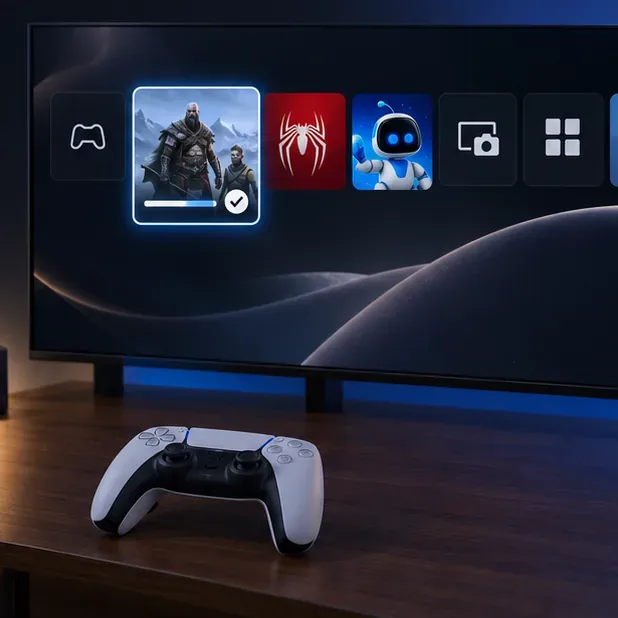
Check the official PlayStation Network Status page on another device; the console graphic here is a visual reference, not a live service report.
What still works when PSN is down?
Feature
Usually available offline?
What to know
Downloaded single-player game
Often
The game must support offline play and its license must be usable on this console.
Local or split-screen multiplayer
Often
It depends on whether that specific game includes a local mode.
Disc game
Often
Use a console with a disc drive, keep the disc inserted, and install the game first.
Online multiplayer and live services
No
These need the game’s servers and usually a working network connection.
Cloud saves, Store downloads, and game streaming
No
They require a connection. Local save data on the console is separate from cloud syncing.
“Single-player” is a useful clue, not a guarantee. Some games require a server sign-in even for solo play, and some launches or updates may require an online check. Test the exact game you plan to play before an outage.
Prepare your console before the next outage
Check PlayStation Network Status. If Sony lists an alert, the problem may be on the service side. If there is no alert, check your home internet connection separately.
Install the full game and updates. Download the game, required patches, and any content you intend to use. A game that is still downloading—or available only through cloud streaming—cannot be started offline.
Set up offline access while signed in. Verify the PS5 or PS4 activation described below. If a console has not been activated yet, a network outage may prevent you from changing the setting until service returns.
Test your game once. Start it online, reach the main menu, then try it with the console disconnected. This catches first-launch downloads, online-only requirements, and license problems while you still have time to fix them.
Finish the game download and install its available update before you lose access to the Store or network services.
Enable offline play on PS5
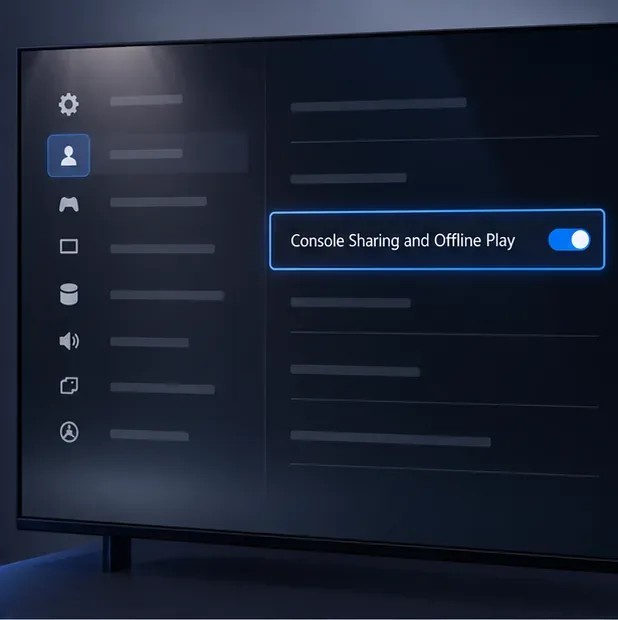
On the PS5 you plan to use, go to Settings > Users and Accounts > Other > Console Sharing and Offline Play, then choose Enable. Sony says the setting is automatically enabled on the first PS5 you use to sign in to PlayStation, so check the menu rather than assuming it is off.
This setting lets users of that PS5 play games and media you purchased and downloaded while the console is offline, and it shares some PlayStation Plus benefits. It can be enabled on only one PS5 at a time. If another PS5 is activated for your account, switch the setting there before enabling it on this console. See Sony’s PS5 Console Sharing and Offline Play instructions for activation limits and troubleshooting.
The setting is under Settings > Users and Accounts > Other. Menu artwork is a visual guide; the wording can vary with system language or software version.
Activate a primary PS4
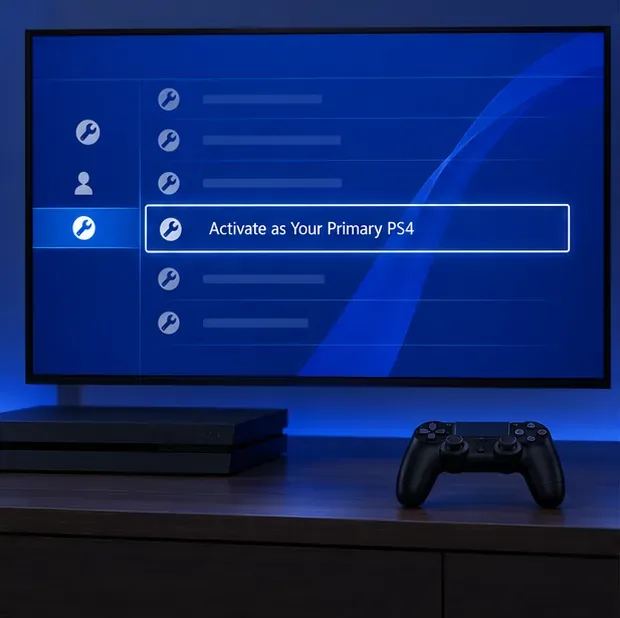
On PS4, open Settings > Account Management > Activate as Your Primary PS4, then select Activate. Each account can have one primary PS4. If a different PS4 is already primary, deactivate it before moving the activation. Sony’s primary PS4 activation guide explains the steps and remote-deactivation limits.
Do this while you can sign in. Signing out of every account, changing a password in Safe Mode, or rebuilding the database does not substitute for primary-console activation and will not make an online-only game work offline.
Select Activate in Account Management before a PSN outage; a primary PS4 can access eligible purchased content for offline play.
Choose a game that can run without a server
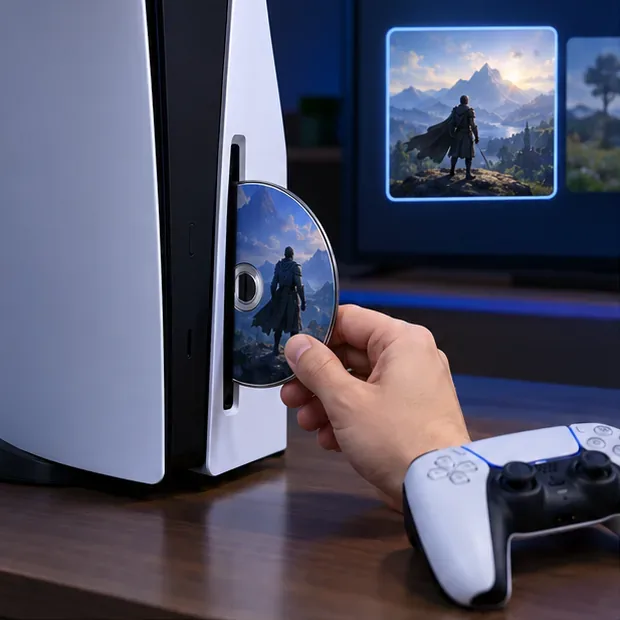
For a digital game, confirm that it was purchased by the account on the console, fully downloaded, and available under that account’s license. For a disc game, install it in advance and leave the disc inserted when you play. A disc does not include every later patch or downloadable add-on, so install important updates beforehand. A PS5 model without a disc drive cannot read a game disc.
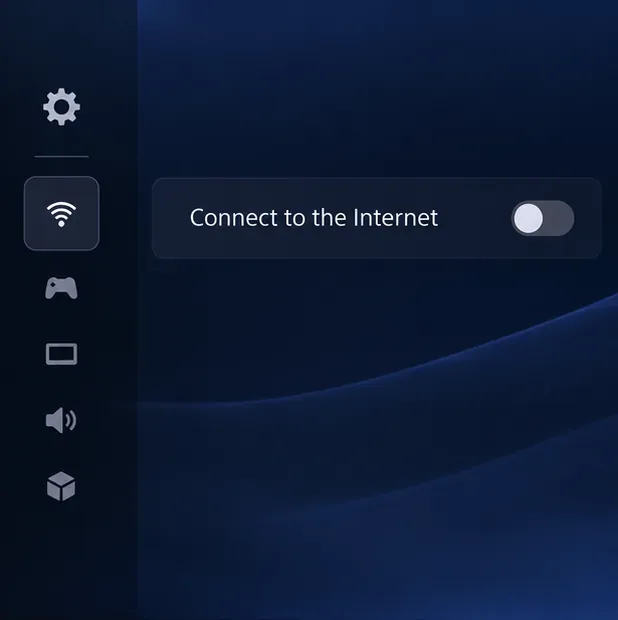
If you intentionally want to disconnect the console from the internet, the PS5 control is under Settings > Network > Settings > Connect to the Internet. On PS4, open Settings > Network and clear Connect to the Internet. You do not need to change this setting just because PSN is down; first try launching the game normally. Disconnecting does not repair a missing license or bypass a game’s server requirement.
A disc can provide offline access to the installed game, but the disc must stay in the drive and the console must support discs.Use this toggle only when you want to test or play fully disconnected; it is not a fix for a PSN outage.
Examples of story games to check in your library
These titles have substantial single-player campaigns, but offline launch still depends on your installed version, license, and any game-specific requirements. Their platform listings are linked for reference:
For PlayStation Plus games, keep the subscription active and check that a catalog title has not left the service. Sony’s guide to accessing PlayStation Plus games explains monthly games and catalog access. Streaming a game is not offline play; download it first if your membership and the title allow it.
Choose a downloaded campaign or local mode; a title’s online features may remain unavailable even when the story mode launches.
Troubleshoot a locked game or offline launch
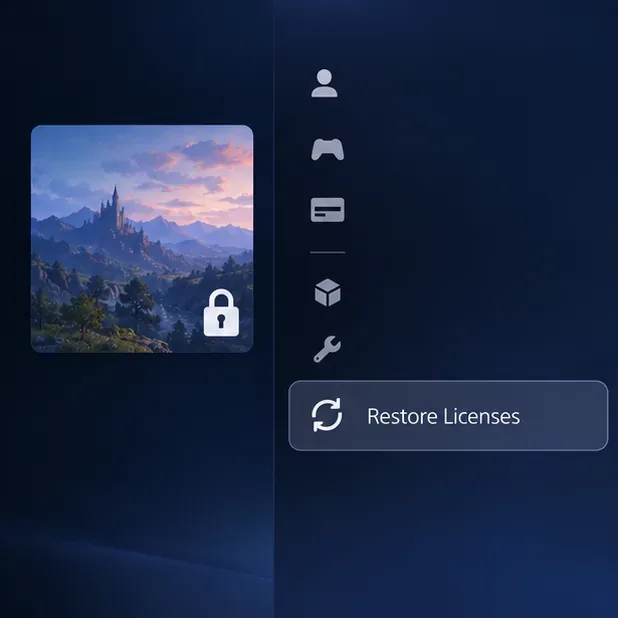
A padlock appears on a digital game: Confirm you are using the account that bought it and that Console Sharing and Offline Play or Primary PS4 activation is set correctly. A license problem may need an online check.
The game will not open during an outage: Check whether the title requires a live server or a first-launch download. There is no console setting that bypasses that requirement; try another installed offline-capable game.
You need to refresh a license: After PlayStation services return, restore licenses on PS5 at Settings > Users and Accounts > Other > Restore Licenses, or on PS4 at Settings > Account Management > Restore Licenses. Sony notes that restoring licenses does not affect saved data; see its license restoration guide.
Your local progress is not in the cloud: That is expected while offline. Keep the local save on the console and allow it to sync when the network is available again. Do not delete saved data as an outage workaround.
If you cannot enable offline play because the console cannot reach PlayStation, wait for the network to recover and set it up before the next outage. Avoid factory resets or account changes: they can cost time and do not restore PSN access.
If a license check is blocked during an outage, note the game and try Restore Licenses after PlayStation services are reachable again.
Quick offline-play checklist
The game is completely installed and has the update or DLC you need.
Your account owns the game, or its subscription entitlement is still valid.
PS5 Console Sharing and Offline Play is enabled, or the PS4 is activated as primary.
The title supports offline play, and a disc is inserted if required.
You expect story/local play only; online multiplayer, cloud syncing, Store downloads, and streaming need a connection.
With those checks done ahead of time, a PSN outage does not have to end your session. Keep a few installed, offline-capable games ready, and use Sony’s status page to know when online features are back.