PlayStation Portal vs. Phone Remote Play: Which PS5 Option Fits You?
Quick answer: Choose the PlayStation Portal if you want a dedicated handheld with an 8-inch screen and built-in DualSense-style controls for regular PS5 streaming over Wi-Fi. Choose phone Remote Play if you want to try streaming for free, use mobile data when you are away from Wi-Fi, or avoid carrying another device. The Portal also has a separate cloud-streaming option for eligible games, but it requires PlayStation Plus Premium in supported regions.
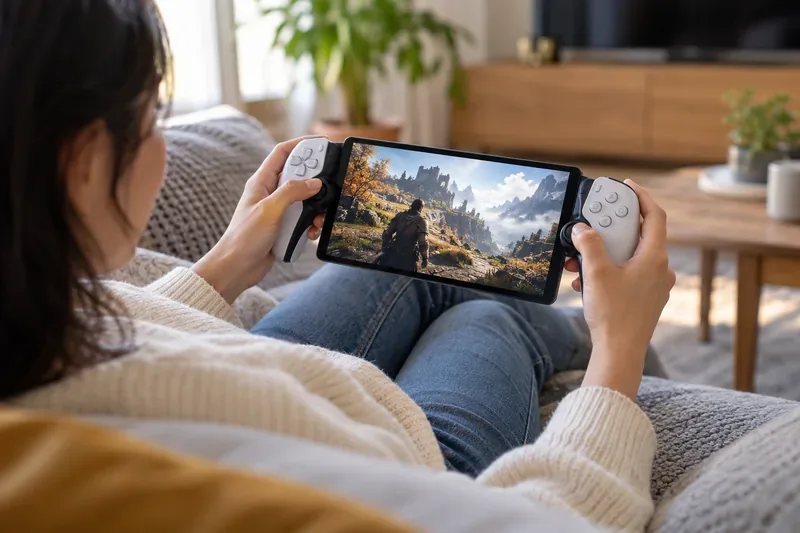
What the Portal and phone apps actually stream
Both options can show compatible games running on a PlayStation 5. The Portal is a purpose-built remote player: it connects to a PS5 over broadband Wi-Fi and streams compatible games installed on that console. It does not normally run those games locally. The console must be online and either on or in Rest Mode with the network wake features enabled.
On a phone, Sony’s free PS Remote Play app connects to your PS5 using the same PlayStation account. You can play over Wi-Fi or mobile data, provided the console and connection are configured correctly. A phone can show on-screen controls, or you can connect a compatible controller. Remote Play itself does not require PlayStation Plus; a particular game’s online multiplayer may still require the membership that game calls for.
For the current device and connection details, see Sony’s PlayStation Portal feature and FAQ page and its PS Remote Play overview.
PlayStation Portal vs. phone Remote Play: at a glance
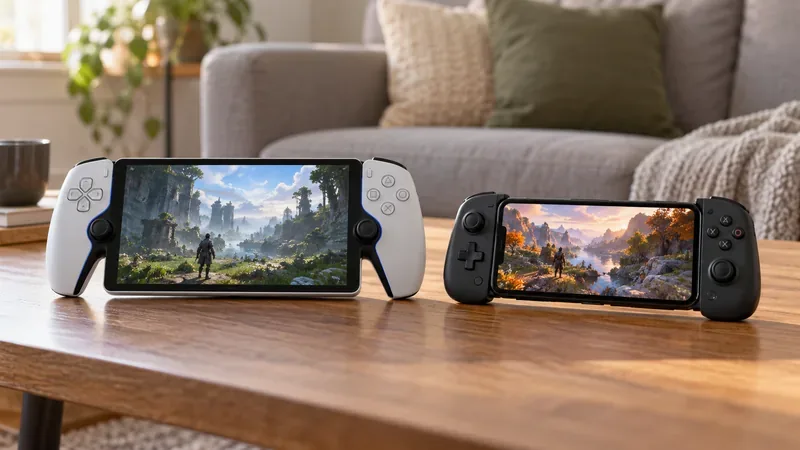
| What matters | PlayStation Portal | Phone Remote Play |
|---|---|---|
| Extra cost | Separate hardware purchase; local price varies by market. | The app is free; you use a compatible phone and may add a controller grip or wireless controller. |
| Screen | Built-in 8-inch LCD, 1080p, capable of up to 60 fps. | Uses your phone’s display; size, brightness, resolution, and refresh rate depend on the model. |
| Controls | Integrated controls modeled on DualSense, including haptics and adaptive triggers in supported games. | Touchscreen controls or a compatible controller. Some DualSense features vary by phone, operating system, and game. |
| Connection | Broadband Wi-Fi; no independent cellular connection. | Wi-Fi or mobile data, where the carrier and network allow it. |
| Console-based Remote Play | Requires a PS5 connected to the internet and on or in a suitable Rest Mode state. | Also requires the PS5 to be connected and ready to accept Remote Play. |
| Cloud streaming | Available for selected PS5 games with PlayStation Plus Premium where supported. | The PS Remote Play app streams from your console; it does not provide the Portal’s cloud-streaming mode. |
Where the Portal has the advantage
The Portal feels more like a handheld console because the screen sits between full-size controller grips. You do not have to attach a phone, open an app, or bring a separate gamepad. Its 8-inch LCD is a fixed, spacious target, and supported games can use its integrated haptic feedback and adaptive triggers. That makes it the easier pick for longer sessions, especially when someone else is using the TV connected to your PS5.
The dedicated screen also keeps calls, messages, and other phone notifications out of the way. Sony specifies a 1080p display capable of up to 60 fps; actual streamed image quality still depends on the game and network. The Portal is a paid accessory, though, so its value depends on how often you expect to use it. There is no universal battery-life number that fairly compares it with every phone: the Portal has its own battery, while Remote Play draws on the phone’s battery and display.
Where phone Remote Play wins
A phone is already in your pocket, so the first session costs nothing beyond the device and connection you already have. It is also the more flexible choice for playing away from home: the app can use mobile data as well as Wi-Fi. That can help when a Wi-Fi network is unavailable, but Remote Play uses substantial data, and cellular reliability, latency, and charges depend on your carrier and plan.
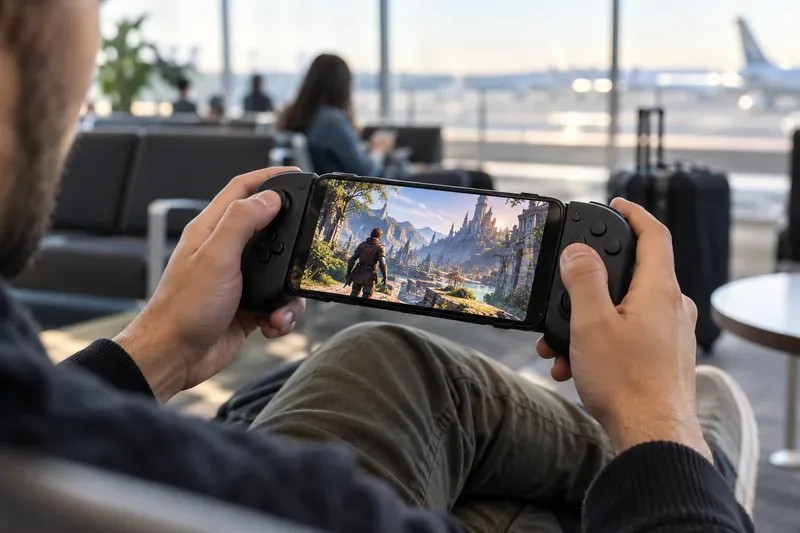
Touch controls are useful for navigating menus or testing the feature, but they cover part of the screen and are less comfortable for games that need precise sticks and fast button presses. Pairing a controller or using a phone-mounted controller grip makes the phone setup more practical. Check compatibility first: Sony’s current mobile guidance lists device and controller support by operating system, and notes that some DualSense features may not be available in Remote Play.
Does the Portal have less lag?
There is no dependable universal latency figure that makes one device the winner. Both are streaming a game, so network quality usually matters more than whether the screen is a Portal or a phone. Wi-Fi congestion, router placement, the PS5’s connection, the route across the internet, and the receiving device can all affect responsiveness. A dedicated handheld does not automatically eliminate input delay.
Sony lists 5 Mbps as the minimum connection speed for Remote Play and recommends at least 15 Mbps for a better experience. Treat those as connection guidance, not a promise of a particular frame rate or input lag. Test the setup in the room and network where you actually plan to play. If streaming from home, a stable Wi-Fi connection and, where practical, a wired PS5 connection can reduce avoidable network variability.
For setup steps, supported mobile devices, and the mobile-data toggle, use Sony’s official Remote Play mobile-device guide.
Cloud streaming changes the comparison
The original choice was often framed as “Portal hardware or the free phone app,” but the Portal now has another use. With an active PlayStation Plus Premium membership, an adult account, a supported region, and an eligible game, Portal owners can use cloud streaming without connecting to their own PS5 for that session. The available catalog and streamable games from a personal library vary by country and can change over time.
This is separate from ordinary Remote Play. For Remote Play, your PS5 supplies the game. For cloud streaming, Sony’s service streams an eligible game to the Portal. The phone app remains the flexible way to access your own console. Confirm region and game eligibility on Sony’s Portal cloud-streaming support page before buying hardware or subscribing specifically for that feature.
Which one should you choose?
- Choose the PlayStation Portal if you regularly want to play around the home, want a larger dedicated screen and integrated controls, or plan to use eligible Portal cloud streaming. It is the more comfortable, ready-to-play setup for frequent sessions, assuming Wi-Fi is available and the hardware price makes sense to you.
- Choose phone Remote Play if you play occasionally, want to test the experience before spending more, need mobile-data access, or already own a compatible controller. It is the practical value pick when portability and flexibility matter more than a built-in handheld layout.
- Try the phone app first if you are unsure. Test your home network and a second location before deciding whether a dedicated Portal would meaningfully improve your routine.
Quick compatibility checklist
- Enable Remote Play in the PS5 settings and enable internet connectivity and network wake-up while the console is in Rest Mode if you want to connect while it sleeps.
- Sign in with the same PlayStation account used on the console and test a connection near the PS5 before relying on it away from home.
- Use a stable connection; check both download and upload performance, and remember mobile data can use a lot of your plan.
- Confirm controller and operating-system compatibility for your exact phone. Touch controls work for a quick test, but a physical controller is preferable for precise games.
- Check whether a game needs a VR headset or another peripheral; those titles are not compatible with standard Remote Play. For cloud streaming on Portal, verify the game, subscription, account, and region requirements separately.
Frequently asked questions
Can I use PlayStation Portal without a PS5?
For console-based Remote Play, you need a PS5. Eligible cloud-streaming games are the exception: they can be streamed to Portal with PlayStation Plus Premium in supported regions, subject to Sony’s account and game requirements.
Can I play PS5 games on my phone away from home?
Yes, if your PS5 is online and ready for Remote Play, your phone has a suitable connection, and your carrier permits the session. Mobile data may consume a significant amount of data, so check your plan.
Do Portal and phone Remote Play require PlayStation Plus?
Standard Remote Play does not require PlayStation Plus. Online multiplayer may require a membership for the specific game, and Portal cloud streaming requires PlayStation Plus Premium.









