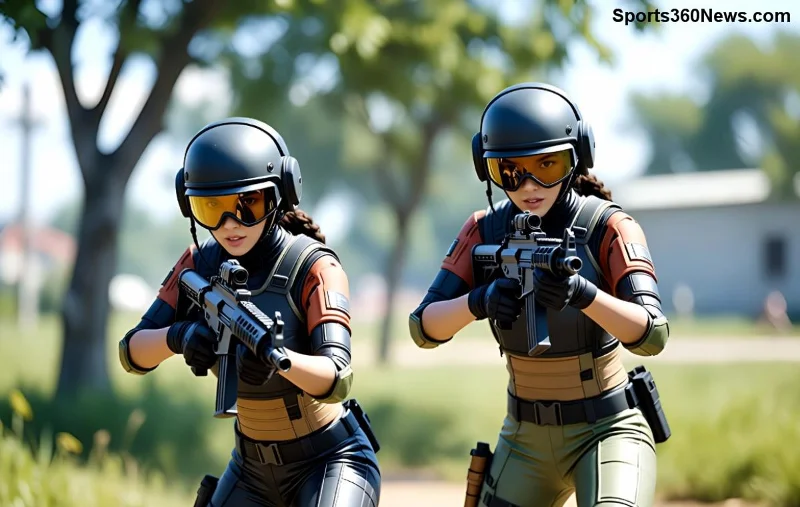
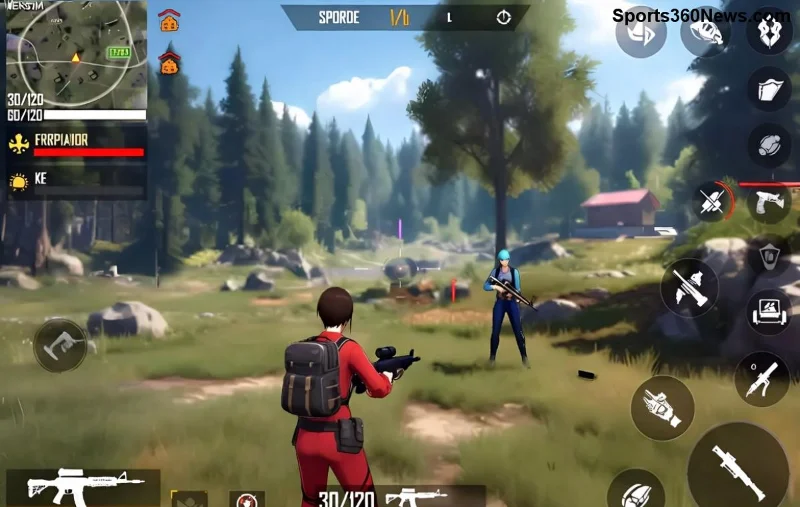
Ever been pinned down in a Free Fire match, heart racing as enemies close in? That's where Free Fire tactical items like smoke grenades and flashbangs shine, turning desperate moments into legendary comebacks. These game-changers aren't just grenades—they're your ticket to outsmarting foes, securing revives, and snagging that Chicken Dinner. Ready to level up? Let's dive into pro-level strategies that'll make you unstoppable. 🚀
What Are Free Fire Tactical Items and Why Do They Matter?
In the fast-paced world of Free Fire battle royale, tactical items provide that edge when bullets fly. Smoke grenades create thick fog to block vision, perfect for evasion or setups. Flashbangs, meanwhile, deliver a blinding flash and deafening bang, disorienting enemies for seconds that feel like eternity.
Found in airdrops, regular loot, or buyable at certain spots, these items are loot priorities. Mastering them boosts your KD ratio and survival rate—top squads swear by them. Pro tip: Always carry 2-3 per match!
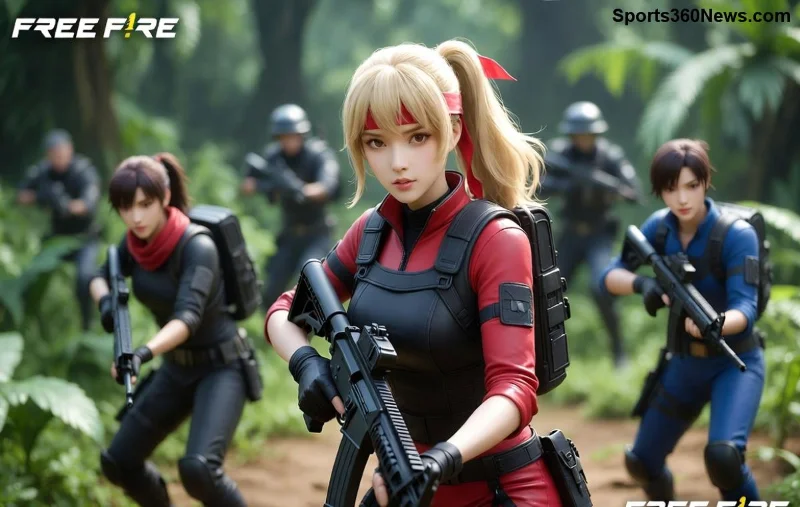
Mastering Smoke Grenades in Free Fire: Block, Hide, Strike
Smoke grenades Free Fire are your invisibility cloak. Toss one, and it expands into a massive cloud lasting 20-25 seconds, obscuring line-of-sight completely. Ideal for high-pressure scenarios.
✅ Top How to Use Smoke in Free Fire Situations:
- 1️⃣ Revive Teammates Safely: Enemy sniping your downed buddy? Pop smoke over the body. Revive in peace while they waste ammo blindly firing.
- 2️⃣ Escape Zone Pressure: Safe zone closing? Smoke the choke point to slip past campers undetected.
- 3️⃣ Ambush Setup: Smoke an open area, flank silently, then unleash hell from the side. Enemies panic—your squad feasts.
Pro Throw Technique: Aim slightly above the target spot for wider coverage. Bounce off walls for tricky angles. Combine with vehicles for mobile smokescreens during rotations.
| Situation |
Smoke Throw Tip |
Expected Outcome |
| Third-party fights |
Smoke between two squads |
Confuse both, pick off stragglers |
| Hot drop defense |
Smoke building entrances |
Block rushes, counter-push |
| Final circle |
Smoke high ground |
Force enemies into your kill zone |
Dominating Enemies with Flashbangs Free Fire: Blind and Blitz!
Flashbangs Free Fire are pure chaos-makers. They explode with a brilliant flash (blinding for 5-8 seconds) and loud bang (ear-ringing disorientation). Enemies can't aim or hear properly—prime rush time!
🔥 Best Flashbang Uses:
- Room Clears: Peek, flash through door cracks, then storm in. Noobs panic-fire into walls.
- Vehicle Takedowns: Flash ahead of speeding cars—drivers crash while blinded.
- 1v1 Clutches: In close quarters, flash and shotgun. GG easy.
Cook the Throw: Hold for 1 second before releasing to detonate mid-air, maximizing blind radius. Against pros? Double-flash overlapping areas.
![Free Fire flashbang explosion stunning enemies]()
Advanced Tactics: Combo Smoke and Flashbangs for God-Mode Plays
The real magic? Pairing these Free Fire tactical items. Smoke to hide your approach, flash to stun—then wipe the floor.
⭐ Killer Combos:
- Smoke-Flash Revive: Smoke the area, flash any peekers, revive, and reposition. Unstoppable squad heal.
- Flash-Smoke Push: Flash the enemy position, immediate smoke cover, aggressive flank.
- Triple Threat: Smoke entry, flash inside, frag out. Clear compounds like a SWAT team.
Practice in training mode: Time throws for max overlap. In ranked? These turn losses into Booyah moments. Watch your rank skyrocket! 💥
Common Mistakes to Avoid with Tactical Grenades Free Fire
Even pros slip up. Don't be that player:
- ❌ Wasting on Cool Zones: Save for fights—smoke doesn't kill.
- ❌ Predictable Throws: Vary angles; enemies adapt fast.
- ❌ Ignoring Wind: Smoke drifts—throw upwind for control.
- ❌ No Follow-Up: Grenade alone loses momentum. Always capitalize!
![Pro Free Fire player using tactical items combo]()
Pro Tips from Free Fire Elites: Elevate Your Game
Top players like Garena Free Fire pros share these gems:
- ✅ Bind grenades to quick slots for instant access.
- ✅ Use drones/scopes to scout pre-throw paths.
- ✅ In solos, smoke-loot-rotate rhythm dominates.
- ✅ Squad voice: "Smoke incoming!" coordinates perfection.
Loadout goal: 2 smokes, 2 flashes, plus frags. Experiment in casuals, crush ranked.
Conclusion: Gear Up and Dominate Free Fire Today!
With these Free Fire tactical items mastered, you'll clutch more, frustrate enemies, and climb leaderboards. Smoke for cover, flash for chaos—combine for victory. Drop into your next match armed with knowledge. What's your go-to tactic? Share in comments and tag a squadmate who needs this! Booyah awaits. 🎉