Home
» 🎮 Esports
»
GTA Online Disk Space: Why It Tops 100GB and How to Free Up Space
GTA Online Disk Space: Why It Tops 100GB and How to Free Up Space
GTA Online Disk Space: Why It Tops 100GB and How to Free Up Space
Quick answer: GTA Online storage usually exceeds 100 GB because it is delivered with the larger Grand Theft Auto V game installation, and PC editions have different storage requirements. Rockstar currently lists 105 GB of SSD space for Grand Theft Auto V Enhanced and 125 GB of HDD space for Legacy. Those are system requirements, not a promise that every platform or updated install will occupy exactly that amount. If your drive is full, first check which edition and files are using space, then remove an unused copy or move the game through its launcher. Avoid deleting random game folders.
The interface views below are simplified illustrations; menu labels can vary by launcher and system software version.
Why GTA Online takes so much disk space
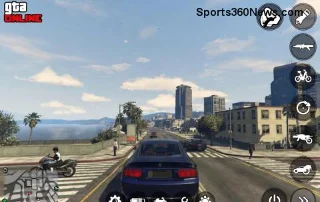
On PC, the official Grand Theft Auto V listing includes both Story Mode and GTA Online. The game needs its world, characters, vehicles, missions, audio, and other shared data on disk, rather than downloading a tiny multiplayer client each time you join a session. Rockstar describes GTA Online as an evolving world with gameplay upgrades, expansions, and content added since launch. A large installed footprint is therefore expected. The PC game listing for Grand Theft Auto V and GTA Online
Visual and audio features also differ by edition. The Enhanced release lists features such as ray-traced effects, faster loading, and 3D audio. The Legacy release has its own requirements. The exact files and their final size can change with updates, selected edition, and platform. There is no reliable universal figure for every PC, PlayStation, and Xbox install, so old tables claiming fixed totals for each console should not be treated as current measurements.
Updates can also need more free space temporarily than the finished game occupies. Rockstar says PC installation may require room for the final game plus file extraction, supporting components, and updates. That temporary headroom helps explain why a patch can fail even when the game folder itself appears to fit. It does not mean every update permanently adds several gigabytes; patches can change or replace existing data.
Official PC storage requirements
Rockstar's PC requirements page, last updated December 10, 2025, gives these minimum storage figures:
PC edition
Listed minimum storage
How to read it
Grand Theft Auto V Enhanced
105 GB SSD required
Required free capacity; not a guaranteed live folder-size reading.
Grand Theft Auto V Legacy
125 GB HDD
Listed storage requirement for the Legacy edition.
Rockstar notes that downloadable content and programming changes can alter system requirements over time. Console installs are updated independently, so check the storage screen on your own console rather than relying on a fixed online size chart. Rockstar's current Grand Theft Auto V PC system requirements
How to free up GTA Online disk space safely
1. Check what is actually using the drive
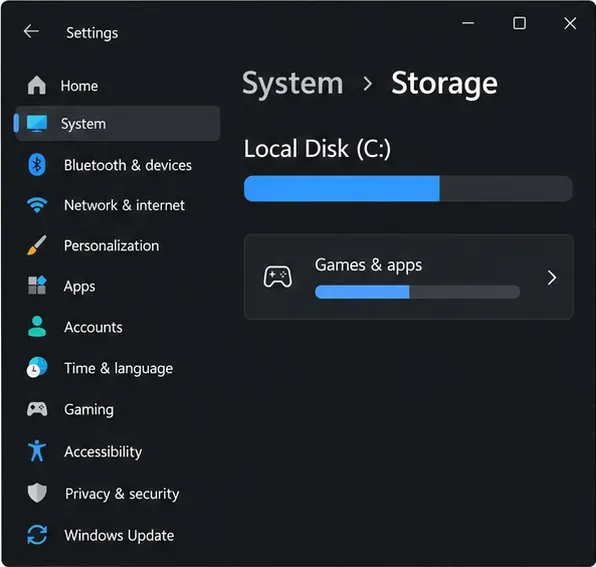
On Windows, open Settings > System > Storage, choose the drive that holds the game, and inspect the installed apps or games category. File Explorer can also help you find large personal files: sort folders such as Videos or Downloads by size before deleting anything. On PlayStation or Xbox, open the console's Storage settings and inspect Games and Apps. This tells you whether the problem is the GTA V install, duplicate editions, captures, or unrelated files.
Start by checking the drive and installed-app category that contain the game.
2. Uninstall an edition you no longer play
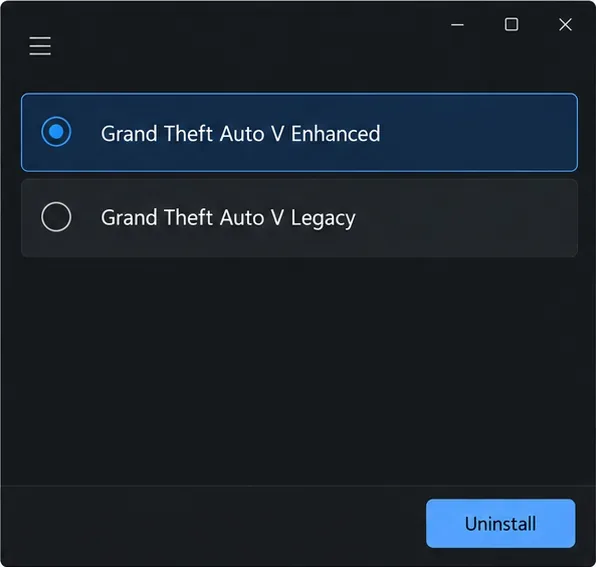
Rockstar lists Enhanced and Legacy separately in its PC requirements. If you deliberately installed both and no longer use one, remove that edition from Steam, Epic Games Launcher, or Rockstar Games Launcher using the platform's uninstall command. Confirm the edition name before you select Uninstall. This removes that copy; it does not compress the one you keep. If you use only one edition, this step will not create extra space.
If both editions are installed, remove only the one you no longer use.
3. Clear Windows files that are unrelated to the game
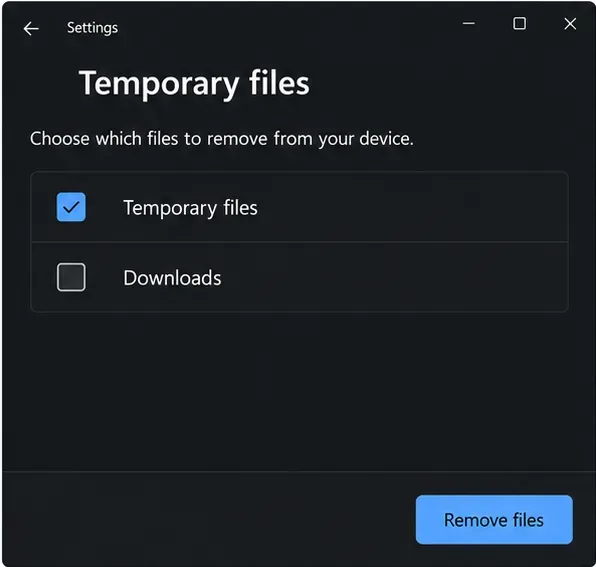
For a full Windows drive, use Settings > System > Storage > Temporary files and review the categories before confirming removal. Leave Downloads unchecked unless you have reviewed its contents; it can contain files you still need. You can also move or delete large recordings and screenshots you recognize. This frees general drive capacity for updates, but it does not reduce GTA V's installed folder size.
Review the list before removing files; keep Downloads unchecked unless you have checked it.
4. Remove only your own mods or backup copies
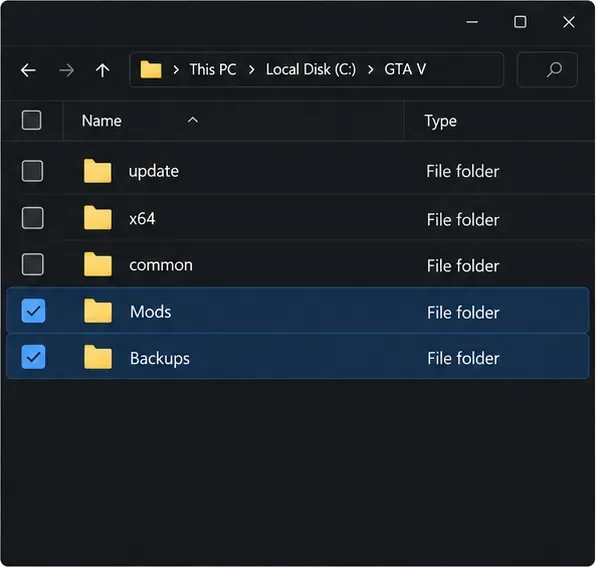
If you installed mods, copied the full game folder as a backup, or kept an old installer, remove only files you recognize and intend to discard. Do not delete core folders such as the game's update, data, or executable files by hand. If you are unsure which files belong to a mod, leave them in place and use the launcher's repair option instead. A clean, unmodified installation is also the safer choice before entering GTA Online.
Only remove mod or backup folders that you added and recognize; leave core game files alone.
5. Move the PC install to another drive
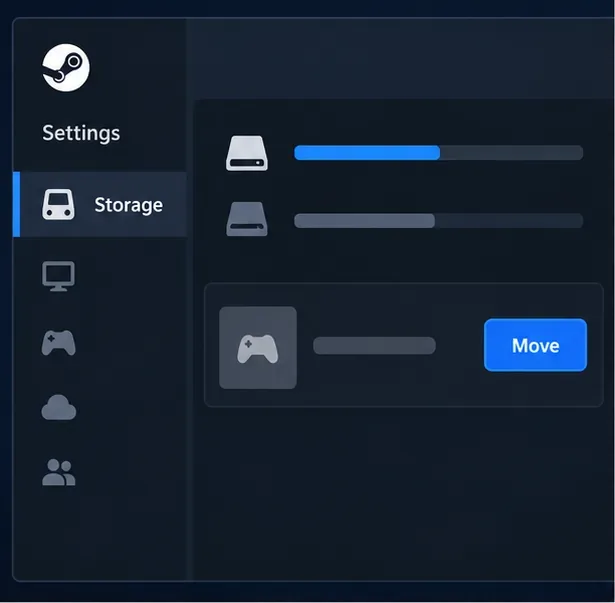
If you want to keep GTA Online but free your system drive, move the installation rather than deleting it. In Steam, create or select another Steam Library folder, then open the game's Properties > Installed Files > Move Install Folder and choose the destination. Steam moves the install without requiring a fresh download. For Epic or Rockstar Games Launcher, use the install-management options provided by that launcher; avoid dragging the folder to a new location unless its current instructions support the move. Moving the game changes which drive holds the files, not the total storage the game uses. Steam's instructions for moving an installed game
Steam's built-in move command relocates an install to another library folder.
6. Verify files only when you are troubleshooting
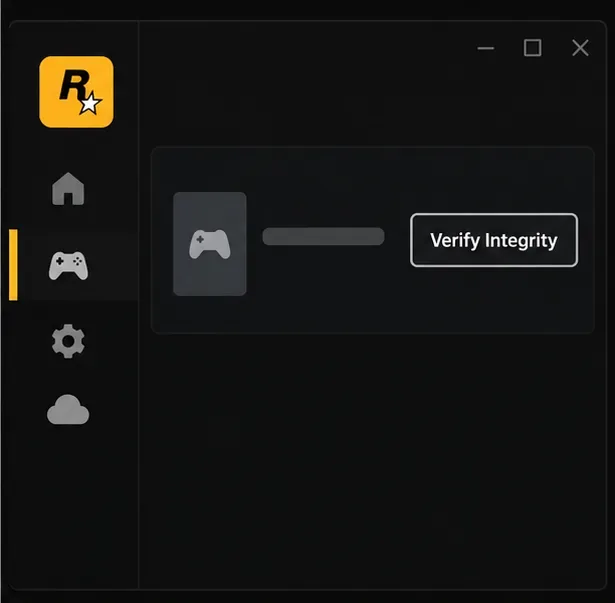
Verification is useful if an update failed, files are damaged, or you removed modifications and want the launcher to restore official files. In Rockstar Games Launcher, open Settings, select the game under My installed games, and choose Verify Integrity. Steam and Epic also provide file-verification commands. Verification is a repair step, not a size-reduction tool; it can replace missing files and may download data. Rockstar's file-verification steps
Use Verify Integrity to repair or restore files; it does not shrink a healthy installation.
7. Use console storage options correctly
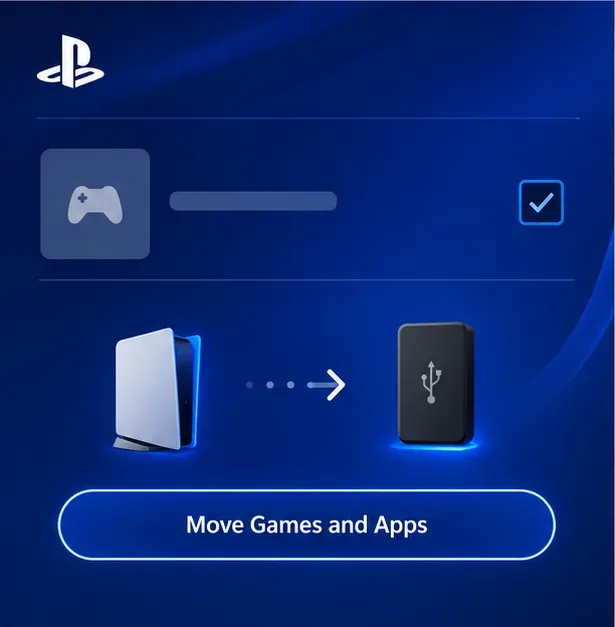
PlayStation 5: From the Game Library, highlight the game, press Options, and choose Move Games and Apps to move data to USB extended storage. PS5 games stored on USB must be copied back to console storage or a compatible M.2 SSD before you can play them; PS4 games can be played from USB. A compatible M.2 SSD can store and run PS5 games. Check the destination before formatting a drive, because formatting erases its contents. PlayStation's PS5 USB extended-storage guide and M.2 SSD storage guide
A PS5 game can be stored on USB, but it must be moved back to internal or M.2 storage to play.
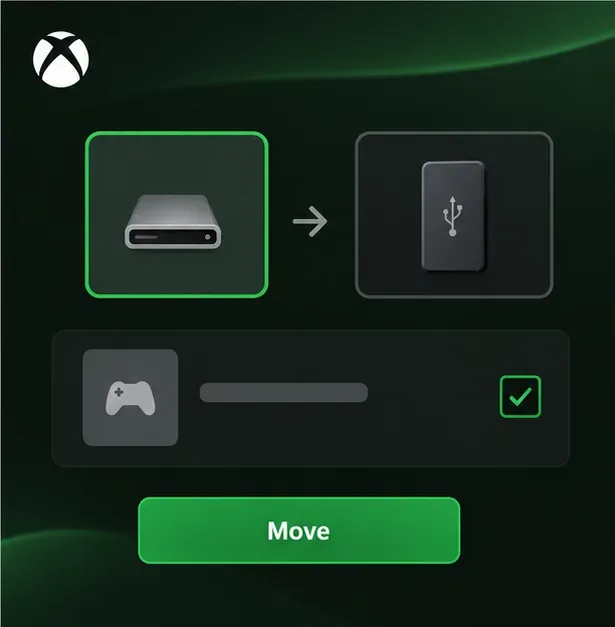
Xbox Series X|S: Open My games & apps, select the game, and use Manage game and add-ons or the console's Storage settings to move it. USB storage can hold games, but Xbox Series X|S-optimized games generally need the internal drive or an official Storage Expansion Card to run. The console identifies compatible destinations in its storage manager. Xbox's storage management guide and Xbox Series X|S storage notes
Use the console's storage manager to check which drive can store or run your version of the game.
What not to do when GTA Online is taking up space
Do not delete random files from the GTA V folder. Removing required archives can break the game or force a large repair or reinstall.
Do not expect a cache purge to remove tens of gigabytes. Temporary and shader caches are separate from the main game installation, and their size varies. Only clear them when platform support recommends it for a specific problem.
Do not treat verification as compression. It checks and restores the expected files; it will not remove supported content that the game needs.
Do not trust a fixed “25 GB saved” claim. Space recovered depends on whether you have a second edition, personal files, or removable content; there is no guaranteed amount.
Quick answers
Why can an update need more free space than the installed game size?
The installer may need room to download, extract, and apply update files before the process finishes. Rockstar specifically advises allowing space for the final game requirement as well as extraction and supporting components. If an update fails, free space on the installation drive and retry through the launcher.
Will an external SSD make GTA Online smaller?
No. Moving the game frees space on the original drive, but the files still occupy the same amount of storage on the destination. It is a practical fix when your main drive is small, especially if you use the launcher's supported move workflow.
In short, GTA Online disk space is largely the footprint of Grand Theft Auto V and its evolving content. Check your actual install, remove only a copy or files you no longer need, and use official move or repair tools. That is the reliable way to reclaim room without risking your game files.