Home
» 🎮 Esports
»
Fix PlayStation Portal Audio Stuttering: 8 Troubleshooting Steps
Fix PlayStation Portal Audio Stuttering: 8 Troubleshooting Steps
Fix PlayStation Portal Audio Stuttering: 8 Troubleshooting Steps
PlayStation Portal audio stuttering can come from two different places: the audio output path or the Remote Play connection. Start by testing the Portal speakers against a supported headset. If sound breaks up across outputs and the picture also freezes or skips, focus on Wi-Fi. If the picture stays smooth and only one headset or speaker path sounds choppy, troubleshoot that output first.
Work through these checks in order. They avoid unsupported fixes such as changing a global PS5 audio format or assuming every sound dropout needs a factory reset. PlayStation recommends a stable Wi-Fi connection for Portal Remote Play, a wired PS5 connection where possible, and 5 GHz Wi-Fi for the Portal.
Before changing settings: identify what is stuttering
Notice whether the image and sound fail together, whether the issue appears in every game, and whether it changes when you switch from the Portal speakers to headphones. These clues do not prove a cause, but they help separate a stream problem from an audio-device problem. A short delay in otherwise continuous sound is also different from repeated crackling or dropouts; both can be affected by a weak or inconsistent connection.
How to fix PlayStation Portal audio stuttering
Step 1: Check volume and isolate the audio output
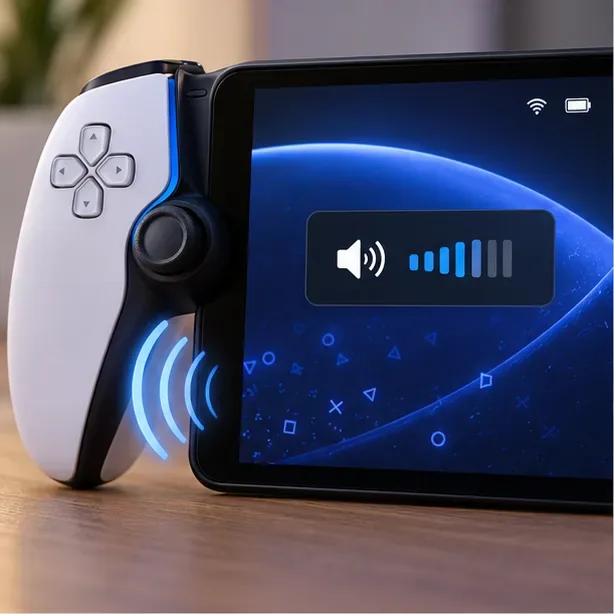
Check the Portal’s volume, then compare its speakers with another supported audio output.
Use the Portal’s volume controls to confirm the sound is not simply too low or muted. Test the built-in speakers, then try a compatible wired headset or earbuds through the Portal’s 3.5 mm jack. You can also use PlayStation Link-supported audio devices such as PULSE Explore earbuds or a PULSE Elite headset.
If you use a PS Link device with both a PS5 and Portal, confirm that it is connected to the Portal rather than still playing audio from the console. Temporarily turn 3D audio off in the Portal’s Settings > System menu while testing with a headset. If only one output crackles, inspect that device, its cable, connection, or pairing. If every output cuts out at the same moment, continue to the network checks.
Step 2: Check the Portal’s network status
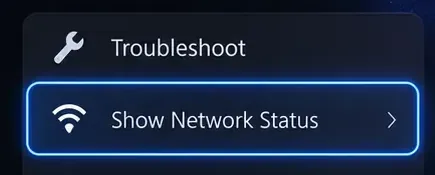
The quick menu’s Show Network Status option helps you check the Portal’s connection.
During a session, open the Quick Menu by pressing the PS button or swiping left from the upper-right edge of the screen. If the option is available on your current system software, choose Troubleshoot > Show Network Status. Note the connection state and whether the problem appears while the Portal is on your home network or a different Wi-Fi network.
This check is useful for spotting a connection problem, but it does not identify every cause of choppy audio. If the network status looks normal while the sound still breaks up, keep testing the actual playing location and audio output.
Step 3: Stabilize the Portal’s Wi-Fi connection
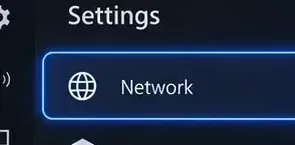
Open Network settings to review or change the Portal’s Wi-Fi connection.
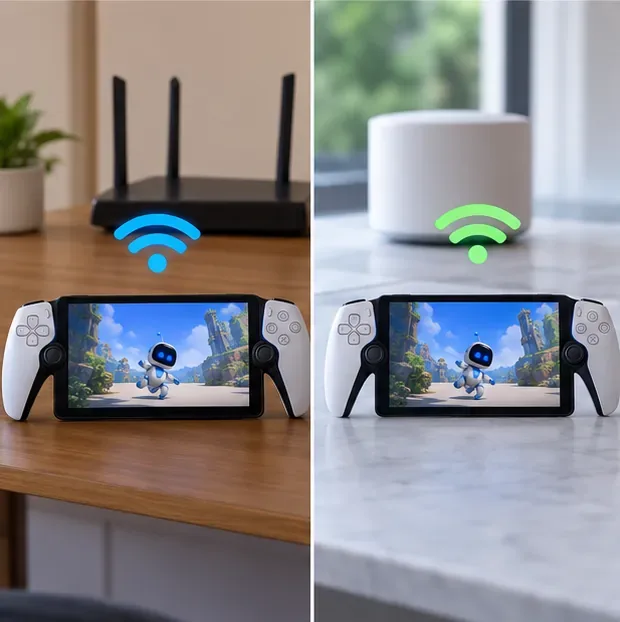
PlayStation recommends connecting the Portal over 5 GHz Wi-Fi. In the Quick Menu, open Settings and select Network, then choose the appropriate network for your setup. Test the Portal close to the router first. A 5 GHz signal can be weaker farther away or through walls, so compare the result where you normally play instead of assuming one band will work best in every room.
Some routers automatically steer devices between 2.4 GHz and 5 GHz. If your router offers a band-steering control, PlayStation suggests disabling it for the Portal connection when possible. Change one setting at a time, then replay the same section of the same game to see whether the sound improves.
Step 4: Put the PS5 on Ethernet when possible
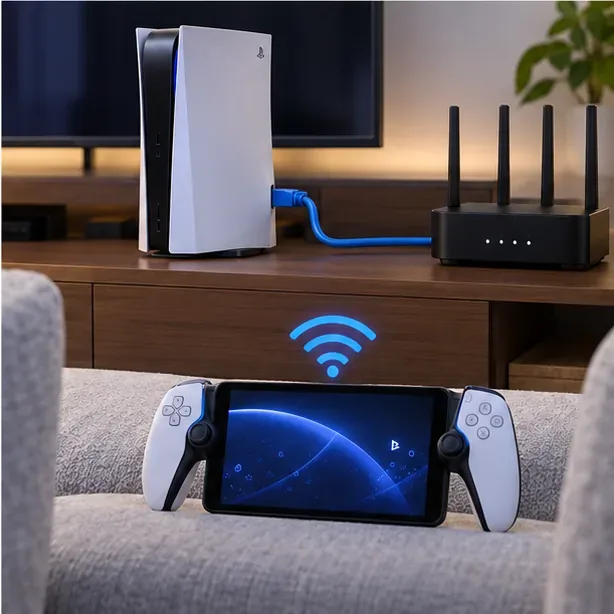
A wired PS5 removes one wireless hop from the Remote Play setup.
A wired connection for the PS5 is PlayStation’s recommended network setup. Connect the console to the router with Ethernet, while keeping the Portal on Wi-Fi. If Ethernet is not practical and the PS5 also uses Wi-Fi, PlayStation recommends placing the PS5 and Portal on the same Wi-Fi network.
PlayStation lists 5 Mbps as the minimum connection speed for Portal use and recommends at least 15 Mbps for a better experience. Those figures are useful checks, but a speed test alone cannot guarantee a stable stream: signal strength, interference, router load, and the network at the Portal’s current location can still affect playback. As a temporary test, pause large downloads or other bandwidth-heavy activity on your home network.
Step 5: Restart the Portal and retest
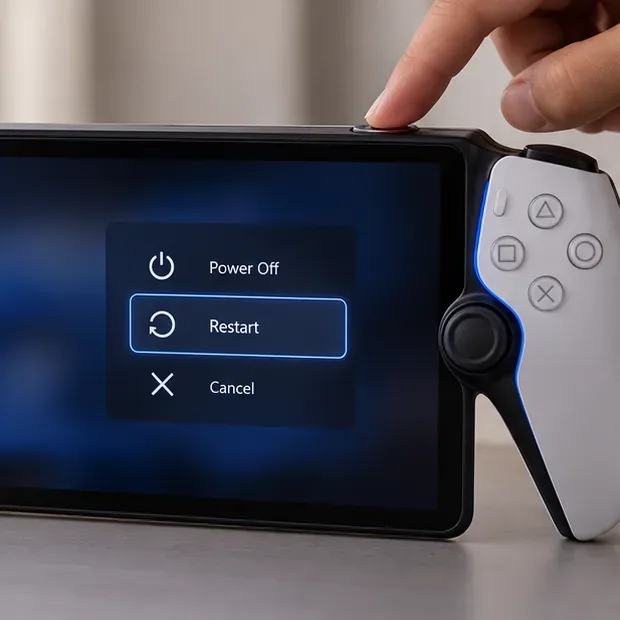
Restart the Portal from its power menu, then reconnect to Remote Play.
Press and hold the Portal’s power button and select Restart. Restart the PS5 as well. Reboot the router only if other devices also show Wi-Fi problems, then give it time to reconnect before testing again. After everything is back online, play the same scene for a few minutes so you can compare the result with the earlier test.
Step 6: Install current system software
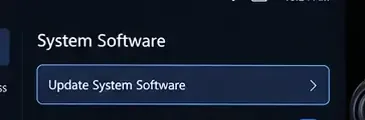
Use the Portal’s System Software menu to check for an official update.
Install available system software updates for the Portal and PS5. On the Portal, swipe left from the top-right edge to open the Quick Menu, then go to Settings > System > System Software > Update System Software. You can check the installed version from the same System Software area under Device Information. If you use a PS Link headset or earbuds, check that their software is current using PlayStation’s supported update instructions.
Updates can improve software stability, but Sony does not identify every release as a specific fix for Portal audio stuttering. Use the official update screen rather than unofficial update files or procedures.
Step 7: Compare a second network or streaming mode
Compare the same Portal session on your usual Wi-Fi and, if practical, a second trusted network.
Try the Portal on another trusted Wi-Fi network if one is available, and compare it with the same game on your usual home network. A cleaner result on one network points toward the connection environment, though it does not by itself identify the exact router or service issue. Public Wi-Fi may have sign-in steps or quality limits outside your control, so it is a less reliable diagnostic than a known stable network.
If you use Cloud Streaming where it is available, compare it with a Remote Play session. The two modes use different streaming paths, so a problem limited to one mode narrows the investigation; it does not prove the Portal hardware is at fault.
Step 8: Contact PlayStation Support before a reset
Have your test results ready when you contact PlayStation Support.
If the Portal still stutters across multiple audio outputs and stable networks, contact PlayStation Support. Share the Portal and PS5 software versions, the audio output you tested, whether the picture stutters too, and whether a second network changed anything. Include any error code displayed on the Portal.
A reset is a last resort, not a Wi-Fi fix. The Portal’s System settings include a reset option, but it will not diagnose an unstable network. Follow PlayStation’s current instructions and confirm the reset’s effects before using it.
What the symptoms suggest
What you notice
Where to focus first
Audio and picture skip together
Portal Wi-Fi, router conditions, or the PS5’s network connection
Picture is smooth, but one headset crackles
That headset’s connection, pairing, cable, or audio route
Every output stutters on several networks
Portal software or hardware; contact PlayStation Support
Only one game or streaming mode is affected
Compare another game or mode, then report the pattern