Everything You Need to Know About PUBG: Battlegrounds (2026)
PUBG: Battlegrounds is a free-to-play battle royale built around a simple, high-pressure goal: land, find equipment, stay ahead of the shrinking play area, and be the last player or team left. A standard Normal match can support up to 100 players, according to KRAFTON’s matchmaking overview. This guide explains the match flow, maps, loot, modes, platforms, current free-to-play details, and the basics that help new players make it past the opening minutes.
This overview reflects the game as of October 16, 2026. Update 43.2 was announced on October 13 and went live on PC after October 14 maintenance; the console update is scheduled for October 22. Its changes include clearer message-radial and marker communication, as well as vehicle-spawn adjustments. For exact platform dates and regional map pools, see the official Update 43.2 patch notes and Update 43.2 map service report.
What is PUBG: Battlegrounds?
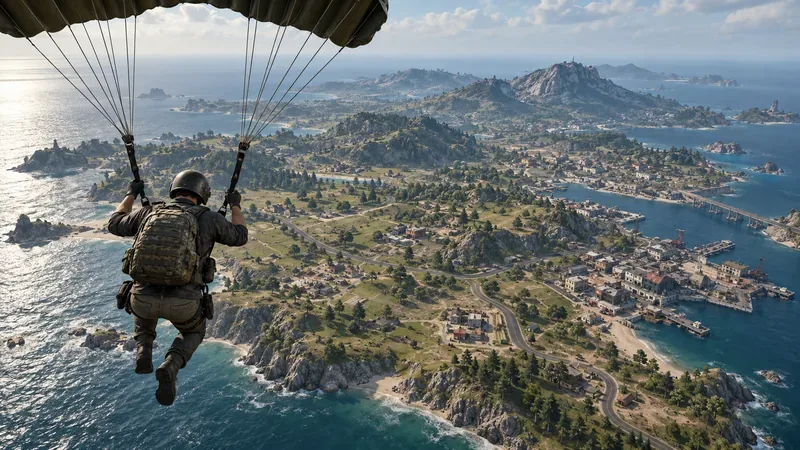
PUBG: Battlegrounds is the PC and console battle royale developed by PUBG Studios and published by KRAFTON. In a typical match, players enter a large map from an aircraft, choose where to parachute down, and search buildings and outdoor locations for weapons, protective gear, healing items, and useful attachments. As the safe area contracts, players must move, fight, or use terrain and buildings to avoid being caught outside it.
The game is known for deliberate movement, weapon recoil, vehicle rotations, and fights where sound and positioning matter. It has more time for scouting and route choices than a round-based arena shooter, but a single mistake can still end a run quickly. Standard Battle Royale matches do not promise a guaranteed respawn: some modes or map rules may offer ways to bring teammates back, so check the current mode description before relying on one.
PUBG: Battlegrounds is not PUBG Mobile. PUBG Mobile is a separate mobile release with its own official iOS and Android downloads; see the PUBG Mobile site for that version. If you want the PC or console game, use an official PC or console store rather than the mobile app listing.
How a PUBG match works
- Plan the drop. Watch the aircraft path and pick a landing point. Major compounds can provide fast access to loot, but other players may land there too. A quieter edge location gives you more time to gear up, though you may need to travel farther.
- Find a usable loadout. Search nearby buildings for a weapon, ammunition, a helmet and vest, a backpack, and healing or boost items. Learn the map enough to leave a building quickly if you hear another player nearby.
- Track the safe area. The Blue Zone closes the playable space and damages players caught outside it. The timing and damage rules can differ by mode. In Update 42.1, KRAFTON changed Blue Zone damage scaling to increase over time spent in the zone, replacing the earlier distance-based system. Start moving before the warning timer becomes urgent instead of assuming you can heal through a long run.
- Choose when to engage. A fight may reveal your position to nearby teams. Use cover, listen for footsteps and vehicles, and decide whether the target is worth pursuing. Vehicles shorten long rotations but can also announce your approach.
- Play the final circles. The safe area keeps shrinking, so cover and route planning become more valuable. In Duo and Squad, stay close enough to help teammates and share clear pings rather than scattering to loot alone.
That loop is the heart of the PUBG battle royale: every match changes with the flight path, circle location, loot, and decisions made by other players.
PUBG maps and map rotation
PUBG's maps do not all play alike. The terrain changes how far you can see, how quickly you can move, and whether a compound or open hillside is safer. The game has several established battlegrounds, but the maps available in a particular queue rotate. KRAFTON's October 13, 2026 map report lists different pools by region and platform; the Normal and Ranked selections are also not necessarily the same.
| Map | What it feels like | What to expect |
|---|---|---|
| Erangel | Classic island with towns, fields, and varied terrain | A balanced place to learn looting, rotation, and both close- and mid-range fights |
| Miramar | Dry desert terrain with broad sightlines | Use hard cover carefully; exposed rotations can be risky |
| Sanhok | Compact, green, and densely vegetated | Expect shorter sightlines and more frequent close encounters |
| Vikendi | Snow-covered terrain and mixed compounds | Plan for open crossings and longer moves between cover |
| Taego and Rondo | Large maps with a mix of open ground and built-up areas | Vehicle and route decisions matter when the circle shifts |
| Karakin and Paramo | Smaller battlegrounds | Rotations and encounters can arrive quickly |
| Deston | Modern urban and varied outdoor spaces | Learn the local cover and sightlines before committing to a route |
This is a guide to map character, not a promise that every map will appear in every playlist. For the live lineup, consult the official PUBG maps pages and current map service report. A favorite map may be fixed in one region, rotated in another, or unavailable in a particular mode for part of a cycle.
Weapons, loot, and gear
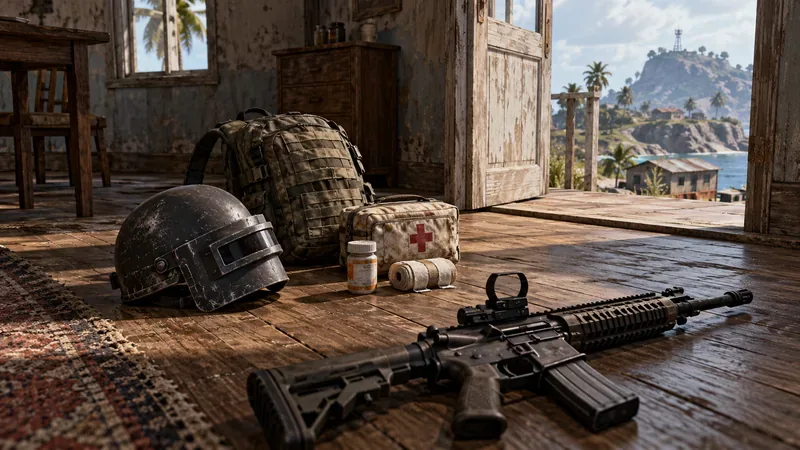
Loot is spread across homes, warehouses, towns, and other map locations. Weapons include assault rifles, submachine guns, shotguns, designated marksman rifles, sniper rifles, and pistols. Attachments can change how a weapon handles or how it is used at different distances, so pick gear that suits your aim and the fights you expect rather than collecting every item you see.
Protective gear, backpacks, ammunition, throwables, and medical items all compete for space. A sensible early checklist is: one dependable weapon, enough ammunition, a helmet and vest, a backpack, and a small supply of healing or boost items. Then replace or improve equipment when it is useful. Care packages can contain valuable gear, but moving toward one exposes your position and may attract other players.
Gunfights reward practice. Recoil affects sustained fire, and distant moving targets are harder to hit than nearby ones. Use Training Mode to test weapons, learn controls, and get comfortable with firing in short bursts before relying on a new gun in a live match.
Modes, teams, and platforms
Normal Match is the natural starting point for the classic survival loop. You can queue alone or with a party, with available team sizes and first- or third-person perspectives depending on platform, region, and current matchmaking options. Ranked adds seasonal competition and its own rules and rating system. Casual, Arcade, Training, and community-created Playgrounds experiences offer alternatives to a full-length Battle Royale; their availability can change over time.
The PC version is available through official stores including Steam and Epic Games. PUBG Console is supported on PlayStation 5 and Xbox Series X|S; support for PlayStation 4 and Xbox One ended in November 2025. KRAFTON’s matchmaking overview describes cross-play within PC storefronts (Steam and Epic Games Store) and between PlayStation and Xbox consoles. Do not assume that a PC player and a console player can join the same matchmaking pool. The official PUBG download page links to current platform stores, and the console service notice confirms current console support.
Is PUBG: Battlegrounds free to play?
Yes, the core game is free to download and play on supported PC and console platforms, as shown on the Steam store listing. Optional store purchases include cosmetic items and passes. Some features are tied to BATTLEGROUNDS Plus, including Ranked access and creating Custom Matches. In Update 42.1, published in June 2026, KRAFTON listed 500 G-Coin or 20,000 BP as ways to obtain Plus, and said its other benefits remained unchanged. Check the in-game store for the current options in your region. The latest Update 42.1 notes explain the change.
Beginner tips that make the first matches easier
- Complete Basic Training. The 2026 tutorial covers core controls, the Blue Zone, vehicles, and team play. KRAFTON says the updated training takes about 10 minutes; start there, then use Training Mode to practice unfamiliar weapons.
- Pick a manageable landing spot. Avoid landing in the busiest compound until you can loot and fight comfortably. Learn one or two nearby locations so you can move without stopping to inspect every building.
- Move before the circle forces you. Check the map after landing and again when the zone updates. Leaving early gives you more route choices and reduces the chance of being caught between the Blue Zone and another team.
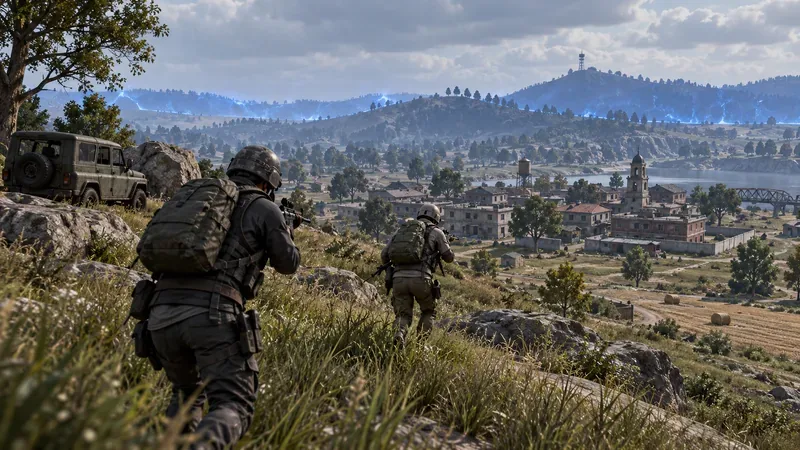
- Use cover and sound. Cross open ground only when necessary. Pause to listen, and use rocks, walls, terrain, or buildings to reduce the directions from which enemies can see you.
- Keep your squad together. Mark enemies and destinations, share spare supplies, and help a teammate when it is safe. The Update 43.2 message radial adds clearer team messages, including a request to board a vehicle.
For the tutorial details, read the Update 42.2 patch notes. For current controls and communication changes, use the Update 43.2 patch notes.
Frequently asked questions
How many players can join a PUBG match?
A standard Normal Battle Royale match can support up to 100 players. Special modes may use a different player count and rules, so check the selected queue.
Can I play PUBG: Battlegrounds on my phone?
No. PUBG: Battlegrounds is the PC and console release. PUBG Mobile is a separate phone and tablet game with its own official store listings.
What does “Winner Winner Chicken Dinner” mean?
It is PUBG's familiar victory message for the player or team that wins a match. Reaching the final circle is not enough; your side must be the last one standing under that mode's rules.
Bottom line
To understand PUBG: Battlegrounds, learn its core rhythm: choose a drop, secure a basic loadout, watch the Blue Zone, and take fights on your terms. The maps and mode menu change by update, region, and platform, while the free base game gives new players a straightforward way to try the main experience. Start with Basic Training, check the current map pool, and build up your weapon and rotation skills one match at a time.









