Home
» 🎮 Esports
»
How to Spot Fake PlayStation 5 Listings Online Before You Pay
How to Spot Fake PlayStation 5 Listings Online Before You Pay
How to Spot Fake PlayStation 5 Listings Online Before You Pay
To spot fake PlayStation 5 listings online, check the exact item and condition, compare its price with current listings for the same model, verify the seller and photos, and keep payment inside a marketplace or payment method with clear buyer protections. Do not rely on one clue: an unusually low price, a new seller account, or a model number by itself does not prove a scam.
A “fake PS5 listing” can mean different things: a console that never ships, an empty box, a controller or shell advertised ambiguously, a broken or incomplete system described as working, or counterfeit hardware. Most checks below help you catch misleading listings before you pay. They cannot guarantee a product is genuine from photos alone.
1. Compare the full price with the same PS5 model
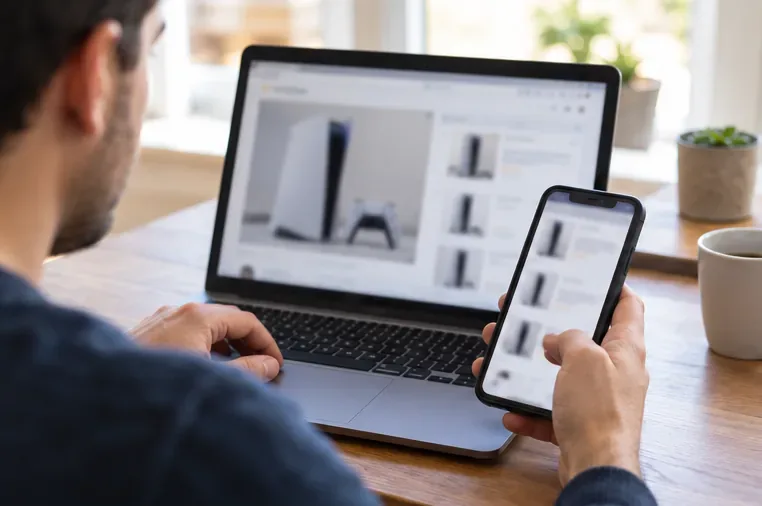
Compare the total amount, including shipping, taxes, and fees, with current offers for the same PlayStation 5 edition, condition, and bundle in your region. A used console, a damaged unit, or a listing without a controller may reasonably cost less than a new complete system. The warning sign is a price that is far below comparable offers combined with urgency, vague details, or a seller who wants payment immediately.
Check the product page at PlayStation or established retailers in your country to understand the current new-console baseline. Treat phrases such as “today only,” “last one,” or “pay in the next 10 minutes” as pressure tactics, not evidence that the deal is real.
Compare the exact edition, condition, and bundle rather than judging a listing by its headline price alone.
2. Check the seller’s history and answers
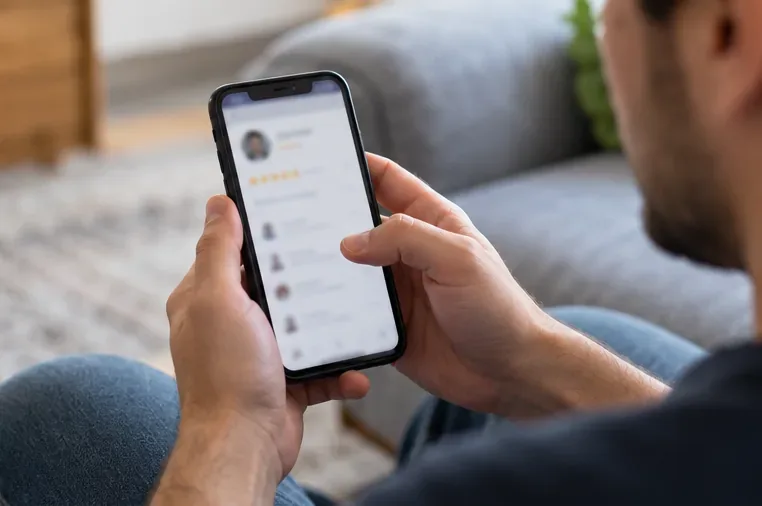
Open the seller’s profile and read recent transaction feedback, not just the headline rating. Look for a consistent history of selling similar items, specific comments from buyers, and answers that match the listing. A new account or sparse feedback is a reason to slow down, not automatic proof of fraud; established accounts can also be compromised.
Search the seller or shop name with terms such as “scam,” “complaint,” or “review,” while checking that results refer to the same person or business. Ask a concrete question about the console’s edition, included controller, known faults, and proof of purchase or warranty if relevant. If the response dodges the question, contradicts the listing, or pushes you to a different chat or payment app, move on.
Recent, relevant feedback can add context, but ratings alone cannot confirm that a listing or seller is legitimate.
3. Look for original photos of the actual console
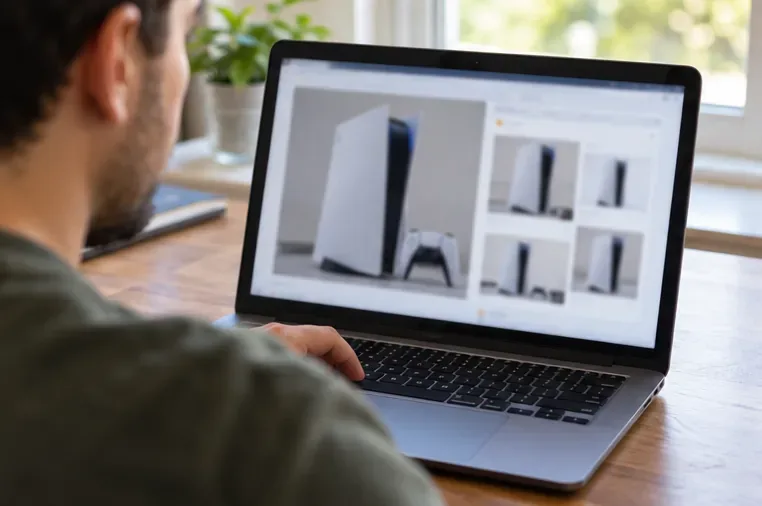
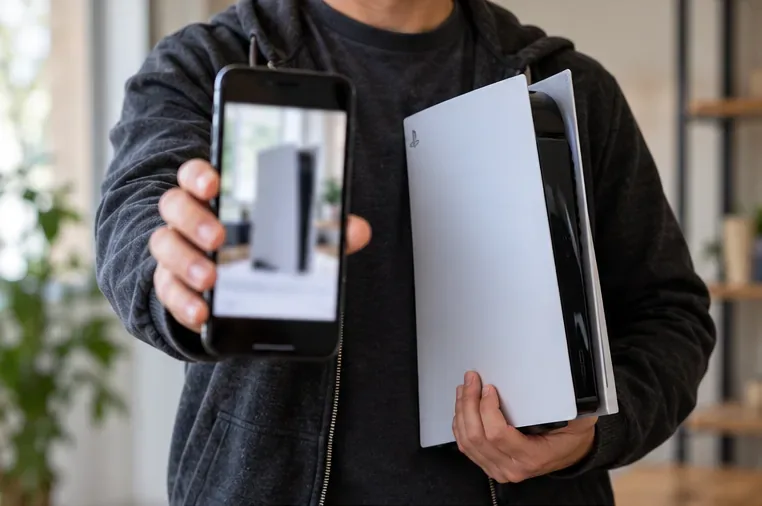
Check whether the listing shows several clear angles of the specific console: front, back, ports, controller, included cables, and any damage. Stock photos can be useful for identifying a product, but they do not show that the seller owns the item or reveal its real condition.
Try a reverse-image search on one or two listing photos. If the same image appears in unrelated listings or on an older product page, ask the seller for a fresh photo with a short phrase you choose written on a note beside the console. That can help establish possession, but it is not proof of authenticity; a photo can still be staged or reused. A photo with a visible scratch or unique detail can also help you compare the item with what arrives.
A reverse-image search can reveal reused pictures; a match is a warning to investigate, not a final verdict.
4. Read the title, description, and bundle details carefully
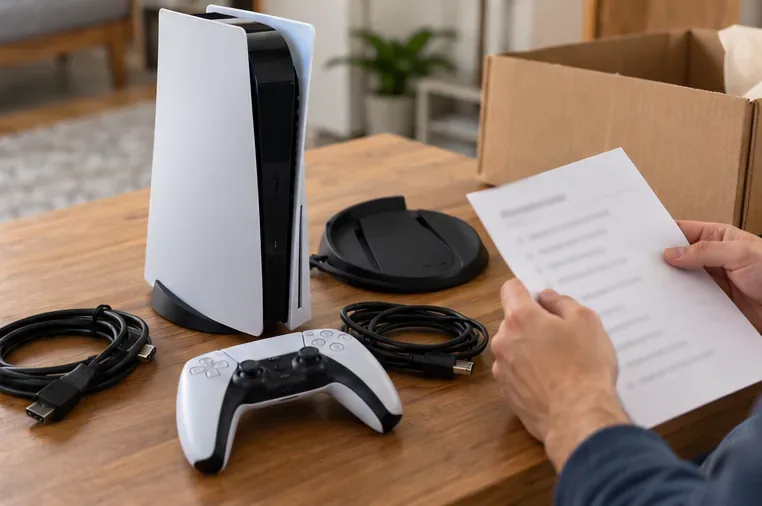
Read the entire listing, including condition notes, shipping terms, and the selected product category. Some risky listings are for a retail box, console shell, replacement part, controller, or “for parts” unit even when the headline makes the offer sound like a complete working PS5. Confirm the quantity and exactly what is included: console, DualSense controller, power and HDMI cables, stand, and disc drive where applicable.
Ask the seller to confirm in writing that the listing is for the working console you expect, not just packaging or an accessory. Check whether “new,” “open box,” “refurbished,” “used,” or “as-is” is being used accurately. A generic or copied description is not proof of fraud, but missing specifics make it harder to resolve a dispute later.
Match every pictured and promised accessory to the written description before checkout.
5. Cross-check the PlayStation 5 model information
Ask for the exact PlayStation 5 model number and compare it with Sony’s official support information. Sony says a PS5 model number uses “CFI” followed by numbers and a letter; it is printed on the bottom of the console. Sony also explains how to find the serial number in Settings > System > System Software > Console Information.
Use Sony’s guide to PS5 serial and model numbers to check where these identifiers should appear. A matching model format only shows that the number looks like a PS5 model number; it does not authenticate the console, because numbers and photos can be copied. Avoid asking a seller to post a full serial number publicly. If you need help checking a serial, contact PlayStation Support privately.
A current photo can show possession of the item, while model details still need to be cross-checked.
6. Ask for a live demonstration or inspect it in person
For local pickup, meet in a safe, public place where you can inspect the console before paying. If practical, ask the seller to power it on and demonstrate video output, controller connection, and the disc drive if the listed model includes one. Inspect the ports, vents, controller, and cables for visible damage. Do not sign in with your personal PlayStation account or share account credentials during a purchase check.
If the seller ships the console, request a short, current video that shows the specific unit powering on and its identifying details, with the serial partly covered. A prerecorded clip is still only one piece of evidence. Refusal to demonstrate does not prove a scam, but it leaves more uncertainty; decide whether the platform’s return and dispute process is strong enough for you to accept that risk.
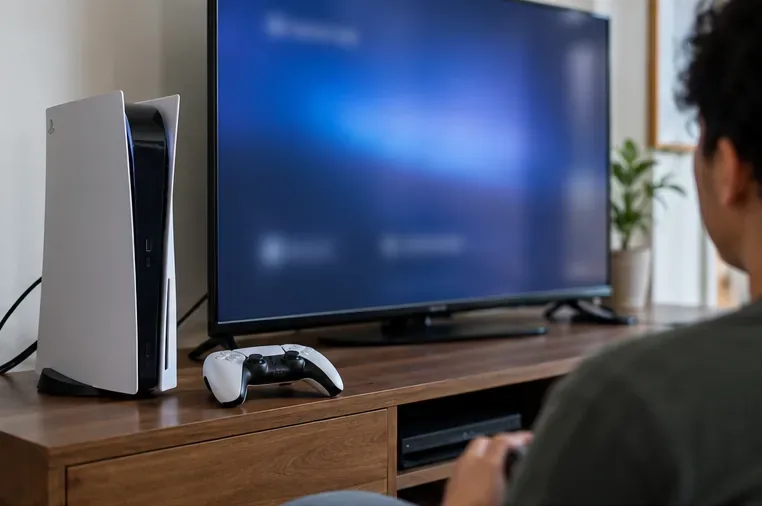
A live power-on check can confirm basic operation, but it does not replace buyer protection or a careful inspection.
7. Keep payment and messages inside a protected checkout
Read the marketplace’s refund, return, delivery, and dispute rules before you buy. Confirm that the policy covers this type of item, this seller, and the payment method, and note any deadline for opening a claim. A “buyer protection” badge is not a guarantee: eligibility and exclusions vary by marketplace, payment provider, country, and transaction.
Complete the purchase through the platform’s own checkout when possible, and keep the listing and messages there. Do not send a deposit by bank transfer, gift card, cryptocurrency, or a personal “friends and family” payment to secure the deal. The FTC advises shoppers to avoid paying outside a marketplace because doing so can remove the site’s protections. For example, eBay says purchases moved off eBay are not covered by its buyer protection programs. See the FTC’s marketplace shopping guidance and eBay’s off-platform transaction policy.
Use the marketplace’s actual checkout and verify its coverage terms before paying.
8. Verify shipping, inspect delivery, and save evidence
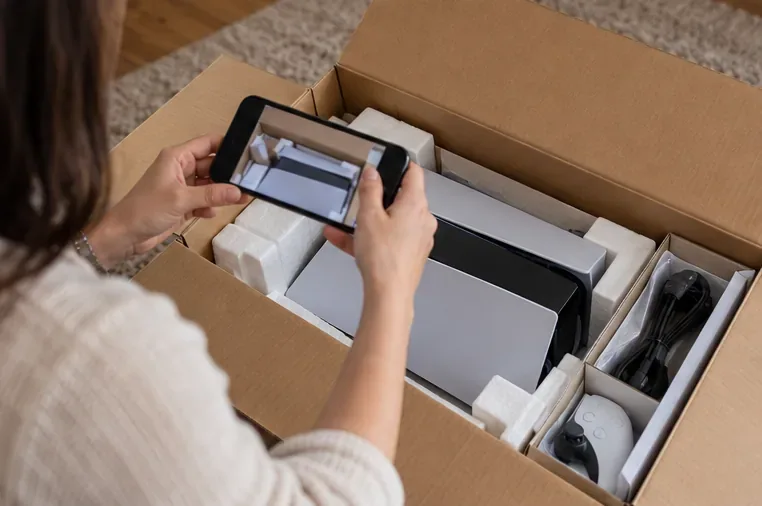
For shipped orders, use the platform’s order page and tracking link rather than relying on a screenshot or tracking number sent in a separate message. Save the listing, seller messages, receipt, payment record, and delivery details. When the parcel arrives, photograph its condition and record opening it; check that the console, model, accessories, and condition match the listing before discarding packaging.
If the item is missing, materially different, counterfeit, or damaged, contact the seller and open a marketplace claim promptly. Follow the platform’s instructions and deadlines, and contact your card issuer or payment provider if appropriate. In the United States, consumers can report suspected fraud to the FTC through ReportFraud.ftc.gov; elsewhere, use the relevant local consumer-protection authority and your payment provider.
Document the package and console on arrival so you can compare the delivered item with the listing.
Quick checklist before you buy a PS5 online
Check
What to verify
Pause if…
Price
Same edition, condition, bundle, and total cost
The price is far below comparable offers and the seller is rushing you
Seller
Recent relevant feedback and clear answers
The story changes or the seller pushes you off-platform
Item
Actual photos, full condition, console and accessories
The listing may be for a box, shell, accessory, or broken unit
Model
CFI model details compared with Sony’s support guide
The seller refuses basic details or the number conflicts with the claim
Payment
Checkout rules, buyer coverage, return window, and deadline
Payment must be by gift card, crypto, wire, or an off-platform transfer
Frequently asked questions
Can a PS5 serial number prove a console is genuine?
No. A serial number can be copied from another console, and a photo of a label does not prove the seller has the described working unit. Use the model and serial information as supporting checks, inspect or test the console where practical, and keep the transaction protected.
Does a low price automatically mean a PS5 listing is fake?
No. A used, incomplete, damaged, or older-model console may be priced lower. Compare the exact item and its condition, then weigh the seller’s history, photos, payment terms, and willingness to answer questions together.
What should I do if I already paid for a suspicious listing?
Save the listing and all messages, contact the seller through the platform, and open a dispute before the applicable deadline. Contact the payment provider or card issuer quickly to ask what options apply. Report the seller to the marketplace and, if you are in the United States, to the FTC.