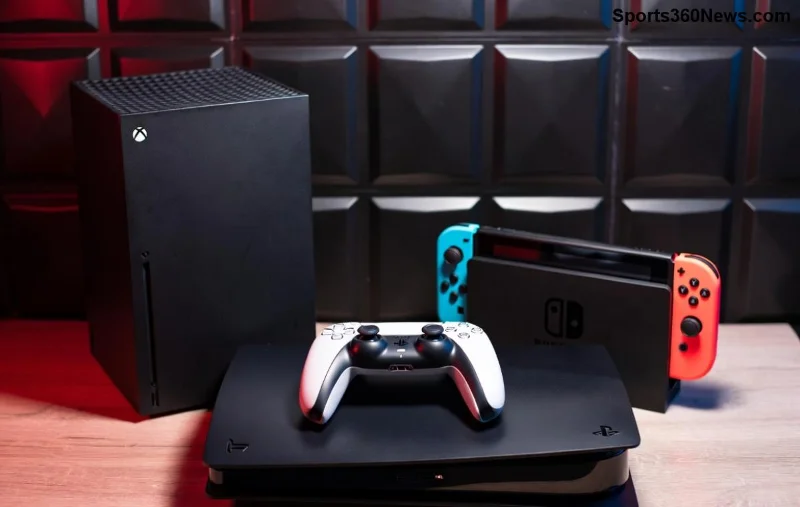
Hey, fellow gamer! 😎 Nothing kills the vibe mid-boss fight like a glitchy PlayStation controller. Whether you're dominating on PS5 with DualSense or reliving classics on PS4, hardware failure can sneak up fast. Spotting these signs your PlayStation controller has hardware failure early means less downtime and more wins. We'll break down the top 10 red flags, why they happen, and quick checks to confirm. Ready to diagnose? Let's dive in!
1. ☝️ Stick Drift: The #1 Culprit in PlayStation Controller Hardware Failure
Ever notice your character strafing left on their own? Stick drift is when analog sticks register input without you touching them. This classic PS5 controller issue stems from worn potentiometers inside the sticks – dust, sweat, and heavy use grind them down.
- Quick Test: Go to Settings > Accessories > Controllers > Test Input. If the cursor moves solo, it's hardware.
- Pro Tip: Clean with compressed air first, but replacement is often needed. Affects up to 40% of heavy users per community reports.
Teaser: If sticks are drifting, buttons might be next... keep reading! ⭐
2. 😩 Buttons Sticking or Not Responding
Press X to jump... nothing happens? Or does it double-tap? Faulty rubber membranes under buttons cause this controller hardware failure. Sweat and debris degrade them over time.
- Check It: Rapid-press each button 50 times. Sticky feel or misses? Hardware alert!
- Gamer Fix: Isopropyl alcohol wipe (power off first). Persistent? Time for new dome switches.
3. 🔋 Rapid Battery Drain on DualSense
Your controller dies after 2 hours instead of 10? Lithium-ion batteries swell or lose capacity from heat cycles and overcharging – a rising PS5 DualSense hardware failure.
- Test: Charge fully, check battery icon in menu. Drains in rest mode? Bad cells.
- Save Your Sessions: Avoid full discharges; use official chargers.
![PlayStation controller battery exposed showing swelling signs]()
4. ⚡ Adaptive Triggers Failing
PS5's haptic magic? Gone if triggers feel mushy or unresponsive. Micro-motors in DualSense triggers burn out from resistance feedback overuse.
- Verify: Load a game like Astro's Playroom. No tension on bows or guns? Hardware toast.
- Why Now? Newer reports show this spiking in high-playtime controllers.
Buttons and triggers down? Connection woes incoming...
5. 📶 Intermittent Bluetooth Disconnects
Controller lags or drops mid-game? Not Wi-Fi – it's the Bluetooth module failing from interference or chip wear. Common in PS4 controller problems too.
- Diagnose: Reset via small back button (USB connected). Still drops? Antenna or chip issue.
- Quick Win: Pair via USB, then wireless test.
6. 🎯 No Vibration or Haptics
Feel nothing during explosions? DualSense's LRA motors or PS4's rumble pack have failed. Wiring or coil burnout from constant vibes.
- Test Mode: Settings > Accessories > Vibration Intensity. Zero feedback? Hardware.
- Gamer Hack: Rarely fixable DIY; warranty if under coverage.
![Disassembled PlayStation controller highlighting faulty vibration motor]()
7. 💡 Light Bar or Touchpad Glitches
Light bar flickers wrong colors or touchpad ignores swipes? LED circuits or capacitive sensors degrade from flexing cables.
- Check: Share button test in menu. Inaccurate? Flex cable snap likely.
8. 🌡️ Overheating During Play
Controller gets scorching? Battery or chip shorts cause this dangerous hardware failure. Stop using immediately – fire risk!
Alert: Feels hot to touch after 30 mins? Internal short.
9. ⏱️ Input Lag or Ghost Presses
Commands delay or random inputs? Faulty microcontroller processes signals wrong.
- Test: Precision games like FPS. Lag >50ms? Chip dying.
10. 🛠️ Visible Physical Damage
Cracks, loose parts, or sticky grips? Early signs of internal stress leading to full PlayStation controller hardware failure.
Inspect: Wiggle sticks/buttons. Play? Disaster waiting. 🎮
📊 Quick Reference: Signs Your PlayStation Controller Has Hardware Failure Summary Table
| Sign |
Cause |
Test |
Fix Level |
| Stick Drift |
Worn pots |
Menu test |
Hard (Replace) |
| Button Stick |
Debris/membrane |
Rapid press |
Easy (Clean) |
| Battery Drain |
Degraded cells |
Charge test |
Medium (New batt) |
| Triggers Fail |
Motors |
Game test |
Hard |
| Disconnects |
BT module |
Reset |
Easy |
🛠️ Troubleshooting & When to Replace Your Controller
Caught multiple signs your PlayStation controller has hardware failure? Start here:
- Update Firmware: Settings > Accessories > Controller Software Update.
- Reset: Hold reset button 5s (USB plugged).
- Clean Deep: Disassemble if handy (tutorials abound).
If 3+ signs persist, replace! Official PlayStation Support or third-party like SCUF for upgrades. Budget $70 for new DualSense – worth every epic win! 💪
Bonus: Extended warranties cover most PS5 controller issues. Pro gamers swap yearly for peak performance.
🏆 Final Thoughts: Keep Your Game On!
Spotting these PlayStation controller hardware failure signs keeps you in the action. Diagnosed yours? Share in comments below – what's your fix story? 👇 Drop a like if this saved your setup, and subscribe for more gaming hacks. Game on! 🎮✨