Home
» 🎮 Esports
»
PlayStation Store Error E-8210604A: How to Fix the Payment Error
PlayStation Store Error E-8210604A: How to Fix the Payment Error
How to Fix PlayStation Store Error E-8210604A
If PlayStation Store Error E-8210604A appears during checkout, Sony classifies it as a payment error. The code does not identify one exact cause, so start by confirming that the order did not go through, then review your account region and payment details. Sony’s own guidance is to check or re-register the card, try another card, wait if the issue is temporary, or add wallet funds with a PlayStation Store card when a card is not required.
Sony lists E-8210604A in its PS4 error-code support, but the troubleshooting steps concern the PlayStation account and Store payment method. These checks are useful whether you encountered the message while shopping on a console or through another supported PlayStation Store route. Avoid repeating checkout attempts until you know whether the order or charge is pending.
Fix PlayStation Store Error E-8210604A: Eight steps
1. Check PlayStation Store service status
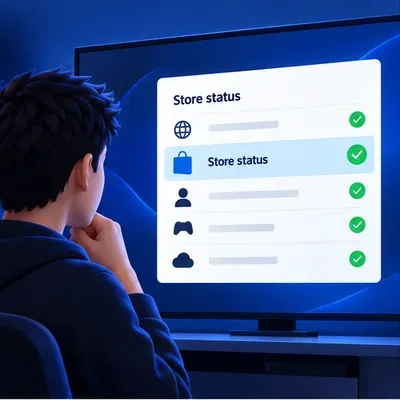
Open PlayStation Service Status and select the country or region for your account. If the Store or account-management service is reporting an issue, wait until it clears before changing saved payment details. A green status does not prove that a payment method is valid; it simply helps rule out a visible service interruption.
Illustrative status checklist; use PlayStation’s live status page for current service information.
2. Confirm whether the purchase completed
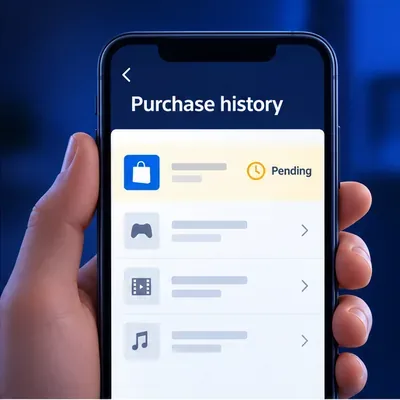
Before trying again, check your PlayStation transaction history and your bank or payment-provider activity. On PS5, go to Settings > Users and Accounts > Account > Payment and Subscriptions > Transaction History. On PS4, go to Settings > Account Management > Account Information > Wallet > Transaction History. You can also review purchases in Account Management online. If the order appears as completed or your content is already available, do not buy it a second time. If you see an unfamiliar charge or the status is unclear, contact PlayStation Support before retrying.
Illustrative purchase-history view. Confirm the order before attempting checkout again.
3. Check your account’s country or region
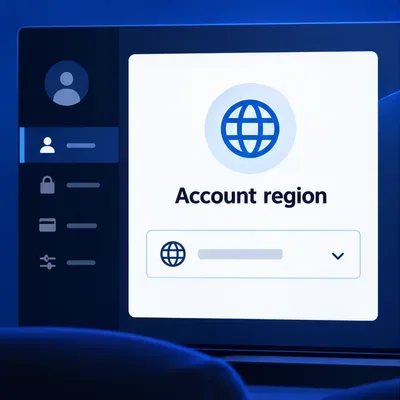
Payment options vary by the country or region registered to a PlayStation account, and Sony notes that a card registered in another region may not be accepted. Check the account region and compare it with the payment method you plan to use. Then look up payment methods accepted for your account region. Do not switch to a different Store region as a quick fix; use a method Sony lists for the account you already have.
Illustrative account settings; the accepted payment methods depend on the country or region registered to the account.
4. Verify the saved card and billing details
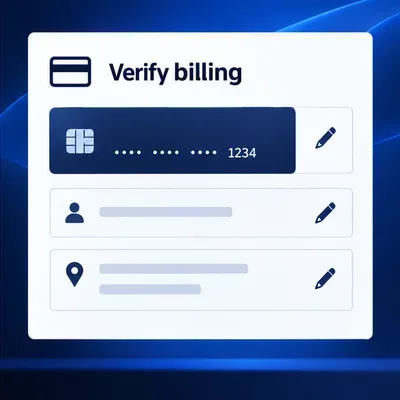
Review the card number, expiration date, cardholder name, and billing address in Payment Management. Make sure the name and address match the information held by your bank. If PlayStation says the card information is invalid while you are adding it, Sony also advises checking the details and avoiding special characters in the entry. Re-enter only what the issuer has on file; do not guess at abbreviations or use another region’s billing address.
For account security, never share the full card number, security code, account password, or one-time verification code with anyone claiming to troubleshoot the purchase.
Check the saved card and billing information without sharing full card details.
5. Re-register the payment method once
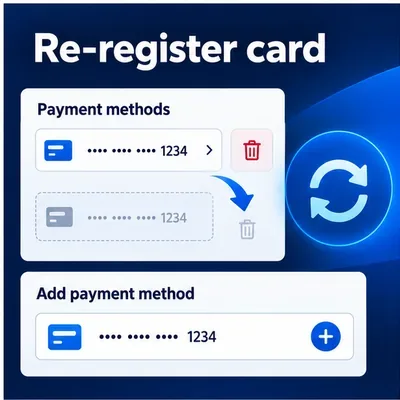
If the details are correct but the payment still fails, remove the saved card and add it again through Sony’s official controls. Online, sign in to Account Management and open Payment Method. On PS5, use Settings > Users and Accounts > Account > Payment and Subscriptions > Payment Methods. On PS4, open PlayStation Store and choose Payment Methods from the sidebar.
Follow the prompts to add the card, then make one careful retry. Sony warns that registering or deleting card information repeatedly in a short period can temporarily block you from adding payment details. If you have already made several changes, stop and wait rather than cycling through remove-and-add attempts. See Sony’s current steps to add or remove a payment method if the menu names differ on your device.
Use the official Payment Management controls to re-register a card once if needed.
6. Pause before retrying, and check with your bank
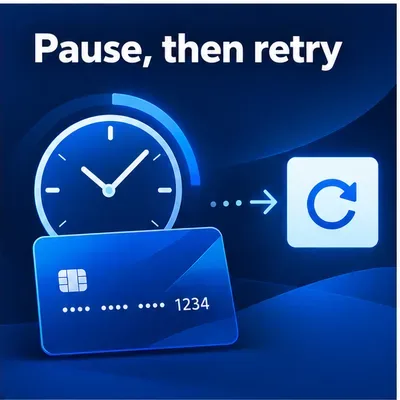
Sony says E-8210604A can be temporary and recommends trying again after a while. If your bank declined the transaction, blocked online purchases, or flagged the authorization, contact the issuer using the number or secure app on your card. Ask whether the attempted PlayStation charge was declined or is still pending. Avoid repeated small test purchases; they can create more transactions without identifying the cause.
There is a more specific timing note for a different message: when a card is rejected as invalid while being added to the account, PlayStation’s payment-issues guidance says to wait 24 hours before trying again. Treat that as guidance for the invalid-card entry problem, not as a guaranteed timer for every E-8210604A checkout failure.
Wait before another attempt if the issue may be temporary or card details were repeatedly changed.
7. Use wallet funds if the purchase allows it
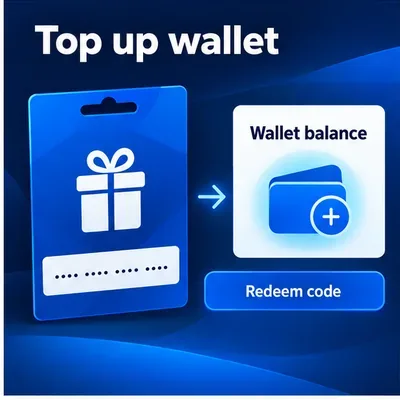
If the item can be purchased with wallet funds and you do not need to pay by card, a PlayStation Store voucher may be an alternative. Confirm that the voucher is for the same country or region as your account before buying it; voucher codes are region-specific. Redeem it through PlayStation Store, check that the wallet balance updated, and then complete the purchase. Availability and funding options vary by region. Sony explains the process for redeeming a PlayStation Store voucher code and managing Store payments and wallet funds.
A region-compatible PlayStation Store voucher can add funds to the account wallet.
8. Contact PlayStation Support with the right details
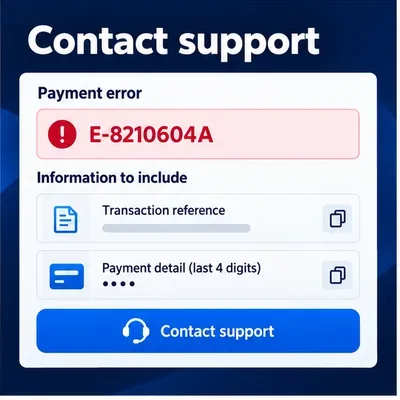
If the error continues after these checks, contact PlayStation Support for your account’s country or region. Include the code E-8210604A, the approximate time of the attempt, the item you were trying to buy, and any transaction reference or screenshot requested by Support. You can also note which checks you completed. If the bank shows a decline, ask the issuer about that transaction as well. Share only the last four digits of a card if needed; never send the complete card number or CVV.
When contacting support, provide the error code and purchase details while keeping payment credentials private.
What the code does—and does not—tell you
E-8210604A means a payment error occurred; it does not prove that PlayStation Network is down, that your console cache is corrupted, or that your bank permanently blocked the card. Sony’s code-specific instructions focus on the registered card, trying another card, waiting, or topping up the wallet. Safe Mode cache and database options are described for separate system-feature or storage problems, so they are not a verified first-line fix for this payment code. If you have another console issue, follow the separate PlayStation Safe Mode guide for that problem.
Frequently asked questions
Does E-8210604A mean my card is expired?
Not necessarily. Sony defines it as a payment error, but the code alone does not reveal whether the issue is a card detail, issuer decision, temporary problem, or another payment condition. Check the saved details and ask your issuer if the bank declined the charge.
Will a failed PlayStation Store payment be refunded automatically?
Do not assume that it will. First check PlayStation transaction history and your payment-provider activity to see whether the purchase completed or a charge is pending. If PlayStation shows a completed transaction and you need a refund, review the applicable PlayStation Store refund guidance or contact Support. A pending authorization and a completed purchase may be handled differently by the payment provider.
Should I rebuild the PS5 or PS4 database to fix this code?
That is not part of Sony’s E-8210604A payment instructions. Start with account, region, payment, and transaction checks. Use Safe Mode database or cache options only when troubleshooting a separate console storage or system-feature issue.
For most players, the safest order is simple: check for a completed order, verify the account region and card details, make one careful payment-method update, and pause before retrying. This keeps PSN payment error E-8210604A troubleshooting focused on the billing path Sony identifies, without risking duplicate purchases or unnecessary changes to console data.