Home
» 🎮 Esports
»
Xbox Overheating? How to Fix Ventilation and Airflow Problems Safely
Xbox Overheating? How to Fix Ventilation and Airflow Problems Safely
Xbox Overheating? Fix Ventilation and Airflow Problems Safely
If your Xbox shows a ventilation warning or shuts off after getting too hot, turn it off, let it cool for at least an hour, and move it to an open, well-ventilated spot before trying again. Microsoft notes that a console can feel warm around its vents during normal use, so warmth alone does not prove a fault. Start by checking for blocked air openings, dust on the exterior, and repeated heat warnings or shutdowns.
This guide walks through safe, model-aware steps for Xbox overheating and Xbox ventilation and airflow issues on Xbox Series X, Series S, and Xbox One. The process stays outside the console. It does not rely on a made-up temperature reading, a cooling accessory, or a risky teardown.
Which symptoms point to an airflow problem?
Look for a pattern rather than one isolated sign. A warning that ventilation is blocked, a shutdown after a long session, or repeated shutoffs in a warm or enclosed location are stronger reasons to inspect placement. A fan that suddenly becomes unusually loud may also be worth checking, but fan noise by itself does not confirm overheating. Game stutter can have other causes, including software or network problems.
Act now: the console displays a heat or ventilation warning, or powers off unexpectedly after running hot.
Check the setup: an intake or exhaust vent faces a wall, sits against fabric, or is surrounded by clutter.
Remember: warm air leaving the console and a warm area near the vents can be normal during operation.
Microsoft’s unexpected-shutdown guidance recommends turning off a console that is too hot, waiting at least an hour, and moving it to a well-ventilated location. Use that cooldown first if your Xbox has just shut down from heat.
How to troubleshoot Xbox ventilation and airflow
1. Power down and let the console cool
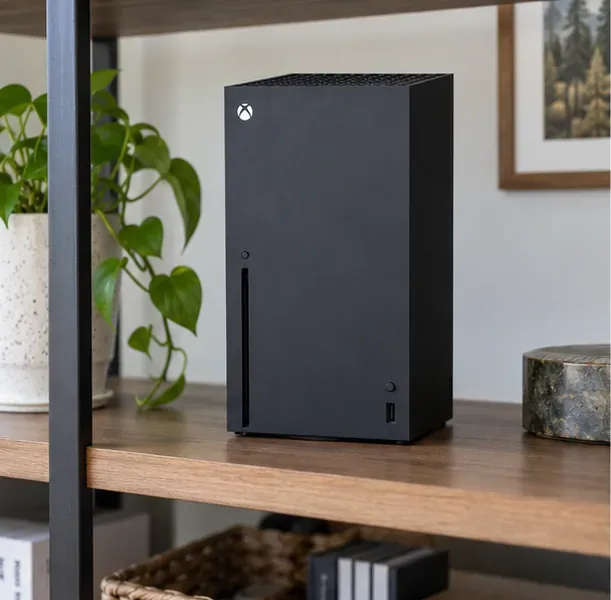
An open, stable shelf gives the console’s vents room to exchange air.
If you saw a heat warning or the Xbox switched itself off, do not keep restarting it to see whether the warning returns. Turn it off and leave it powered down for at least an hour. Then check the room and console before reconnecting it. If you are going to clean the exterior, shut down and unplug the power cable first.
2. Move it out of a confined or blocked space
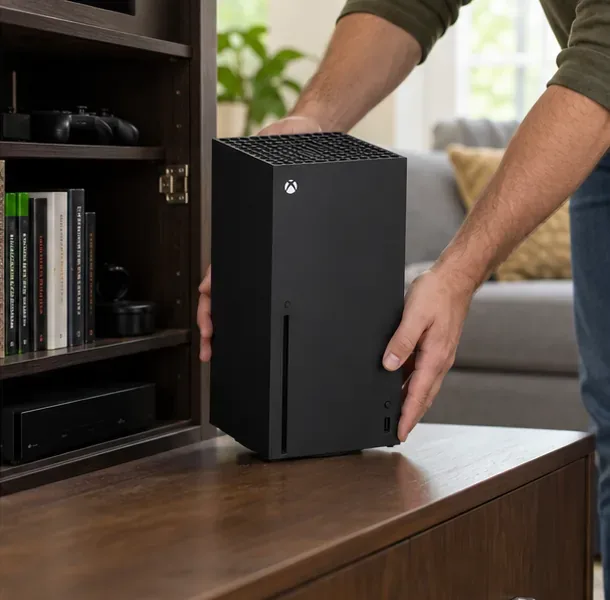
Moving a console out of a crowded cabinet can remove a simple airflow obstruction.
Set the console on a firm, stable surface with open space around every vent. Avoid closed cabinets, shelves packed tightly around the unit, fabric-covered surfaces, and locations beside heaters or other heat-producing equipment. Keep books, controllers, cables, and other devices from covering or crowding the intake and exhaust openings. Do not stack another device on the Xbox.
Use the orientation and placement instructions for your specific model; the vent layout differs between consoles. Microsoft’s Xbox console ventilation guide shows the official placement guidance. Follow that model-specific advice instead of relying on a universal clearance number or assuming that one orientation is always cooler.
3. Clean only the outside of the console
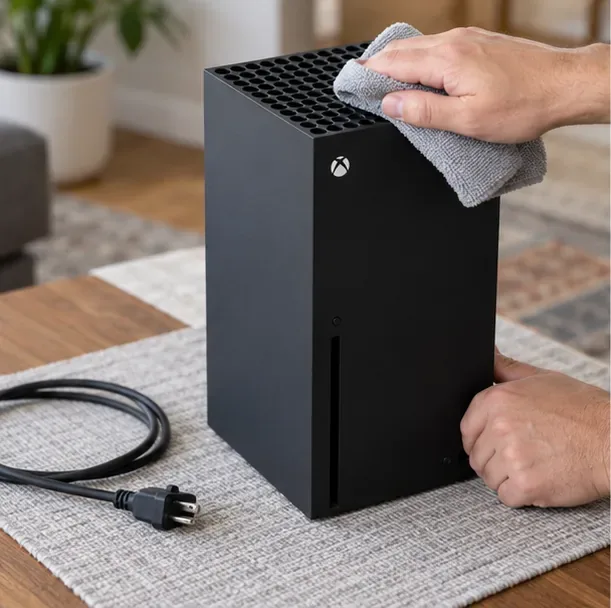
With the console unplugged, remove surface dust gently with a clean, dry microfiber cloth.
With the Xbox off and unplugged, gently wipe dust from the outer case and around the vent openings with a clean, dry, lint-free microfiber cloth. Do not push the cloth into the openings. Do not spray liquid into a vent or apply liquid directly to the console. For this basic troubleshooting process, keep the cleaning external: do not insert a brush, vacuum nozzle, or compressed-air straw into the vents, and do not open the case to reach the fan.
Microsoft’s Series X service guide says to power off and disconnect the console before cleaning and describes repair work for people with the required electronics experience and tools. If dust is packed deep inside or the fan cannot spin freely, stop at exterior cleaning and arrange service rather than forcing debris farther into the console.
4. Retest once, then escalate repeat warnings
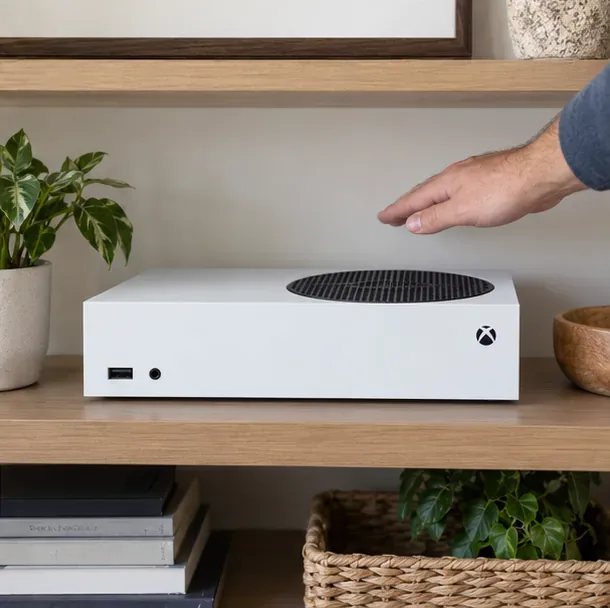
Before restarting, check that the console’s visible exhaust opening has open space above it.
After the cooldown, repositioning, and exterior wipe, reconnect the console and use it in the open setup. Watch for a new ventilation warning or another heat-related shutdown. If the issue happened only in an enclosed or dusty location and does not recur, keep the console in its improved position and check the vents periodically.
If the Xbox keeps shutting down or showing a ventilation warning in a clear, cool, open location, check for available system updates, then contact Xbox Support or request service. Register the console and review its coverage through your Microsoft account; warranty terms and service options depend on the device and region. Microsoft explains the process for starting an Xbox service order. Stop using it and seek support promptly if you notice a burning smell, visible damage, or a fan making a grinding or scraping sound.
What not to do when an Xbox overheats
Do not keep power-cycling a console that has just shut down with a heat warning; let it cool first.
Do not block the vents with a wall, cabinet panel, fabric, clutter, or another device.
Do not assume an external cooling fan or a vertical stand will fix a blocked or faulty cooling path.
Do not open the console or replace thermal paste as a first-line airflow fix. Internal repair involves model-specific steps and can damage the device if done incorrectly.
Do not diagnose overheating from a single warm spot, warm exhaust, fan sound, or game stutter alone.
Xbox overheating and ventilation FAQs
Is it normal for an Xbox to feel warm near the vents?
Yes. Microsoft says warmth around the vents can be normal because the console moves air to regulate its temperature. Take action when warmth comes with a warning, repeated shutdown, or another persistent problem—not because the case feels mildly warm on its own.
How much space should I leave around my Xbox?
Keep every intake and exhaust opening unobstructed and use the placement guidance for your exact console model. The vent positions differ, so a single distance copied across every Xbox model can be misleading.
Should I use compressed air or open the console to clean the fan?
For basic home troubleshooting, clean the exterior only and do not insert a tool or nozzle into a vent. If internal dust or a failing fan appears likely, use Microsoft support or a qualified service provider. A console that continues to overheat after clear placement and external cleaning needs diagnosis rather than more airflow accessories.
For most Xbox airflow problems, begin with a full cooldown, an open and stable location, and gentle exterior cleaning. Warm vents can be normal; repeated warnings or shutdowns after those checks are the point to arrange support.