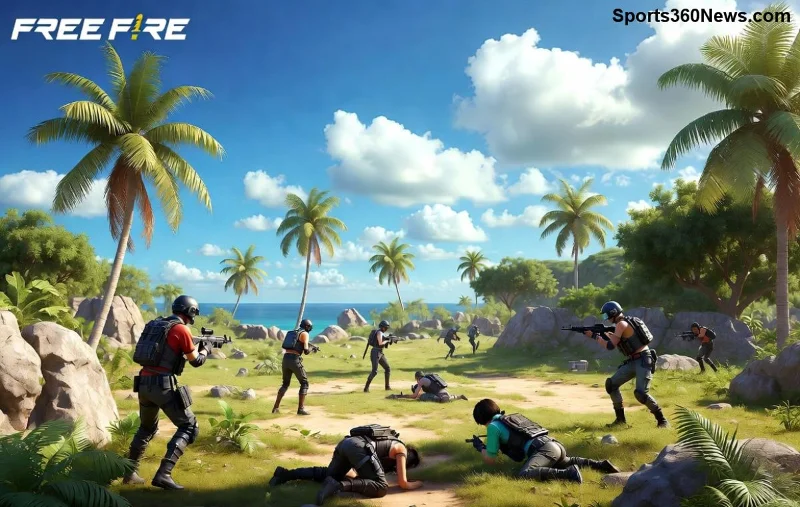
Ready to squad up and drop hot in Free Fire on PC? Playing Garena Free Fire on your computer via BlueStacks unlocks buttery-smooth performance, keyboard-mouse precision, and epic visuals on a big screen. No more tiny phone battles – conquer like a pro! This how to download and install Free Fire on PC using BlueStacks guide delivers every step, pro tips, and fixes to get you fragging in minutes. Let's dive in! 🚀
Why Choose BlueStacks for Free Fire on PC? ⭐
BlueStacks is the #1 Android emulator, trusted by millions for running mobile hits like Free Fire. Here's why it's a game-changer:
- Smoother FPS: Up to 120 FPS with multi-instance support for grinding ranks.
- Pro Controls: Custom keymapping for headshots and quick loots.
- Free & Safe: No viruses, official Google Play integration.
- Resource-Light: Runs on modest PCs, perfect for Booyah enthusiasts.
Whether you're climbing to Heroic or just vibing in Clash Squad, BlueStacks Free Fire setup takes under 10 minutes. Excited? Check system reqs next! 👍
System Requirements for Free Fire on PC Using BlueStacks
Ensure your rig is ready before downloading. BlueStacks is optimized, but here's the breakdown:
| Component |
Minimum |
Recommended |
| OS |
Windows 7+ |
Windows 10/11 (64-bit) |
| CPU |
Intel/AMD Dual-Core 2GHz |
Intel i5+ or equivalent |
| RAM |
4GB |
8GB+ |
| Storage |
5GB free |
10GB+ SSD |
| GPU |
Integrated (OpenGL 2.0+) |
Dedicated NVIDIA/AMD |
Pro tip: Enable virtualization in BIOS for 2x speed boost. Most modern laptops handle it flawlessly! Now, the main event... 👇
Step-by-Step: How to Download and Install Free Fire on PC Using BlueStacks 🛠️
Follow these exact steps for a seamless Free Fire PC install. We've tested on the latest BlueStacks version – zero hiccups!
- 1️⃣ Download BlueStacks
Head to the official site and grab the installer. Download BlueStacks (free, ~500MB). Run the .exe as admin – it auto-installs in 2-3 mins. No bloatware!
- 2️⃣ Launch and Set Up BlueStacks
Open BlueStacks, sign in with Google account (for Play Store). Complete the quick setup wizard. Boom – Android paradise on PC! Adjust resolution to 1920x1080 for crisp Free Fire graphics.
- 3️⃣ Access Google Play Store
Click the Play Store icon on the homepage. Search "Free Fire" – official Garena Free Fire app pops first (~1GB). Hit Install and wait. Patience, squad mate! ☕
- 4️⃣ Launch Free Fire
Once installed, click the Free Fire icon on BlueStacks desktop. Log in with Facebook/Google/Garena. Download shaders (first-time only). You're in the lobby – time to Booyah! 🎉
- 5️⃣ Customize Controls
Hit Ctrl+Shift+A for Game Controls editor. Map WASD for movement, mouse for aim, keys for fire/scope. Save profile for instant pro plays. Test in training island!
![Free Fire gameplay on BlueStacks PC with custom controls]()
Done! Your first match on Free Fire on PC feels godlike. But wait – unlock even more power with these tweaks. Keep reading! 🔥
Pro Tips to Optimize BlueStacks Free Fire Performance 🚀
Max out your setup for diamond pushes:
- Enable High FPS: Settings > Performance > High (120 FPS slider).
- Multi-Instance: Run 2-4 accounts simultaneously for guild farms. Sync actions across instances!
- Macro Recorder: Automate looting – record once, replay forever (fair play only).
- Graphics Tweaks: In-game, set Ultra + High FPS. BlueStacks eco mode for longer sessions.
- Update Regularly: BlueStacks auto-updates; check Free Fire BlueStacks page for patches.
Feeling the hype? Troubleshoot rare glitches next to stay unstoppable. 😎
Troubleshooting: Fix Common Free Fire PC BlueStacks Issues ⚠️
99% smooth, but if issues hit:
- Black Screen/Crash: Update GPU drivers. Restart BlueStacks in Compatibility Mode (right-click exe).
- Lag/Freezes: Close background apps. Allocate more RAM in BlueStacks Settings > Engine > 4GB+.
- Play Store Errors: Clear cache (Settings > Apps > Google Play > Storage > Clear). Re-sign in.
- Login Fails: Use VPN if region-locked; official Garena Free Fire site for account help.
- Low FPS: Switch to Pie 64-bit instance (Multi-Instance Manager).
Still stuck? BlueStacks forums have your back. Now you're fully armed! 💪
Why Gamers Love Free Fire on PC – Final Boosts 🎮
From casual drops to world tournaments, BlueStacks turns mobile mayhem into PC mastery. Bigger screen = better awareness. Macros = efficient grinds. Join millions dominating ranks!
Installed yet? Jump in, grab that AWM, and claim Victory Royale. Share your K/D in comments – what's your go-to loadout? Squad up and keep battling! 👊 Happy Gaming!