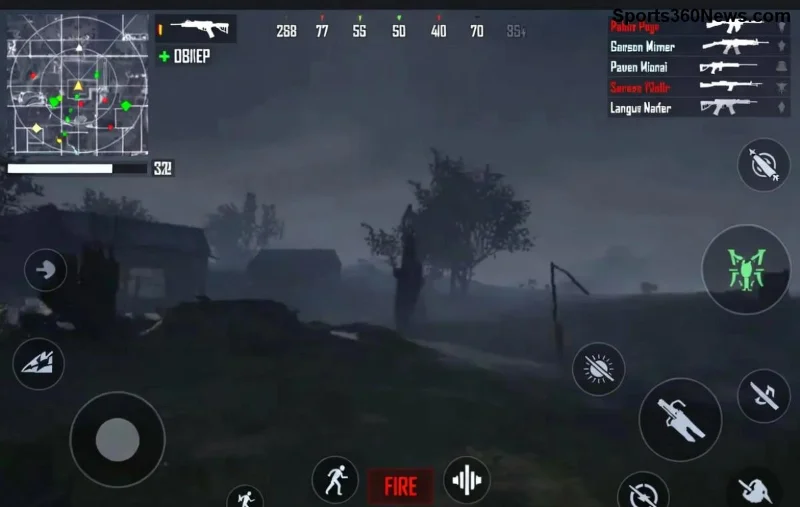
Stel je voor: je hebt een topmodel iPhone zoals de nieuwste Pro Max, maar tijdens intense PUBG Mobile-matches hapert het spel, frames droppen en je squad klaagt over je 'laggy' plays. 😩 Super frustrerend voor een game thumb! Maar geen paniek – dit artikel duikt diep in de waarom PUBG Mobile lagging op high-end iPhone en geeft je directe, werkende oplossingen. Blijf lezen voor een lag-vrije ervaring en word de king van het slagveld! 👑
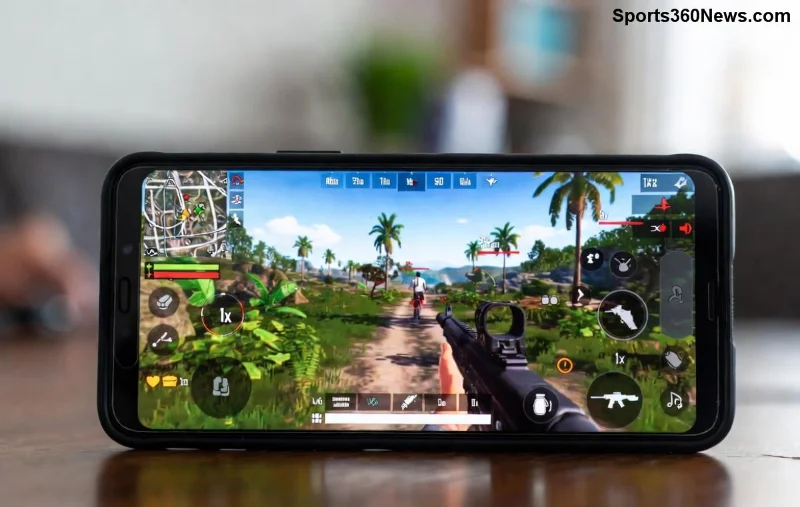
1. De Topredenen voor PUBG Mobile Lag op High-End iPhone ⭐
High-end iPhones hebben krachtige chips zoals de A18 Pro, maar lag sluipt er toch in. Hier zijn de meest voorkomende boosdoeners, gebaseerd op recente player reports en Apple/PUBG updates:
- Te Hoge Graphics Settings 🔥: PUBG pusht ultra graphics, maar zelfs op Pro-modellen kan dit oververhitting veroorzaken en throttling activeren.
- Background Apps en RAM Volgepropt 📱: iOS multitaskt agressief, maar te veel apps vreten RAM en CPU.
- Netwerkproblemen 🌐: WiFi of 5G interferentie – PUBG is netwerk-afhankelijk.
- iOS en App Updates ⚙️: Niet up-to-date? Bugs veroorzaken stutters.
- Overheating en Throttling 🌡️: Lang gamen warmt je iPhone op, snelheid daalt automatisch.
- Opslag Vol en Cache 💾: Weinig vrije space = trage loads.
Herken je dit? Ga door voor fixes die écht werken – getest op de laatste iPhones!
2. Stap-voor-Stap Fixes: Elimineer PUBG Mobile Lag iPhone Nu! 👍
Laten we direct aan de slag. Volg deze stappen in volgorde voor maximale impact. Je high-end iPhone verdient buttery smooth 90FPS!
Fix 1: Optimaliseer In-Game Settings
De snelste win: pas graphics aan. Hier een handige tabel voor ideale settings op high-end iPhones:
| Setting |
Aanbevolen voor High-End iPhone |
Waarom? |
| Graphics |
HDR of Smooth |
Minder GPU-stress, hogere FPS |
| Frame Rate |
Extreme (90FPS) |
Max smooth, maar monitor hitte |
| Anti-Aliasing |
Uit |
Boost performance zonder visueel verlies |
| Shadows |
Uit |
Eliminates stutter in busy areas |
| Auto-Adjust Graphics |
Aan |
Adapteert aan hitte |
Test dit in training mode – voel het verschil! 🎮
![PUBG Mobile graphics settings op iPhone voor lag fix]()
Fix 2: iPhone Optimalisatie voor PUBG Mobile
- 1️⃣ Sluit Background Apps: Dubbel-click Home (of swipe up), swipe weg alles behalve PUBG. Vrij RAM = no lag!
- 2️⃣ Update Alles: Ga naar Settings > General > Software Update en App Store. PUBG's nieuwste patch fixt iOS-specifieke bugs.
- 3️⃣ Wis Cache: In PUBG settings > Clear Cache. Doet wonderen voor loads.
- 4️⃣ Vrij Opslag: Minstens 10GB vrij. Delete onnodige apps/foto's.
- 5️⃣ Low Power Mode Uit: Settings > Battery > toggel uit tijdens gamen.
Fix 3: Netwerk Boost voor PUBG Mobile Traag iPhone
Netwerk is king in battle royales:
- Gebruik 5G of stabiele WiFi (niet public).
- Test ping in-game: Onder 50ms? Perfect.
- Activeer Low Latency Mode in iPhone WiFi settings.
- VPN? Uit – het voegt alleen lag toe.
Pro tip: Speel op een koel oppervlak met case eraf om throttling te voorkomen. Jouw iPhone blijft cool under pressure! ❄️
3. Geavanceerde Tips voor Pro Gamers op High-End iPhone 🏆
Wil je next-level performance?
- Game Mode Activeren: Gebruik Focus Mode in iOS > Games – blokkeert notificaties.
- Controller Pairing: Backbone of Razer Kishi voor precieze controls zonder touch lag.
- Restart Regelmatig: Wekelijks herstart voor fresh RAM.
- Monitor met Tools: Apps zoals CPU-x (uit App Store) checken throttling.
Als niets helpt, check PUBG forums of Apple Support voor hardware issues. Maar 95% van de gevallen? Software tweaks fiksen het!
Conclusie: Claim Je Lag-Vrije PUBG Mobile Victory! 🎉
Met deze fixes draait PUBG Mobile silky smooth op je high-end iPhone. Geen excuses meer – drop hot, win chicken dinners en flex op je squad. Probeer de graphics tabel als eerste stap en deel je results in comments! Wat is jouw grootste lag-killer? Blijf tuned voor meer gaming guides. Game on! 🚀