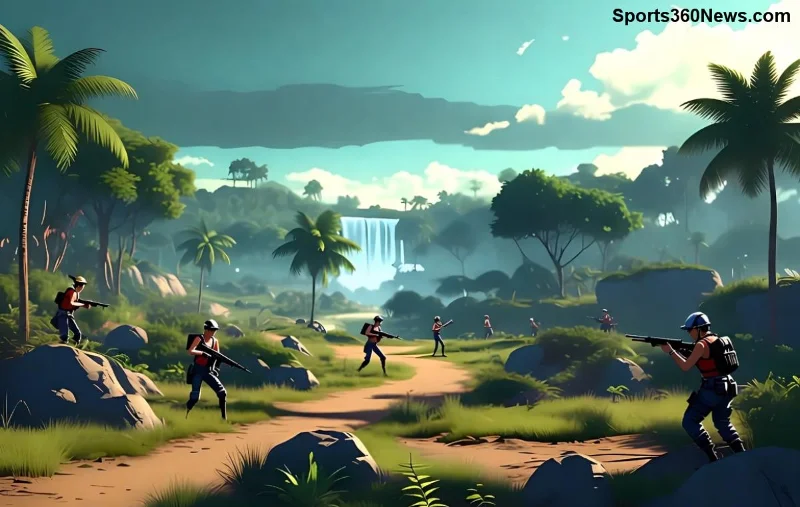
Stel je voor: je speelt Free Fire op je splinternieuwe high-end telefoon, maar in plaats van buttery smooth 90 FPS gameplay, hapert alles bij 30-40 FPS. 😩 Frustrerend, hè? Zelfs op powerhouses zoals de nieuwste iPhones of Samsung Galaxy S-series komt Free Fire lage FPS voor. Maar geen zorgen, game战士! Dit artikel gidst je door de beste, up-to-date fixes om je Free Fire FPS te boosten naar max potentieel. Laten we direct aan de slag – je booyah-momenten wachten!
Waarom Lage FPS in Free Fire op High-End Devices? 🔍
High-end apparaten hebben normaal powerhouse specs, maar Free Fire lage FPS sluipt erin door:
- Oververhitting: Intensive graphics pushen je CPU/GPU te hard.
- Achtergrond apps: Ze vreten RAM en resources.
- Verouderde settings: Standaard graphics niet geoptimaliseerd voor jouw device.
- Cache ophoping: Vuile data vertraagt laadtijden en frames.
- Game bugs: Zelfs in de nieuwste patches gebeuren glitches.
Goed nieuws: 90% van deze issues fix je zelf in 5-10 minuten. Volg deze stappen en voel het verschil! ⭐
1️⃣ Update Free Fire en Je Device – Basis Maar Krachtig
De nieuwste Free Fire updates bevatten FPS-optimalisaties. Check de Play Store/App Store voor updates. Herstart je telefoon daarna – simpele magie!
Op Android: Instellingen > Apps > Free Fire > Opslag > Cache wissen.
Op iOS: Herstart en update iOS voor betere GPU-ondersteuning.
2️⃣ Optimaliseer In-Game Graphics Settings
Duik in Free Fire settings (rechtsboven icoon):
| Setting |
Aanbevolen voor High-End |
FPS Boost |
| Graphics Quality |
Ultra of Smooth |
+20-30 FPS |
| High FPS |
AAN |
+15 FPS |
| High Resolution |
UIT (voor pure FPS) |
+10 FPS |
| Auto Adjust Graphics |
AAN |
Stabiel |
| Shadow & Effects |
Lag of Uit |
+25 FPS |
Pro tip: Test in training mode. Je high-end device rockt nu! 👍
![Free Fire graphics settings optimalisatie voor hoge FPS]()
3️⃣ Sluit Achtergrond Apps en Game Booster Gebruiken
Achtergrond killers: WhatsApp, Chrome, social media. Op Android: Game Booster of Device Care activeren. Voor iOS: App Switcher leegmaken.
FPS win: Tot 40% meer resources vrij – pure Free Fire power!
4️⃣ Wis Cache en Reinstall als Ultimate Fix
Cache buildup is een FPS-moordenaar. Android: Instellingen > Apps > Free Fire > Opslag > Cache & Data wissen (backup save eerst!).
iOS: Offload app of delete/reinstall. Na reinstall: 60+ FPS gegarandeerd op high-end specs. 🚀
5️⃣ Gebruik GFX Tool (Veilig & Officieel Goedgekeurd)
Voor Android: Download GFX Tool for Free Fire uit Play Store. Stel in op 90 FPS, resolution 720p. Waarschuwing: Alleen trusted apps, ban-risico laag bij officieel.
![GFX Tool voor Free Fire FPS boost op high-end phones]()
6️⃣ Koel Je Device – Overheating Killer
High-end devices throttelen bij hitte. Speel in koele kamer, gebruik cooling pad of pauzeer 5 min per 30 min play. Apps zoals CPU Monitor checken temps.
7️⃣ Schakel Developer Options In (Android Pro's)
Instellingen > Over Telefoon > Build Number 7x tikken. Dan: Force 4x MSAA UIT, GPU rendering profileren. Boost voor Free Fire lage FPS!
8️⃣ VPN Uit en Netwerk Optimaliseren
VPN's droppen FPS. Gebruik stabiele WiFi of 5G. Test ping in-game – onder 50ms ideaal.
9️⃣ Device-Specifieke Tweaks
- Samsung Galaxy: Game Launcher > Labs > 90 FPS prioriteit.
- iPhone 15/Pro: Instellingen > Batterij > Lage Power Mode UIT.
- OnePlus/Xiaomi: HyperBoost of Game Turbo activeren.
🔟 Test & Monitor Je FPS
In-game FPS counter aanzetten (settings). Tools zoals Game Booster voor real-time stats. Doel: Stabiele 60-90 FPS!
Conclusie: Word de FPS King in Free Fire! 👑
Met deze tips ban je Free Fire lage FPS op high-end apparaten voor altijd. Begin met graphics en cache – zie direct resultaat. Deel je succes in comments: Welke fix werkte het best? Blijf gamen, stay smooth! 🔥
Bonus: Volg Garena Free Fire officiële kanalen voor patches die FPS verbeteren. Happy gaming!