Imagine cranking 90s faster than your opponents can react, editing mid-air like a god, and clutching every endgame with effortless precision. That's the reality for pro builders in Fortnite—and it all starts with the right Fortnite keybinds. If you're tired of clunky defaults holding you back, this guide delivers the best Fortnite keybinds for pro builders straight from the pros. Get ready to transform your game! ⭐

Why Fortnite Keybinds Make or Break Pro Builders
In Fortnite's chaotic build battles, speed wins fights. Default keybinds are fine for casuals, but pro builders optimize every input for lightning-fast execution. The right setup reduces finger travel, enables double movement, and frees your mouse for aiming. Pros like Peterbot and Bugha swear by custom binds—proven to crank faster and edit smoother. Ready to join them? Let's dive in! 👍
Core Building Keybinds: The Foundation of Pro Speed
Building is Fortnite's heartbeat. These best Fortnite keybinds for pro builders prioritize thumb mouse buttons (if you have a gaming mouse) and easy-reach keys for walls, floors, and ramps. No more awkward stretches!
| Action |
Recommended Keybind |
Pro Tip |
| Wall |
Mouse Button 5 (Thumb) or Q |
Instant high-ground defense—spam for 90s! |
| Floor |
Mouse Button 4 (Thumb) or F |
Perfect for quick floors under pressure. |
| Stairs/Ramp |
Mouse Wheel Up or E |
Wheel for fluid ramp rushes. |
| Roof/Cone |
Mouse Wheel Down or R |
Seal off angles effortlessly. |
| Trap |
Middle Mouse or T |
Rare but clutch for traps. |
These binds mimic top pros' setups, slashing build times by 20-30%. Test in Creative mode—feel the difference! 🔥
Movement Keybinds: Strafe, Sprint, and Dodge Like a Pro
Building without god-tier movement is useless. Pros double-bind keys for Fortnite keybinds that enable piece control and mantling.
- 1️⃣ Jump: Space – Keep it default for consistency.
- 2️⃣ Sprint: Left Shift – Double-tap for auto-run.
- 3️⃣ Crouch: Right Ctrl or Mouse Thumb Button – Instant slides and peeks.
- 4️⃣ Double Movement: A/D (strafe) – Bind sprint to LShift for combos.
Pro secret: Enable "Sprint by Default" in settings to fly across the map. Pair with these for untouchable mobility! 🏃♂️
Editing and Reset: The Edge in High-Elo Fights
Raw builds win casuals; edits win tournaments. Master these best Fortnite keybinds for pro builders to window-edit like Clix.
| Action |
Recommended Keybind |
Why Pros Love It |
| Edit |
G or F |
Pinky's reach for turbo edits. |
| Reset Edit |
Mouse Wheel Down or V |
Spam without lifting fingers. |
| Confirm Edit |
Left Mouse (on Release) |
Faster than right-click. |
Toggle "Reset Player Edit Keybinds" for muscle memory magic. Practice in edit courses—your KD will thank you! 😎
Combat and Utility Binds: Full Pro Loadout
Round out your setup:
- Use: Mouse Wheel Up – Quick heals mid-fight.
- Pickaxe: 1 or Z – Harvest without menu diving.
- Inventory: Tab – Default gold.
- Reload: R – Keep it simple.
For mouse+keyboard gods, add extra buttons via software like Razer Synapse. Pro example: Bugha's binds emphasize thumb efficiency—check his settings for inspo.
How to Set Up These Best Fortnite Keybinds in Minutes
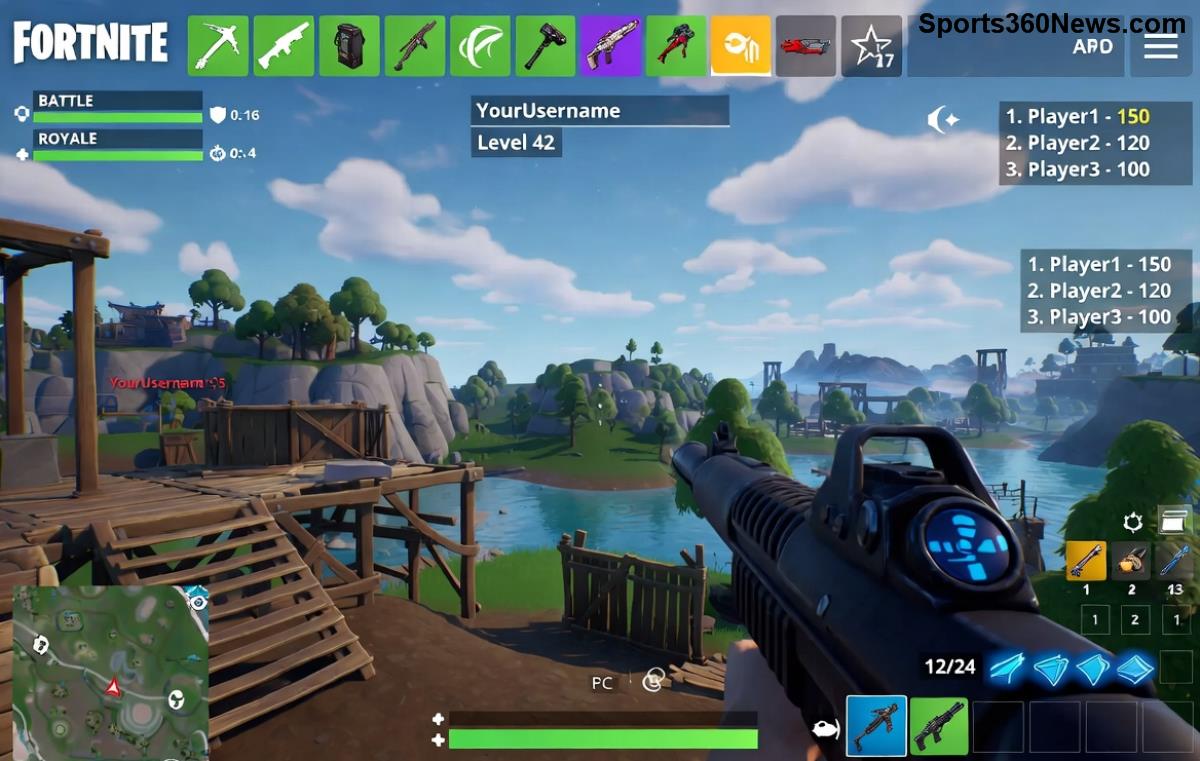
1️⃣ Open Fortnite Settings > Keyboard/Mouse tab.
2️⃣ Scroll to Building section—assign as above.
3️⃣ Test in Creative (code: 8228-0472-2838 for pro drills).
4️⃣ Tweak for your hand size—start conservative.
Pro tip: Lower "Turbo Build" threshold to 0.10s for max speed. Bind "Confirm Edit on Release" for edits on god-mode! ⚡
Top Pro Players' Fortnite Keybinds Exposed
Steal from the best:
- Peterbot: Wall (Q), Floor (F), Edit (G)—crank king.
- Bugha: Thumb mice heavy, Edit on F.
- Clix: Wheel resets for edit spam.
These evolve with patches, but core logic stays: Minimize movement, maximize speed. For latest pro configs, visit Epic's site or pro trackers.
Mastery Tips: Go from Noob to Pro Builder Overnight
✅ Warm up daily in Creative.
✅ Record VODs—spot bind flaws.
✅ Pair with 800 DPI, 6-8% sens.
✅ Avoid overload—stick to 1 layout for 2 weeks.
❌ Don't copy blindly; adapt to your mouse!
Feeling pumped? Implement these best Fortnite keybinds for pro builders today and watch your builds soar. Drop a win clip in comments—what's your fave bind? Keep grinding—you're one tweak from Victory Royale! 🎉