How to Fix PUBG Stuck on “Initializing” on Steam

Fix PUBG stuck on Initializing on Steam with a focused checklist for PC service notices, launch options, game files, downloads, and connection issues.
GTA Online Mercenaries missions feel difficult because they mix combat with very different tasks: reconnaissance, equipment recovery, rescues, aircraft, and special objectives. There is no single “Mercenaries Mission” format, so a loadout or route that works in one operation may waste time in another. The most reliable approach is to identify the activity first, prepare for its main task, and treat the objective as more important than a high kill count.
Rockstar groups this content into two activities: six Project Overthrow missions for one to four players, and three LSA Operations that take place in Freemode. Both are accessed through the Operations Terminal in the Mammoth Avenger; after installing it, you can also start LSA Operations by calling Charlie Reed. Rockstar’s San Andreas Mercenaries overview describes the activity types and their objectives.
Project Overthrow spans reconnaissance, recovering valuable equipment, rescues, and fights against Merryweather. LSA Operations include scenarios such as parachuting onto an aircraft carrier, calling in a bombing run, and using an EMP against a government installation. Switching from a ground fight to a flight or interaction objective can catch you out if you enter every mission expecting a simple shootout.
Enemies can pressure you while you are moving toward a marker, protecting a teammate, or completing an interaction. Stopping to clear every hostile can leave you exposed or pull you away from the task. Read the on-screen objective, use cover, and remove the threats that block progress before chasing distant enemies.
Some operations involve flying, boarding, or parachuting. A rushed approach can turn a manageable mission into a series of avoidable retries. These activities do not all share one fixed timer, enemy count, or sequence of phases; check the briefing and follow the current objective markers instead of relying on a universal walkthrough.
Project Overthrow supports one to four players, so it can be tackled alone, but a solo player must handle movement, combat, and mission interactions without a teammate covering them. A crew can divide attention, though only if everyone understands the objective and stays close enough to help.
LSA Operations offer an outfit for first-time completion, and their optional bonus objectives rotate on replays for an additional pay bump. That gives you a reason to replay an operation after learning its main route, but it is sensible to complete the core objective first. Rockstar does not describe these activities as paying a guaranteed amount such as “$100K+ per run”; the actual reward can depend on the activity and current bonuses.
For the official activity descriptions and access details, see Rockstar’s San Andreas Mercenaries announcement and the GTAV Title Update 1.67 notes.
The key to mastering GTA Online Mercenaries missions is preparation that matches the mission: understand the objective, bring supplies, use cover, and coordinate around the task. Once you stop treating every operation as the same kind of firefight, the difficult sections become easier to read and manage.
Fix PUBG stuck on Initializing on Steam with a focused checklist for PC service notices, launch options, game files, downloads, and connection issues.
Fix Brawl Stars stuck at 92% loading with an ordered checklist for service notices, network tests, safe updates, Android cache, and account-safe reinstalling.
Best Dead by Daylight visual filter settings start with a small Gamma lift, neutral color and contrast, and a quick check for dark corners, fog, and bright lights.
Find the Steam and EA app fields for Apex Legends launch options, use EA’s documented FPS command, and see why +exec autoexec.cfg remains unverified.
Reduce input lag on a Nintendo Switch dock for Smash Ultimate with TV Game Mode, a direct HDMI test, controller checks, and online-latency troubleshooting.
Find the best EA SPORTS FC audio settings for a clearer referee whistle: tune Stadium Ambience and Commentary, then troubleshoot output or timing issues.
Compare the best Attack Move Click keybinds in League of Legends—A, Shift + right-click, mouse side buttons, and left-click—with setup and kiting tips.
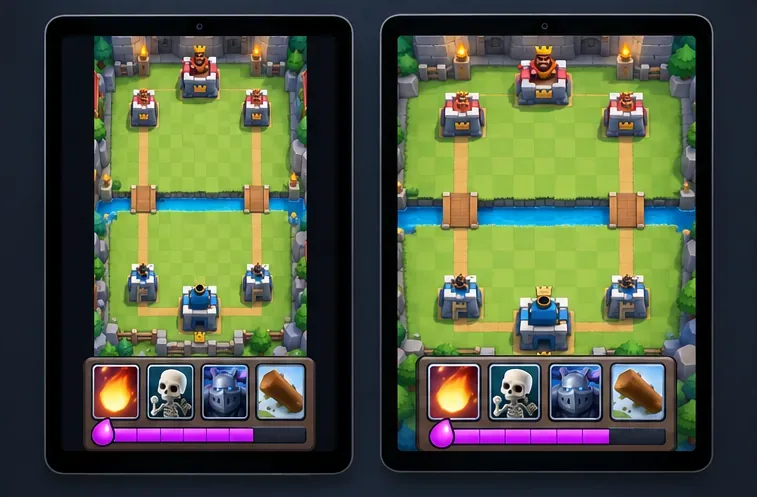
Find the best tablet aspect ratio setup for Clash Royale, compare Android display-fit choices, and check iPad full-screen framing without cropping the arena.
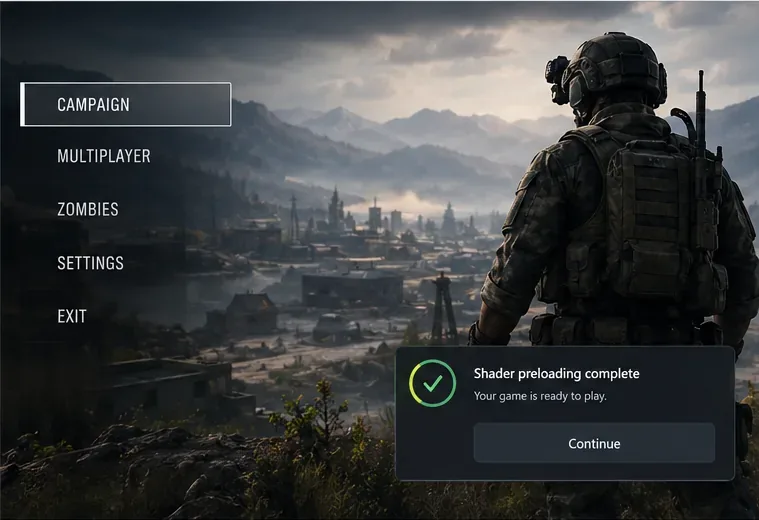
Fix Warzone Dev Error 6068 on startup with safe PC checks for updates, overlays, graphics drivers, game-file repair, and clean boot troubleshooting.
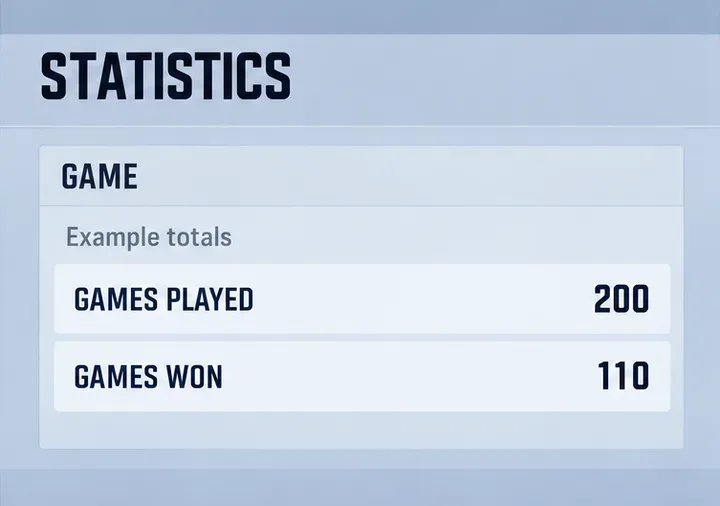
Check your Overwatch 2 overall match win rate with Career Stats, matching game totals, and the right filters—without mistaking hero percentages for match results.