Home
» 🎮 Esports
»
Master League of Legends Hotkeys: Self-Cast Abilities With Alt + Q/W/E/R
Master League of Legends Hotkeys: Self-Cast Abilities With Alt + Q/W/E/R
Master League of Legends Hotkeys for Self-Cast Abilities
On standard PC bindings, hold Alt and press the ability key—usually Q, W, E, or R—to use that spell on your own champion when its targeting rules allow it. For example, Alt+W is the default self-cast combination for the W slot if you have not changed your hotkeys. If your LoL keybinds are customized, check the active input profile and binding shown in the game.
Self-cast hotkeys in League of Legends are useful when you need a compatible heal, shield, or other self-targeted effect without clicking your champion in a crowded fight. They do not make every spell self-targetable, and they do not change what an ability does.
What self-cast does in League of Legends
A self-cast command tells the game to choose your champion as the target for a compatible ability. That can save a cursor movement when the screen is busy. It is a targeting shortcut, not a separate spell and not a promise that any ability can be cast on yourself. A projectile or ground-targeted skill shot, for instance, still follows its own target rules.
Keep the three ideas separate: the ability key selects a spell slot; Quick Cast changes how the spell is launched; and a self-cast binding selects your champion as the target when that spell supports it. Quick Cast can be convenient, but it is not a prerequisite for learning which self-cast keys are active on your setup. Check the Hotkeys menu if you use a different cast mode or remapped controls.
Default League of Legends self-cast hotkeys
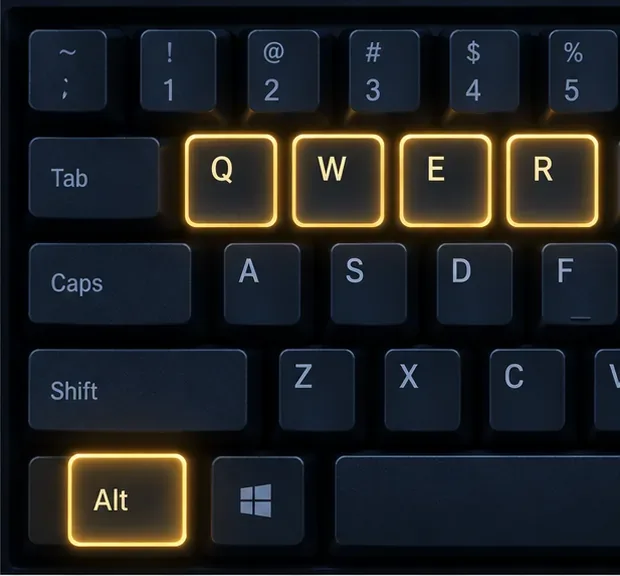
The standard ability keys are Q, W, E, and R. With the usual self-cast modifier, the key combinations are:
Ability slot
Standard key
Common self-cast shortcut
First basic ability
Q
Alt+Q
Second basic ability
W
Alt+W
Third basic ability
E
Alt+E
Ultimate
R
Alt+R
This is a slot-by-slot reference, not a list of spells that always work on yourself. The champion and ability determine whether a self-target is valid. Riot’s How to Play guide lists Q, W, E, and R as the usual ability keys; your current in-game bindings take priority if you have customized them.
Set up and test self-cast hotkeys
Use this four-step check in the live client. Riot’s Hotkeys (Keybindings) FAQ, updated April 21, 2026, explains where to open the settings and notes that bindings can be customized.
1. Open Options and Hotkeys
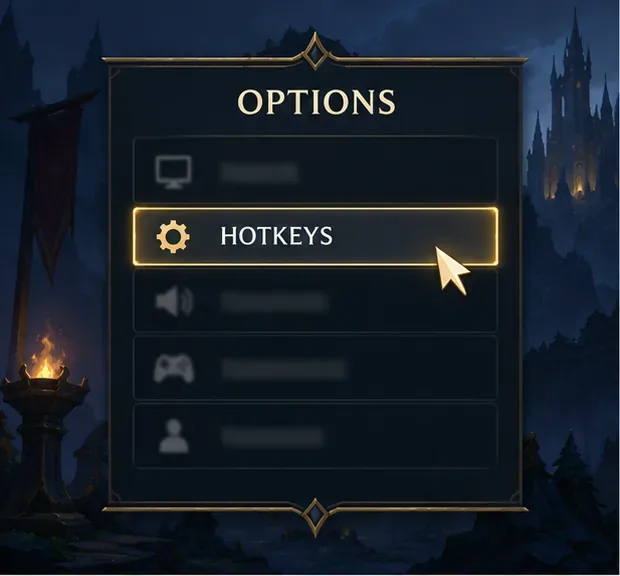
Enter a game or Practice Tool session and press Esc to open Options. Select Hotkeys to review the in-game bindings. Riot also documents a Hotkeys page in the League client’s Settings menu. Use the in-game panel when you want to confirm what applies to your current game.
Illustrative Options panel with Hotkeys highlighted; the live interface may look different.
2. Find the self-cast entries
Look through the ability hotkeys for the self-cast action associated with each spell slot. Check the binding for the specific slot you want to use; do not change the regular Q, W, E, or R cast key by mistake. If you use the standard layout, verify that the listed self-cast combinations match Alt plus the corresponding ability key.
Alt pairs with the ability key for the corresponding spell slot on the common default layout.
3. Check custom champion bindings
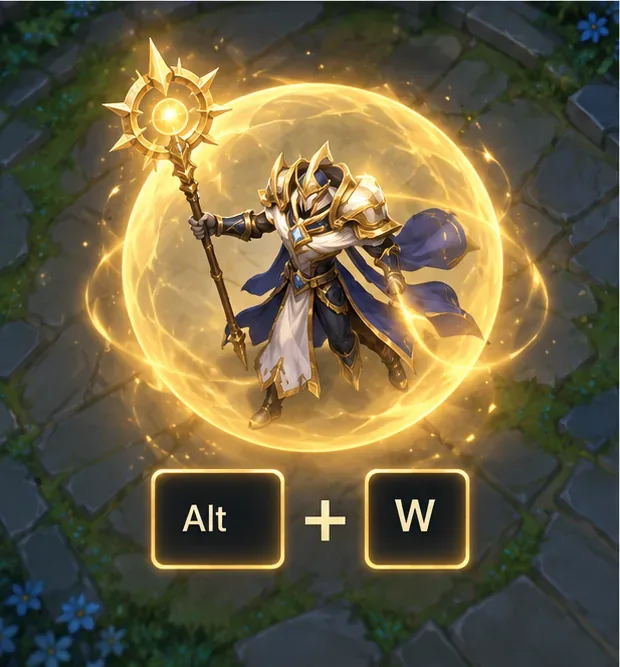
If you changed a key or use different controls for a particular champion, confirm the active profile before testing. Riot introduced champion-specific keybind overrides for both Point and Click and WASD input beginning with Patch 26.8. That means one champion’s settings may differ from your global setup. The modifier key by itself is not a complete binding; choose a combination the Hotkeys panel accepts and that you can press comfortably.
A self-cast input selects your champion only when the chosen ability allows it.
4. Verify the result in Practice Tool
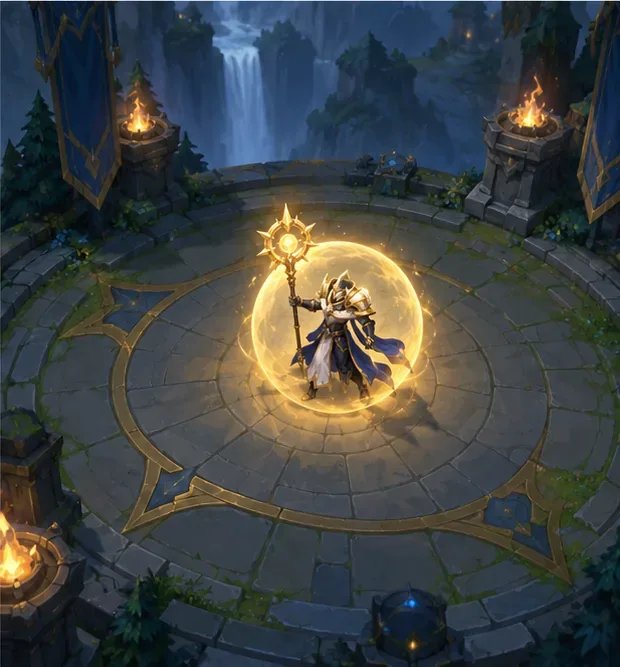
Test before relying on a new combination in a match. Choose a champion ability that can target its caster, move the cursor away from your champion, and press the displayed self-cast shortcut. Check that the effect resolves on your champion. If nothing happens, test another compatible ability and recheck the binding; a spell that cannot target you will not become self-castable because of a hotkey.
A practice setting gives you room to confirm the target and binding before a live fight.
What to check when self-cast does not work
The shortcut triggers the wrong action: Confirm that the combination is assigned to the self-cast entry for that slot, not only to the normal cast command. Check for a champion-specific override as well.
The spell does not fire: Make sure the ability can target its caster and that its range, cooldown, resource cost, and other conditions allow the cast. A hotkey cannot override an ability’s rules.
It works for one control style but not another: Riot says Point and Click and WASD hotkey settings are independent. Review the profile for the input mode you are using, and test it in Practice Tool.
Your changes caused broader keybinding problems: Riot’s FAQ documents a Restore Defaults option. Restore the standard bindings if needed, then reapply only the changes you want and verify them in game.
Does self-cast require Quick Cast?
No single cast mode should be assumed from the shortcut alone. Quick Cast controls how a spell is aimed and launched, while the self-cast binding chooses your champion as the target when that is valid. Keep the cast mode that suits your abilities, confirm the actual self-cast entry in Hotkeys, and practice the combination until it is familiar.