Home
» 🎮 Esports
»
Why Can’t I Join Minecraft Realms on Xbox? 7 Fixes to Try
Why Can’t I Join Minecraft Realms on Xbox? 7 Fixes to Try
Why Can’t I Join Minecraft Realms on Xbox? 7 Fixes to Try
If you can’t join Minecraft Realms on Xbox, check the service status, update the game, verify the Microsoft account and invitation, then review online multiplayer access, privacy permissions, and your network. Realms on Xbox use Minecraft: Bedrock Edition, so Java Edition players and incompatible game versions cannot join the same Realm.
Work through these checks in order and try joining again after each one. A Realm owner’s subscription, your Xbox online multiplayer access, and your account’s privacy permissions are separate checks; fixing one does not automatically fix the others.
Quick diagnosis: what does the problem look like?
What you see
Check first
The Realm is missing from your list
Confirm the invited Microsoft account and Gamertag, then accept the invitation.
“Multiplayer is disabled” or a privacy message
Review Xbox privacy and family settings.
One Realm fails, but others work
Ask the owner to verify your membership, the Realm’s status, and its subscription.
No Realm works or the game reports a connection error
Check service status, updates, sign-in, and network tests.
7 fixes for Minecraft Realms that won’t connect on Xbox
1. Check Xbox and Minecraft service status
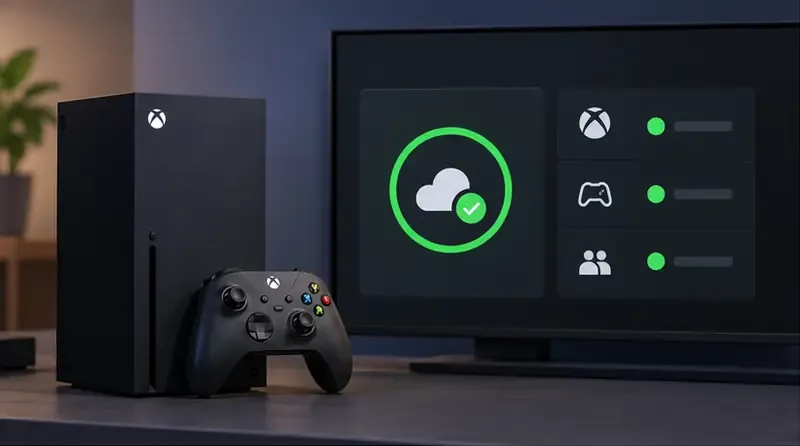
Before changing settings, check the official Xbox Status page and PlayFab Status. Minecraft directs players to these services when checking for multiplayer or Realms outages. If a relevant service is reporting an incident, wait for it to recover and test again; router changes and repeated account resets will not fix a server-side outage.
Check official service status before troubleshooting your console or router.
2. Update Minecraft and use the standard Bedrock release
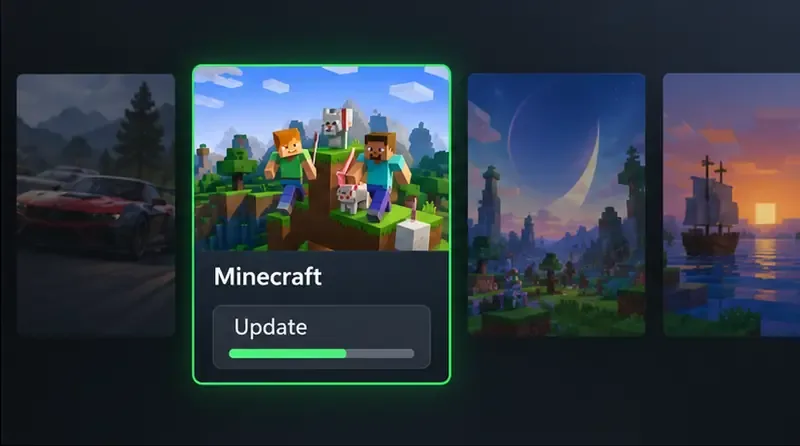
Realms can reject an outdated client. Check for updates to Minecraft and the Xbox system software, then fully quit and reopen the game. Make sure you’re launching the regular Minecraft game, not Minecraft Preview: standard Realms do not work with Preview/Beta builds unless the Realm itself is a Preview Realm. Everyone joining a Bedrock Realm must use a compatible Bedrock release; Java Edition and Bedrock Edition Realms are separate.
Use the console’s game-management screen to check for a Minecraft update. If you play with someone on another device, ask them to update too. See Minecraft’s multiplayer troubleshooting guide and its Preview and Beta information for edition and version details.
Install the latest compatible Minecraft update before retrying the Realm.
3. Refresh the Microsoft account used in Minecraft
On Xbox, Minecraft’s Microsoft account must be the one the Realm owner invited. Check the Gamertag shown in the game and compare it with the owner’s member list. If you use multiple Microsoft accounts, it is easy to be signed into a different profile than the one that received the invite.
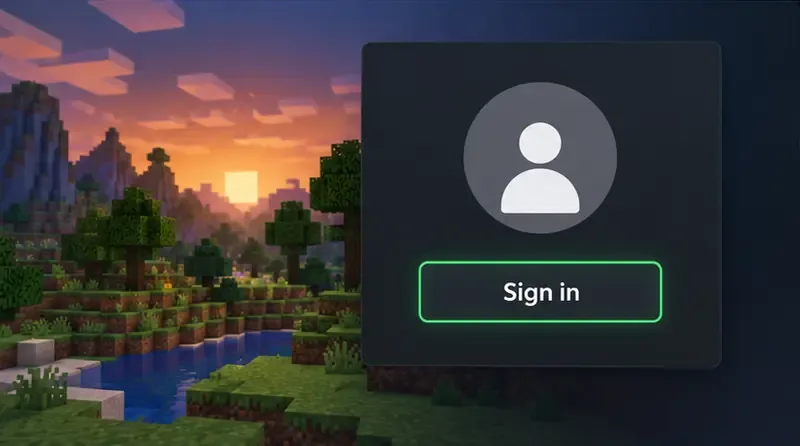
Sign out of the Microsoft account inside Minecraft, close the game, restart the Xbox, then launch Minecraft and sign in again with the invited account. Minecraft recommends signing out and restarting the system as part of Realms connection troubleshooting. Avoid unlinking accounts or deleting saved data as an early fix.
Use the Microsoft account and Gamertag that received the Realm invitation.
4. Accept a fresh invite and ask the owner to check Realm access
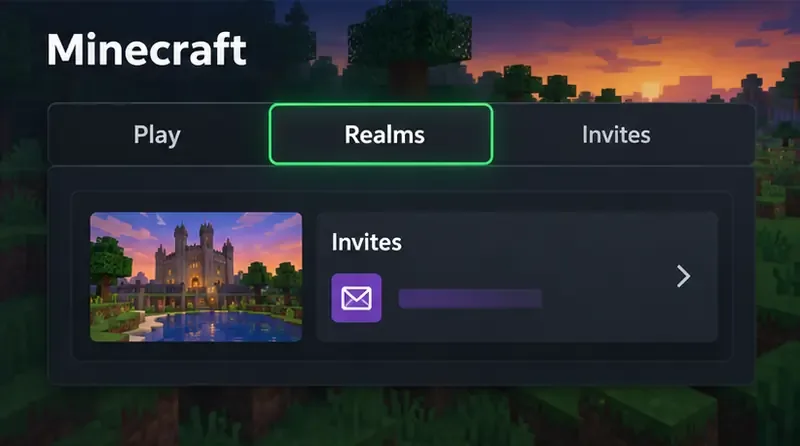
A Realm needs an invitation or invite link. In Bedrock, check the Minecraft Inbox for an invite, or open Play > Realms and use the add/join option for a link. Menu names can vary between versions. Minecraft’s official invitation instructions show both methods.
Ask the owner to confirm that the invitation went to your exact Gamertag, your account is still listed as a member, and the Realm is active. The owner can disable an invite link or set an expiration; if it no longer works, ask for a fresh link and check Minecraft’s invite-link instructions. The owner’s Realms subscription must be active, but the owner does not have to stay online for guests to play on a Realm.
Accept the Realm invite in Minecraft, then confirm the correct account is listed.
5. Confirm Xbox online multiplayer access
Playing online from an Xbox console requires an active Xbox subscription that includes online console multiplayer. Check the benefits of the plan attached to your account in your region; Xbox’s current Game Pass information lists online console multiplayer among eligible plan benefits, while names and availability can vary by market.
This is separate from a Minecraft Realms subscription. The Realm owner needs an active Realms plan; a guest does not need to purchase a second Realms subscription just to join. Minecraft lists console online access and the owner’s Realm subscription as separate requirements in its Realms connection guide.
Check that your Xbox account has online console multiplayer access.
6. Allow multiplayer in Xbox privacy or family settings
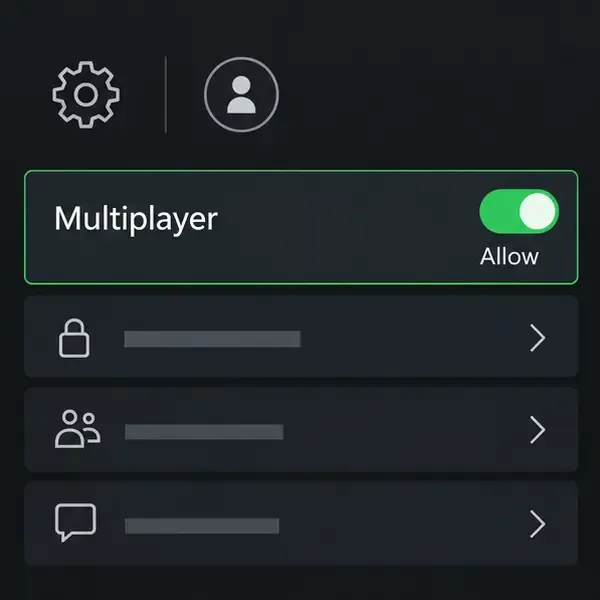
If Minecraft says multiplayer is disabled, review the account’s online safety settings. The permission to join multiplayer games must be allowed. If you are trying to join friends on other platforms, check the cross-network play permission as well if it appears for your account.
For a child account, a parent or family organizer may need to change the setting. Minecraft notes that multiplayer permissions can block access even when the player can sign in normally. Follow the current steps in its guide to managing multiplayer access for a child account; exact labels may differ between Xbox and Microsoft family controls.
Ask the family organizer to allow multiplayer if the account is managed.
7. Test the Xbox network and reset simple connection problems
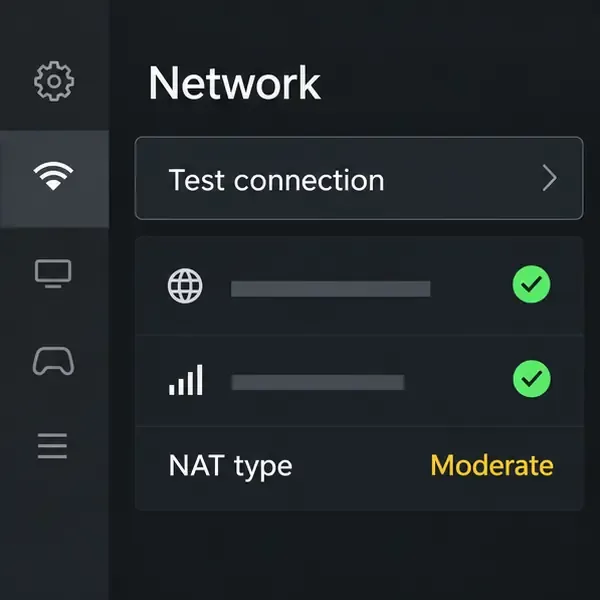
Open the Xbox network settings and run the built-in connection and multiplayer tests. If a test fails, restart the console and your modem/router, then try again. A wired connection or a stronger Wi-Fi signal can help rule out an unstable link.
If you previously set a custom DNS server or manually changed router port rules, restore the default settings and test again. Minecraft warns that custom DNS and port configurations can interfere with multiplayer even when other apps still work. Don’t open random ports or change several router settings at once; if Xbox’s test continues to report a network problem, contact your router or internet provider’s support. See Minecraft’s network connection troubleshooting page.
Use the console’s network test to identify whether the failure is local to your connection.Restart the router and console, then retest the Realm connection.
If you still can’t join
Use the result of the checks to narrow down who needs to act. If only one Realm is affected, the owner should verify your membership, the Realm’s subscription, and whether the Realm is open. If every Realm fails but Xbox services are healthy, revisit the account sign-in, multiplayer permission, and network tests. For named Bedrock errors, consult Minecraft’s error-code troubleshooting guide and include the exact wording when contacting support.
Common questions
Do I need my own Realms subscription to join a friend?
No. The Realm owner needs an active Realms subscription. As a guest, you need an invitation and the Xbox online multiplayer access required for console play, but not a separate Realms plan.
Can a Java Edition player join an Xbox Realm?
No. Xbox runs the Bedrock version of Minecraft, and a Bedrock Realm requires a compatible Bedrock client. Java and Bedrock players cannot join the same Realm through the standard game.
Does the Realm owner have to be online?
No. Realms are hosted online, so members can play while the owner is offline. If nobody can connect, check the Realm’s status and subscription rather than waiting for the owner to sign in.