Home
» 🎮 Esports
»
Unlock Better Positioning: Master the Stop Command in League of Legends
Unlock Better Positioning: Master the Stop Command in League of Legends
Unlock Better Positioning: Master the Stop Command in League of Legends
The Stop command in League of Legends cancels your champion’s current order. On the standard point-and-click setup, it is commonly bound to S, but custom keybinds and input profiles can change that. Use Stop to cancel a movement or attack order that would carry you too far; it does not dodge a skillshot for you. To evade a projectile, issue a movement command first, then use Stop only after your champion has reached a safe spot or the threat has passed.
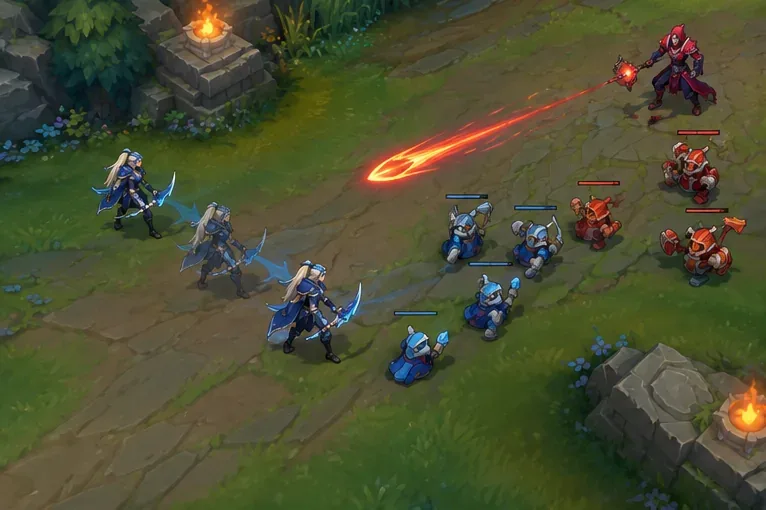
Illustrative MOBA scene: the champion sidesteps with a movement command; Stop can cancel an overlong path after the projectile is clear.
What the Stop command does—and what it does not
League’s classic point-and-click controls use right-clicks to give movement and attack orders. Stop is a cancel command: it tells your champion to halt the order currently being followed. That makes it useful for correcting an overly long path, but it does not create a new path, add a dash, grant invulnerability, or make your champion untargetable.
Think of Stop as the brake after you have chosen a direction. If Lux or another champion fires a line skillshot, right-click to move out of its path. Pressing S while you are still in the projectile’s line simply leaves you stationary there. Once you have sidestepped, Stop can prevent your champion from walking farther than intended.
Input
What it is for
Use it when
Right-click
Give a new move or target order
You need to sidestep, retreat, approach, or attack a chosen target
Stop (S by default in many point-and-click setups)
Cancel the active order and halt
Your current path or order is taking you too far
Attack Move
Move and attack according to the selected attack-move behavior
You want to kite while continuing to attack; check your target-selection settings
Hold Position
A separate movement action with different behavior
You need a stationary command; inspect and test its binding separately
Stop also should not be treated as a universal spell-cancel key or animation-cancel shortcut. A champion’s dash, cast time, crowd-control effect, or other ability behavior follows its own rules. Stop cancels your current order; it does not rewrite those mechanics.
How to check or change your Stop keybind
Enter a Practice Tool game and press Esc to open Options.
Open Hotkeys or Keybindings, then find the player-movement bindings.
Locate Player Stop Position and check which key is assigned. If you want a different key, select the binding and press an unused key that is comfortable to reach.
Test it by right-clicking a nearby open patch of ground, then pressing the displayed Stop key. Confirm that your champion halts, and issue another right-click to resume.
Riot’s Hotkeys (Keybindings) FAQ explains where to find keybindings and how to restore defaults. If you use the newer Keyboard (WASD) input, Riot says those hotkeys are independent from the point-and-click profile; review the active input and test it in Practice Tool using the Keyboard (WASD) Input FAQ as a reference.
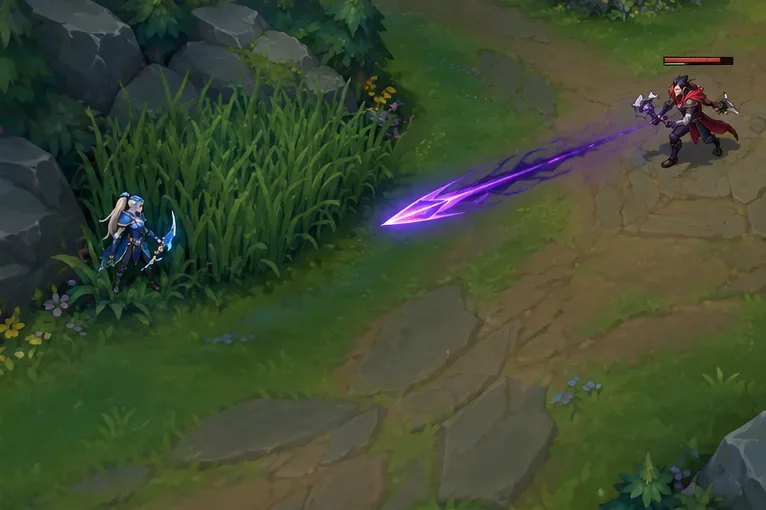
Illustrative MOBA scene: after moving to a safe position, Stop can cancel the remaining movement order.
When Stop improves your positioning
Cancel an overshoot near a lane or brush
A long right-click can send your champion past the safe spot you had in mind. If the opponent backs away or a threat appears, Stop can cancel the remaining order so you do not keep walking toward danger. Use a short new right-click afterward to make your next move precise. Near an unwarded brush, remember that Stop does not reveal what is inside; do not walk into fog just because you can halt at its edge.
Keep a last-hit approach under control
When you move toward a low-health minion, watch the enemy champion and the wave as well as your intended target. If your approach order would carry you into a dangerous trade, Stop can cut it short. Then decide whether to right-click the minion, use an attack-move command, or give ground. Since Stop cancels the current order, do not assume it will preserve an attack command you issued earlier.
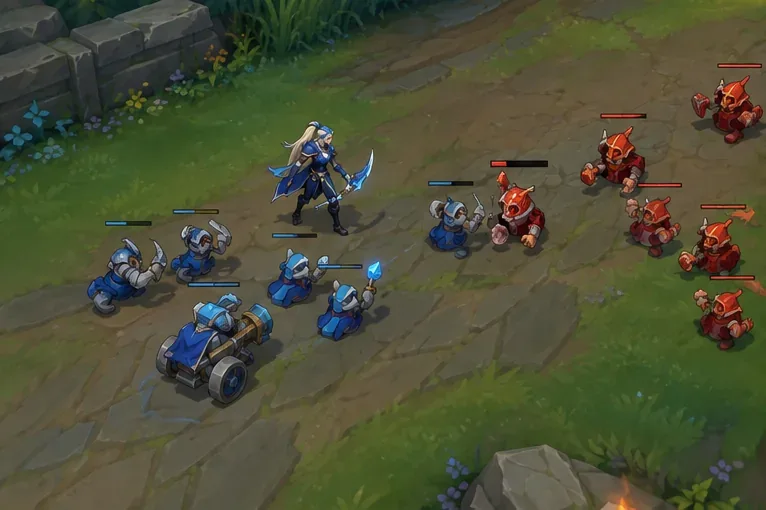
Illustrative MOBA scene: cancel a long movement order before stepping too far into the minion wave, then issue the next attack deliberately.
Reset your retreat path after a dodge
In a gank or teamfight, use right-click movement to leave the threat area and avoid skillshots. After your champion clears the danger, Stop can cancel a path that would take you beyond your turret, teammates, or intended cover. If the enemy changes angle, send a fresh movement order rather than repeatedly tapping Stop in place.
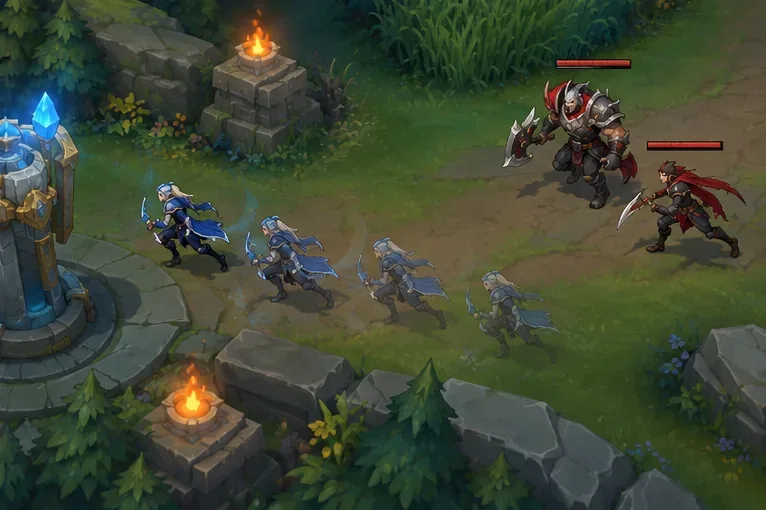
Illustrative MOBA scene: retreat with a fresh movement order, then stop once you have reached safe ground.
A short Practice Tool drill
Check the binding: identify the current Stop key in the active input profile.
Test a short path: right-click a safe patch of ground and tap Stop once to learn how your champion responds.
Practice a correction: issue a longer movement order, then cancel it before your champion reaches a nearby wall, brush edge, or enemy wave.
Add a dodge: in a bot game or custom match, move sideways from an incoming skillshot; use Stop only after the sidestep is complete, then issue the next order.
Repeat the drill with your usual champion and input setup. The goal is not to press Stop constantly; it is to recognize when the current order no longer matches the position you want.
Common Stop-command mistakes
Pressing Stop instead of dodging: move out of the skillshot’s path first; Stop alone does not change your position.
Expecting attacks to continue: Stop cancels the active order, so give a new target or attack-move command when you are ready.
Using the wrong key: custom settings and input profiles can differ. Check the binding in-game instead of assuming S is active.
Blaming Stop for a completed ability: it is an order control, not a universal way to cancel a cast, dash, or crowd control.
Used deliberately, the Stop command helps you cancel bad movement orders and hold the position you chose. The movement command creates the dodge or retreat; Stop simply prevents that order from carrying you farther than you intended.