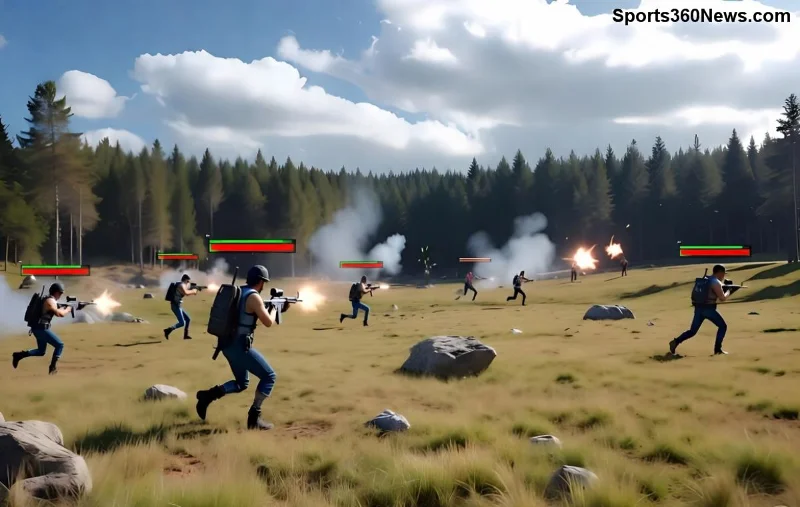
Imagine spotting enemies before they even know you're there. In the fast-paced world of Free Fire, every second counts, and the "Look Around" feature is your secret weapon for better vision. This game-changer lets you scan your surroundings without moving your character, perfect for peeking corners, checking flanks, or staying alert while driving. Ready to turn the tide in your matches? Let's dive in! 👆
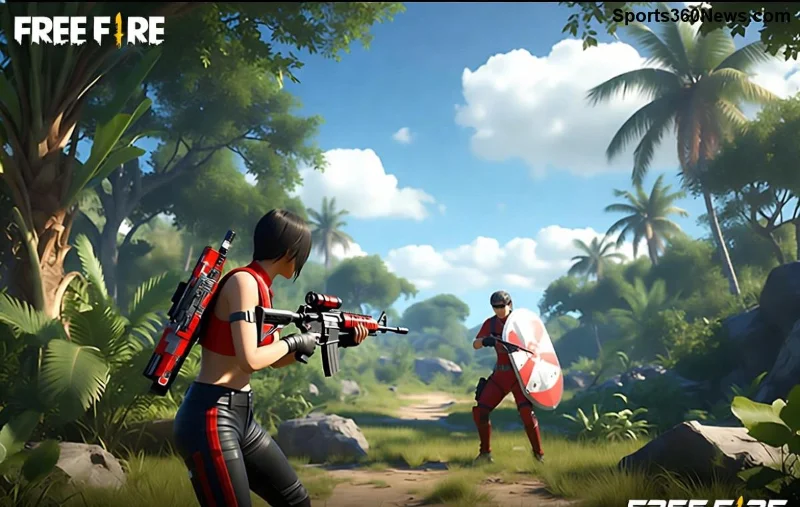
What is the Free Fire Look Around Feature?
The Free Fire Look Around feature allows independent camera rotation from your character's movement. Activated via a simple button, it provides 360-degree awareness without exposing your position. Ideal for clutch moments in ranked games, it's been a staple in recent updates, enhancing tactical depth for all players.
Why does it matter? Superior vision means fewer ambushes and more headshots. Pros swear by it for clutching 1v4 scenarios. ⭐ Pro Fact: Using Look Around correctly can boost your KD ratio by spotting hidden foes early.
How to Activate Look Around in Free Fire
Activating is straightforward across devices. Head to Settings > Controls > Custom HUD, and ensure the Look Around button is visible. It's usually a joystick-like icon near the movement controls.
| Device |
Activation Method |
Quick Tip |
| Mobile (Android/iOS) |
Tap the circular Look Around button |
Drag to rotate view smoothly |
| PC Emulator |
Hold assigned key (default: Mouse wheel or custom) |
Bind to mouse for precision |
| Console |
Hold Right Stick + L1/R1 combo |
Practice in training mode |
Once set, you're ready to unleash its power. No more blind spots!
Step-by-Step Guide: Using Look Around for Better Vision
- ✅ Position Yourself: Hide behind cover or prone. Activate Look Around to peek without peeking.
- 🔄 Rotate Freely: Hold the button and swipe/drag. Scan left, right, up, down—full 360° control.
- 🎯 Spot Enemies: Use it mid-firefight to check flanks. Combine with lean for ultimate stealth.
- 🚗 While Driving: Vehicles are prime time. Look back for pursuers without slowing down.
- 💥 Release and React: Let go to snap back to normal view. Queue a shot instantly.
Practice in Training Island first. You'll notice immediate improvements in awareness. Free Fire Look Around shines in close-quarters like Bermuda's buildings or Purgatory's zones.
![Pro player using Free Fire Look Around for better vision during intense battle]()
Pro Tips to Maximize Look Around for God-Tier Vision
- Combine with Gloo Walls: Deploy a wall, then Look Around over it safely. Enemies won't see you coming! 🔥
- Sensitivity Tweaks: In Settings, boost Camera Sensitivity by 10-20% for faster scans without dizziness.
- Zone Rotations: As the safe zone shrinks, spam Look Around to predict enemy pushes.
- Team Play: Call out sightings: "Enemy at 180!" Coordinate for squad wipes.
- Advanced Bind: On emulators, macro Look Around + ADS for no-scope checks.
🚀 Game-Changer Alert: Pair it with characters like Alok or K (vision buffs) for insane synergy. Watch your Booyahs skyrocket!
For official controls, check Garena Free Fire's site.
Common Mistakes to Avoid with Free Fire Look Around
Even pros slip up. Here's how to stay sharp:
- ❌ Holding too long: Limits movement. Quick taps are key.
- ❌ Ignoring audio: Look Around + footsteps = confirmed kills.
- ❌ Low graphics: Crank up FPS for clearer vision.
- ❌ No practice: 10 mins daily in custom rooms builds muscle memory.
Level Up Your Game: Why Look Around is a Must-Master
Mastering the Free Fire Look Around Feature isn't just a tip—it's a mindset shift. From casual lobbies to Grandmaster ranks, better vision separates survivors from legends. Implement these steps, and you'll feel unstoppable.
What's your craziest Look Around clutch? Drop it in the comments and share the hype! Keep grinding, Booyah squad. 💪