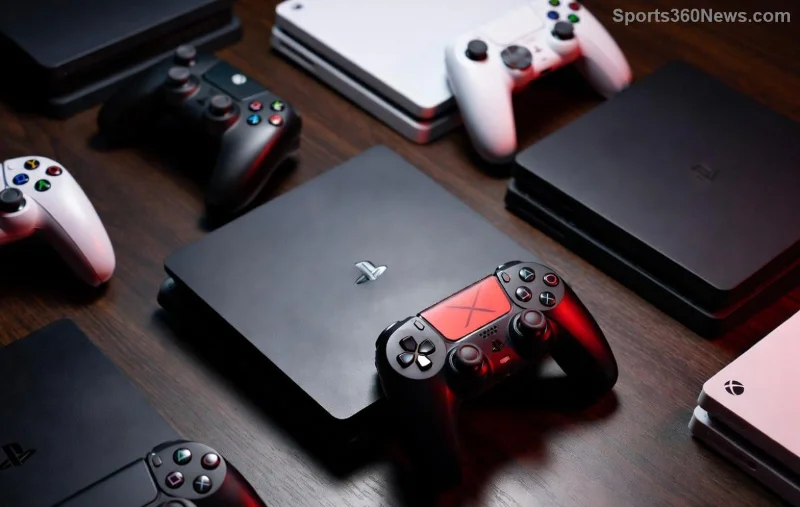
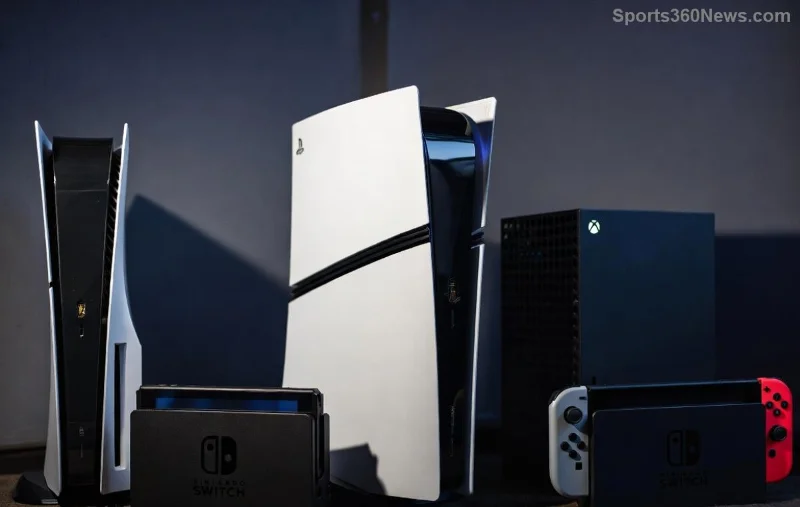
🚀 Imagine snagging your dream PlayStation titles at jaw-dropping prices or grabbing region-exclusive gems before they hit your local store. Whether it's blockbuster deals in the US, J-RPG masterpieces from Japan, or Euro budget steals, learning how to buy games from other regions on PlayStation opens a world of savings and variety for PS5 and PS4 gamers. This guide delivers the exact, up-to-date steps to do it safely and legally – no fluff, just pure gaming wins!
Why Buy Games from Other Regions on PlayStation? The Gamer's Edge
Games are region-free on PlayStation – meaning a US-purchased title plays perfectly on your EU console. But PSN accounts are region-locked to one store. Here's why switch regions:
- Cheaper Prices: US sales often undercut others by 20-50%.
- Exclusive Content: Japan for niche anime games; Europe for early indies.
- Pre-Orders & Bundles: Region-specific perks you won't miss.
Ready to dive in? Follow these proven steps to access any PlayStation Store worldwide. Pro Tip: Always use official methods to avoid bans!
Prerequisites Before You Start
✅ Gather these essentials:
| Item |
Why Needed |
Where to Get |
| Secondary Email |
New PSN account per region |
Gmail/Outlook |
| VPN (Premium) |
Simulate location for account creation |
ExpressVPN or NordVPN |
| Region Gift Cards or Local Payment |
PSN doesn't accept cross-region cards |
Amazon, OffGamers, or local stores
| PS5/PS4 Console |
Sign in with multiple accounts |
Your setup! |
With these, you're set for seamless region shopping.
Step-by-Step: How to Buy Games from Other Regions on PlayStation
Step 1: Create a New PSN Account for Your Target Region
⚠️ You cannot change an existing account's region – Sony locks it permanently. New account is key!
- Connect to a VPN server in your desired region (e.g., US for cheap AAA).
- Go to PlayStation account creation.
- Enter details matching the region: US address? Use a real one like "123 Main St, New York, NY 10001".
- Verify email and set up 2FA.
Hot Tip: Japan accounts need Japanese text input – enable via browser settings. Boom, instant access to PlayStation Store Japan! 😎
![Step-by-step screenshot of creating a PSN account for different regions]()
Step 2: Fund Your Account with Region-Matched Payments
No cross-region credit cards! Opt for:
- PSN Gift Cards: Buy from Amazon (match seller region) or CDKeys.
- PayPal: Link one registered in the target country via VPN.
- Local Alternatives: Japan – Konbini; Europe – Paysafecard.
| Region |
Avg. Savings on AAA Games |
Best Gift Card Sources |
| US |
30-50% |
Amazon US, Best Buy |
| Japan |
10-30% on exclusives |
Play-Asia, eBay JP |
| Europe (UK) |
20-40% |
CDKeys, ShopTo |
Load funds, search your game, and purchase – it's that simple! 🎮
Step 3: Download & Play on Your Console
- Sign into your console with the new account (Settings > Users > Add User).
- Switch to the new account on PlayStation Store.
- Download – games auto-install regardless of primary account.
- Switch back to main account to play. Trophies? They sync per account.
Bonus: Use Family Sharing on PS5 for main account access to shared library!
![PS5 dashboard showing games from multiple regions]()
Common Pitfalls & Pro Fixes
❌ VPN Detection: Free VPNs get flagged – stick to paid ones and clear cookies.
❌ Payment Rejections: Always match billing to region.
❌ Trophy Glitches: Rare, but restart console fixes it.
For official word, check PSN Terms – multiple accounts are A-OK!
Maximize Savings: Top Regions for PlayStation Deals
⭐ US: Frequent sales on Call of Duty, FIFA.
⭐ Japan: Persona, Final Fantasy exclusives cheaper.
⭐ Turkey/Argentina: Deep discounts (watch exchange rates).
Track deals via PS Deals app – filter by region!
Final Thoughts: Level Up Your Gaming World
Congrats, gamer! You've mastered how to buy games from other regions on PlayStation. Start with a US account for quick wins, then explore Japan for those hidden gems. Your wallet thanks you, and your backlog explodes with value. What's your first cross-region buy? Drop it below and share the hype! 👇 Keep gaming smart – more guides coming soon.