How to Check Real-Time Server Latency in the PUBG HUD

Enable PUBG’s network statistics HUD to monitor ping and packet loss in a match. See where to find it, what the numbers mean, and what they cannot diagnose.
To land more long-range headshots in PUBG Mobile, build a repeatable shot routine: choose a rifle and scope you can control, estimate the target’s distance, account for travel time and bullet drop, fire from cover, then move before opponents return fire. A rare weapon or maximum zoom cannot replace those decisions. This PUBG Mobile sniping guide focuses on practical habits you can rehearse in Training Grounds and carry into Classic matches.
Weapon balance and controls can change between updates, so treat old damage tables, fixed “best” sensitivity numbers, and universal range claims with caution. Official patch notes have adjusted sniper rifles and attachments over time. Use the current in-game descriptions and test the weapon you actually have.
For a deliberate opening shot, start with a bolt-action sniper rifle such as the Kar98K, M24, or AWM when one is available in your mode. Their handling and availability differ, and a supply-drop weapon is not a dependable plan for every match. A designated marksman rifle (DMR) is a useful alternative when you want quicker follow-up shots and are comfortable managing repeated recoil.
Pick the optic for the sightline, not its maximum magnification. Higher zoom helps identify a distant target but narrows your view and makes a moving player harder to track. A lower-power scope is often easier to control at medium range. Try the optics your weapon accepts and keep the one that lets you acquire, track, and reacquire a target without losing awareness of nearby threats.
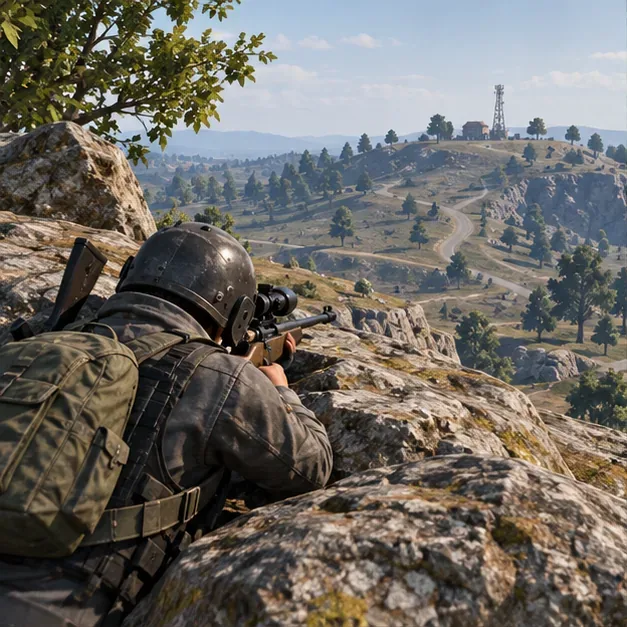
Open the current Training Grounds entry from the lobby and test your chosen rifle, optic, and control layout. PUBG Mobile’s support page describes Training Grounds as a place to try weapons and equipment. Its official Version 2.2 notes also documented damage and bullet-trajectory displays for stationary targets; menu labels and available practice features can change, so follow what the current build shows.
Do not assume a manual zeroing control or a particular “hold breath” button is available in every mode or control layout. If your current version exposes a relevant control, verify it in Training Grounds. Otherwise, use observed impact points and careful aim corrections. Gyroscope aiming is optional: enable it only if you can make small, controlled tilts, and tune it separately for each scope.
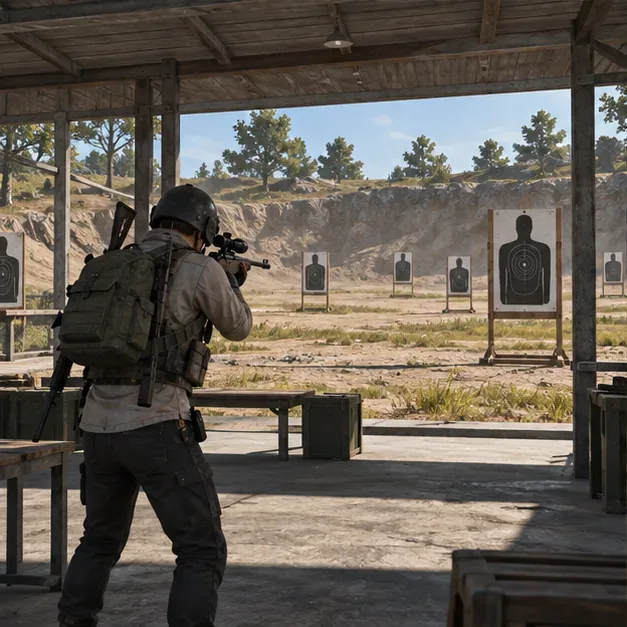
A long-range shot takes time to arrive. During that flight, a moving opponent can leave the point where you aimed, and the bullet may land lower than the crosshair at extended distances. The exact correction depends on the weapon and current game balance, so there is no reliable one-size-fits-all number of meters or body widths.
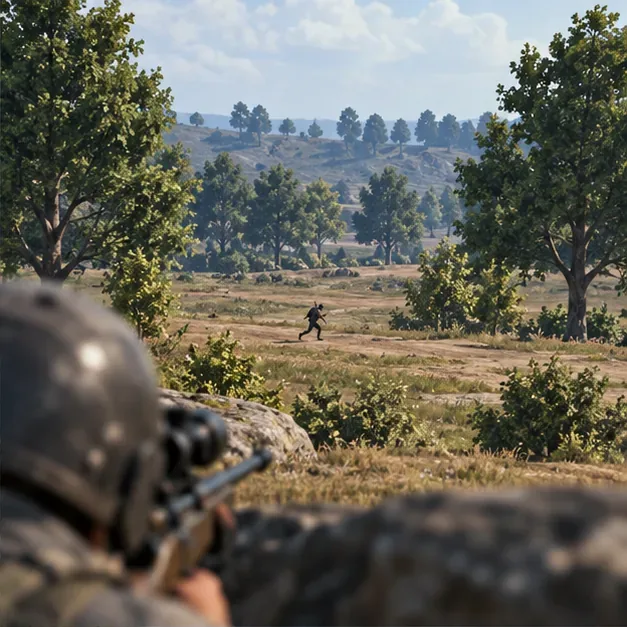
A strong sniper position offers a view of a likely route, solid cover, and a second place to move. A hilltop with no nearby rock may give a long sightline but leave you exposed. Favor a ridge, boulder, building edge, or other cover that lets you peek briefly and retreat without crossing open ground.
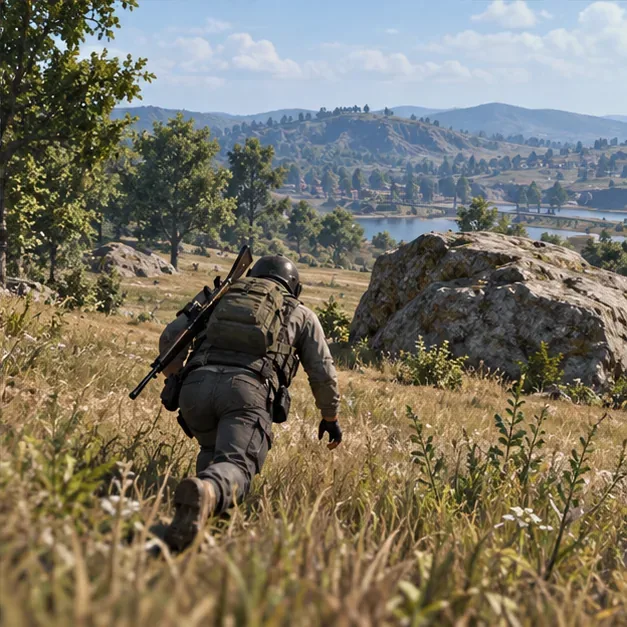
Use a simple session you can repeat rather than chasing a made-up accuracy percentage. The goal is to identify one specific miss and improve it.
| Round | Practice | What to notice |
|---|---|---|
| 1 | Fire a small set of shots at a stationary target nearby. | Can you stop the scope on the target without overcorrecting? |
| 2 | Repeat at a farther marked distance with the same rifle. | Where do impacts land relative to your aim point? |
| 3 | Track a target moving across your view. | Did you aim ahead enough, and did you fire during a predictable movement? |
| 4 | Peek from cover, take one shot, then move. | Can you leave the angle without exposing yourself for a second shot? |
Change one variable at a time: weapon, optic, sensitivity, or aiming method. If you change all four after a miss, you will not know which adjustment mattered. In live matches, prioritize a safe opening and useful damage over forcing a headshot on every target.
Use the bolt-action rifle you can control and reliably find in your mode. The AWM can be powerful but is not a guaranteed pickup; the M24 and Kar98K are other familiar bolt-action options. Test current handling instead of relying on an old damage ranking.
There is no universal best scope. Higher magnification can help with distant identification, while lower magnification can make it easier to track movement and scan for threats. Choose based on your target distance, device, and control comfort.
Common causes include misjudging distance, ignoring bullet travel time, aiming at a moving player’s old position, overcorrecting sensitivity, and shooting from an unstable or exposed angle. Use Training Grounds to isolate one cause at a time.
For a steadier PUBG Mobile sniper routine, make each shot a small feedback loop: observe, aim, fire, check the result, then reposition. Consistent practice with your current weapon and controls will do more for long-range headshots than a universal sensitivity preset.
Enable PUBG’s network statistics HUD to monitor ping and packet loss in a match. See where to find it, what the numbers mean, and what they cannot diagnose.
Learn how to import VALORANT crosshair codes, compare presets with manual settings and spectator copy, and fix common import issues.
Choose Dota 2 minimap size, hero icons, team colors, and background settings by readability, fewer misclicks, and clear results on your own display.
Fix Fortnite texture pop-in on PC with official steps for GPU drivers, file verification, DirectX 12, high-resolution textures, VRAM, SSDs, and stutter.
Learn what Heroes of the Storm minimap size and position options are verified, improve readability, and choose camera-click controls that suit you.
Set Super Smash Bros. Ultimate Quickplay to prefer hazards-off stages. Follow the Preferred Rules menu steps and learn why matchmaking may not always honor them.
Enable Server Latency and Packet Loss in Warzone to monitor connection quality, read the overlay, and use recurring spikes to guide troubleshooting.
Learn how to carry from mid lane in League of Legends by setting up waves, choosing safe roam windows, reading side lanes, and converting pressure into objectives.
Fix Minecraft Evoker spell problems with a safe vanilla test, version checks, log review, and a step-by-step way to isolate mod or datapack conflicts.
Fix PUBG stuck on Initializing on Steam with a focused checklist for PC service notices, launch options, game files, downloads, and connection issues.








