Home
» 🎮 Esports
»
E Herobrine Minecraft: What’s Verified About the Elemental Errors Mod
E Herobrine Minecraft: What’s Verified About the Elemental Errors Mod
E Herobrine Minecraft: What’s Verified About the Elemental Errors Mod
If you are looking for E Herobrine Minecraft: Elemental Errors, the key thing to know is that I could not verify a public release page under that exact name in the mod listings checked for this rewrite. The earlier article’s studio name, download total, 1.21 features, crafting items, and encounter percentages are not supported by a matching project page, so they should not be treated as confirmed facts.
A separate project called Legendary Herobrine is listed on Modrinth and does describe a Herobrine boss with elemental attacks. It is a different mod. This guide separates the searchable title from what a public listing actually verifies, then shows how to check a Java Edition mod before installing it.
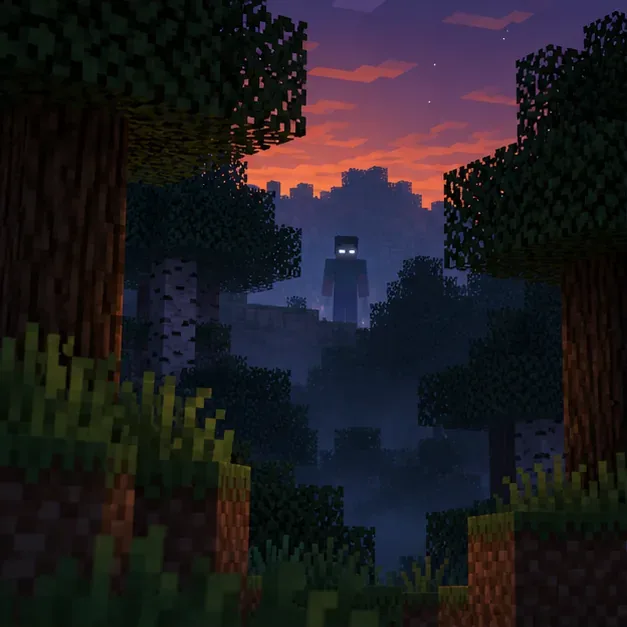
A conceptual view of the Herobrine legend at a forest edge; this is not a verified gameplay screenshot.
Is E Herobrine Minecraft: Elemental Errors a real mod?
As of October 17, 2026, I could not confirm a downloadable mod with the exact title “E Herobrine Minecraft: Elemental Errors.” A search result or an article repeating the name is not enough to establish that a mod exists, who made it, which Minecraft version it supports, or whether its download is safe. A project can also be private, removed, or newly published, so the search result alone does not prove that no such project has ever existed.
The practical conclusion is narrower: the older claims about “CreepCore Studios,” 500,000 downloads, a Fabric-only installer, “Error Shards,” “Elemental Wards,” spawn percentages, and a 1.21.1 weather update could not be verified against a public release page for that named mod. Do not use those details to choose a download or configure a world unless the original creator publishes a matching project page and version notes.
What a separate Herobrine mod listing actually confirms
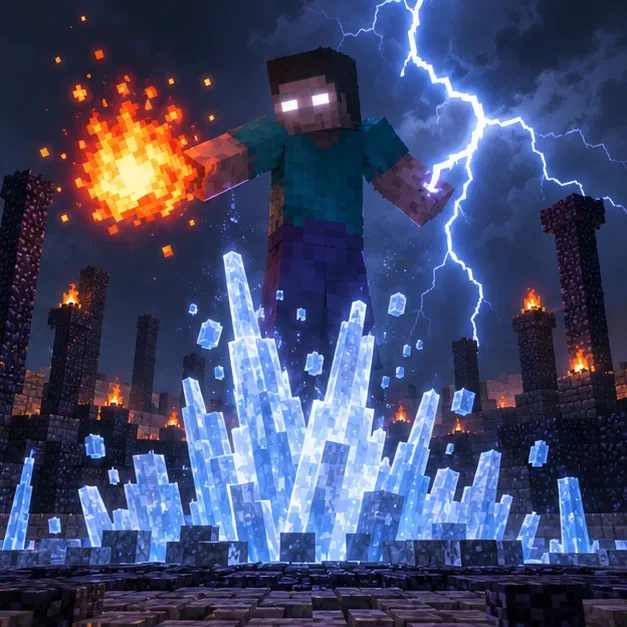
The public Modrinth page for Legendary Herobrine describes a 300-health boss with combat behavior, weapons, and elemental attacks. The page says the fight can include explosive fireballs, wide fire walls, lightning bolts, and ice spikes that slow players. These are details from that project’s description, not proof that the “Elemental Errors” mod has the same features or that the mod has been independently tested for this article.
The listing’s compatibility section currently identifies Minecraft: Java Edition 1.20.1, the Forge loader, and client-and-server support. That does not establish compatibility with Minecraft 1.21, Fabric, Bedrock Edition, or another Herobrine add-on. Check the project’s version list immediately before downloading because project files and compatibility can change.
Conceptual scene showing fire, lightning, and ice attacks described on the separate Legendary Herobrine listing; not a capture from the mod.
Four steps to verify and safely try a Herobrine mod
Find the original project page. Search the exact title on a reputable mod platform and follow the creator’s own project link. Confirm the project name, creator account, latest file, Minecraft version, loader, required dependencies, and changelog. If the page cannot be found, do not install a file from a random mirror that claims to be the missing mod.
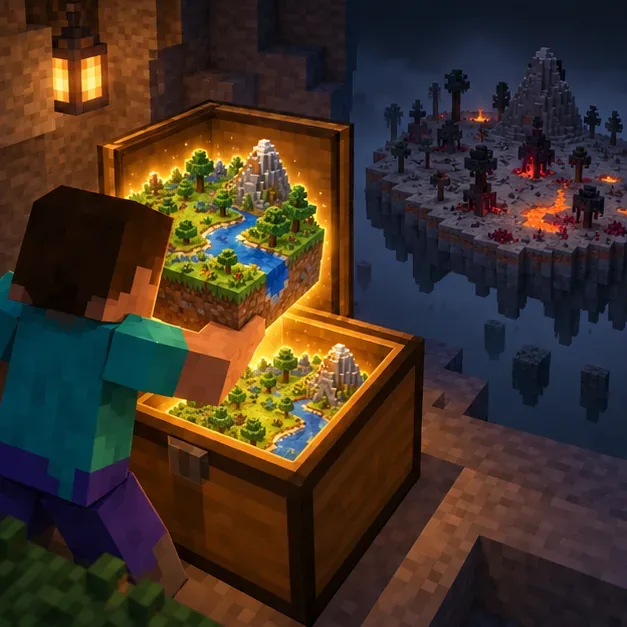
Protect your worlds. Back up important saves and make a separate launcher installation or game directory for testing. Start with a new test world so a crash or world change cannot damage your main save. A backup is useful even when a mod looks simple; third-party code can change how a world loads or stores data. A visual metaphor for keeping a backup and testing in a separate world; the chest is not an in-game mod feature.
Match the game version and loader exactly. For the separate Legendary Herobrine listing checked here, the page specifies Java 1.20.1 and Forge. Download a file that matches those details, and use the official Forge 1.20.1 downloads page for the loader. Install the Forge client profile, launch it once, then put the downloaded mod JAR in that profile’s mods folder. Do not put a Forge-only mod into a Fabric profile. Fabric’s own installation guide likewise tells players to check the Minecraft version, loader, and Java Edition compatibility before adding a file.
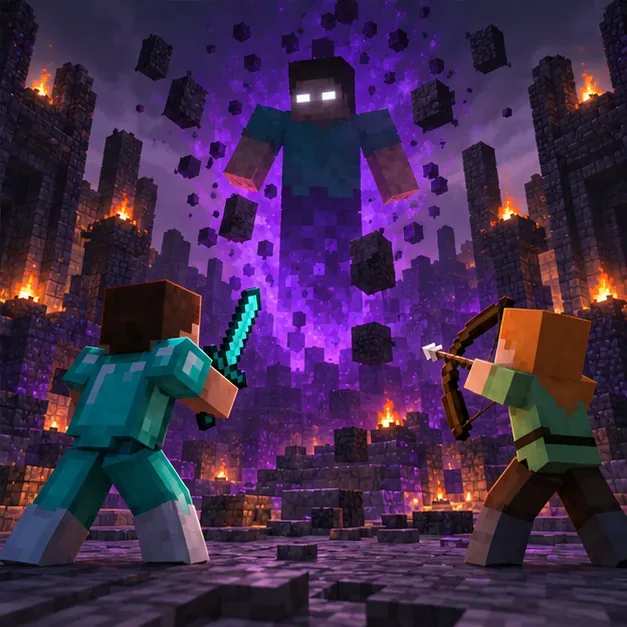
Test before adding more mods or inviting players. Launch the isolated profile with only the selected mod and its listed dependencies, then enter the new test world. If it fails, check the crash report and remove the last added file before changing memory settings at random. For multiplayer, the listing marks this separate project for both client and server; confirm that the server uses a compatible Minecraft and Forge version and that its host allows Forge mods. Conceptual multiplayer scene; the separate Modrinth listing marks client and server support, but the image is not actual gameplay.
Common installation problems
Game crashes at startup: check that the mod file, Minecraft version, and loader match; then confirm any required dependencies on the project page.
The mod does not appear: make sure the JAR is in the active profile’s mods folder, not another Minecraft instance’s folder, and that you launched the loader profile rather than vanilla Minecraft.
A multiplayer server rejects the mod: compare the server and client Minecraft versions, loader builds, mod files, and dependencies. Ask the server host which mod versions are allowed.
Minecraft Support notes that modding Java Edition is not officially supported by Mojang, so mod-specific issues need to be handled through the mod author or platform. Keep the vanilla launcher profile available while troubleshooting.
Bottom line
E Herobrine Minecraft: Elemental Errors remains an unverified exact title in the sources checked here. The distinct Legendary Herobrine listing is a verifiable option for Java 1.20.1 with Forge, and its own project page should be treated as the source of truth for files and requirements. Before downloading any Minecraft horror mod, verify the original listing, match its loader and game version, and test it in a backed-up, separate world.