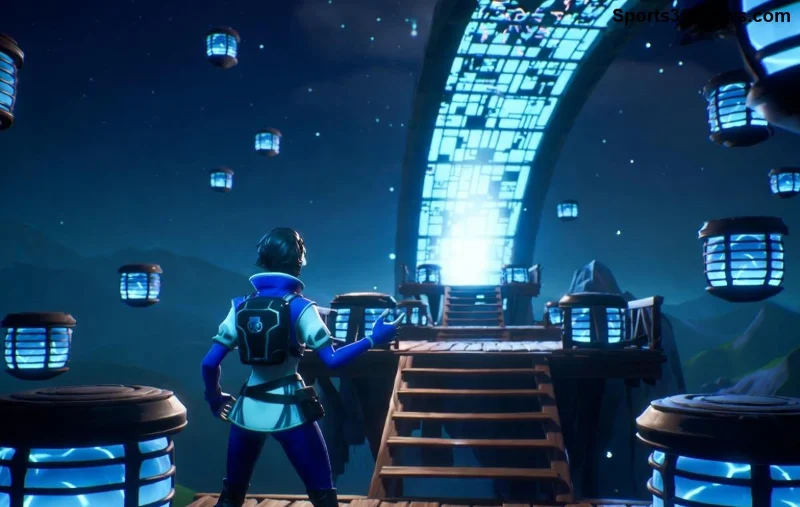
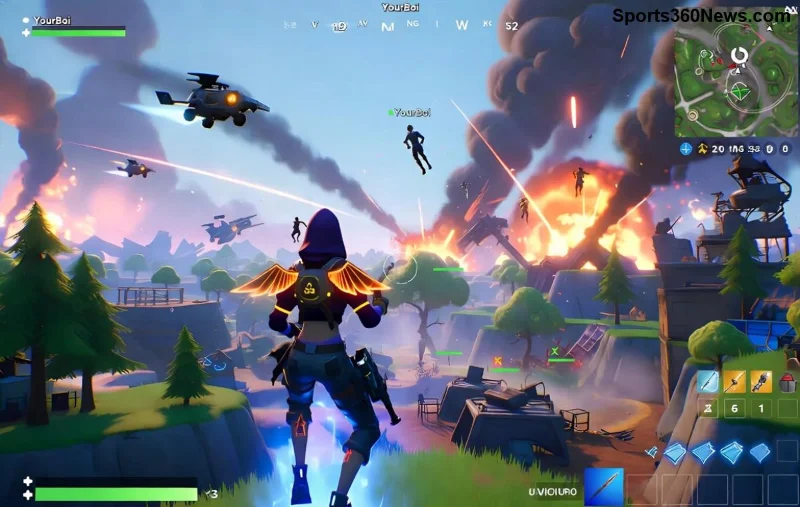
Imagine racking up thousands of viewers, landing Epic sponsorships, and turning your passion for Fortnite into a full-time gig. In 2026, with the game's latest chapters pushing boundaries and streaming platforms evolving, becoming a pro Fortnite streamer is more achievable than ever. This guide cuts through the noise with actionable steps to skyrocket your stream. Ready to claim your Victory Royale in streaming? Let's dive in! 🚀
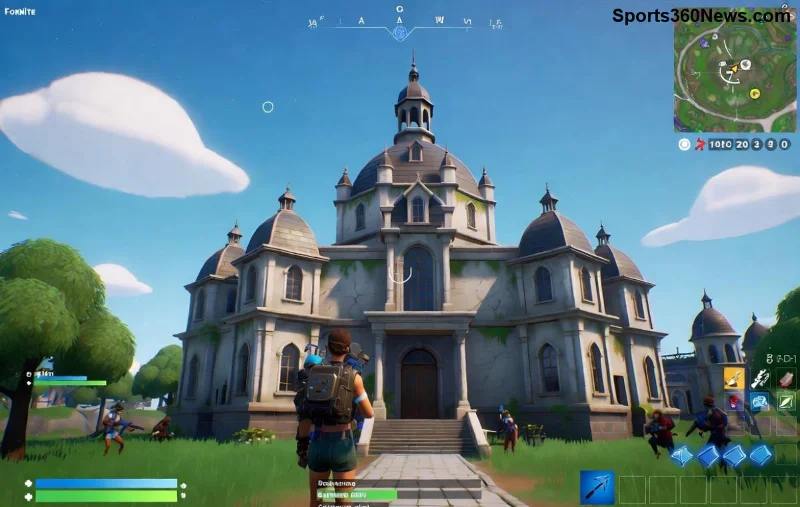
1️⃣ Master Your Fortnite Skills First – The Foundation of Pro Streaming
To stand out as a pro Fortnite streamer, your gameplay must scream elite. Fans tune in for jaw-dropping builds, clutch plays, and deep game knowledge.
- Grind Ranked Modes: Aim for top percentiles in Battle Royale, Zero Build, and Reload. Use the latest Fortnite updates for meta mastery – focus on mobility items and storm surge strategies.
- Daily Practice Routine: Dedicate 4-6 hours: 2 hours creative aim training (like Fortnite Creative), 2 hours scrims, 1 hour VOD reviews.
- Analyze Pros: Study streamers like Bugha or Clix. Tools like Fortnite Tracker keep you ahead of patches.
Pro tip: Record your sessions and self-critique. Your growth will hook viewers from day one. Feeling the grind? Keep reading for gear that amplifies your skills.
Essential Gear: Build a Pro Fortnite Streamer Setup Under $2,000
Top-tier production separates amateurs from pros. Here's a battle-tested setup for crisp 1080p/60FPS streams in 2026.
| Category |
Recommendation |
Why It Wins |
Price Range |
| PC |
RTX 4070 Ti + Ryzen 7 7800X3D |
Handles ray-tracing and 240Hz for buttery gameplay |
$1,200-$1,500 |
| Monitor |
27" 1440p 360Hz (Alienware AW2725DF) |
Zero latency for competitive edge |
$500-$700 |
| Mic/Cam |
Elgato Wave:3 + Logitech StreamCam |
Crystal audio, 1080p facecam for engagement |
$200-$300 |
| Capture/Software |
OBS Studio + Streamlabs |
Free, customizable overlays for Fortnite flair |
Free |
Start here, upgrade as subs roll in. This rig crushes Fortnite's demanding visuals while multitasking streams. Next up: picking your platform battlefield.
![Professional Fortnite gaming rig with RGB lights and dual monitors]()
Choose the Right Platform: Twitch, YouTube, or Kick?
In 2026, multi-streaming is king. Here's the breakdown:
- Twitch: Fortnite hub with 100M+ hours watched monthly. Prime subs and Bits for quick monetization.
- YouTube: VOD goldmine. Algorithm loves clips – turn kills into viral Shorts.
- Kick: Rising star with 95/5 revenue split. Perfect for edgier pro Fortnite streamers.
Stream to all via Restream.io. Test waters with 3-stream days. Wondering how to fill those viewer seats? Growth hacks incoming!
🔥 Grow Your Audience: From 0 to 1,000 Viewers Fast
Consistency beats talent. Hook 'em with personality – hype commentary, memes, and viewer games.
- Optimal Schedule: Stream 4-5 days/week, 4-6 hours. Peak times: 8 PM EST for global reach.
- Content Mix: 70% live Fortnite, 20% challenges, 10% IRL/Q&A.
- SEO Your Titles/Thumbs: "INSANE Chapter 6 SOLO WIN! 🎉 | Road to Top 100" with eye-popping thumbnails.
- Social Blitz: Post daily TikToks/Reels of highlights. Cross-promote on Twitter/X and Discord.
- Engage Non-Stop: Raid smaller streamers, host giveaways. Aim for 10% chat interaction rate.
Track with Twitch Analytics. Hit 100 followers? Collaborate to explode. Stay tuned for networking secrets that launch careers.
Network Like a Pro: Collabs That Skyrocket Views
Solo queuing is fun, but duoing with mid-tier streamers (500-2K viewers) catapults you. Join Discords like Fortnite Competitive or Streamer communities.
- Target Collabs: Similar skill level, complementary vibes.
- Events: Enter Fortnite tourneys via Battlefy for exposure.
- Sponsors: Once at 1K followers, pitch GFuel or Razer with media kits.
One viral duo stream can net 500 followers overnight. Monetization awaits those who grind smart.
![Fortnite pros collaborating on stream with massive viewer count]()
Monetize Your Fortnite Streamer Empire
Pros earn $5K+/month. Unlock paths progressively:
| Affiliate Level |
Requirements |
Revenue Streams |
| Affiliate |
50 followers, 8 hours streamed, 7 unique days |
Subs ($2.50/cut), Bits, Ads |
| Partner |
75 avg viewers |
Full emotes, multi-subs, Hype Trains |
| Pro Tier |
1K+ avg |
Sponsors, Merch, YouTube Super Chats |
Tax tip: Use Streamlabs Charity for deductions. Diversify with Patreon for exclusive VODs.
Stay Consistent & Adapt: The Pro Mindset
Burnout kills streams. Sleep 8 hours, exercise, and rotate games if Fortnite metas shift. Track metrics weekly – adjust or die.
✅ Final Challenge: Stream tomorrow with one tip from this guide. Your pro Fortnite streamer journey starts now!
What's your first move? Drop it in the comments and subscribe for more 2026 updates. Victory Royale awaits! 👊