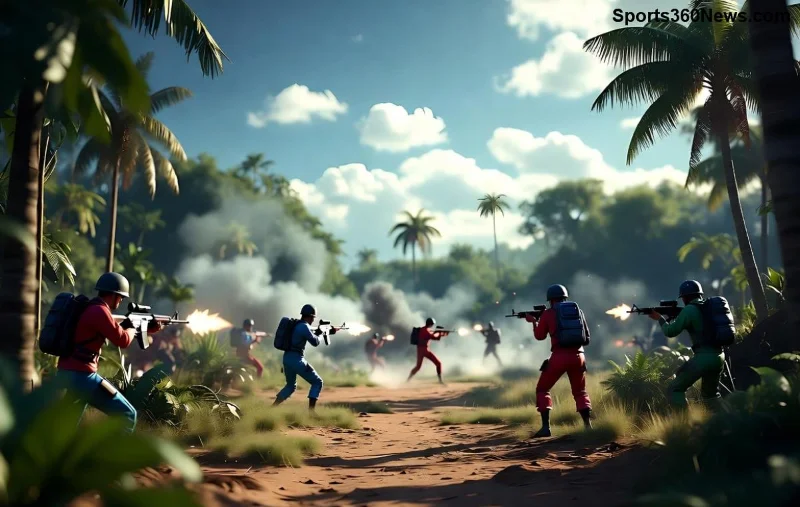
Imagine your squad down to the wire in a heated Free Fire match—one teammate knocked, enemies closing in. That's where the revive system shines, turning defeat into epic victory. Mastering it isn't just skill; it's the difference between a quick wipe and a glorious Booyah! 🚀 Whether you're a solo queue grinder or squad leader, this guide delivers Free Fire revive tips to keep your team alive and fighting.
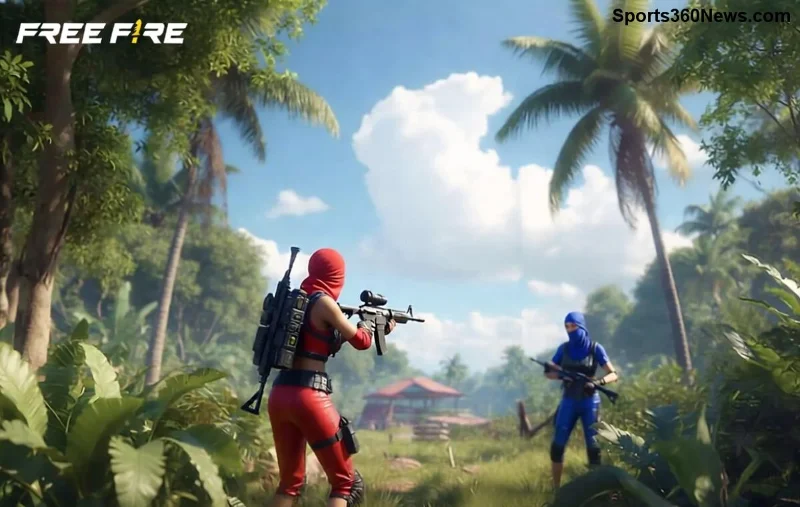
What is the Revive System in Free Fire?
The revive system lets downed teammates get back in the fight quickly. When a player is knocked (health hits zero but not eliminated), they enter a downed state—crawling slowly with limited actions. Teammates can approach and initiate a revive, restoring full health and mobility after a short animation.
Key features:
- Manual Revive: Core mechanic using teammate proximity.
- Revive Duration: Typically 4-6 seconds, affected by skills or items.
- Safe Revive Zones: Use Gloo Walls or cover for protection.
- Auto-Revive: Rare in Battle Royale via zone events or specific modes.
Pro tip: Communication via voice chat is crucial—call out "Revive me!" to coordinate. ⭐
Step-by-Step: How to Revive a Teammate in Free Fire
Reviving is simple but timing is everything. Follow these steps to save your squad flawlessly:
- 1️⃣ Spot the Downed Teammate: White outline appears on the minimap. Prioritize squad leaders or high-damage dealers.
- 2️⃣ Approach Safely: Throw smokes or Gloo Walls. Avoid open fields—enemies love picking off revivers!
- 3️⃣ Initiate Revive: Get within 2 meters, hold the revive button (bottom screen prompt). Don't spam; hold steady.
- 4️⃣ Cover During Animation: Face away from threats, shoot back if needed. Revivee can't help yet.
- 5️⃣ Post-Revive Boost: Healed teammate spawns with full health—immediately push or heal up.
Practice in Training Island to nail the hold timing. Your squad will thank you! 👍
Advanced Revive System Tips for Squad Domination
Go beyond basics with these Free Fire squad strategies. Use characters like Alok (speedy revive aura) or K (EP boost post-revive) for synergy.
| Revive Type |
Time |
Best Use Case |
Pro Tip |
| Standard Revive |
5 seconds |
Safe cover |
Gloo Wall shield |
| Alok Aura Revive |
3.5 seconds |
Aggressive pushes |
Drop pod first |
| Smoke + Revive |
6 seconds |
Open areas |
Voice "Cover me!" |
| Self-Revive (Pet/Kit) |
Instant (rare) |
Solo clutch |
Equip Mr. Waggor pet |
💡 Combo Strategy: One player smokes, another revives, third/third covers. Rotate roles for 100% success rate.
![Pro Free Fire player executing squad revive under fire]()
Common Revive Mistakes to Avoid in Free Fire
Even pros slip up. Dodge these pitfalls to save your squad every time:
- ❌ Rushing without cover—easy headshot bait.
- ❌ Reviving in the open—use terrain always.
- ❌ Ignoring enemy flanks—scan 360°.
- ❌ Reviving low-value targets first—prioritize DPS carriers.
- ❌ Forgetting post-revive heal—grab Medkits immediately.
One mistake wipes the squad. Stay sharp! 😤
Pro Player Revive System Strategies from Top Free Fire Squads
Watch pros like Nobru or FV Manucor: They chain revives in finals. Key moves:
1. Zone Prediction Revives: Revive inside shrinking safe zone for auto-shield.
2. Bait & Switch: Fake revive to lure enemies, then third-party.
3. Loadout Synergy: Carry extra Gloo Grenades—spam for revive safety.
For official updates, check Garena Free Fire. Recent patches enhanced revive speeds with skill tweaks, making it deadlier than ever.
![Epic Free Fire squad comeback using revive system]()
Level Up Your Squad: Final Free Fire Revive Tips
Integrate the revive system into every drop. Practice custom rooms, review replays, and communicate non-stop. Your squad will clutch more 1v4s, rank up faster, and rack Booyahs like pros.
Ready to save your squad? Jump into Free Fire now, apply these tips, and share your clutch stories below. Who's your go-to reviver character? Drop it in comments! 👇 Booyah on point! 🎉