Nothing kills the vibe mid-boss fight like your PS5 shutting down due to heat issues. 😩 That sudden black screen and error message? It's a gamer's worst nightmare. But don't worry—overheating is a common PS5 heat problem, and most cases are fixable at home. This guide delivers straightforward troubleshooting for PS5 overheating, packed with actionable steps to get you back in the game. Let's cool things down and reclaim your playtime! 🚀
Why Is Your PS5 Overheating? Common Causes of Shutdowns ⚠️
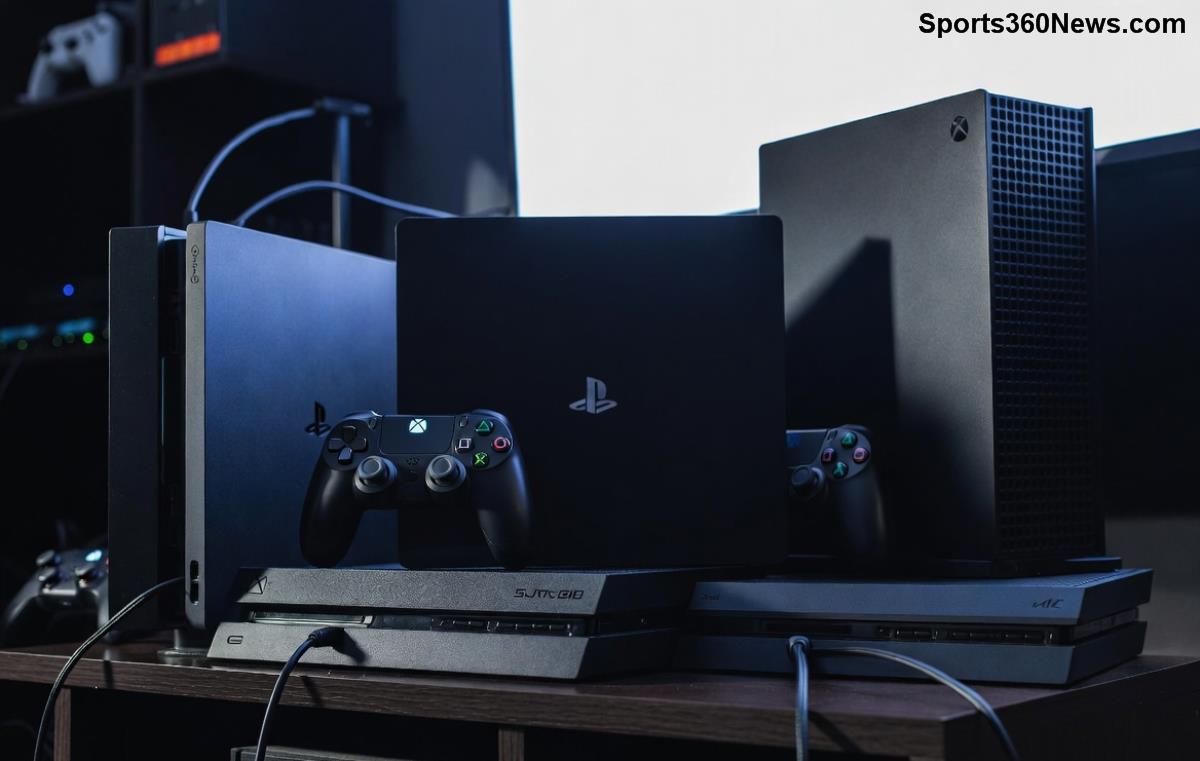
Understanding the root of PS5 shutting down heat issues is step one. Your console's advanced cooling system—featuring a massive heatsink, liquid metal thermal compound, and high-RPM fans—handles intense loads. But when it fails, automatic shutdowns kick in to protect hardware.
- ✅ Dust Buildup: The #1 culprit. Dust clogs vents and fans after 1-2 years of use, blocking airflow.
- ❌ Poor Ventilation: Placing it in enclosed spaces like TV cabinets traps heat.
- 🔥 High Room Temps: Gaming in a hot room (above 80°F/27°C) pushes limits.
- ⚙️ Faulty Fan or Paste: Rare, but fans can fail, or thermal paste degrades over time.
- 🚫 Heavy Usage: Back-to-back 4K/120fps sessions without breaks strain the system.
Pro tip: Check for the yellow/orange light indicator—it's Sony's signal for PS5 thermal issues. Ready to troubleshoot? Follow these steps in order for the fastest fixes. 🎯
Quick Fixes: Troubleshoot PS5 Shutdown Due to Heat in 10 Minutes 🛠️
Start simple. These no-tools-needed steps resolve 80% of PS5 overheating troubleshooting cases.
- 1️⃣ Power Cycle and Clean Vents: Unplug for 30 minutes. Use compressed air (canned air) to blast vents gently. Hold PS5 upright—never tilt during cleaning. Feels good seeing dust fly out!
- 2️⃣ Reposition for Airflow: Place on open shelf, 4+ inches from walls. Vertical stand? Ensure it's stable to maximize intake.
- 3️⃣ Safe Mode Restart: Hold power button 7 seconds for beep two. Select "Rebuild Database" to clear temp files causing extra heat.
- 4️⃣ Update System Software: Newest firmware optimizes fan curves for better cooling—check Settings > System > System Software.
- 5️⃣ Lower Graphics Settings: In games, drop to 60fps or Performance Mode to reduce GPU load.
Test with a 30-minute session. Shutdowns gone? You're golden. Still hot? Dive deeper. 💪
| Quick Fix |
Time Needed |
Success Rate |
Tools Required |
| Power Cycle & Vent Clean |
5-10 min |
High (70%) |
Compressed Air |
| Safe Mode Rebuild |
10-20 min |
Medium |
None |
| Reposition Console |
2 min |
High |
None |
Advanced Troubleshooting: Deep Dive into PS5 Heat Problems 🔍
If basics fail, time for pro-level PS5 overheating fix moves. Proceed with caution—these involve disassembly.
Deep Cleaning the PS5 Fan
Dust inside? Disassemble following official guides. Tools: Torx T8 screwdriver, isopropyl alcohol.
- Remove side panels.
- Vacuum fan blades carefully.
- Lubricate fan if noisy (use dielectric grease sparingly).
Warning: Voids warranty if not careful. Watch this iFixit guide for visuals.
Check Thermal Paste and Pads
Liquid metal on CPU/GPU can pump out after years. Symptoms: Shutdowns during lighter games.
- DIY Repaste: Advanced users only. Use Arctic Silver or Noctua NT-H2. Reapply precisely.
- Signs of Failure: Temps over 90°C (use app like PS5 telemetry tools via USB).
Hardware Diagnostics
Boot to Safe Mode > "Clear Cache." Run hardware test if available in newest updates. Persistent issues? Fan replacement costs ~$50 via third-party parts.
Monitor temps with free tools like PS5Temp (community app)—aim under 85°C during loads. 📊
Prevention Tips: Keep Your PS5 Cool for Epic Sessions Forever 🌟
Fix it once, prevent forever. Gamers who follow these stay shutdown-free:
- ✅ Monthly Maintenance: Quick vent blast every 30 days.
- ❄️ Cooling Accessories: External fans or cooling stands boost airflow 20-30%.
- 🌡️ Room Setup: AC below 75°F, away from carpets/sunlight.
- ⏸️ Take Breaks: 10-min cooldown after 2-hour sessions.
- 🔧 Pro Service: Annual check if heavy use.

| Prevention Method |
Cost |
Temp Reduction |
| Monthly Cleaning |
Free |
10-15°C |
| Cooling Stand |
$20-40 |
15-20°C |
| External Fan |
$15 |
10°C |
Bonus: Newest PS5 models (Slim/Digital) have refined cooling—upgrading might be worth it for ultra-heavy users. 👏
When to Call in the Pros: Red Flags for PS5 Shutdown Heat 🚨
DIY limits reached? If shutdowns persist post-cleaning, or you hear grinding fans/smell burning:
- Contact Sony Support for warranty check (official page).
- Local repair shops: $50-150 for full teardown.
- Red flags: Random shutdowns at idle, bulging panels (rare defect).
Most gamers fix it themselves—saving time and cash. You've got this! 🏆
Game On: Your PS5 Is Back and Better Than Ever! 🎉
From dust bunnies to dialed-in airflow, mastering troubleshooting PS5 shutting down due to heat issues means uninterrupted raids and story modes. Apply these steps, and your console will thank you with cooler runs and longer life. Drop a comment if a fix worked for you—what game are you firing up first? Let's keep the community cool. 😎
Stay frosty, gamers!