How to Check Real-Time Server Latency in the PUBG HUD

Enable PUBG’s network statistics HUD to monitor ping and packet loss in a match. See where to find it, what the numbers mean, and what they cannot diagnose.
If Minecraft disconnects you with “Too many suspicious packets”, the phrase alone does not prove that your computer flooded the server with packets. It is a heading in a Minecraft Network Protocol Error Report; the useful clue is the exception and packet details underneath it. Read those first, then follow the matching fix below. Randomly changing firewall ports, lowering FPS, or editing packet limits can waste time and may weaken server protection.
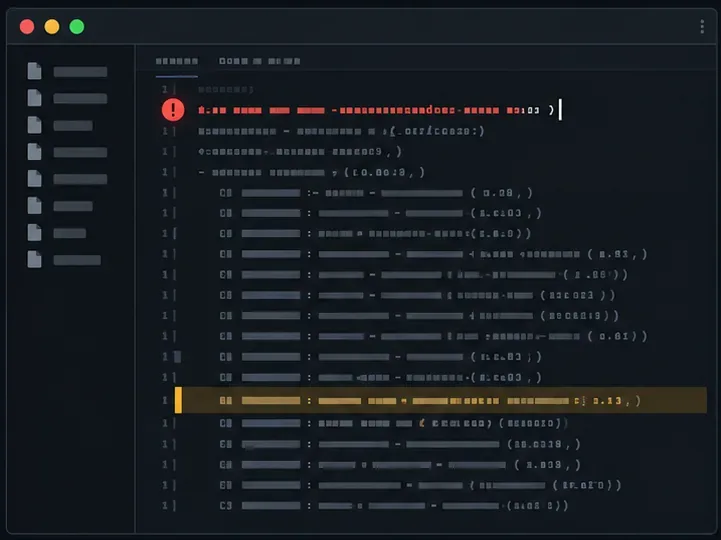
This message is not a complete diagnosis. Public Minecraft issue reports show different failures under the same report heading. A BungeeCord issue includes DecoderException: Terminal message received in bundle during a proxy server switch. A separate ViaVersion report shows invalid entity-data types in a clientbound packet. Those examples point to different parts of the connection, so neither “bad internet” nor “too many actions” is a reliable one-size-fits-all explanation.
Check the report’s Flow, any Incoming Packet section, the first exception line, and the first package or mod name in the stack trace. If it says CLIENTBOUND, the packet was traveling from the server side toward your client; ask the server owner to check the server, proxy, and translation plugins. If the report instead ends with java.net.SocketException: Connection reset, the connection was reset, but that text alone does not identify whether the client, network path, proxy, or server closed it.
| What the report shows | Start by checking |
|---|---|
CLIENTBOUND plus an invalid value, entity-data, registry, or bundle exception | The server’s sent packet, proxy, protocol bridge, or mod/plugin compatibility |
| A mod, plugin, or library name near the first useful stack-trace lines | That component’s supported Minecraft version and its recent changes |
Connection reset or a read timeout with no specific malformed-packet clue | Whether the network route is dropping the connection; compare another connection |
| The problem occurs on one server only | That server’s modpack, plugins, proxy, and version configuration |
| The problem follows one modded profile across servers | Your client profile, loader, and client-side mods |
Before changing anything, copy the report generated at disconnect and note the exact time, Minecraft client version, server version if known, mod loader, and whether you were joining, changing servers, opening a menu, or loading an area. Also check the client’s logs/latest.log around that time. Keep the first exception and several following lines; the final “Too many suspicious packets” heading is less useful than the first specific error. Fabric’s crash-report guide likewise explains why the stack trace is central to diagnosis. Redact account names, IP addresses, and tokens before posting logs publicly.
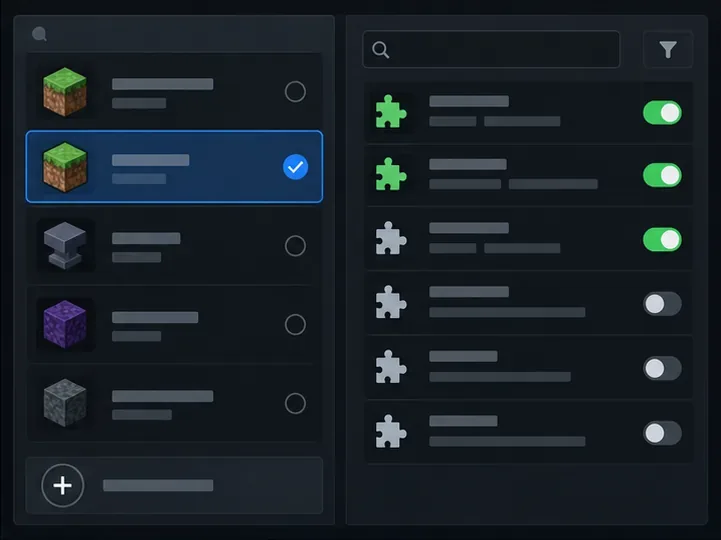
Confirm that your Minecraft version is one the server supports. For a modded server, compare the exact Minecraft version, loader family and version, required client mods, and required mod versions on both sides. If the server uses a proxy or protocol-translation plugin, its supported version range matters too. Do not assume that installing the newest client is always a fix: a server may intentionally run an older release or a particular modpack. Fabric’s mod-installation guidance notes that a mod built for one Minecraft version may not work on another.
Launch the same Minecraft version in a separate vanilla profile with client mods removed, then join the same server. Do not delete your main instance or saved worlds. If the clean profile works, add the required mods back in small groups until the failure returns, then check the last group’s versions and dependencies. A clean-profile test is more informative than guessing that a graphics or minimap mod is at fault. If the clean profile fails on just one server, give the report to that server’s staff rather than reinstalling Java or changing unrelated graphics settings.
Compare the client report timestamp with logs/latest.log and the proxy log. Look for the same player, packet, exception, or plugin name. If the trace points to a plugin or bridge, back up the world and configuration, reproduce the issue on a staging copy when possible, and update or isolate only the implicated component. Paper’s troubleshooting guide recommends using logs and isolating plugins methodically; its update guide recommends backing up and stopping the server before replacing server files.
Do not blindly raise or disable packet limits, anti-cheat checks, or firewall protections. Paper documents its packet limiter as a server-side control over packets received from a player, while a report marked CLIENTBOUND describes traffic in the opposite direction. Change a limit only when the server log identifies that specific limit as the cause, and test the change without exposing the server to abuse.
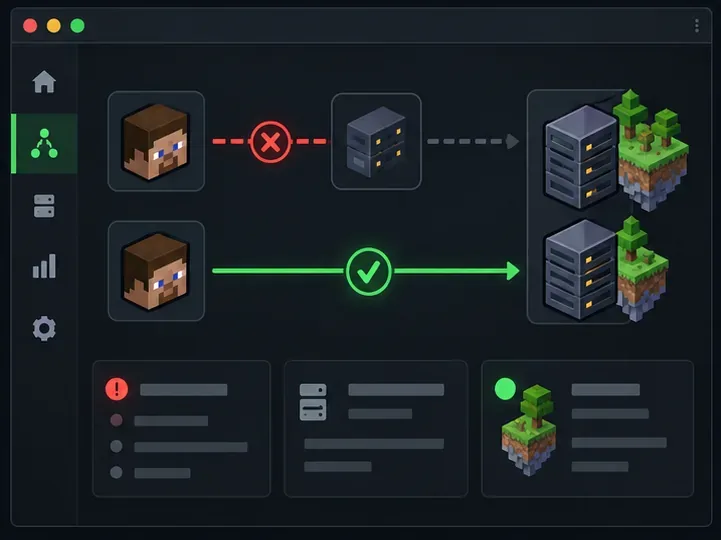
If the useful exception is a reset or timeout rather than an invalid packet or data value, retry the server and compare a wired connection or a different network. Temporarily disconnect a VPN or proxy only as a controlled test and only when the server’s rules allow it. If the issue disappears on another route, share that result with the server host or network administrator. Minecraft Java servers commonly use TCP for gameplay connections, so do not open a blanket UDP port rule based on an unrelated guide. A speed-test score, DNS flush, or lower FPS setting cannot repair a malformed packet or an incompatible server plugin.
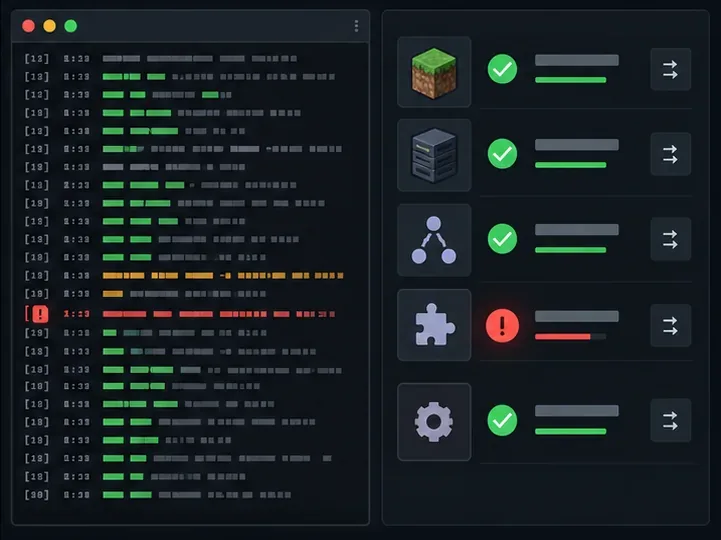
CLIENTBOUND, names a packet, or shows a specific exception such as DecoderException or Connection reset.These details let staff determine whether the Minecraft “Too Many Suspicious Packets” error is a client-mod mismatch, a server/proxy packet problem, or a connection reset. There is no dependable universal fix until the underlying exception is identified.
Enable PUBG’s network statistics HUD to monitor ping and packet loss in a match. See where to find it, what the numbers mean, and what they cannot diagnose.
Learn how to import VALORANT crosshair codes, compare presets with manual settings and spectator copy, and fix common import issues.
Choose Dota 2 minimap size, hero icons, team colors, and background settings by readability, fewer misclicks, and clear results on your own display.
Fix Fortnite texture pop-in on PC with official steps for GPU drivers, file verification, DirectX 12, high-resolution textures, VRAM, SSDs, and stutter.
Learn what Heroes of the Storm minimap size and position options are verified, improve readability, and choose camera-click controls that suit you.
Set Super Smash Bros. Ultimate Quickplay to prefer hazards-off stages. Follow the Preferred Rules menu steps and learn why matchmaking may not always honor them.
Enable Server Latency and Packet Loss in Warzone to monitor connection quality, read the overlay, and use recurring spikes to guide troubleshooting.
Learn how to carry from mid lane in League of Legends by setting up waves, choosing safe roam windows, reading side lanes, and converting pressure into objectives.
Fix Minecraft Evoker spell problems with a safe vanilla test, version checks, log review, and a step-by-step way to isolate mod or datapack conflicts.
Fix PUBG stuck on Initializing on Steam with a focused checklist for PC service notices, launch options, game files, downloads, and connection issues.








