Home
» 🎮 Esports
»
Master PUBG Mobile Leaning: How to Peek From Cover and Win More Gunfights
Master PUBG Mobile Leaning: How to Peek From Cover and Win More Gunfights
Master PUBG Mobile Leaning: How to Peek From Cover and Win More Gunfights
PUBG Mobile leaning gives you a way to look and shoot around hard cover while exposing less of your character than a full step into the open. To use it well, enable the peek controls, set them where your fingers can reach, lean briefly to check an angle, take a controlled shot only when your weapon has a clear line, then return to cover. Leaning helps manage exposure; it does not make you invulnerable or guarantee a hit.
What leaning does in PUBG Mobile
The lean or peek action shifts your character to one side so you can work an angle from behind a wall, rock, or building edge. It is most useful when the cover blocks most of your body but leaves a safe direction to look or fire through. The visible opening can be smaller than stepping fully out, which gives an opponent less of your character to track from that particular angle.
That benefit depends on the geometry. A low wall, window frame, doorway, or uneven rock can still leave you exposed or block your weapon. A lean is not a shield, and the animation does not guarantee that incoming shots miss. Nor should you assume it automatically improves weapon accuracy or reduces recoil: use it as a positioning control, then manage your aim and burst normally.
Enable and place the peek controls
Open the in-game settings and look for the Peek & Fire option. If the lean buttons do not appear during a match, check that the feature is enabled and review your custom button layout. PUBG MOBILE’s Help Center says touch controls can be customized under Settings and Customize Buttons; the exact menu labels or locations may vary by client version and language. You can use the official PUBG MOBILE controls guide to review the current control-customization guidance.
If your settings show Lean Mode choices such as Tap, Hold, or Mixed, test them in a safe practice area instead of copying another player’s layout. Tap is useful if you prefer a toggle; Hold suits players who want to lean only while pressing; Mixed may offer both behaviors, depending on the current client. Pick the option that lets you release the peek reliably under pressure. If Peek & Open Scope is available, decide whether you want leaning to bring up your scope automatically; it is a convenience setting, not a requirement for using cover.
Use Customize Buttons to place the left and right peek controls within comfortable reach, with enough separation from firing, aiming, and movement inputs to avoid accidental taps. Keep the layout consistent between TPP and FPP if you switch modes, and check both layouts after changing settings.
How to lean and peek safely: a four-step routine
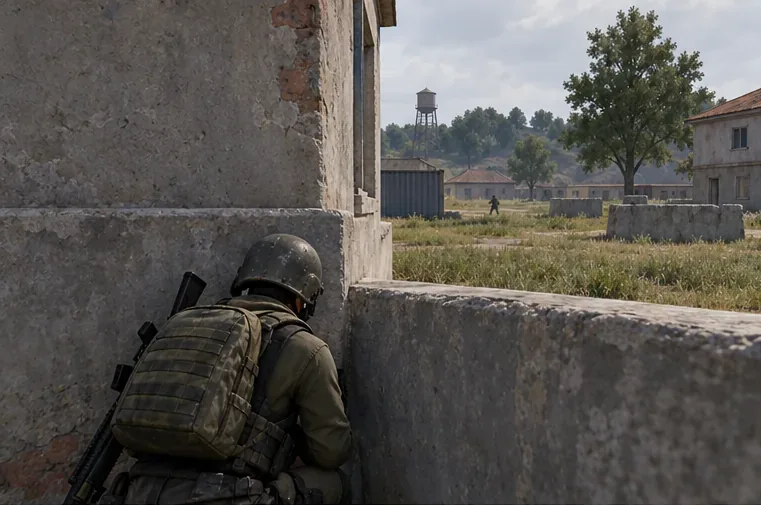
1. Set up behind hard cover
Before leaning, stand far enough behind a wall or rock that your character is not already sticking past the edge. Identify which side gives you the cleanest view and where an opponent is likely to be. If the cover is too low or narrow to hide most of your body, move to a better position rather than relying on the lean alone.
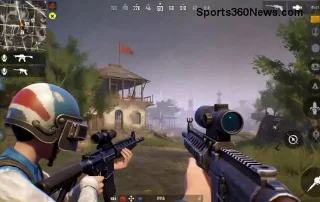
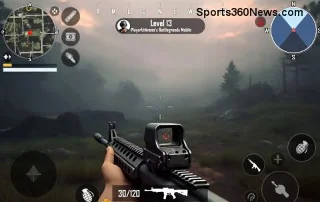
Illustrative scene: stay fully behind the corner while checking the angle before exposing.
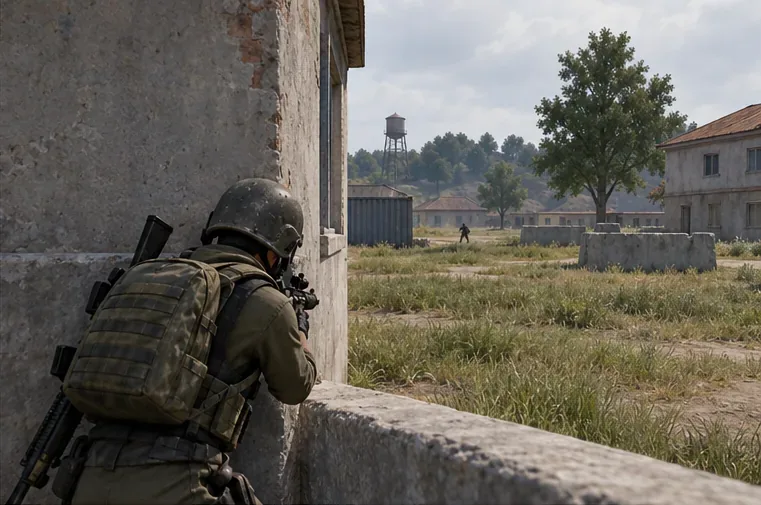
2. Prepare your aim and controls
Bring your crosshair near the edge you plan to use and make sure your peek button is reachable. Avoid sweeping your aim across the opening before you are ready; a controlled camera movement helps you avoid losing the target as you emerge. For a first practice run, use the same side and the same optic repeatedly until the button timing feels predictable.
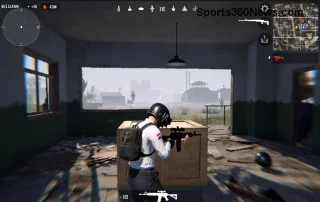
Illustrative scene: use a controlled lean to reveal only the angle needed around hard cover.
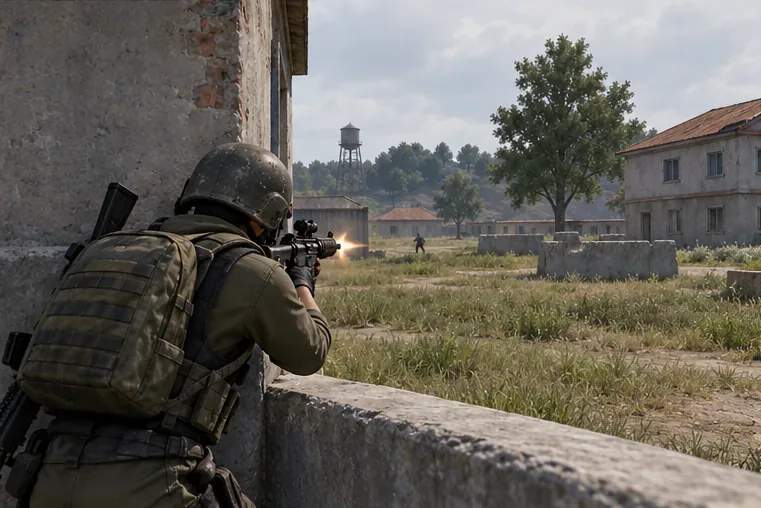
3. Lean only far enough to take the shot
Tap or hold the peek control according to your selected mode, then make small aim corrections. Do not assume the weapon can shoot through the wall just because the camera can see past it: wait until the muzzle and sight line clear the edge. Fire a short, deliberate burst at a visible target, and avoid staying exposed while you track a target across a wide area.
Illustrative scene: fire only after the weapon and sight line clear the edge.
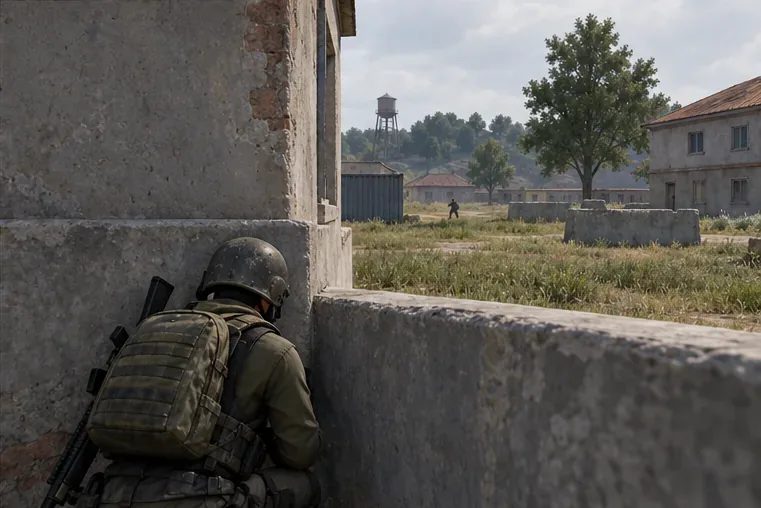
4. Release, return to cover, and change the angle
As soon as the shot is finished or the enemy returns fire, release the lean input and get fully behind the obstacle. Re-center your aim, listen for movement, and decide whether to peek again from the same side, use the opposite side, or reposition. Repeating the same peek at the same height and timing makes your next appearance easier to anticipate.
Illustrative scene: release the lean and return behind cover before taking a new angle.
When leaning helps—and when it does not
Situation
Use a lean when
Watch out for
Wall or building corner
You can expose a narrow angle while most of your character stays behind cover.
Do not stand so close that the wall blocks your weapon or view.
Window or low sill
You have confirmed the opening is clear at your current height and angle.
Frames and ledges can block a shot; change position if your fire does not pass through.
Rock or uneven cover
One side gives a stable view and a clear path to the target.
Irregular shapes leave gaps; check what part of your character is actually exposed.
Open ground
Only as a brief movement choice when no solid cover is available.
A lean does not replace cover. Moving unpredictably toward real cover is usually the safer priority.
Common PUBG Mobile leaning mistakes
Holding the peek too long: every extra moment gives an opponent time to line up a shot. Use the shortest exposure that lets you see and fire.
Firing before the weapon clears the edge: a clear camera view does not always mean a clear bullet path. Adjust your position or angle if the shot hits cover.
Peeking from the same side on a loop: vary your timing and side, or move to a different piece of cover after an exchange.
Changing controls right before a match: test button placement and Tap/Hold behavior in practice first so you do not confuse a toggle with a hold input.
Treating leaning as an accuracy buff: it does not replace recoil control, good crosshair placement, or choosing a useful firing distance.
A short practice drill
In a practice area, pick a wall with a clear opening beyond it. From full cover, peek left, return, then repeat on the right. Next, add a short aimed burst before returning to cover. Keep the camera movement small and make sure you can release the lean immediately. Repeat with your usual weapon and control layout; the goal is to make the input dependable, not to chase a particular sensitivity number or a promised win-rate increase.
FAQ
Does leaning reduce recoil in PUBG Mobile?
Do not rely on leaning as a recoil reduction setting. The practical advantage covered here is managing how much of your character is exposed around hard cover. Control recoil with your normal aiming technique and fire discipline.
Is Tap or Hold the best Lean Mode?
There is no single best choice for every player. Tap can suit a toggle preference, while Hold may feel more direct if you want to lean only while pressing. If Mixed appears in your version, test it too. Keep the setting that you can use and release consistently with your finger layout.
Should I lean in every gunfight?
No. Leaning is most useful when hard cover creates a narrow angle. In open ground, it does not provide the protection of a wall, rock, or terrain feature. Prioritize cover, movement, and a clean line of sight.
Use PUBG Mobile leaning to manage your peek, keep your exposure brief, and reset behind cover before your opponent can read the angle.