How to Check Real-Time Server Latency in the PUBG HUD

Enable PUBG’s network statistics HUD to monitor ping and packet loss in a match. See where to find it, what the numbers mean, and what they cannot diagnose.
Split pushing in League of Legends works when your side-lane threat forces a response that your team can turn into something useful. Before you leave your team, check three things: can you survive or win the likely duel, can your teammates safely hold or pressure elsewhere, and do you have enough vision or mobility to leave when enemies disappear? If one answer is no, clear the wave and regroup instead of pushing deeper.
The goal is not to hit a turret at all costs. A good split push makes the enemy choose between answering you and giving up space for a turret, a neutral objective, or a favorable fight. This guide gives you a repeatable way to decide when to split push, how to build side-lane pressure, and when to stop.
A split push sends one champion into a side lane while the rest of the team applies pressure elsewhere or protects an objective. Because Summoner's Rift is built around lanes, turrets, inhibitors, and the Nexus, a side wave can create a second problem for the defending team while your allies contest the map. Riot's official guide to playing League explains how lanes and defensive structures shape the route to the enemy base.
Split pushing is map pressure, not a promise that your team should fight 4-vs-5. If your allies cannot safely contest an objective, clear mid, or disengage, your pressure may not matter. Likewise, a turret hit is not automatically worth dying for: a death can cost your team a fight, vision, or the objective you meant to trade for.
| Situation | Best call | Why |
|---|---|---|
| You can handle the likely defender, your wave is arriving, and your team can hold or threaten elsewhere. | Push the side lane | The enemy has to answer a real threat while your team stays active on the map. |
| A major objective is the clear next play and your team needs your engage, frontline, or damage. | Group or set up vision | Your presence may matter more than another wave of turret damage. |
| Several enemies are missing, your escape route is dark, or the enemy can collapse before your team can trade. | Back off, reset, or regroup | Unseen opponents turn a long lane into a trap. |
| Two or more opponents show in your lane and your allies can safely take an objective or structure. | Ping the rotation and keep the trade clean | You have drawn a response; your team must use that time rather than wait passively. |
Do not require a fixed gold lead or a particular game minute. Matchups, wave state, vision, death timers, and your team's ability to act are more useful than a rule such as “split only when ahead by 5,000 gold.”
Look for a champion who can pressure a turret with a wave and has a plan for the defender: win the duel, clear quickly, escape, or survive long enough for teammates to trade. Fiora, Jax, Tryndamere, Yorick, and Trundle are familiar examples of champions whose kits can support side-lane pressure in suitable matchups. They are examples, not a current-patch ranking. A champion's strength, build, and matchup can change from patch to patch, so use the live client and current patch notes rather than relying on an old win-rate table.
Before committing, ask: “If their strongest duelist comes, can I stay? If two enemies come, can I leave? If nobody comes, can I damage the structure with my wave?” If you cannot answer those questions for your champion, play closer to your team.
Clear the approaching enemy minions, then let your next allied wave move toward the turret. A wave that reaches the structure while your opponent is occupied creates pressure without requiring you to stand under the turret alone. Avoid pushing so early that the wave dies before your team is ready to act, or so late that you arrive after your teammates have already been forced into a fight.
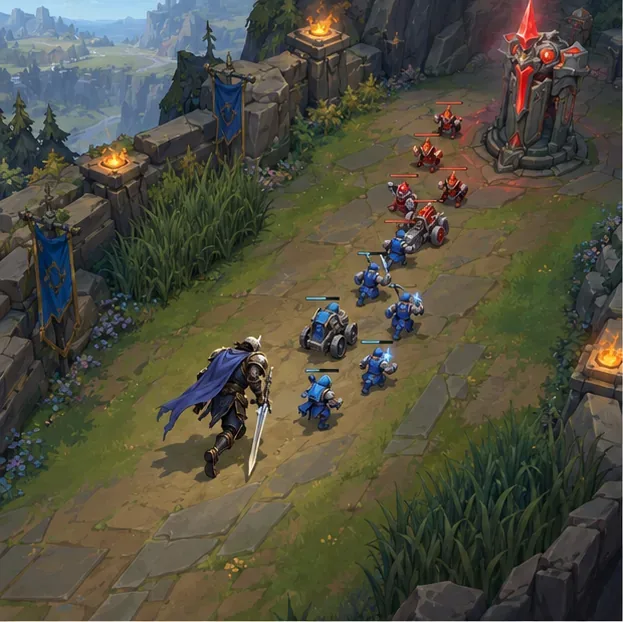
Riot's basic gameplay guide recommends attacking structures with minions ahead of you. Season 2026 also changed turret rewards: plates persist and segmented rewards extend to inner and inhibitor turrets. That makes partial siege progress more meaningful, but it does not make a risky dive safe. Check the Patch 26.1 turret notes for the rules behind those changes.
Before crossing the river or moving beyond the safe part of the lane, look at the minimap and place vision where it can reveal the route enemies would use to reach you. A ward is useful only if it covers the likely approach and you have time to react. Keep an exit path in mind; do not walk into fog just because the next turret looks close.
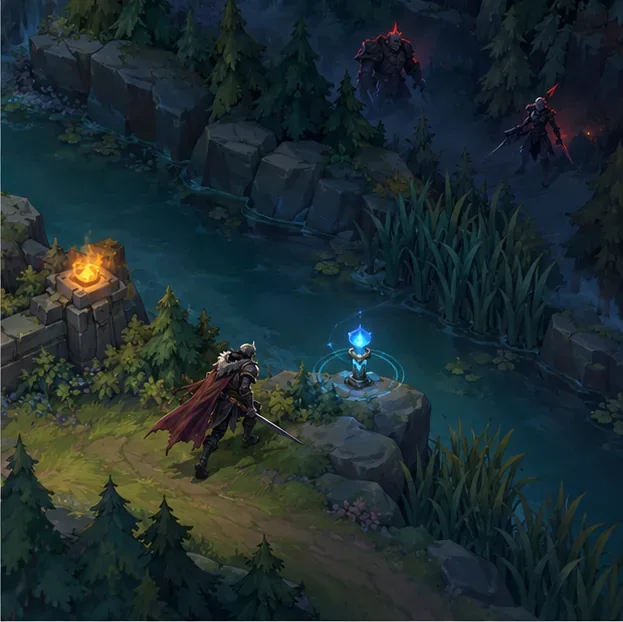
Check the map often, especially when opponents disappear after showing in another lane. There is no magic five-second rule: the right interval depends on how far you are from safety and how quickly the enemy can reach you. If multiple opponents vanish and your team cannot take something in return, stop hitting the turret and retreat.
Tell your team what you are doing with a clear ping, then watch what they do. The strongest pattern is often a side-lane wave reaching a turret while your teammates control vision near Baron or a dragon. Now the enemy must decide whether to send someone to you or keep its numbers near the objective. Your team should be ready to use that choice: start the objective only when it is safe, take vision, force the enemy back, or disengage if the fight is unfavorable.
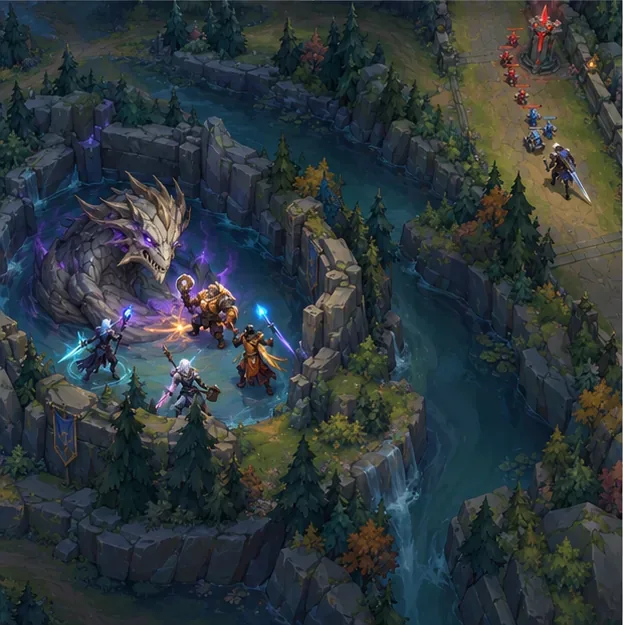
This is an objective trade, not an order to ignore the objective. If your team cannot contest without you, or the enemy can engage on them before you draw a defender, rotate toward your allies. If an enemy answers your lane and your teammates have a safe numbers advantage elsewhere, ping the opening so they can use it.
Once the wave reaches the turret, choose a sensible payoff: damage the structure, claim a plate, take nearby safe resources, or draw a defender away. Leave when the wave is gone, enemies converge, your escape tools are unavailable, or your team needs you. Do not keep walking forward just because you have already invested time in the push.
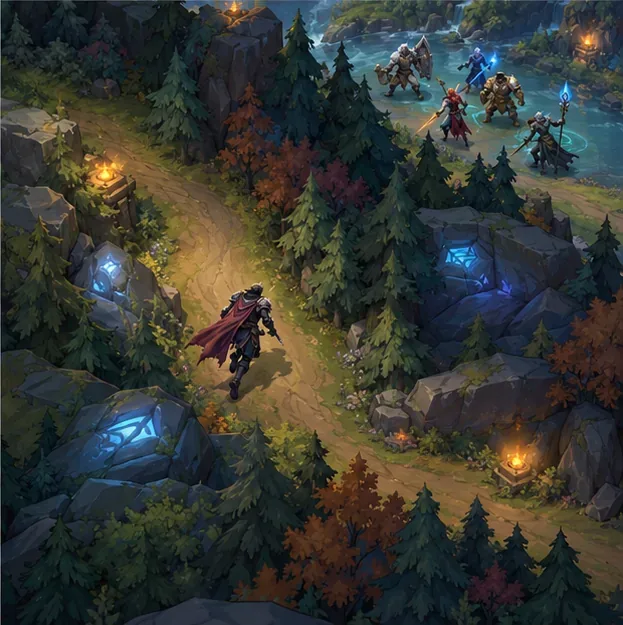
Teleport can let you join a play from a side lane, but treat it as a rotation option—not a guaranteed escape. Access and cooldowns depend on your setup and the current game rules. Riot's Patch 26.19 notes shortened cooldowns for the top-lane role-quest Teleport options; check the in-game tooltip for the version you are playing.
Ask yourself: “Can I threaten something, can my team safely do something elsewhere, and can I leave if the map changes?” If all three answers are yes, build the wave and split. If one answer is no, clear safely, ward, or regroup. That simple check turns split pushing from aimless side-lane farming into a deliberate choice that gives your team options.
Patch note: This guide was checked against Riot's Patch 26.20 notes, published October 6, 2026. Champion balance and some game systems change over time; the examples above describe play patterns, not a live tier list. See the official Patch 26.20 notes for the patch context.
Enable PUBG’s network statistics HUD to monitor ping and packet loss in a match. See where to find it, what the numbers mean, and what they cannot diagnose.
Learn how to import VALORANT crosshair codes, compare presets with manual settings and spectator copy, and fix common import issues.
Choose Dota 2 minimap size, hero icons, team colors, and background settings by readability, fewer misclicks, and clear results on your own display.
Fix Fortnite texture pop-in on PC with official steps for GPU drivers, file verification, DirectX 12, high-resolution textures, VRAM, SSDs, and stutter.
Learn what Heroes of the Storm minimap size and position options are verified, improve readability, and choose camera-click controls that suit you.
Set Super Smash Bros. Ultimate Quickplay to prefer hazards-off stages. Follow the Preferred Rules menu steps and learn why matchmaking may not always honor them.
Enable Server Latency and Packet Loss in Warzone to monitor connection quality, read the overlay, and use recurring spikes to guide troubleshooting.
Learn how to carry from mid lane in League of Legends by setting up waves, choosing safe roam windows, reading side lanes, and converting pressure into objectives.
Fix Minecraft Evoker spell problems with a safe vanilla test, version checks, log review, and a step-by-step way to isolate mod or datapack conflicts.
Fix PUBG stuck on Initializing on Steam with a focused checklist for PC service notices, launch options, game files, downloads, and connection issues.








