How to Fix PUBG Stuck on “Initializing” on Steam

Fix PUBG stuck on Initializing on Steam with a focused checklist for PC service notices, launch options, game files, downloads, and connection issues.
To get more P90 movement kills in Free Fire, use the gun in the range where it excels, keep moving while you fire, and reset behind cover before its magazine runs dry. Garena’s OB55 balance notes sharpened that role: the P90 gained movement speed and movement speed while firing, while losing some range. That makes it a strong choice for mobile close-to-mid-range pressure, not a reason to challenge rifles across long sightlines.
Garena’s weapon catalog lists the P90 as an SMG with a 50-round clip, a high rate of fire, and strong mid-range firepower. Those qualities help when you need to track a moving opponent, keep pressure on a doorway, or finish a close fight without pausing to reload after every short burst. The large magazine gives room to correct aim, but it can also tempt you to hold the trigger too long and expose your position.
The latest P90-specific balance change in Garena’s OB55 patch notes, released October 1, 2026, reduced range by 15%, raised movement speed by 13%, and raised movement speed while firing by 25%. These are relative balance changes, not fixed in-game speed or distance values. In practical terms, build your fights around moving fire and cover, and close distance before committing.
| Officially documented detail | How to use it |
|---|---|
| 50-round clip listed in Garena’s catalog | Use sustained pressure, but plan a reload before entering the next fight. |
| High rate of fire and strong mid-range firepower | Track across short lanes; do not treat the P90 as a long-range rifle. |
| OB55: movement speed +13% | Use quick repositioning to enter or leave a fight on your terms. |
| OB55: movement speed while firing +25% | Strafe during controlled fire instead of standing still in the open. |
| OB55: range -15% | Close the gap or switch to a weapon better suited to the distance. |
Sources: Garena’s P90 weapon catalog and Garena’s OB55 patch notes.
Do not copy attachment lists that name parts from another shooter. Free Fire’s attachment slots and loot can change by weapon, mode, and update. Garena’s OB47 notes recorded the addition of a Foregrip slot for the P90; if your current match offers a compatible grip, it is a reasonable pickup for steadier moving fire. Check the attachment icon and its in-game stat description before equipping it.
Garena’s OB47 patch notes describe the P90 Foregrip slot and broader attachment changes. Since that note is from an earlier update, treat your current in-match attachment menu as the final authority.
This routine uses ordinary movement, aim, cover, and weapon switching. You do not need a “slide-cancel” trick or an exact distance claim to make the P90 effective.
There is no single P90 sensitivity number that works for every phone, screen size, frame rate, HUD layout, and player. The old advice to copy a fixed General, Red Dot, and 2x value—or to change your phone’s DPI—can make control less consistent. Start with the sensitivity you already use, then test one setting at a time in a training area or a low-pressure match.
Judge the setup by whether you can follow a moving target while changing direction—not by how quickly you can spin in an empty lobby.
Use a training range or an unranked match to repeat four short exercises. First, circle a stationary target while keeping your crosshair centered. Next, track a moving target with short bursts. Then practice peeking from cover, firing, and moving to a new angle. Finally, run one drill with your backup weapon so switching feels natural when the P90 needs a reload. Focus on clean tracking and safe repositioning rather than chasing a perfect accuracy percentage.
It is well suited to mobile close-to-mid-range fights: OB55 increased its movement speed and movement speed while firing, while reducing its range. The change rewards moving pressure but makes distance management more important.
Garena’s weapon catalog lists a 50-round clip. Match-specific upgrades or attachments may affect what you see, so check the weapon details in your current mode.
There is no universal value. Adjust one aim sensitivity at a time until your crosshair follows a strafe without overshooting, and keep your device controls consistent.
Use the P90 where its mobility matters: close distance through cover, strafe while firing, track with controlled corrections, and reposition before reloading. That repeatable approach is the foundation for more reliable Free Fire P90 movement kills.
Fix PUBG stuck on Initializing on Steam with a focused checklist for PC service notices, launch options, game files, downloads, and connection issues.
Fix Brawl Stars stuck at 92% loading with an ordered checklist for service notices, network tests, safe updates, Android cache, and account-safe reinstalling.
Best Dead by Daylight visual filter settings start with a small Gamma lift, neutral color and contrast, and a quick check for dark corners, fog, and bright lights.
Find the Steam and EA app fields for Apex Legends launch options, use EA’s documented FPS command, and see why +exec autoexec.cfg remains unverified.
Reduce input lag on a Nintendo Switch dock for Smash Ultimate with TV Game Mode, a direct HDMI test, controller checks, and online-latency troubleshooting.
Find the best EA SPORTS FC audio settings for a clearer referee whistle: tune Stadium Ambience and Commentary, then troubleshoot output or timing issues.
Compare the best Attack Move Click keybinds in League of Legends—A, Shift + right-click, mouse side buttons, and left-click—with setup and kiting tips.
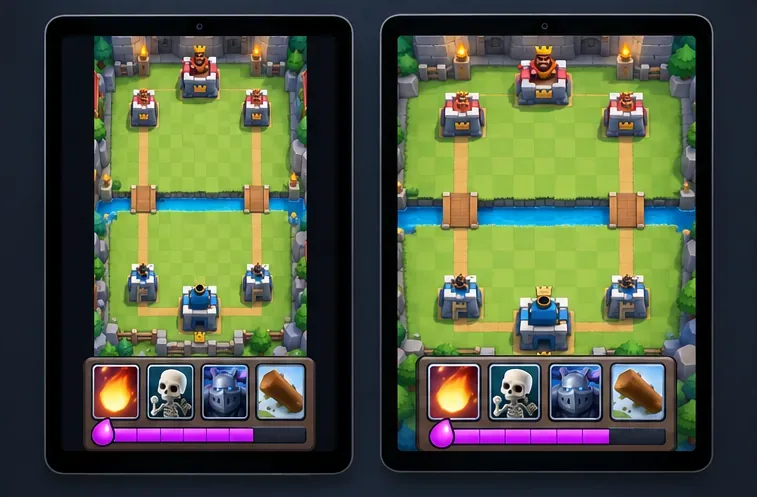
Find the best tablet aspect ratio setup for Clash Royale, compare Android display-fit choices, and check iPad full-screen framing without cropping the arena.
Fix Warzone Dev Error 6068 on startup with safe PC checks for updates, overlays, graphics drivers, game-file repair, and clean boot troubleshooting.
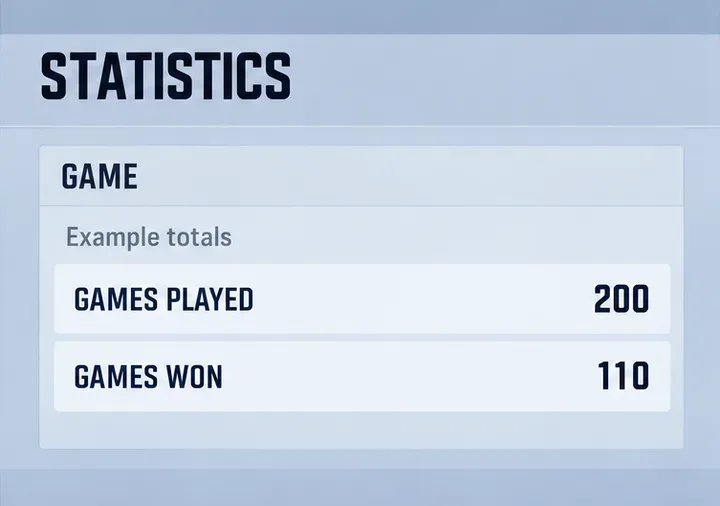
Check your Overwatch 2 overall match win rate with Career Stats, matching game totals, and the right filters—without mistaking hero percentages for match results.