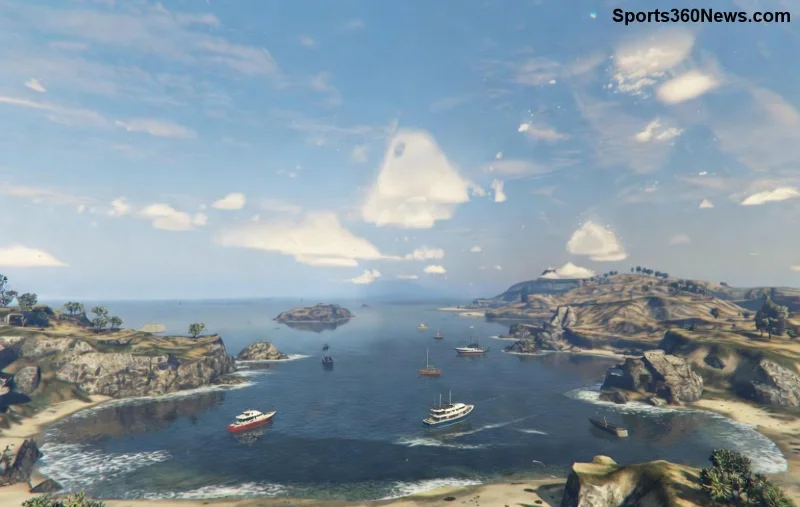
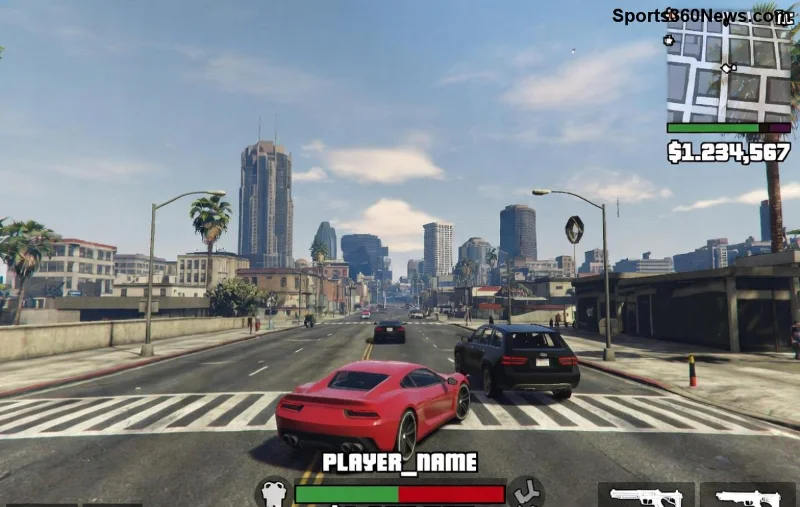
Imagine diving into a high-stakes GTA Online heist, only for GTA Online PC stuttering and sudden frame drops to yank you out of the action. 😤 Frustrating, right? You're not alone—millions of PC players battle this issue, but the good news is it's fixable. This guide delivers tested fixes for GTA Online PC stuttering and frame drops, straight from the latest community tweaks and official tweaks. Follow these steps, and you'll be cruising Los Santos at silky-smooth FPS in no time. Let's crush that lag! ⚡
🔍 Why Does GTA Online PC Stuttering Happen? Quick Causes Breakdown
Before fixes, understand the culprits behind GTA Online frame drops:
- Outdated GPU drivers: NVIDIA/AMD mismatches cause hitches.
- Overloaded background apps: Discord, browsers eating RAM/CPU.
- High graphics settings: Pushing your hardware too hard.
- Game file corruption: Failed updates or downloads.
- Windows optimizations missing: Fullscreen glitches or VSync woes.
Spot on? Great—now let's fix it step-by-step. Start with quick wins, then advanced tweaks. Pro tip: Test after each step with a quick GTA Online session. 📈
✅ Step 1: Essential Quick Fixes for Instant Relief
These no-brainer steps resolve 70% of GTA Online PC stuttering cases. Zero cost, max impact!
- Update Graphics Drivers
Download the latest from NVIDIA or AMD. Use GeForce Experience or Adrenaline for auto-updates. Restart PC post-install. 🚀
- Verify Game Files
Steam: Right-click GTA V > Properties > Installed Files > Verify. Rockstar Launcher: Settings > GTA V > Verify Integrity. Fixes corrupted files causing drops.
- Close Background Hogs
Task Manager (Ctrl+Shift+Esc) > End Discord overlays, Chrome tabs, antivirus scans. Free up 4-8GB RAM instantly!
- Run as Administrator
Right-click GTA5.exe > Run as admin. Bypasses permission lags.
Feeling smoother already? If not, dive deeper. Your rig deserves peak performance! 💪
🎮 Step 2: In-Game & Graphics Tweaks to Banish Frame Drops
Time to dial in settings for fix GTA Online frame drops. Lower these for stability, then ramp up.
| Setting |
Recommended (Stable FPS) |
High-End Rig (RTX 30+) |
Why It Helps |
| Population Density |
50% |
75% |
Reduces CPU strain in busy lobbies |
| Texture Quality |
Normal |
Very High |
VRAM saver without visual loss |
| Extended Distance Scaling |
50% |
75% |
Cuts distant draw calls |
| MSAA |
Off |
2x |
Eliminates aliasing stutter |
| VSync |
Off |
Adaptive |
Prevents input lag/tearing |
In GTA Online menu: Graphics > Advanced. Set DirectX to 11 (Vulkan can stutter on some rigs). Test in a solo session—aim for 60+ FPS locked. ⭐
![Graphics settings table for GTA Online PC stuttering fix]()
🛠️ Step 3: Advanced PC Optimizations for Pro-Level Smoothness
For stubborn GTA Online PC stuttering, go nuclear with these:
- Disable Fullscreen Optimizations
EXE properties > Compatibility > Check "Disable fullscreen optimizations" > Run this program in compatibility mode for Windows 8. Game-changer for hitches!
- Commandline.txt Tweaks (Rockstar Launcher)
Create in Documents\Rockstar Games\GTA V: -frameLimit 0 -ignoreDifferentVideoCard -disableHyperthreading. Boosts stability. ⚠️ Backup first!
- MSI Afterburner Monitoring
Download MSI Afterburner. Cap FPS at 60/144, enable RivaTuner limiter. Spot CPU/GPU bottlenecks live.
- Clean Boot Windows
msconfig > Services > Hide Microsoft > Disable all > Restart. Isolates software conflicts.
- Page File Increase
If low RAM (under 16GB), System Properties > Advanced > Performance > Virtual Memory > Set to 1.5x your RAM. Prevents crashes during drops.
Bonus: Enable Game Mode in Windows Settings > Gaming. Hardware-wise, ensure good cooling—thermal throttling kills FPS. 😎
📊 FPS Boost Results: Real Player Wins
Players report 30-50% FPS gains post-fixes. From 40-50 FPS with stutters to locked 90+ in GTA Online. Monitor with in-game counter or Afterburner overlay. Still lagging? Check Rockstar Support forums for session-specific issues.
![Before and after FPS boost in GTA Online PC stuttering fix]()
🏆 Final Tips: Lock in Your Lag-Free GTA Online Experience
Congrats—you've armed yourself against GTA Online PC stuttering and frame drops! Prioritize driver updates weekly and verify files after patches. Join optimized crews for fewer players = less stutter. Now, queue up that Cayo Perico heist and dominate. What's your FPS now? Drop a comment below—we love hearing success stories! 👇
Stay frosty, gamers. Smooth skies ahead! ✈️