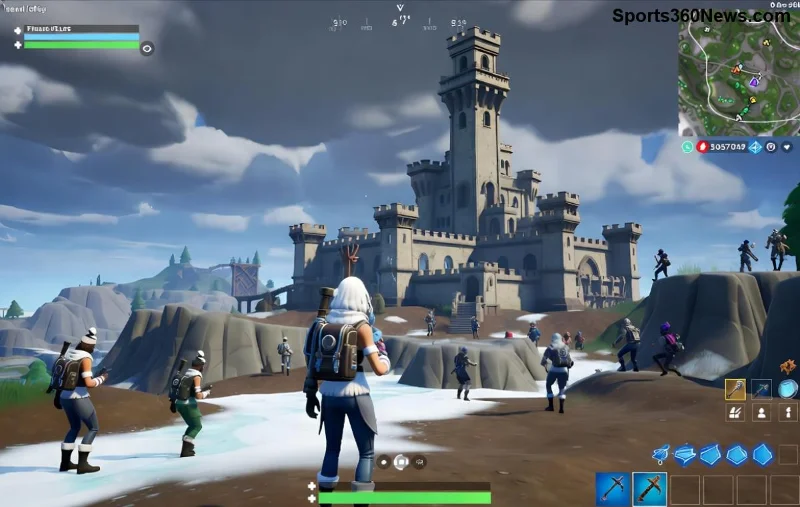
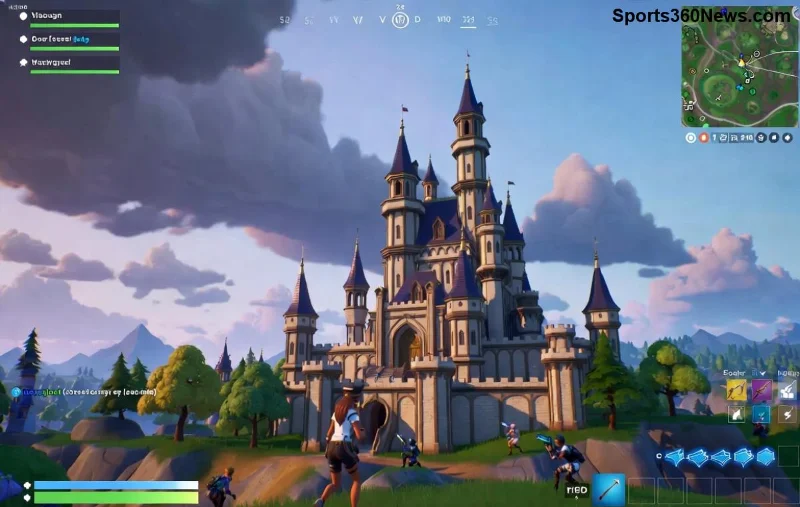
Ready to drop into the storm and claim Victory Royales from your pocket? In 2026, Fortnite on Mobile is more accessible than ever, thanks to native apps, cloud streaming, and powerhouse devices. Whether you're on iOS or Android, this guide delivers everything you need for seamless gameplay. No lag, no hassle—just pure battle royale action. Let's squad up and dive in! 🔥

✅ Is Fortnite Mobile Still a Thing in 2026?
Absolutely! Epic Games has expanded Fortnite support across platforms. Android users enjoy direct downloads via the Epic Games Store app, while iOS players in select regions access it natively. Globally, cloud gaming bridges the gap, letting you stream high-fidelity Fortnite on any decent phone. Expect buttery-smooth 60-120 FPS on flagships like the latest Galaxy S or iPhone Pro series. Pro tip: A stable 5G/Wi-Fi connection is your best friend. 🌟
📱 How to Play Fortnite on Android in 2026: Native Bliss
Android dominates Fortnite Mobile with official support. Here's your quick-start blueprint:
- 🔽 Head to Epic Games' official site.
- 📥 Download the Epic Games Launcher APK (always verify the source to avoid fakes).
- ⚙️ Enable "Install from unknown sources" in Settings > Security.
- 🚀 Install, log in with your Epic account, and launch Fortnite.
- 🎮 Update to the latest chapter—Battle Royale, Zero Build, or Creative modes await!
Bonus: Samsung Galaxy users get Galaxy Store perks for one-tap installs. Performance peaks at 90 FPS on devices with Snapdragon 8 Gen 4 or equivalent. Feeling the hype? Your first drop is minutes away! 💥
🍎 How to Play Fortnite on iOS in 2026: Cloud-Powered Wins
iOS setup shines through cloud gaming—no App Store drama needed. Native access is rolling out in the EU via Epic's storefront, but worldwide? Cloud is king.
Top Cloud Options for Fortnite iOS
| Service |
Free Tier? |
FPS/Quality |
iOS Compatibility |
Price (Premium) |
| Xbox Cloud Gaming |
Yes (w/ Game Pass) |
Up to 120 FPS, 1080p |
Perfect (Safari app) |
$16.99/mo |
| GeForce Now |
Yes (1hr sessions) |
Up to 120 FPS, 4K |
App available |
$9.99/mo Priority |
| Amazon Luna |
Trials |
60 FPS, 1080p |
App + Safari |
$9.99/mo |
Quick Xbox Cloud Setup (Most Popular):
- 1️⃣ Subscribe to Xbox Game Pass Ultimate.
- 2️⃣ Download the Xbox Game Streaming app from App Store.
- 3️⃣ Search Fortnite, hit play—controller support included!
EU iOS users: Check the Epic Games Store app for direct downloads. Lag? Switch to Wi-Fi and lower graphics. You're now gliders-down ready! 🪂
![Fortnite cloud gaming on iPhone]()
⚙️ Step-by-Step Performance Optimization for Fortnite Mobile 2026
Max out your setup for competitive edge:
- 📊 Graphics Settings: 100% 3D Resolution, High Textures, Low Effects on mid-range phones.
- 🔋 Battery Saver? Off. Use a cooling pad for marathon sessions.
- 🌐 Controller Pairing: Bluetooth Xbox/PS5 pads work flawlessly—touch controls improved too!
- ⭐ Cross-Play: Squad with PC/console friends seamlessly.
Table for Quick Device Benchmarks:
| Device |
Max FPS |
Recommended For |
| Galaxy S26 Ultra |
120 |
Esports Pro |
| iPhone 17 Pro |
120 (Cloud) |
Smooth Streaming |
| Pixel 10 Pro |
90 |
Budget Beast |
These tweaks turn your phone into a battle station. Notice the difference? Keep reading for troubleshooting mastery! 👊
🛠️ Common Issues & Fixes: Stay in the Fight
Encounter hurdles? We've got you:
- ❌ "Download Failed": Clear cache in Epic Launcher or restart device.
- ⚡ Lag Spikes: Close background apps, use Ethernet adapter if possible.
- 🚫 Black Screen (iOS): Update iOS, try incognito Safari for cloud.
- 🔒 Controller Not Detected: Forget Bluetooth device and re-pair.
For official fixes, visit Epic's Support or Xbox Cloud docs. Back in action? Time to crank 90s! 🎯
![Fortnite mobile victory royale celebration]()
🏆 Pro Tips to Dominate Fortnite on Mobile
Elevate from noob to legend:
- ⭐ Land hot, loot fast—mobile aim assist is OP.
- 👍 Use gyro aiming for precision flicks.
- 🔥 Master building with turbo mode; practice in Creative.
- 💰 Events & LTMs: Check in-game news for free rewards.
Cross-save progress keeps your grind intact across devices. Squad up, communicate via voice chat, and watch those dubs stack!
🎉 Ready to Play? Your Mobile Victory Awaits!
That's your complete roadmap to How to Play Fortnite on Mobile in 2026. From Android natives to iOS cloud pros, you're equipped for endless action. Grab your device, hit play, and build your legacy. What's your go-to landing spot? Drop a comment below—we're all in this storm together! 👇 Fortnite Mobile forever. GG! 🏆