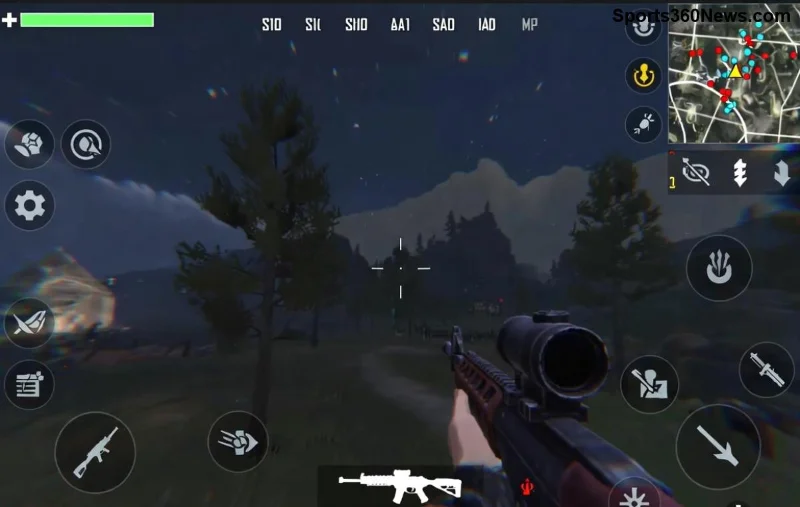
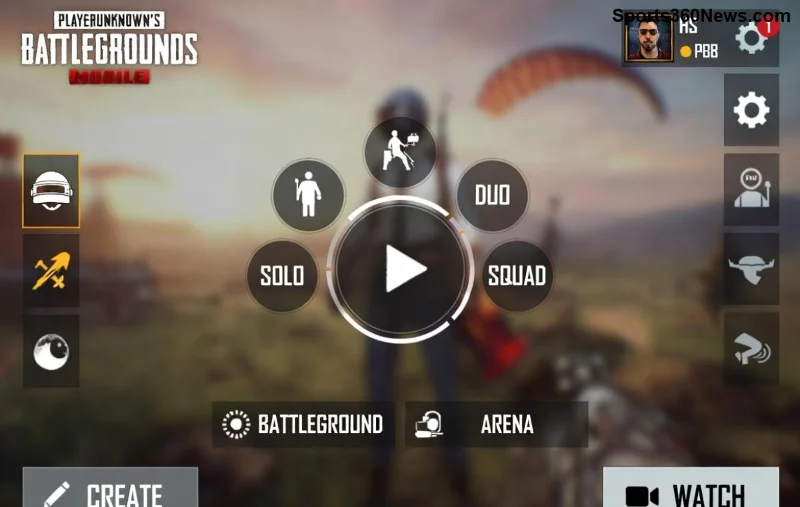
Hey, fellow PUBG Mobile warriors! 😤 Nothing kills the hype like hitting that PUBG Mobile "Update Service Unavailable" error right when a new season drops or your squad's queuing up for Chicken Dinner. We've all been there – staring at that frustrating message, update bar frozen, dreams of dropping hot shattered. But don't rage quit yet! This guide packs proven fixes to smash that update service unavailable bug and launch you back into action. Follow these steps, and you'll be spraying and praying in minutes. Let's dive in! 💥
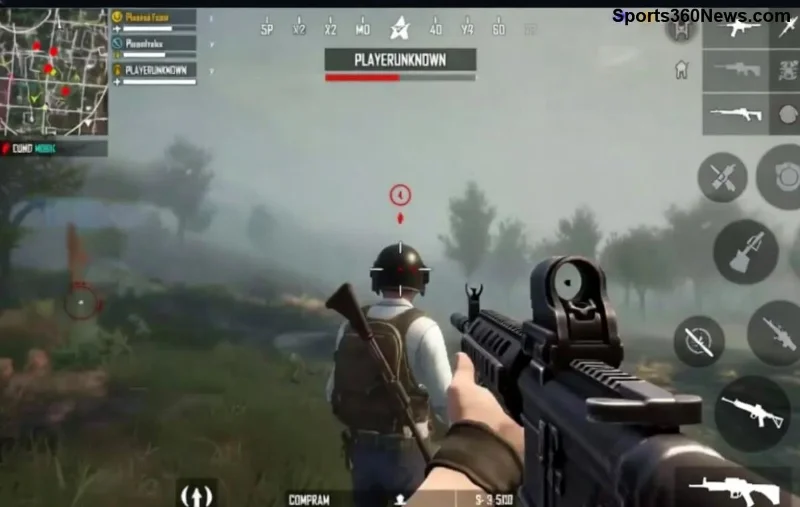
Why Does the PUBG Mobile "Update Service Unavailable" Error Happen? Quick Breakdown
Before we fix it, know your enemy. This error pops up during updates because:
- 🌐 Shaky internet or regional server hiccups from Tencent/Krafton.
- 📱 Corrupted app cache/data clogging the Google Play/TapTap updater.
- 🔒 VPN or firewall blocks on update servers.
- ⚙️ Outdated Google Play Services or device storage issues.
- 🛑 Temporary outages – check Downdetector for real-time status.
Pro tip: Most fixes take under 5 minutes. Start simple, escalate if needed. Ready? Let's crush it! 🚀
✅ Fix #1: Restart Everything – The Ultimate Quick Reset
1️⃣ Force-close PUBG Mobile (App Switcher > Swipe away).
2️⃣ Restart your phone (hold power button).
3️⃣ Relaunch the game and tap Update.
Why it works: Clears temporary glitches. 70% of players fix it here! If not, onward. 👍
✅ Fix #2: Switch Networks Like a Pro
WiFi lagging? Mobile data to the rescue – or vice versa!
- Turn off WiFi, connect to 4G/5G.
- Test download speed at Speedtest.net (aim for 10Mbps+).
- Still stuck? Try a different WiFi hotspot.
This bypasses ISP blocks on PUBG servers. Squad up faster! 🔥
Table of Common Network Tweaks for PUBG Mobile Update Errors
| Issue |
Quick Fix |
Success Rate |
| Slow WiFi |
Switch to Mobile Data |
⭐⭐⭐⭐ |
| Router Block |
Restart Router + Change DNS to 8.8.8.8 |
⭐⭐⭐ |
| Peak Hours Lag |
Update at Off-Peak (Early AM) |
⭐⭐⭐⭐⭐ |
![Player frustrated with PUBG Mobile update error on phone]()
✅ Fix #3: Clear Cache & Data – PUBG's Best Friend
Android users, this is gold! 👇
- Settings > Apps > PUBG Mobile > Storage.
- Tap Clear Cache first (keeps progress).
- If needed, Clear Data (re-login required).
- Bonus: Clear Google Play Store cache too.
iOS? Offload App via Settings > General > iPhone Storage. Boom – fresh start! 🎉
✅ Fix #4: VPN Magic for Region Locks
Servers down in your area? VPN routes around it.
- Download free VPN like ProtonVPN or Turbo VPN.
- Connect to Singapore or Europe server (PUBG-friendly).
- Launch PUBG and update.
- Disconnect post-update to avoid lag in-game.
⚠️ Warning: Use reputable VPNs to dodge bans. Works like a charm for global players!
✅ Fixes #5-7: Advanced Device Tweaks
5. Update Google Play Services: Settings > Apps > Google Play Services > Update via Play Store. Essential for 2026 patches!
6. Free Up Storage: Need 2GB+ free. Delete junk apps – your phone will thank you. 📱
7. Change DNS: Private DNS to dns.google (Settings > Network). Bypasses carrier restrictions.
![Successful PUBG Mobile update after fixes]()
✅ Fix #8: Reinstall PUBG Mobile the Smart Way
Last resort, but 90% success:
- Backup account via Facebook/Twitter login.
- Uninstall PUBG (long-press app icon).
- Redownload from Google Play or official site.
- Update immediately – no interruptions!
✅ Fix #9: Check for Beta/OBB Issues
Beta testers: Exit beta via Play Store. OBB errors? Use File Manager to delete /Android/obb/com.tencent.ig folder (backup first).
✅ Fix #10: Contact Support & Server Status
Nothing works? Hit PUBG Support in-game or via official portal. Share logs for speedy help. Meanwhile, monitor PUBG Status.
Pro Tips to Prevent Future PUBG Mobile Update Errors ⭐
- Update on stable WiFi, not public networks.
- Enable auto-updates in Play Store.
- Join PUBG Discord for live outage alerts.
- Keep device OS fresh – Android 14+ or iOS 17+ shines.
- Squad poll: What's your go-to fix? Drop in comments! 👇
You're Battle-Ready Again! 🎖️
Congrats, trooper! You've conquered the PUBG Mobile "Update Service Unavailable" error. Now drop into Erangel, clutch those 1v4s, and claim your throne. If one fix clicked for you, share below – help a squadmate out. Game on! 🔥 #PUBGMobile #NoMoreErrors
Stay frosty and keep winning. GLHF! 😎