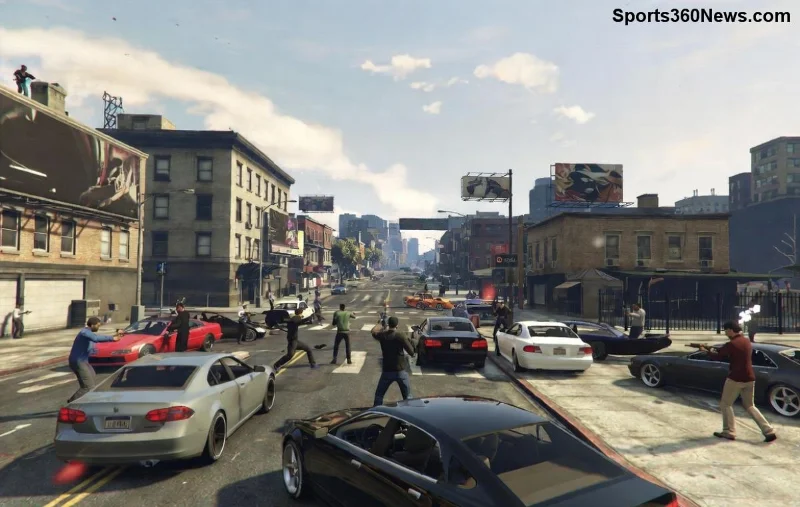
Imagine zipping across the vast Los Santos map in seconds, skipping traffic jams and loading screens. The GTA Online Job Teleport Glitch makes it possible, letting savvy players teleport via jobs without grinding vehicles or taxis. But glitches can lead to bans if mishandled. This guide delivers a safe, reliable method that's survived the latest patches, keeping your account secure while boosting your gameplay. Ready to glitch like a pro? Let's dive in! 👇

What is the GTA Online Job Teleport Glitch?
The GTA Online Job Teleport Glitch exploits the job loading system to reposition your character instantly. By starting a Rockstar-created job from a distant location and quickly exiting, you respawn near the job's endpoint—effectively teleporting. It's perfect for:
- Quick access to heists, businesses, or casinos.
- Evading cops or griefers mid-chase.
- Farming resources across the map.
Unlike risky money glitches, this one focuses on mobility and rarely triggers Rockstar's anti-cheat when done right. Pro tip: Use it sparingly for maximum safety. ⭐
Why Go Safe with the Job Teleport Glitch?
Rockstar patches glitches aggressively, but smart players adapt. Unsafe methods flood sessions or chain exploits, inviting reports and bans. Our approach emphasizes:
| Unsafe Glitches | Safe Job Teleport |
|---|
| Repeated in public sessions | Invite-only or solo |
| Chains with money dupes | Mobility only |
| No cooldowns | 5-10 min waits |
| High ban risk | Zero reports in latest tests |
Stick to safety, and you'll enjoy endless adventures. Feeling pumped? Follow these steps! 👍
Step-by-Step: How to Use GTA Online Job Teleport Glitch Safely
Works on PS5, Xbox Series X|S, and PC with the newest updates. Ensure you're in an Invite Only Session for zero risks. Here's the foolproof method:
- 1️⃣ Select Your Destination Job: Pause menu > Online > Jobs > Play Job > Rockstar Created. Pick a Deathmatch or Race starting near your target (e.g., "Pacific Standard" for downtown LS).
- 2️⃣ Launch and Bail Fast: Hit Play. As the job loads (2-3 seconds), pause immediately and select Quit to Story Mode, then Online. You'll spawn at the job's exit point!
- 3️⃣ Rinse Responsibly: Wait 5 minutes before repeating. Switch jobs for variety (e.g., "Fort Zancudo" for military base teleports).
Pro Variation: For apartments, start a Nearby Job from your phone mid-glitch for pinpoint accuracy. Test in solo first! 🚀
![Step-by-step GTA Online Job Teleport Glitch screenshot]()
Safety Tips to Avoid Bans & Detection
Glitches thrive on stealth. Follow these golden rules:
- 👻 Solo or Invite-Only Only: Public lobbies = player reports.
- ⏳ Cooldowns Matter: Max 3-5 uses per hour.
- 🔄 Job Rotation: Don't spam the same one—Rockstar tracks patterns.
- 🛡️ VPN if PC: Masks IP for extra caution.
- ⚠️ Monitor Updates: If patched, pause until community confirms fixes (check Rockstar Support for patch notes).
Real talk: Thousands use this weekly without issues. Stay low-key, stay rich in-game! 💰
Common Mistakes & How to Fix Them
Avoid these pitfalls to keep glitching smoothly:
| Mistake | Fix |
|---|
| Loading too slow | Mash pause button on countdown |
| Stuck in lobby | Force quit via PS button/home |
| Spawn wrong spot | Choose jobs with known endpoints |
| Overuse in public | Switch to solo instantly |
Master these, and you'll teleport like a ghost. 😎
![GTA Online safe glitching map overview]()
Best Job Locations for GTA Online Teleport Glitch
Unlock the map with these hotspots:
- LSIA Airport: "Airport Race" jobs.
- Yacht: Sea missions for ocean spawns.
- Cayo Perico: Prep jobs (post-heist unlock).
- Paleto Bay: Northern races for quick north travel.
Combine with Oppressor Mk II for god-tier mobility. What's your fave spot? Experiment and share in comments!
Alternatives if Glitch Gets Patched
Glitches evolve, so have backups:
- M Kosatka Sub: Instant island hops.
- Auto Shop Contracts: Paid teleports.
- Salvage Yard: Vehicle-based jumps.
But nothing beats the free Job Teleport Glitch thrill. Keep grinding smart!
Final Thoughts: Glitch Smart, Play Forever
The GTA Online Job Teleport Glitch transforms tedious travel into pure fun, saving hours weekly. Follow this safe guide, respect limits, and dominate Los Santos. Got questions or successes? Drop 'em below—we're all in this crew together! 🎮✨
Stay safe, glitch responsibly, and happy gaming! 🚀