你應該嘗試的類似部落衝突的遊戲(2026)
想找類似《部落衝突》的遊戲嗎?試試這五款基地建設和策略遊戲,在行動裝置及其他平台上暢玩,體驗建造、掠奪和與敵軍作戰的樂趣。
⭐ 想象一下,你的游戏中玩家能轻松管理武器、道具和资源,每一次拾取都带来成就感!作为游戏开发者,构建一个高效的库存系统是核心技能。今天,我们就用Unity引擎,带你一步步创建出专业级的游戏库存系统。无论你是新手还是老鸟,这份指南都能让你快速上手,打造爆款游戏!
创建库存系统前,先明确需求。典型的游戏背包系统包括物品存储、分类、堆叠和交互逻辑。优先考虑玩家体验:支持拖拽、搜索和快速使用。
用ScriptableObject创建物品模板,这是Unity最新推荐方式,高效且易扩展。
[CreateAssetMenu]
public class Item : ScriptableObject {
    public string itemName;
    public int maxStack;
    public Sprite icon;
    public ItemType type; // Enum: Weapon, Potion 等
}
| 物品属性 | 描述 | 示例 |
|---|---|---|
| ID | 唯一标识 | item_001 |
| 名称 | 显示文本 | 治疗药水 |
| 最大堆叠 | 数量上限 | 99 |
| 图标 | UI Sprite | pot_icon.png |
| 类型 | 分类枚举 | Consumable |
这个表格帮你快速定义物品,确保库存系统数据规范。接下来,我们进入代码实现!
创建Inventory类管理槽位。使用List<InventorySlot>存储物品,支持动态扩容。
public class Inventory : MonoBehaviour {
    public List<InventorySlot> slots = new List<InventorySlot>(20); // 默认20格
    public int maxSlots = 100;

    public bool AddItem(Item item, int amount = 1) {
        // 先尝试堆叠现有物品
        foreach(var slot in slots) {
            if(slot.item == item && slot.amount < item.maxStack) {
                slot.amount += amount;
                return true;
            }
        }
        // 新开槽位
        if(slots.Count < maxSlots) {
            slots.Add(new InventorySlot(item, amount));
            return true;
        }
        return false; // 满仓
    }

    public void RemoveItem(InventorySlot slot, int amount) {
        slot.amount -= amount;
        if(slot.amount <= 0) slots.Remove(slot);
    }
}

[System.Serializable]
public class InventorySlot {
    public Item item;
    public int amount;
}
这个逻辑让库存系统高效运行:堆叠优先,避免浪费空间。测试时,用Debug.Log验证添加/移除!
Unity UI Canvas是首选。创建Grid Layout Group布局槽位,每个Slot用Button + Image + Text。
步骤详解:
1. 新建Canvas:分辨率适配手机/ PC。 2. Slot Prefab:Image背景 + Icon + 数量Text。添加Event Trigger支持拖拽。 3. 绑定数据:InventoryUI脚本循环刷新slots。
public class InventoryUI : MonoBehaviour {
    public Transform slotContainer;
    public GameObject slotPrefab;

    public void RefreshUI(Inventory inventory) {
        foreach(Transform child in slotContainer) Destroy(child.gameObject);
        foreach(var slot in inventory.slots) {
            var newSlot = Instantiate(slotPrefab, slotContainer);
            newSlot.GetComponent<Image>().sprite = slot.item.icon;
            newSlot.GetComponentInChildren<Text>().text = slot.amount.ToString();
        }
    }
}
拖拽交互用IDragHandler接口:OnDrag开始拖动,OnDrop目标槽位交换物品。玩家会惊叹你的库存系统专业度!
别让玩家进度白费!用JsonUtility序列化Inventory。
public void SaveInventory() {
    string json = JsonUtility.ToJson(this, true);
    PlayerPrefs.SetString("InventorySave", json);
}

public void LoadInventory() {
    string json = PlayerPrefs.GetString("InventorySave");
    JsonUtility.FromJsonOverwrite(json, this);
}
进阶:用BinaryFormatter或Addressables优化大数据。云存档参考Unity Cloud Save,无缝同步多设备。
| 功能 | 难度 | 玩家收益 |
|---|---|---|
| 基础堆叠 | ⭐ | 高效管理 |
| 拖拽交互 | ⭐⭐ | 沉浸体验 |
| 搜索排序 | ⭐⭐⭐ | 快速查找 |
| 云存档 | ⭐⭐⭐⭐ | 跨设备同步 |
这些功能让你的库存系统脱颖而出,玩家停留时间翻倍!
恭喜!你已掌握如何创建库存系统的全流程。从规划到优化,每步都实战导向。立即在Unity中实践,分享你的作品到社区。下一个爆款游戏,就在你的游戏库存系统中诞生!有疑问?评论区见,一起交流。👏
持续优化你的系统,游戏世界无限可能!
想找類似《部落衝突》的遊戲嗎?試試這五款基地建設和策略遊戲,在行動裝置及其他平台上暢玩,體驗建造、掠奪和與敵軍作戰的樂趣。
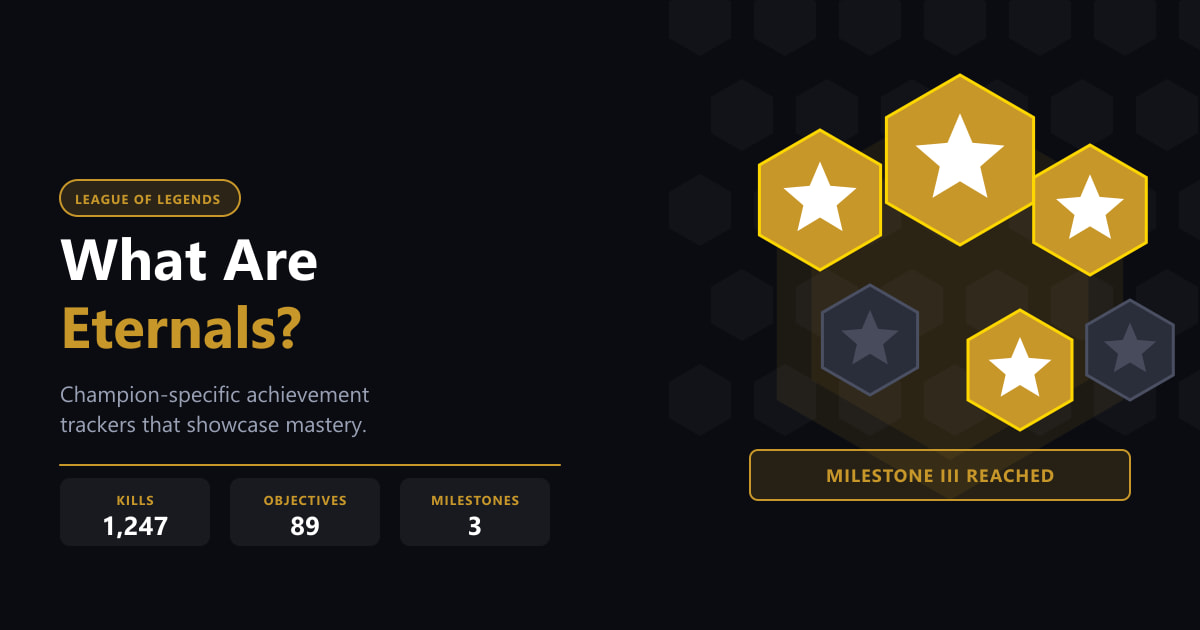
《英雄聯盟》中的永恆飾品是英雄專屬的終身數據追蹤器。了解它們是什麼,里程碑機制如何運作,以及如何在客戶端中裝備它們。
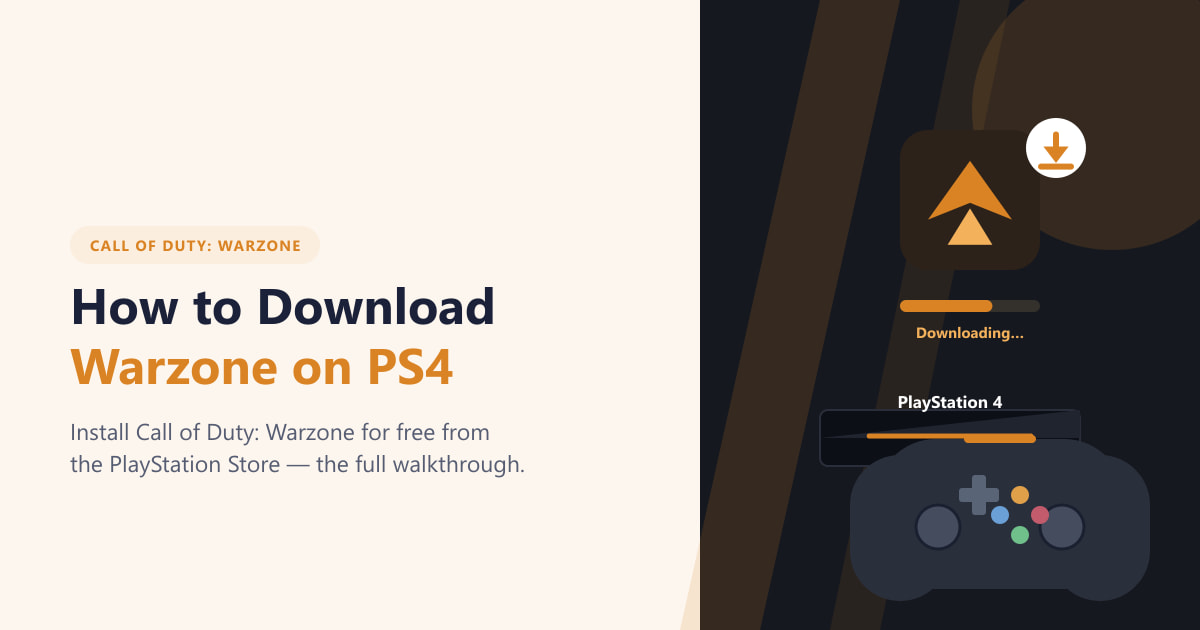
了解如何從 PlayStation Store 免費下載 PS4 版 Warzone。本指南將一步步引導您完成儲存、搜尋、安裝和登入遊戲等操作。
什麼是絕地求生?清晰易懂的PUBG新手指南:大逃殺遊戲玩法、地圖、戰利品、遊戲地點以及如何免費入門。
如何在電腦上一步一步獲得 GTA 5 — 選擇商店、建立帳戶、購買遊戲、下載,不到一小時即可開始遊戲。
如何從種子開始種植酪梨:包括植物選擇、種植步驟、養護技巧、避免的錯誤以及常見問題的解答,幫助您打造更健康的園子。
為容器種植全日照樹木提供植物選擇、種植步驟、養護技巧、避免的錯誤以及常見問題解答,助您打造更健康的花園。
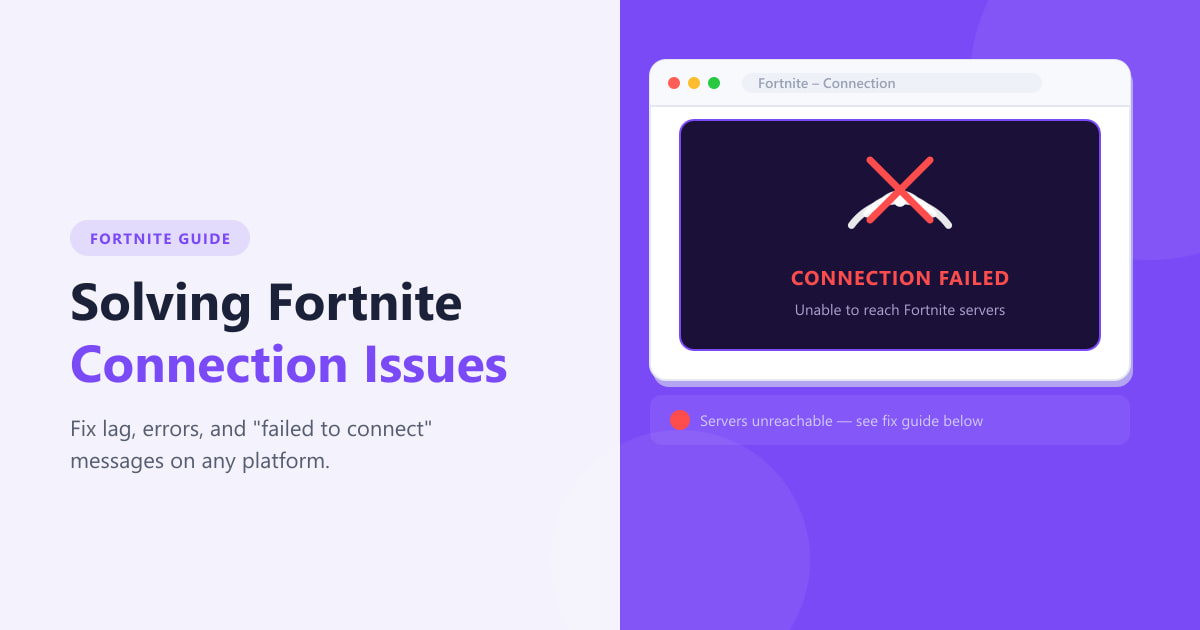
快速修復 Fortnite 連線問題-檢查伺服器狀態、重新啟動路由器、驗證遊戲檔案、調整網路設定以及切換到有線連線。
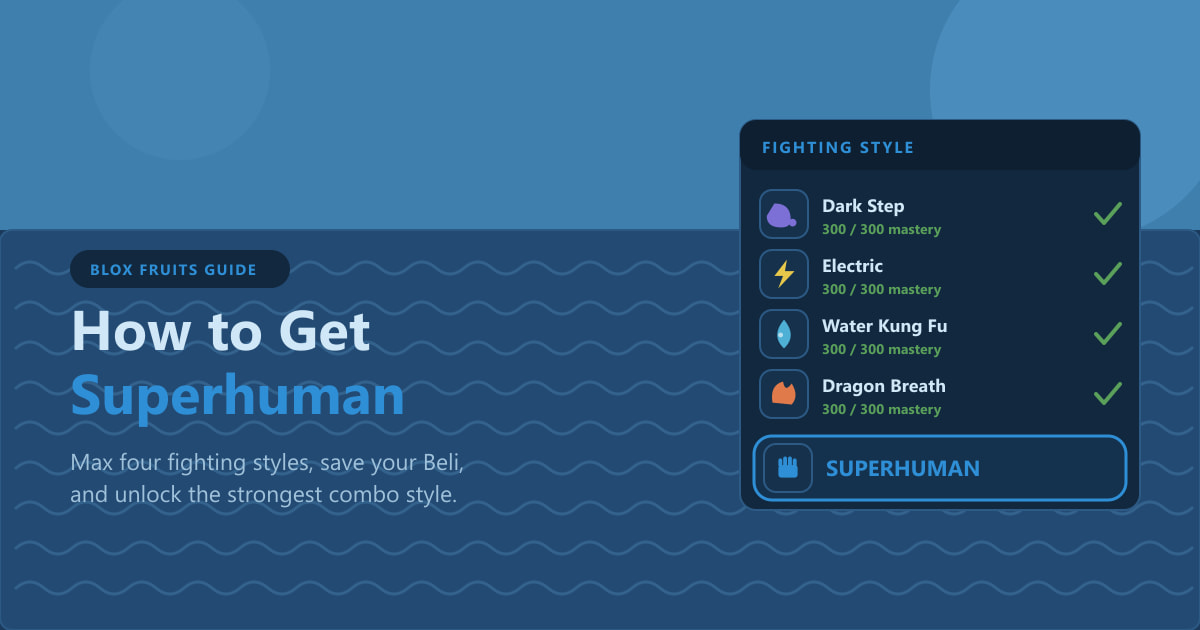
如何在 Blox Fruits 中獲得超人:到達第二海域,將四種戰鬥風格精通至 300,攢夠 3,000,000 貝利,然後從老師那裡購買。
學習如何在泰拉瑞亞中安全地開採獄石:你需要的鎬、岩漿和火焰防護、建造安全的橋樑、小心開採以及熔煉熔岩裝備。