How to Fix PUBG Stuck on “Initializing” on Steam

Fix PUBG stuck on Initializing on Steam with a focused checklist for PC service notices, launch options, game files, downloads, and connection issues.
Five stars is the maximum wanted level in GTA Online. Reach it in Freemode and the police response becomes much more intense: patrol cars and tactical units press the chase, and a police helicopter can help search for you. But the old claim that five stars automatically summons Rhino tanks, fighter jets, and endless military waves is misleading. In a standard Freemode pursuit, the challenge is escaping the law-enforcement search, not surviving a guaranteed army invasion.
The distinction matters because GTA Online includes missions, creator-made activities, and location-specific security that can behave differently from open-world Freemode. Here is what the maximum GTA Online wanted level means and what to do when the stars appear.
The wanted meter tops out at five stars. The official Grand Theft Auto V game manual describes the five-star end of the scale as the highest level of police interest. In GTA Online Freemode, that translates into sustained, aggressive law-enforcement pressure while officers can keep your character in sight or continue searching your last known area.
The exact chase can vary with your location and the activity you are playing. Rockstar’s current update notes even list Wanted Level options for the Mission Creator, so a created mission may set up a different experience from ordinary Freemode. Do not assume a scripted mission’s enemies or rules describe every public-session chase.
No—not as an automatic reward or guaranteed response in standard GTA Online Freemode. Reaching five stars does not by itself mean a Rhino tank rolls up or a P-996 Lazer or Hunter begins strafing your car. Those vehicles exist in GTA Online, and Fort Zancudo has its own military security, but those are separate situations. An encounter near a restricted base or inside a mission should not be treated as the default five-star police response across Los Santos.
| Common claim | What to expect in Freemode |
|---|---|
| “Five stars always spawns a Rhino.” | There is no guaranteed tank spawn just for filling the wanted meter. |
| “A fighter jet will attack as soon as you hit five stars.” | Air support may search for you, but a military jet is not the standard automatic response. |
| “You can never clear five stars.” | You can escape by breaking the pursuit, or use Lester’s ability when it is unlocked and available. |
| “Every job uses the same police rules.” | Jobs and creator missions can set their own wanted-level behavior. |
Rockstar’s patch notes document Lester’s Remove Wanted Level ability in GTA Online, and later notes describe new wanted-level settings for creator missions. The practical takeaway: don’t plan around a supposed tank or jet spawn timer. Plan around losing the search or using an available in-game ability.
There is no dependable “hide in water forever” trick or universal number of minutes that guarantees an escape. Water, buildings, and tunnels can help you break sight lines, but they are not a substitute for watching the wanted meter and staying out of view. If you are carrying snacks and body armor, use them before your health becomes critical; surviving the chase gives you more time to get clear.
Freemode, jobs, and mission scripts are not interchangeable. A restricted location can trigger its own security response, while a job may lock the wanted level, clear it at a checkpoint, or configure it through mission settings. Rockstar’s Title Update 1.72 notes list Wanted Level options for the Rockstar Mission Creator. That is one reason clips from a custom activity or a military-base encounter may not match a normal five-star chase.
So, what happens if you hit 5 stars in GTA Online? You reach the top of the wanted scale and face the game’s strongest ordinary police pursuit. You can still lose the cops: break line of sight, get away from the search area, and wait until the meter clears—or call Lester when the ability is available. Expect chaos, but don’t count on automatic tanks, jets, or endless military respawns.
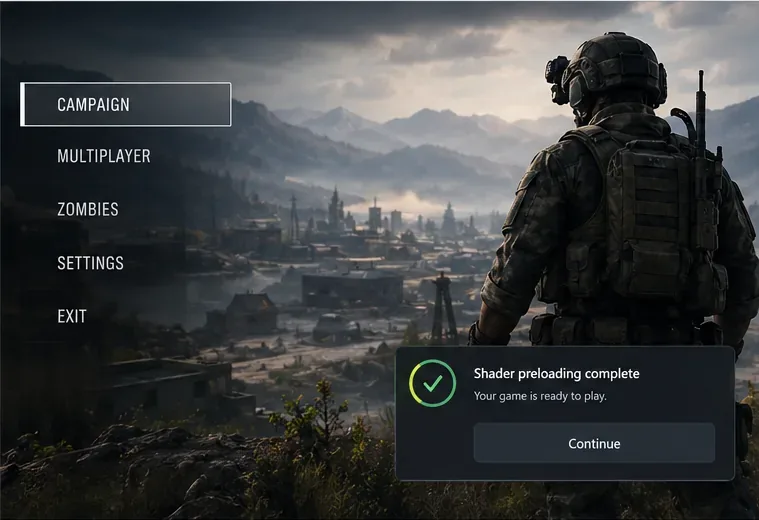
Fix PUBG stuck on Initializing on Steam with a focused checklist for PC service notices, launch options, game files, downloads, and connection issues.
Fix Brawl Stars stuck at 92% loading with an ordered checklist for service notices, network tests, safe updates, Android cache, and account-safe reinstalling.
Best Dead by Daylight visual filter settings start with a small Gamma lift, neutral color and contrast, and a quick check for dark corners, fog, and bright lights.
Find the Steam and EA app fields for Apex Legends launch options, use EA’s documented FPS command, and see why +exec autoexec.cfg remains unverified.
Reduce input lag on a Nintendo Switch dock for Smash Ultimate with TV Game Mode, a direct HDMI test, controller checks, and online-latency troubleshooting.
Find the best EA SPORTS FC audio settings for a clearer referee whistle: tune Stadium Ambience and Commentary, then troubleshoot output or timing issues.
Compare the best Attack Move Click keybinds in League of Legends—A, Shift + right-click, mouse side buttons, and left-click—with setup and kiting tips.
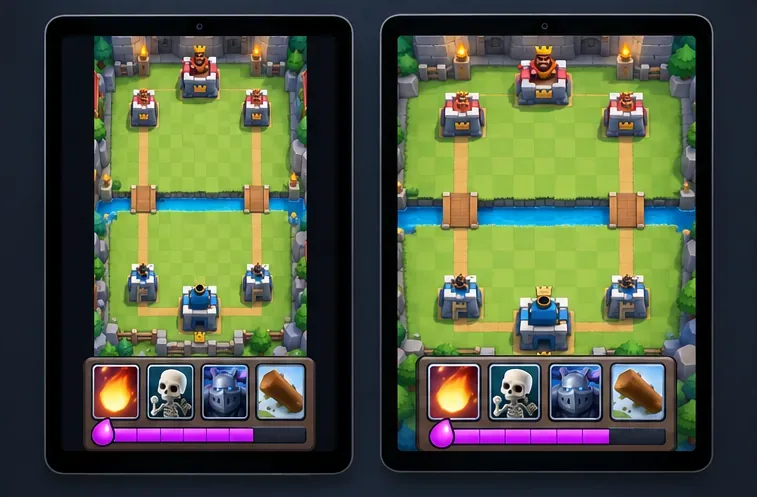
Find the best tablet aspect ratio setup for Clash Royale, compare Android display-fit choices, and check iPad full-screen framing without cropping the arena.
Fix Warzone Dev Error 6068 on startup with safe PC checks for updates, overlays, graphics drivers, game-file repair, and clean boot troubleshooting.
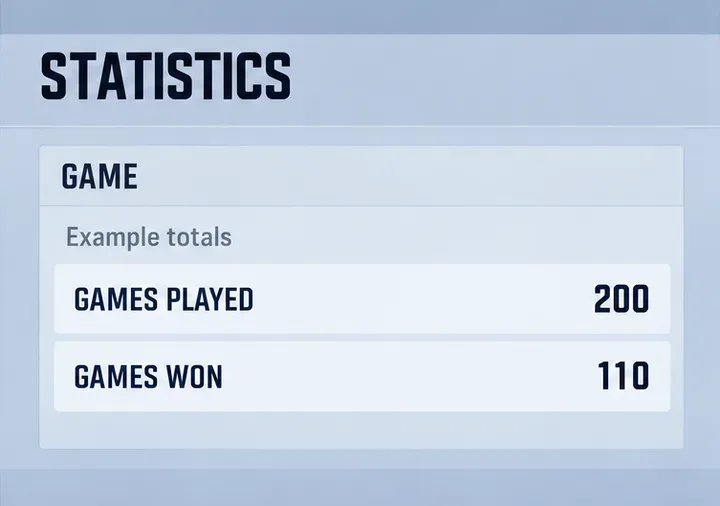
Check your Overwatch 2 overall match win rate with Career Stats, matching game totals, and the right filters—without mistaking hero percentages for match results.