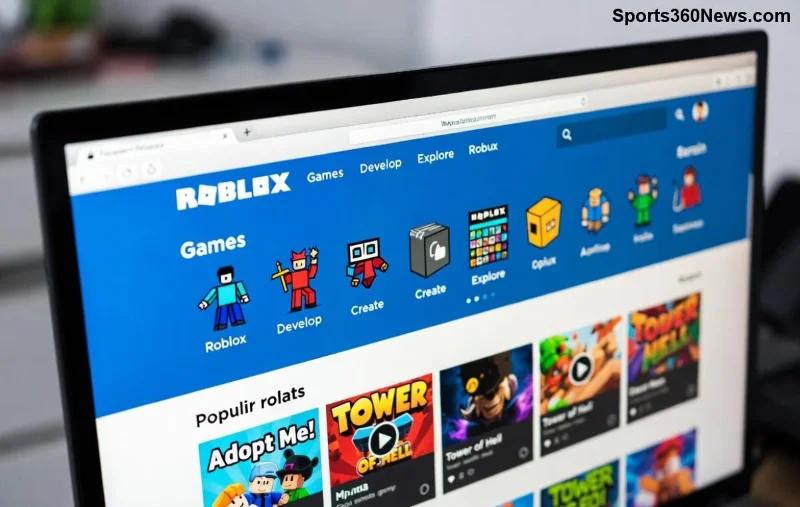
Launching a new Roblox game is thrilling, but watching it sit with zero players? Heartbreaking. 😢 Don't worry—millions of gamers are hunting for the next big hit right now. This guide packs actionable tips to attract players to your Roblox game fast. Follow these steps, stay consistent, and watch your server fill up. Ready to dominate? Let's dive in! ⭐
1️⃣ Craft an Eye-Catching Thumbnail and Icon That Screams "Play Me!"
Your thumbnail is the first (and often only) thing players see. A killer one can boost clicks by 300%+ according to Roblox dev forums. Use bright colors, dynamic action shots, and bold text like "Epic Battles Await!"
- ✅ Tools: Canva or Photoshop for pro designs.
- ✅ Size: 512x512 pixels for icons, 1920x1080 for thumbnails.
- ✅ Test: A/B swap thumbnails weekly to see what converts.
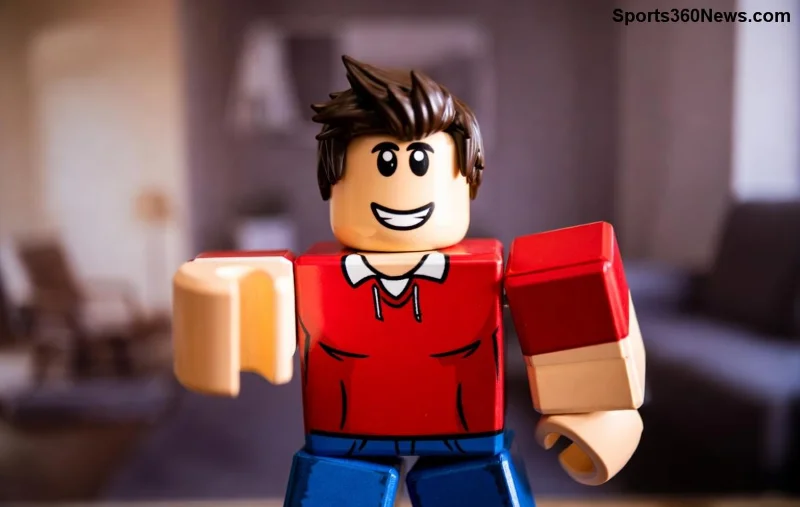
Pro tip: Feature popular Roblox avatars or memes to tap into trends. Your Roblox game thumbnail isn't just art—it's your #1 sales pitch! 🚀
2️⃣ Optimize Your Game Page for Roblox's Algorithm
Roblox's discovery system favors games with high engagement. Nail your title, description, and tags to rank higher in searches for "how to get players to Roblox game".
| Element |
Best Practices |
Why It Works |
| Title |
Under 50 chars, keywords like "Tycoon" or "Obby" |
Appears in searches |
| Description |
200-300 words, emojis, updates log |
Boosts retention |
td>Tags
| 10-15 relevant: "horror", "free VIP" |
Improves discoverability |
Include a clear call-to-action: "Join now for free pets! 🐶" Players who land on your page convert to players 5x faster. Keep it fresh!
3️⃣ Harness Roblox's Free Discovery Tools
Don't sleep on built-in features. Join Roblox groups (aim for 1K+ members) and post updates. Use the "Advertise" button for cheap boosts starting at 100 Robux.
- ⭐ Front Page push: High retention = algorithm love.
- ⭐ Favorites & Likes: Encourage with in-game rewards.
- ⭐ Play passes/badges: Monetize while attracting casuals.
Games with daily updates see 40% more organic traffic. Start small, scale up! 💥
4️⃣ Dominate Social Media to Attract Players to Your Roblox Game
Platforms like TikTok, Twitter (X), Discord, and YouTube are goldmines. Post teasers, memes, and gameplay clips daily.
![Social media promotion for Roblox games]()
Strategies that work:
- 1️⃣ TikTok: 15-sec hype videos with trending sounds. #RobloxDev hashtag = viral potential.
- 2️⃣ Discord: Build a server, host AMAs, share devlogs.
- 3️⃣ Twitter: Thread your journey—"Day 1: 10 players. Watch the growth!"
One viral post can net 1K players. Track with UTM links for proof! 📈
5️⃣ Run Targeted Roblox Ads Like a Boss
Roblox Ads are newbie-friendly and ROI-packed. Sponsor your game for as low as 100 Robux per 1K impressions.
- ✅ Target: Age, interests like "obby lovers".
- ✅ Creative: Video ads outperform images 2x.
- ✅ Budget: Start $10/day, scale winners.
Top devs report 10-20% click-to-player conversion. Monitor analytics in Creator Dashboard—pause losers fast! ⚡
6️⃣ Team Up with Influencers for Explosive Growth
Influencers are player magnets. Find Roblox YouTubers (10K+ subs) via Rolimons or YouTube search.
![Roblox influencer collaboration example]()
Outreach script: "Hey [Name], love your vids! Free VIP in my new [genre] game for a shoutout?" Payment: Robux, items, or revenue share.
A single stream can flood you with 5K+ players. Nurture relationships for ongoing promo! 🤝
7️⃣ Host Events, Giveaways, and Updates to Retain & Attract
Live events spike concurrent players 10x. Announce "Double XP Weekend!" on all channels.
- 🎉 Giveaways: Roblox gift cards via Gleam.io.
- 🎮 Updates: Bi-weekly with player-voted features.
- 📊 Feedback: In-game polls via TeleportService.
Retention is key—happy players invite friends. Aim for 20%+ return rate! 👏
8️⃣ Track Analytics and Iterate Ruthlessly
Use Roblox Creator Dashboard for metrics: Visits, retention, bounce rate. Tools like RoPro enhance insights.
If drop-off is at spawn? Fix tutorials. Low shares? Add viral mechanics like leaderboards.
For deeper stats, check Roblox Analytics Docs. Data-driven devs win big! 🔍
Final Boss: Your Path to Roblox Game Stardom
Mastering how to get players to your new Roblox game is a marathon fueled by creativity and hustle. Start with thumbnails and page SEO today—results in days. Scale to ads and collabs for thousands. You've got this! Share your wins in comments—what's your game's name? Drop it below and let's cheer you on. 🎮✨
Implement one tip daily. Your first 100 players await!