Home
» 🎮 Esports
»
How to Get Mastery Level 7 Fast in League of Legends (2026 Guide)
How to Get Mastery Level 7 Fast in League of Legends (2026 Guide)
How to Get Mastery Level 7 Fast in League of Legends
To reach Mastery Level 7, earn the required Mastery Points and collect three Marks of Mastery for Levels 5, 6, and 7. Marks come from champion milestones that reward strong grades. The quickest reliable approach is to focus on one champion, play in a grade-eligible queue, and aim for the milestone grades shown in the client—not to grind an arbitrary number of games.
The old advice about five Level 7 tokens and roughly 1.5 million points is outdated. Riot replaced the capped system with uncapped levels, points, and Marks of Mastery in Patch 14.10. Here is how the current route works.
A highlighted champion card represents focusing your games on one main.
What Mastery Level 7 requires now
Mastery Levels 1–4 use points only. From Level 5 onward, each level also needs Marks. Riot’s current support guide lists these point requirements:
Target level
Mastery Point requirement
Marks required for that level
1
None
None
2
1,800
None
3
4,200
None
4
6,600
None
5
9,000
1
6
10,000
1
7
11,000
1
The Marks column is per level: you need three Marks in total to move from Level 4 through Level 7. Points and Marks are separate gates. If you have enough points but are short a Mark, points can continue to accrue; the level-up waits until both requirements are met. Your current champion page and post-game Progression screen are the best places to check your exact status.
Riot says mastery level persists between seasons and years, while the champion milestone track resets each season. So an unfinished milestone track does not erase the level you already earned.
How to earn Marks of Mastery
Each champion has a seasonal milestone track. Riot’s current guide lists the grade thresholds and Mark rewards below:
Champion milestone
Grade threshold
Mark reward
1
A- or higher
1
2
A- or higher
1
3
S- or higher
2
4
S- or higher
2
5 and later repeat milestones
Two grades of S- or higher
1 per milestone
That means a focused Level 7 route is to earn the first two milestone Marks with A- grades, then continue into the S- milestone track for the third Mark. The later milestones can supply extra Marks for higher levels. Check the in-client track for its current completion details; Riot’s published guide gives the grade thresholds, but does not promise a fixed number of matches for everyone.
Mastery Points and Marks of Mastery are separate gates after Level 4.
Step-by-step: the fastest reliable route
1. Pick one champion and stick to a role
Choose a champion you can play consistently and keep the same role while you work on grades. Riot compares performance with players using the same champion and position in your region, so a grade reflects the lane or role you queued for. Splitting games across many champions spreads points and milestone progress instead of concentrating them on your target.
You do not need to own every champion to make progress: Riot says mastery tracks for champions you play can progress even if you do not own them. That makes ARAM useful when the champion appears, but it does not let you choose your pick every game.
2. Queue where both points and grades count
Mastery Points are awarded for completed matchmade games in Summoner’s Rift normal queues—including Swiftplay and Draft—ranked queues, ARAM, and rotating modes such as Arena. However, seasonal milestones only progress in modes that award grades, such as Summoner’s Rift normal or ranked and ARAM.
For a dependable grind on a specific champion, use a normal Summoner’s Rift queue where you can lock your pick. ARAM can count for Marks when you receive the champion and earn a qualifying grade. Arena and other rotating modes can add points, but do not rely on them for milestone Marks unless the mode awards grades.
Role fundamentals such as farming, vision, and objective play support stronger overall performances.
3. Aim for the milestone grade, not a magic KDA
The first two milestones call for A- or higher; the next two call for S- or higher. Grades compare your performance with players in your region on the same champion and position. Riot describes this as a percentile-based assessment across performance metrics, but does not publish a fixed KDA, CS-per-minute, vision-score, or kill target that guarantees an A or S.
Play the role’s job: farm safely when you are a laner or carry, protect teammates and establish useful vision as support, and convert jungle pressure into objectives.
Limit avoidable deaths and look for useful team participation instead of chasing kills that risk a shutdown.
Use a current, sensible build for the matchup and spend your gold. The mastery guide does not reward a particular rune page by name.
After each match, check the grade and Mastery Points in the Progression screen. Adjust one repeatable habit at a time.
4. Use premade bonus points when convenient
Riot’s support guide lists a small premade bonus to Mastery Points: +2% for two players, +4% for three, +6% for four, and +10% for a five-player group. It boosts points, not the grade threshold or Mark reward, so queue with friends if you already want to play together; do not treat a premade as a shortcut around strong performance.
5. Claim the level as soon as both gates are met
When your points and Marks are ready, return to the champion in Collection and complete the level-up if the client prompts you to do so. Keep checking after milestone rewards; Marks can be earned before you have the point requirement. From Level 4 onward, the mastery emote can be shown in game with Ctrl+6, according to Riot Support.
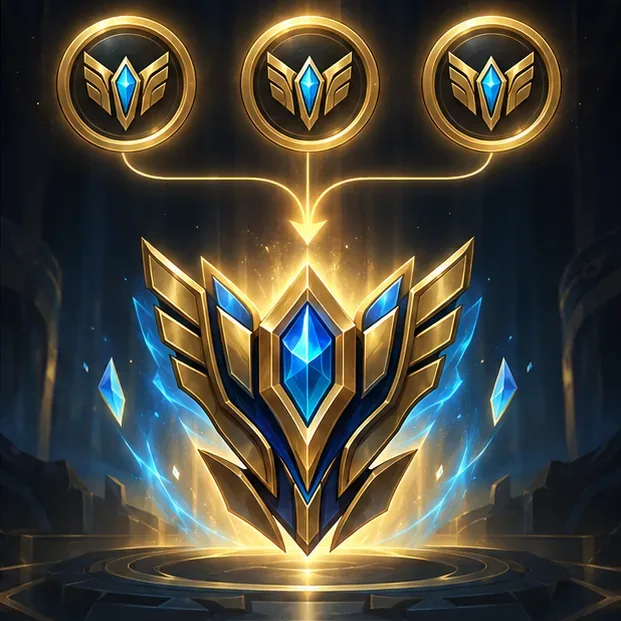
Three Marks of Mastery cover the mark requirements for Levels 5, 6, and 7.
What not to waste time on
Do not spam games without reviewing grades. A queue counter alone cannot predict how quickly you will earn Marks.
Do not assume a win guarantees a high grade. Riot says points depend on performance, team performance, game length, win or loss, and other factors; the grade is a separate comparison.
Do not farm Arena for Marks. Arena can grant Mastery Points, but milestone progress requires a mode that awards grades.
Do not use old token or million-point charts. They describe the pre-14.10 system and can send you toward requirements that no longer apply.
How long does Mastery Level 7 take?
There is no universal game count. Your existing points and Marks, the grades you earn, and the points awarded after each match all change the timeline. A player who already has Level 4 progress needs three Marks and the remaining point requirement; a new champion starts from Level 0. Focused play in a grade-eligible queue is more predictable than hopping between modes that award points but no milestone progress.
For exact live requirements, use Riot’s Champion Mastery Guide and the in-client champion milestone track. Riot introduced the updated progression in its Patch 14.10 notes; Mastery Sets were later removed in Patch 25.13, so older advice that depends on a Mastery Set is obsolete.