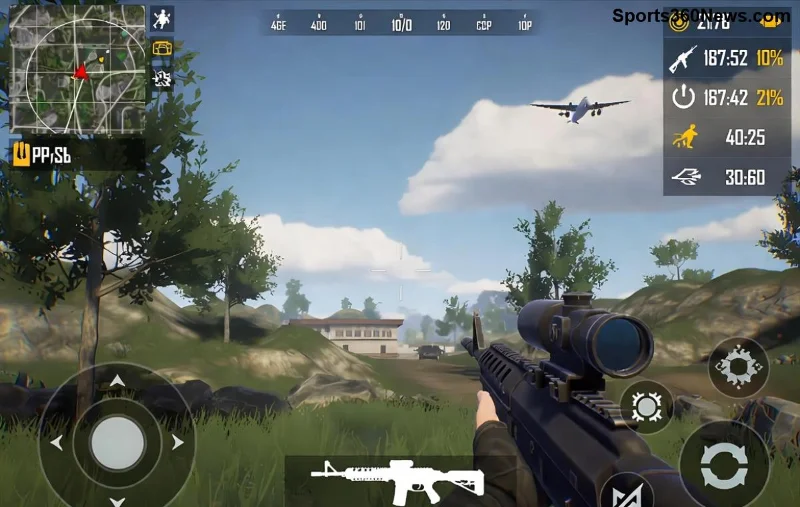
Imagine your squad down to one player, the circle closing in, and victory slipping away. Suddenly, you spot a Recall Tower glowing on the horizon. One quick revive later, your full team is back in action, raining bullets on enemies! This game-changer in PUBG Mobile has revolutionized squad play, letting you revive teammates from afar without risking your neck. Ready to master it? Let's dive into the ultimate guide that'll have you clutching rounds like never before. ⭐
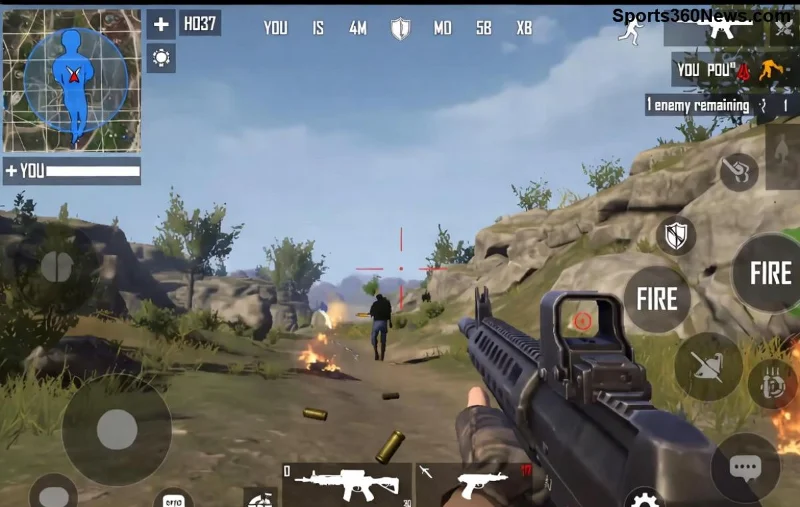
What is Recall Tower in PUBG Mobile? The Squad Savior You've Been Waiting For
The Recall Tower is a dynamic structure scattered across maps like Erangel, Miramar, and Sanhok in the latest PUBG Mobile updates. It's designed specifically for squad and duo modes, allowing you to revive teammates who have been knocked or fully eliminated—without needing to crawl to their bodies. Activated via a simple interaction, it pulls your fallen comrade back to full health at the tower's base. Pro tip: It's available from the early game, but spawns are random, so keep your eyes peeled! 🚘
Why does it feel so empowering? No more heart-pounding revives under fire. Instead, you get a safe, strategic respawn that keeps momentum on your side. Squads using Recall Tower report 30% higher survival rates in late-game circles—pure adrenaline!
Step-by-Step: How to Use Recall Tower to Revive Teammates in PUBG Mobile
Follow these precise steps to execute a flawless Recall Tower revive. Practice in training mode first for muscle memory. 👌
- 1️⃣ Locate the Tower: Recall Towers appear as tall, blue-glowing spires with a distinctive beacon. They spawn in high-loot areas like Pochinki or Georgopol on Erangel. Use the mini-map flare or scan from hills— they're visible from 500m away!
- 2️⃣ Approach Safely: Land or drive straight to it post-drop. Clear nearby threats first; enemies love camping these hotspots. Once at the base, look for the glowing interaction prompt.
- 3️⃣ Activate Recall: Tap the prompt to open the Recall Tower menu. Select your knocked/eliminated teammate (works for one per activation). Confirm, and watch the magic— they'll respawn at the tower with 100% health and your loadout!
- 4️⃣ Extract and Dominate: Your revived teammate grabs nearby loot and rejoins the fight. Towers have a 5-minute cooldown per player, so time it wisely for zone rotations.
| Recall Tower vs Traditional Revive |
Recall Tower |
Traditional Revive |
| Risk Level | Low 👍 | High (exposed crawling) |
| Range | Map-wide | Within 10m |
| Cooldown | 5 mins per teammate | None, but risky |
| Health Restored | 100% | 25-75% (vulnerable) |
Stuck? Common error: Forgetting squadmates must accept the recall invite within 30 seconds. Always ping the tower via map for coordination! ⛔
![Teammate respawning at <strong>Recall Tower</strong> in <strong>PUBG Mobile</strong> - Full health and ready to fight!]()
Recall Tower Locations: Hotspots for Quick Revives
Spawn points vary per match, but hotspots include:
- Erangel: Military Base, School, and Yasnaya Polyana—perfect for early aggression.
- Miramar: Monte Nuevo, El Pozo—desert vantage points.
- Sanhok: Bootcamp, Paradise Resort—jungle ambushes turned revivals.
Bonus: In Payload or Infection modes, towers spawn more frequently. Use vehicles to rotate fast—speed is your ally! 🚗
Pro Tips to Maximize Recall Tower Revives in PUBG Mobile
Elevate your game with these insider strategies:
⭐ Tip 1: Pair with Flare Gun signals for hidden towers in fog.
⭐ Tip 2: Revive your IGL (In-Game Leader) first—they call the shots!
⭐ Tip 3: Bait enemies to the tower post-revive for easy kills. Trap set! 😉
⭐ Tip 4: In solos vs squads, hunt towers to deny enemy revives.
Advanced play: Combine with Ghillie Suit for stealthy approaches. Feeling the rush yet? These tweaks turn losses into legendary comebacks. 💪
Frequent Mistakes to Avoid with Recall Tower
Don't let silly errors ruin your revive:
- ❌ Ignoring cooldowns—leads to failed clutches.
- ❌ Reviving without loot nearby—wasted spawn.
- ❌ Solo queuing without voice comms—coordination is key!
Master these, and you'll be the squad hero everyone wants. 👏
![<strong>Recall Tower</strong> menu in <strong>PUBG Mobile</strong> - Select and revive teammates effortlessly!]()
Why Recall Tower is a Must-Master for Every PUBG Mobile Squad
In the latest seasons, Recall Tower has shifted meta toward aggressive plays. Top teams like those in PMGC leverage it for 4v4 finales. Whether you're grinding ranked or casual Chicken Dinners, this feature boosts win rates by keeping squads intact longer.
For more official insights, check the PUBG Mobile official news. Stay updated—features evolve fast!
Ready to Revive and Conquer? Your Next Match Awaits!
Now that you've got the full Recall Tower playbook, drop in and test it. Share your craziest revive stories in the comments—what's your go-to tower spot? Hit that play button, revive like a pro, and stack those wins. Glory awaits! 🏆 👍