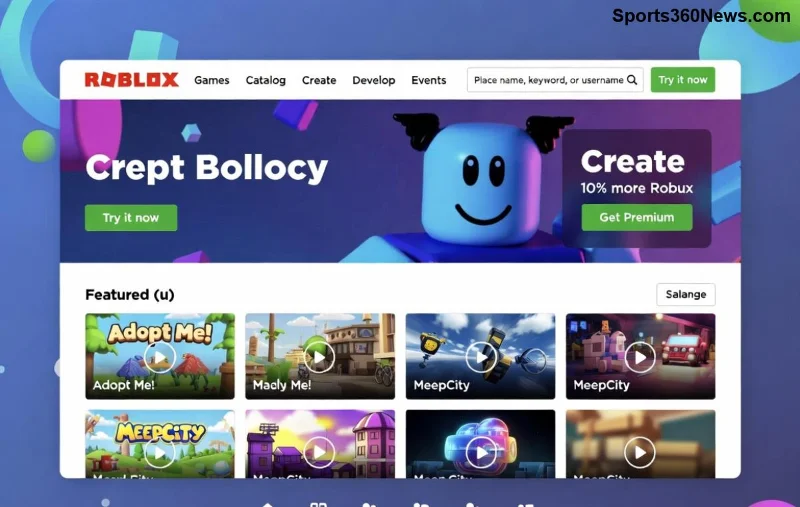
Ready to turn your game ideas into reality? The Roblox Developer Hub is your ultimate playground for creating immersive experiences on Roblox. Whether you're a budding developer or a seasoned creator, this powerful platform packed with docs, templates, and community tools will supercharge your workflow. Let's dive in and get you building! 🚀
What is the Roblox Developer Hub?
The Roblox Developer Hub (accessible at create.roblox.com) is the official one-stop resource for Roblox creators. It's evolved into a dynamic hub offering everything from in-depth documentation to free assets, templates, and forums. No more scattered resources—everything's streamlined for seamless development.
Key perks that excite every game dev:
- 📚 Comprehensive Roblox Developer Hub docs on Lua scripting, physics, and UI.
- ⭐ Ready-to-use models, audio, and plugins.
- 👥 Vibrant community forums for feedback and collabs.
Getting Started: Access the Roblox Developer Hub Effortlessly
Jump in without hassle! 1️⃣ Head to create.roblox.com and log in with your Roblox account. New? Create one free—it's your gateway to publishing experiences.
2️⃣ Download Roblox Studio if you haven't. The Hub integrates perfectly, letting you launch Studio directly from tutorials.
Pro tip: Enable Creator Dashboard for analytics on your games. This keeps your motivation high as you track plays and engagement! 😎
Navigating the Roblox Developer Hub Interface Like a Pro
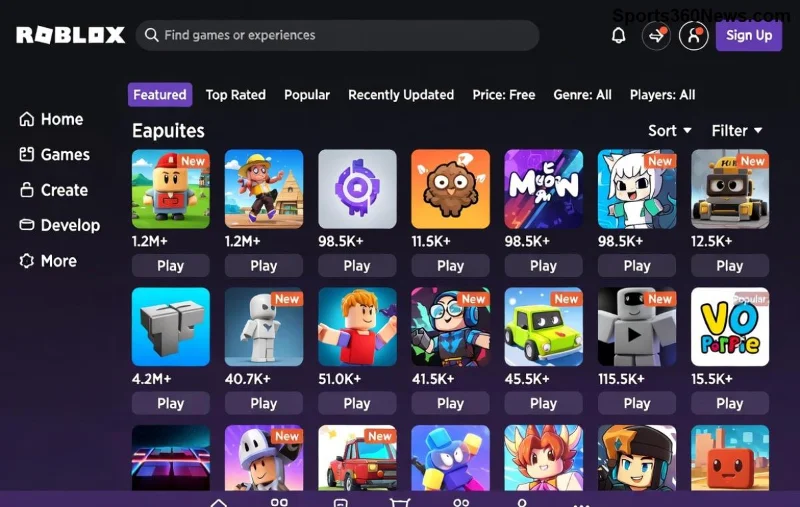
The clean, intuitive layout makes exploration a breeze. Here's a quick breakdown:
| Section |
What You'll Find |
Why It Rocks |
| Documentation |
API references, scripting guides |
Solve bugs in seconds |
| Tutorials |
Video + step-by-step projects |
Build obbies or tycoons fast |
| Creator Store |
Free/paid models, UGC |
Save hours on assets |
| Forums |
Q&A, dev logs |
Network with top devs |
Use the search bar at the top—type "how to use Roblox Developer Hub particle effects" for instant results. Bookmark favorites for quick access! 🔍
![Roblox Developer Hub tutorials section]()
Key Features: Supercharge Your Development
Master Documentation and Tutorials
Start with Roblox Developer Hub docs—search for classes like TweenService for smooth animations. Tutorials guide you from basics (spawning parts) to advanced (data stores for leaderboards).
Hands-on example: Follow the "First Experience" tutorial to build a simple parkour game. Copy-paste code into Studio and tweak—pure magic! ✨
Leverage the Creator Store
Browse thousands of free models. Filter by "low poly" for performance. Upload your own via Studio for Robux earnings—turn passion into profit!
Forums and Feedback Loops
Post prototypes on DevForum. Get stars ⭐ from mods and devs. This community vibe keeps you pumped to iterate.
Step-by-Step: Create Your First Game Using the Hub
- Launch Studio from the Hub's "Open Studio" button.
- Browse Templates: Pick "Obby" or "Team Deathmatch" as base.
- Add Assets: Search Creator Store for "laser gun," insert via Toolbox.
- Script It Up: Use Hub docs for LocalScripts—e.g.,
game.Players.LocalPlayer.Character.Humanoid.JumpPower = 100.
- Test & Publish: Hit play, then publish. Share link instantly!
Stuck? Hub's error checker in Studio points to docs. You're unstoppable now! 💪
Best Practices for Roblox Developer Hub Mastery
To level up:
- Daily dives: 15 mins on a new tutorial builds skills fast.
- Optimize: Use Hub's performance guides for 60+ FPS worlds.
- Monetize: Learn DevEx via Hub resources—earn real cash from games.
- Collaborate: Join Discord links from forums for team projects.
Common pitfalls? Avoid over-relying on free models—customize with Hub scripting tuts for unique flair. Your games will stand out! 🌟
Community Support and Next Steps
The Roblox Developer Hub forums are goldmines. Search solved threads or start new ones. Top devs share betas—stay ahead of trends like avatar scaling or immersive ads.
Ready for more? Explore Luau updates in docs or Creator Challenges for badges and prizes. Your next viral hit awaits—keep creating! 👏
Mastered the basics? Dive deeper into advanced topics like client-server architecture next. What's your first project? Drop ideas in comments below!