How to Fix PUBG Stuck on “Initializing” on Steam

Fix PUBG stuck on Initializing on Steam with a focused checklist for PC service notices, launch options, game files, downloads, and connection issues.
If you are searching for PUBG Mobile controller settings, the first thing to know is that the standard iOS and Android game does not offer a native gamepad menu or controller sensitivity sliders. Pairing an Xbox-style or PlayStation-style controller with your phone does not mean PUBG MOBILE will accept its inputs. For a reliable, account-safe setup, use the game’s own touch controls and tune the HUD, camera sensitivity, and ADS sensitivity in small steps.
There are no official in-game values for controller dead zones, stick response curves, button mapping, or controller vibration in the standard mobile client. The older advice to turn on a “Controller Support” switch or assign jump and peek to controller paddles describes options that are not part of the documented mobile settings. A gamepad may pair with a phone at the operating-system level, but that alone does not create native in-game support.
Be cautious with apps or devices that translate controller buttons into simulated screen taps. PUBG MOBILE’s official security guidance warns that unauthorized third-party software and tools can lead to penalties. It does not name every mapping product, so there is no safe universal promise about a particular mapper. If protecting your account matters, avoid input-mapping software and check the official PUBG MOBILE player support center for guidance specific to your client.
The following are PUBG Mobile sensitivity settings for touch input, not controller presets. There is no verified “pro” value that fits every screen size, frame rate, grip, or play style. Use the table as a calibration guide, then keep the values that let you track targets without fighting your own aim.
| Setting area | What to adjust | How to judge it |
|---|---|---|
| Custom control layout | Move the fire, aim-down-sights, crouch, jump, and peek controls to comfortable positions using the in-game layout editor. | You should be able to aim and fire without stretching or covering the target with a finger. |
| Camera sensitivity | Adjust how quickly the view turns while you scan or track a target. | If you pass the target when swiping, reduce it slightly. If you cannot follow a moving target, raise it slightly. |
| ADS and scope sensitivity | Tune aim movement while looking through sights. Change one scope or sensitivity group at a time. | Use a short firing test: if the reticle is hard to keep on target, make a small change and repeat. |
| Gyroscope | Optional: test tilt aiming for fine corrections if your device and grip feel comfortable. | Keep it off if ordinary phone movement makes the reticle less steady. There is no required gyro setting for everyone. |
| Graphics and frame rate | Choose a frame-rate option your device can sustain, then lower visual quality if performance becomes unstable. | Consistent response is easier to learn than settings that look sharper but fluctuate during fights. |
PUBG MOBILE’s published update notes have documented a custom control panel, a Sensitivity tab, and quick sensitivity adjustment in Training Grounds. The exact menu design can change, so use the labels in your installed version rather than following an old screenshot literally. If a quick-adjustment feature is not visible, use the main Settings screens.
For current account and support guidance, use the PUBG MOBILE Security Center and the player support center. The game’s official update notes on Training Grounds sensitivity adjustment and control and sensitivity settings explain the in-game tools this guide refers to. Checked October 17, 2026; menu availability may vary by release and region.
Fix PUBG stuck on Initializing on Steam with a focused checklist for PC service notices, launch options, game files, downloads, and connection issues.
Fix Brawl Stars stuck at 92% loading with an ordered checklist for service notices, network tests, safe updates, Android cache, and account-safe reinstalling.
Best Dead by Daylight visual filter settings start with a small Gamma lift, neutral color and contrast, and a quick check for dark corners, fog, and bright lights.
Find the Steam and EA app fields for Apex Legends launch options, use EA’s documented FPS command, and see why +exec autoexec.cfg remains unverified.
Reduce input lag on a Nintendo Switch dock for Smash Ultimate with TV Game Mode, a direct HDMI test, controller checks, and online-latency troubleshooting.
Find the best EA SPORTS FC audio settings for a clearer referee whistle: tune Stadium Ambience and Commentary, then troubleshoot output or timing issues.
Compare the best Attack Move Click keybinds in League of Legends—A, Shift + right-click, mouse side buttons, and left-click—with setup and kiting tips.
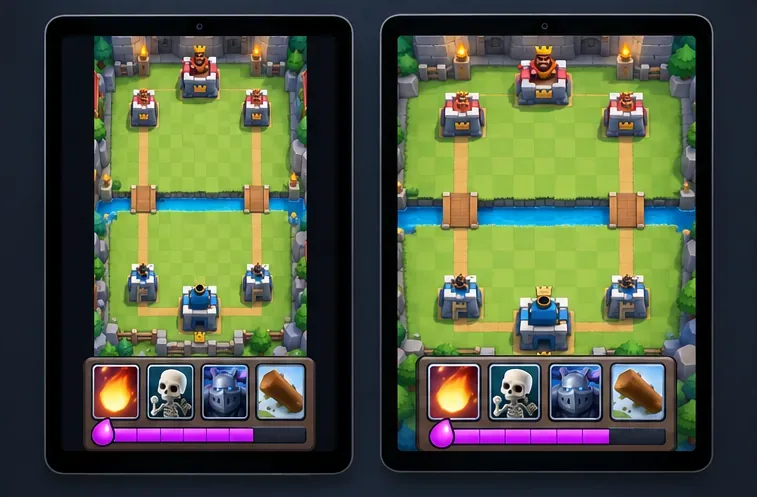
Find the best tablet aspect ratio setup for Clash Royale, compare Android display-fit choices, and check iPad full-screen framing without cropping the arena.
Fix Warzone Dev Error 6068 on startup with safe PC checks for updates, overlays, graphics drivers, game-file repair, and clean boot troubleshooting.
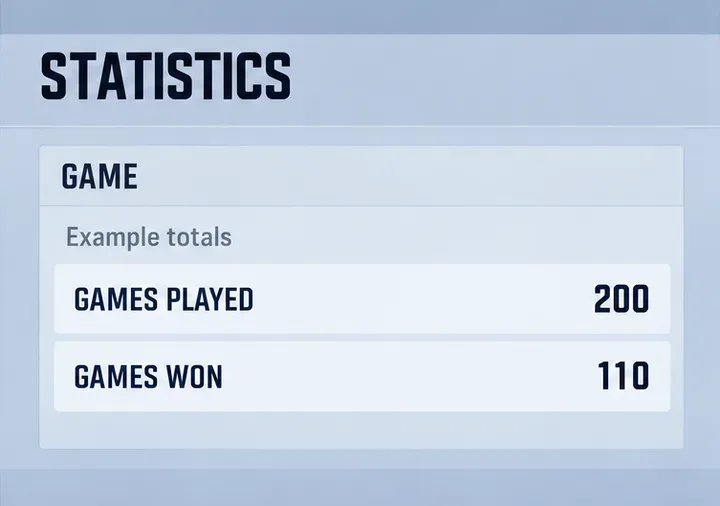
Check your Overwatch 2 overall match win rate with Career Stats, matching game totals, and the right filters—without mistaking hero percentages for match results.